
•Kristina Horvat• 9 min read
Pokemon GO
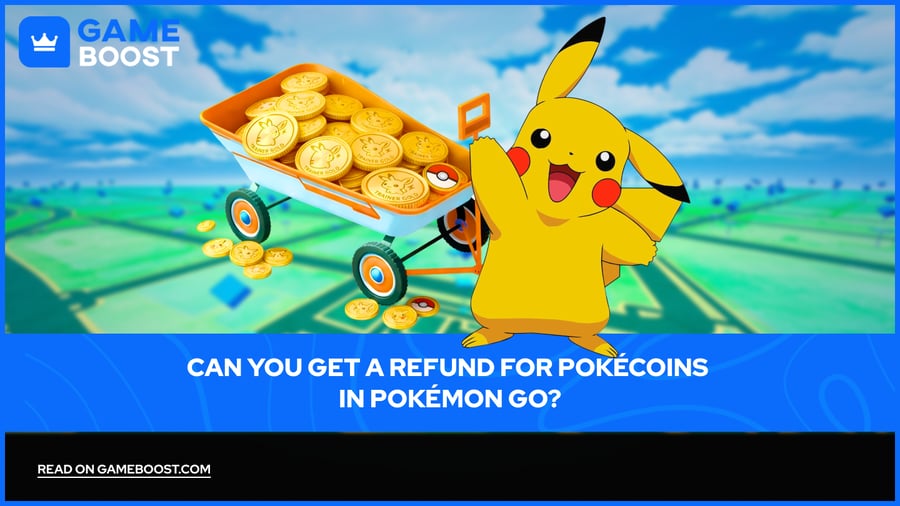
Spending real money on PokéCoins is a normal part of Pokémon GO for millions of players, but accidental purchases happen more often than Niantic probably wants to admit. A misclick in the shop, a child with access to a parent's device, or a double charge can all result in a PokéCoin purchase you didn't intend.
Getting that money back is possible in some situations, but it’s not as simple as contacting Niantic and asking. The refund process for PokéCoins depends on how and where you made the purchase, and the rules vary from platform to platform.
Here's exactly how PokéCoin refunds work in Pokémon GO and what affects your chances of getting one.
Niantic does not issue PokéCoin refunds directly. All requests must go through the app store where the purchase was made: Apple App Store, Google Play, or Samsung Galaxy App Store.
Time is the biggest factor. Google Play allows refund requests for in-app purchases within 48 hours. Apple handles requests on a case-by-case basis through reportaproblem.apple.com.
Spent PokéCoins are much harder to refund than coins still sitting unused in your account.
PokéCoin gift cards are non-refundable, per Niantic's terms, once purchased or redeemed.
Refund policies may vary based on your location and the age of the user at the time of purchase, as required by applicable law.
Submitting a refund request as soon as possible after the purchase gives you the best chance of approval on any platform.
Niantic's policy directs players to the app store they used to purchase in-app items, which means each platform applies its own separate refund rules to these transactions. This is standard practice for mobile games distributed through major app stores, since the stores act as the payment processors. Niantic only receives funds after the platform takes its cut, so reversing a transaction requires the platform to act first.
This setup places the outcome largely outside Niantic's hands, which is worth keeping in mind before you spend time contacting in-game support. Going through the official Pokémon GO help center for a PokéCoin refund will result in the same redirect every time: go to your app store, act quickly, and check their specific policies.
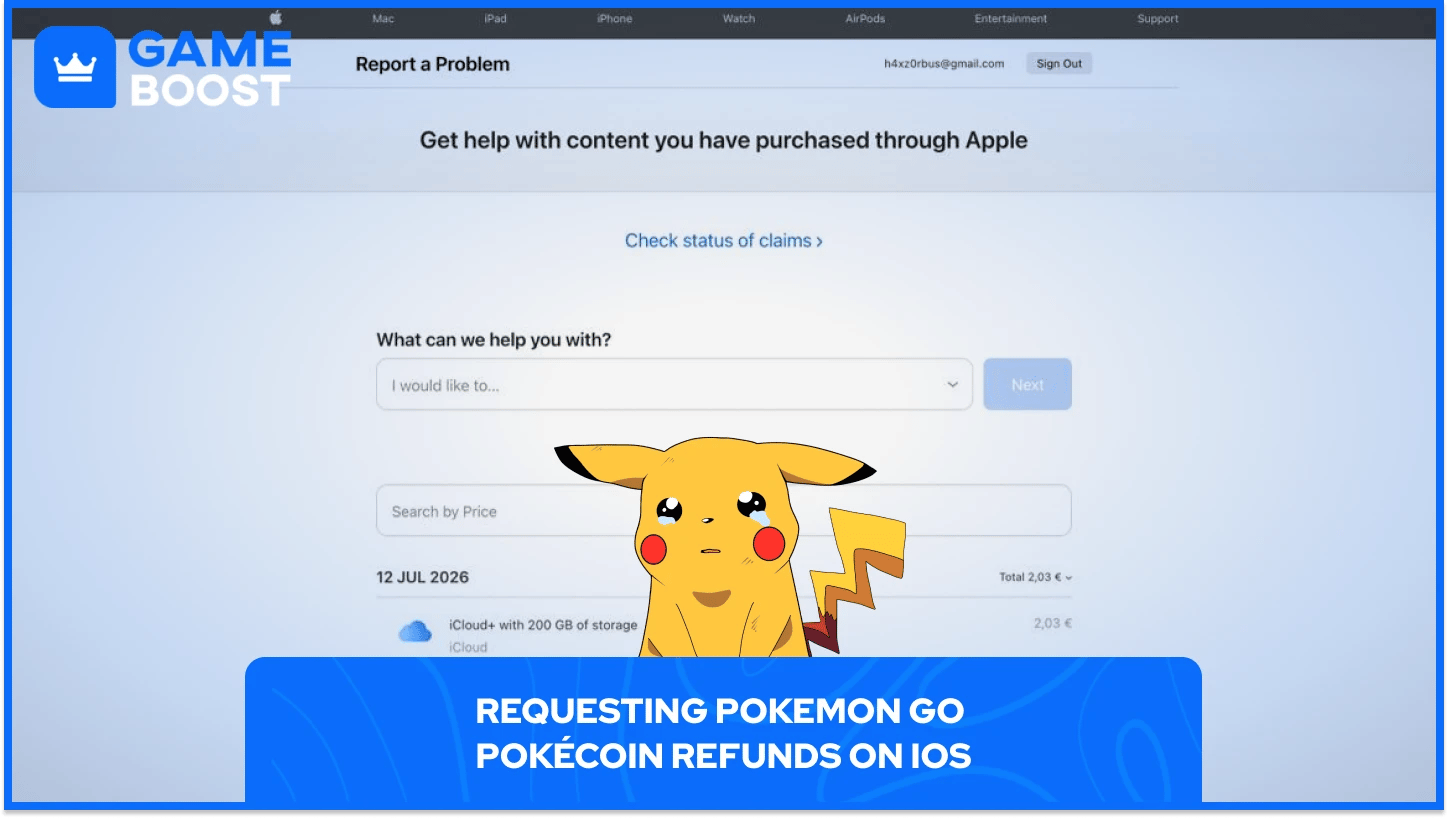
Apple handles all PokéCoin refund requests from iPhone and iPad players through a single portal. Sign in to reportaproblem.apple.com, tap or click "I'd like to," choose "Request a refund," select the reason, choose the relevant purchase, and submit.
Apple reviews each PokéCoin refund request individually rather than applying a fixed time window. Approvals in Pokémon GO are more common for accidental purchases, purchases made by children, technical issues that prevented delivery, and billing errors like duplicate charges.
Approval likelihood based on the reason for your PokéCoin refund request:
Reason for Request | Approval Likelihood |
|---|---|
Accidental purchase | Moderate |
Child made the purchase | Moderate to High |
PokéCoins not delivered | High |
Duplicate charge | High |
Changed your mind / buyer's remorse | Low |
Coins already spent in-game | Very Low |
After submitting, allow 24 to 48 hours for an update from Apple. If approved, funds return to the original payment method, and you may lose access to refunded items.
Also Read: How to Get PokéCoins in Pokémon GO: Free and Paid Methods
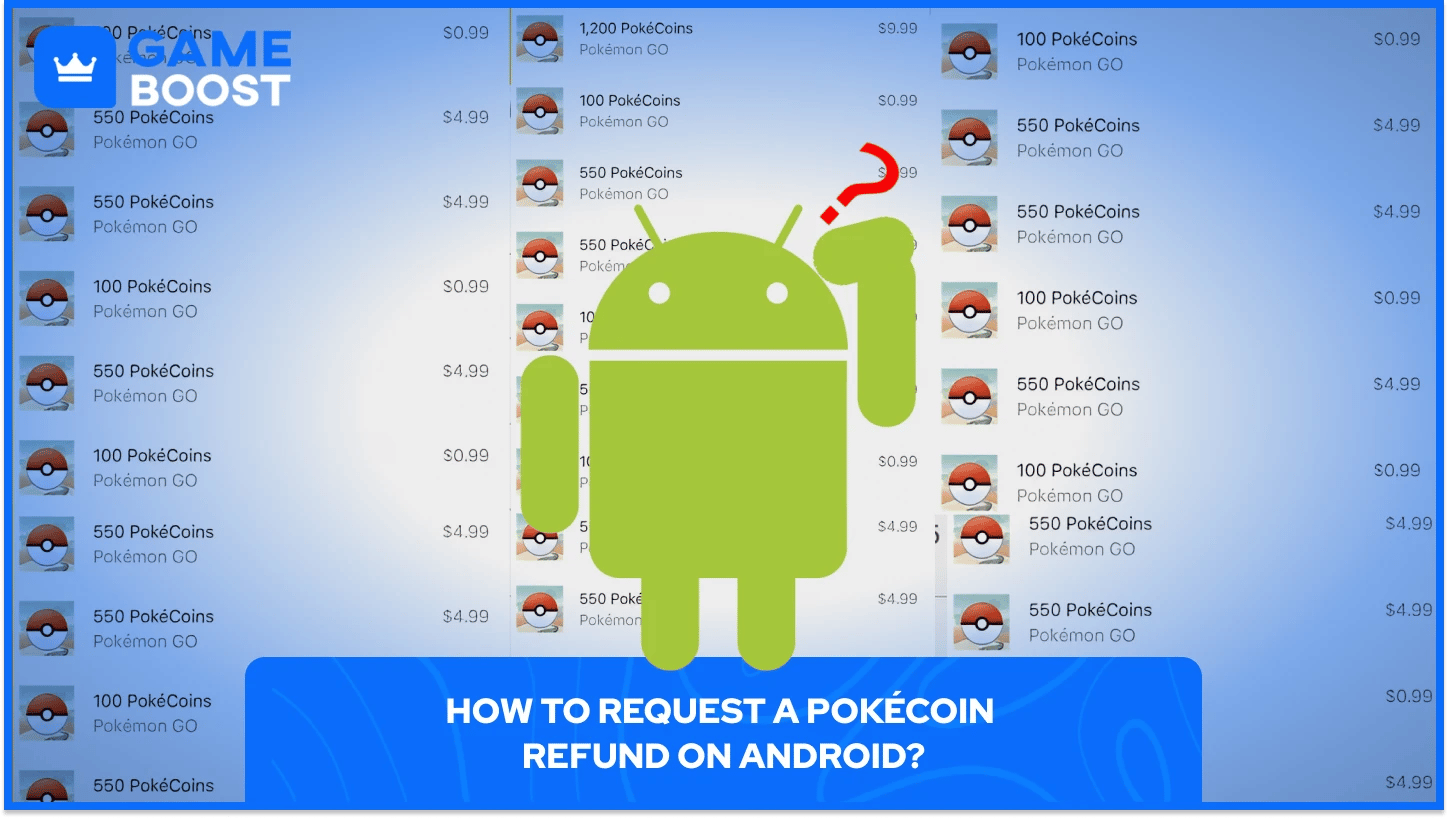
Android players go through Google Play to get a refund for PokeCoins, and the time since purchase is the deciding factor. Within 48 hours, you may be able to get a refund for your Pokemon Go PokeCoins depending on the details of the purchase. After 48 hours, Google directs players to contact the developer directly.
To submit a POGO PokeCoin request on Google Play follow these steps:
Open Google Play on a browser and sign in
Navigate to your purchase history
Find the PokéCoin transaction and select it
Choose the refund option and select your reason
Submit and wait 1 to 4 business days for a decision
In-app purchases have the lowest refund approval rate of any Google Play transaction type, largely because once coins are spent on in-game content, the purchase has been consumed and rolling it back is considerably more complicated. Unused PokéCoins sitting in your account are a stronger candidate for getting PokeCoins refund than coins already spent on items.
Filing more than three refund requests within 30 days triggers a manual review, and at that point approval rates drop significantly. Google also tracks refund patterns at the account level, so a history of frequent returns can affect future requests.
Spending PokéCoins on items like Poké Balls, Incubators, or Raid Passes before submitting a refund request significantly reduces the chance of approval on any platform. From the platform's perspective, Pokemon GO PokeCoins have been spent, which removes the strongest basis for the refund.
Google's policy treats consumed in-app purchases as final in most cases, and buyer's remorse almost never results in approval. Apple takes a similar approach: requests for content that has been fully consumed without a valid technical complaint are routinely denied.
The exceptions where a PokéCoin refund is most likely to be approved:
PokéCoins charged but never delivered to your account
Duplicate billing on a single purchase
Unauthorized purchases made without account owner consent
Verified technical failures during the transaction
If PokéCoins purchased from the shop never appeared in your inventory, try restarting the app or signing out and back in before escalating to a refund request. In genuine non-delivery cases, both Apple and Google are considerably more willing to act.
Also Read: How Many Pokémon Are There?
PokéCoin gift cards are not refundable and may not be exchanged. Once a gift card is redeemed into a Niantic account, the PokéCoin balance cannot be transferred to another person or to another Niantic account.
Pokemon GO PokéCoin balance cannot be redeemed for cash, except where required by law, and the gift card itself cannot be reloaded, exchanged for value, or resold prior to redemption. This applies regardless of how recently POGO gift card was purchased.
If you have an unredeemed card and the original receipt, contacting the retailer directly is the only realistic option. The outcome depends entirely on that retailer's own return policy, not Niantic's.
A: Niantic does not process PokéCoin refunds. Players must contact Apple Support (iOS), the Galaxy App Store (Samsung), or Google Play Help (Android) to review refund policies and submit a request. Niantic's in-game support will redirect any refund request to the relevant app store, so going there first saves time.
A: Within 48 hours of the purchase, you may be eligible to request a refund for PokeCoins through Google Play depending on the details of the transaction. After 48 hours, Google advises contacting the developer directly, though approval becomes significantly less likely at that point.
A: Spent PokéCoins are treated as consumed digital content by both Apple and Google, which makes a refund much less likely. Requests for content that has been fully consumed without a valid technical complaint are routinely denied across both platforms.
Coins still sitting unused in your account give you a better chance, particularly when the request is submitted quickly after the purchase.
A: PokéCoin gift cards are explicitly non-refundable under Niantic's terms and cannot be exchanged or redeemed for cash. Once the card is redeemed into a Niantic account, the balance is locked to that account and cannot be moved.
An unredeemed card with a receipt may qualify for a return under the original retailer's policy, but that is a store-level decision with no guaranteed outcome.
The PokéCoin refund process in Pokémon GO is a reminder that buying virtual currency in any mobile game carries real financial risk. Once money moves through an app store into in-game currency, the consumer protections that apply to physical goods largely disappear. Acting within the platform's time window, keeping POGO PokeCoins unspent until the request is resolved, and documenting any technical failures are the factors that give a Pokémon GO refund request its best chance of success.
“ Kristina joined GameBoost in 2024 as an SEO specialist and quickly became the go-to writer for third-person shooter and competitive games. She covers titles like Fortnite, Valorant, League of Legends, GTA 5, and Roblox, focusing on how-to guides, practical tips, and updates.”