•Filip Premuš• 5 min read
OSRS
OSRS membership is a paid subscription for Old School RuneScape that unlocks the full version of the game beyond the very limited free-to-play content. Instead of being restricted to a small starter area, membership gives you access to almost everything the world of RuneScape has to offer, including exclusive skills, quests, areas, and items.
Many players subscribe to membership through various payment methods, but situations change. You might need to take a break from the game, manage your monthly expenses differently, or simply feel like you've experienced enough of what membership offers for now.
Canceling your OSRS membership is a straightforward process, but the exact steps depend on how you originally subscribed. In this article, we'll explore everything you need to know about OSRS membership, what it does, and how to cancel it regardless of which platform you're using.
Also Read: Old School Runescape Sailing Guide (1-99)
OSRS membership unlocks around 90% of the game's content compared to the free version. Free-to-play restricts you to a fraction of the map and basic features, while membership opens up the full RuneScape experience.
Membership includes:
8 additional skills: Agility, Construction, Farming, Fletching, Herblore, Hunter, Thieving, and Slayer
Over 120 exclusive quests with significant rewards
Access to the entire game world map, roughly three times larger than F2P areas
20+ exclusive minigames
Player-owned houses that you can customize
Member-only boss battles and raids
400 extra bank slots
Extended Grand Exchange access and additional transportation systems
The membership applies to both Old School RuneScape and RuneScape 3 using the same login credentials.
Also Read: OSRS Zulrah Boss Guide
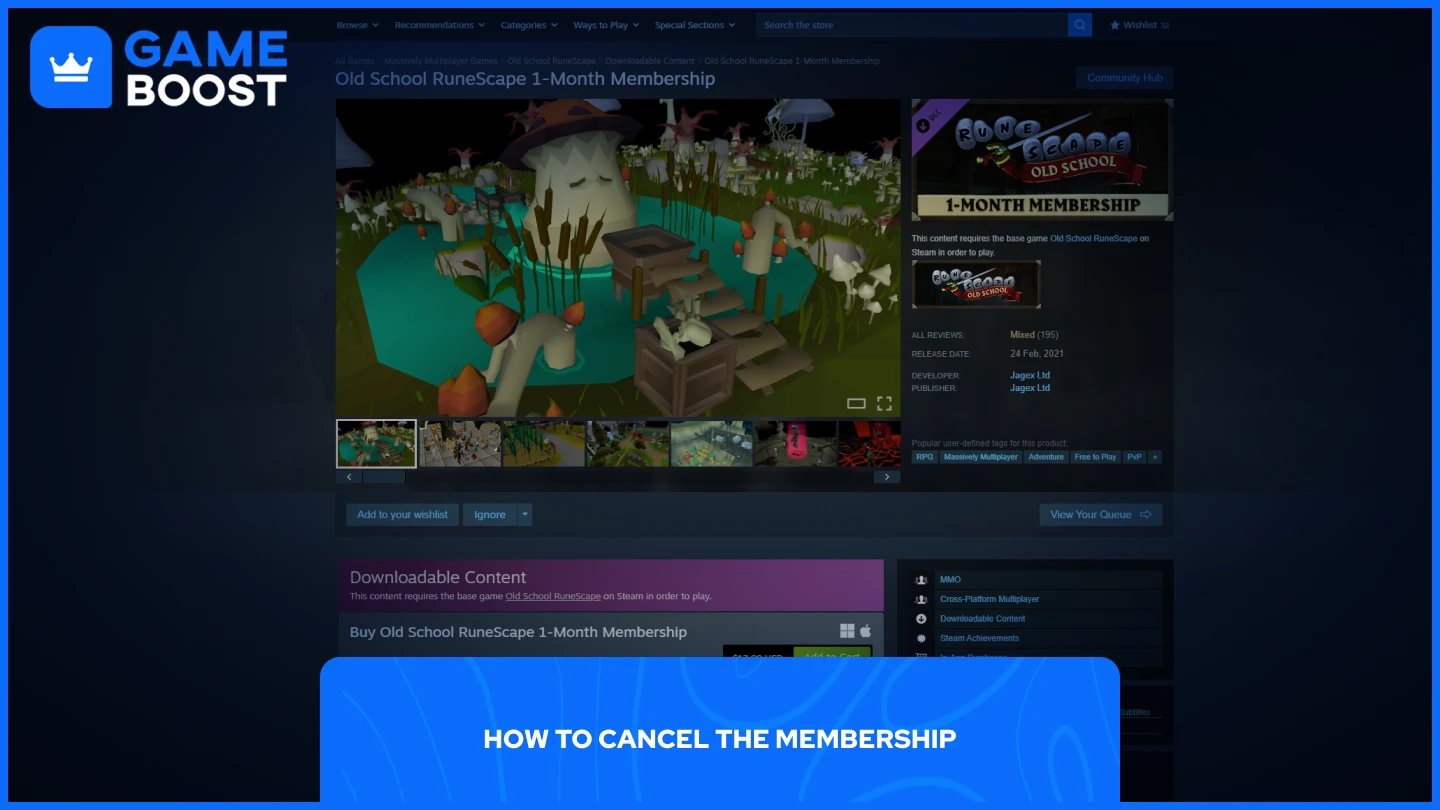
Canceling your OSRS membership stops automatic renewal but keeps your membership benefits active until the current billing period ends. The cancellation process depends on how you originally subscribed.
Log in to your Jagex account at the official RuneScape website
Navigate to Account Settings or Membership Management
Find your active subscription under "Recurring Membership"
Click "Cancel Subscription" or "Turn off recurring payments"
Confirm the cancellation
Open Steam and go to your account
Click on Account Details
Scroll to "Store & Purchase History"
Find Subscriptions
Click "Manage" next to Old School RuneScape
Select "Cancel Subscription"
Open Settings on your device
Tap your name at the top
Select "Subscriptions"
Find Old School RuneScape
Tap "Cancel Subscription"
Open the Google Play Store
Tap the menu icon and select "Subscriptions"
Find Old School RuneScape
Tap "Manage" then "Cancel Subscription"
Confirm when prompted
Open the Epic Games Launcher
Click your profile name
Select "Subscriptions"
Find OSRS and click "Manage"
Choose "Cancel Subscription"
After canceling, you'll receive a confirmation email. Your membership benefits remain active until your current paid period expires, and you won't be charged again.
Also Read: OSRS X Marks the Spot: Complete Quest Guide
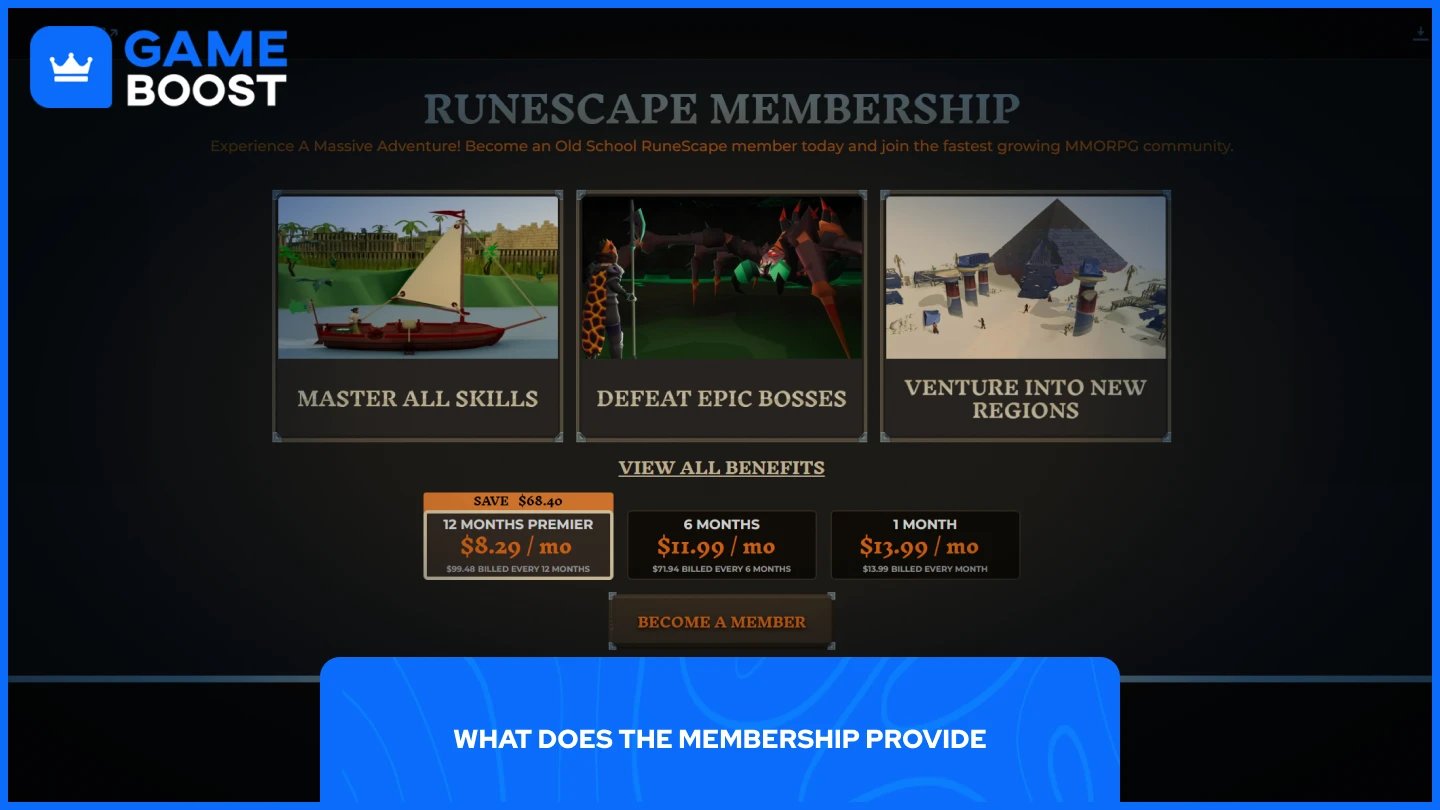
OSRS membership costs vary depending on the subscription length you choose. Longer subscriptions offer better value per month.
Standard Pricing
1 Month: $13.99
6 Months: $11.99 per month ($71.94 total)
12 Months (Premier): $8.29 per month ($99.48 total)
The 12-month Premier Membership provides the best value, saving you roughly 40% compared to monthly payments. Premier also includes exclusive cosmetics, monthly reward drops, and additional benefits.
Canceling your OSRS membership is straightforward regardless of which platform you used to subscribe. The process takes just a few minutes, and you'll retain access to member benefits until your current billing period ends.
Remember that canceling stops automatic renewal but doesn't delete your account or progress. Your character, stats, and items remain saved, so you can always reactivate membership later if you decide to return to the game.
“ Mustafa Atteya has been writing about gaming and esports since 2023, specializing in competitive game content and player improvement guides. At 25, he brings both hands-on gaming experience and professional SEO writing expertise to the GameBoost team.”