

•Filip Premuš• 4 min read
Brawl Stars
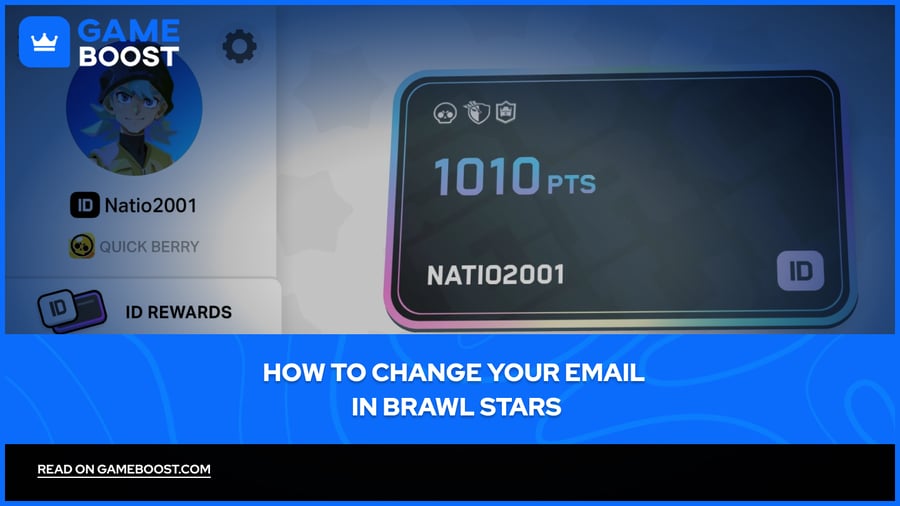
Brawl Stars links your account to a Supercell ID, which is tied to your email address. This is how your progress is saved and how you log in across devices.
There are a couple of reasons you might want to change that email, switching to a new address, losing access to the old one, or simply keeping your account information up to date. Changing your registered email address updates it across all Supercell games attached to your Supercell ID, so it's worth doing properly.
In this article, we'll explore how to change your email in Brawl Stars, what the process looks like depending on your situation, and what to do if you no longer have access to your old address.
Also Read: How to Appeal an Account Ban in Brawl Stars
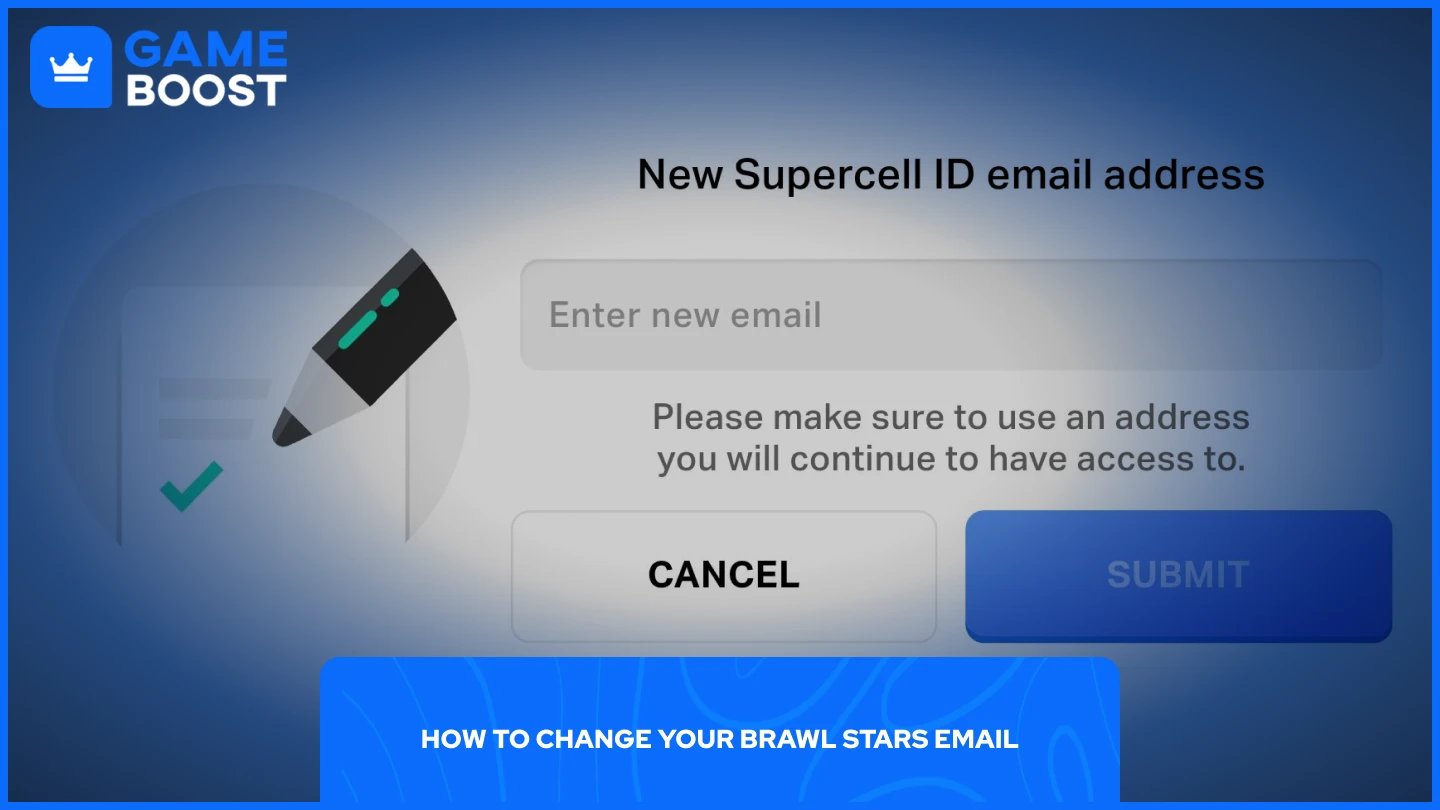
If you still have access to your current registered email, the process is straightforward and handled entirely within the game. Follow these steps:
Open Brawl Stars and tap the menu icon in the top right corner.
Go to Settings and tap on Supercell ID.
Click on the gear icon next to your profile
Next to your email address, select "Change Email."
Confirm that you still have access to your old email.
A verification code will be sent to your current email. Enter it in the game.
Enter your new email address and confirm it.
Once completed, the change applies across all Supercell games linked to your account, not just Brawl Stars.
If you no longer have access to the email tied to your Supercell ID, you'll need to go through Supercell's support team. The self-service option won't work here since the verification code gets sent to the old address.
To reach support, open Brawl Stars, go to Settings, and tap Help and Support. From there, navigate to Account and select Contact Us to start a chat. Explain that you've lost access to your registered email and want to update it. A support agent will ask you to verify ownership of the account, so have details ready, such as your in-game name, player tag, and any purchase history.
The process can take a few hours depending on response times, so keep the chat open until the change is confirmed.
Also Read: How to Delete Your Account in Brawl Stars
Changing your email is also a good opportunity to review the overall security of your account. A few things worth doing:
Enable Account Protection in your Supercell ID settings. This requires anyone attempting to recover your account to verify through your phone number, making unauthorized access significantly harder.
Generate backup recovery codes once Account Protection is active.
Use a personal email you'll have long-term access to. School or work emails are risky since they can be deactivated without warning, and recovering an account tied to a disabled email is difficult.
Never share your verification codes with anyone, including people claiming to be Supercell support.
Also Read: How to Recover Your Account in Brawl Stars
Changing your email in Brawl Stars is simple if you still have access to your old one, and still manageable through support if you don't. Either way, once it's done, take a few minutes to enable Account Protection and set up backup recovery codes. It's a small effort that can save you from losing your account down the line.
Brawl Stars Account
Buy Brawl Stars Gems
Brawl Stars Boosting
View all GameBoost Accounts
View all GameBoost Boosting Services
View all GameBoost Currencies
View all GameBoost Game Keys
View all GameBoost Gift Cards
View all GameBoost Top Ups
View all GameBoost Items
Buy CS2 Skins
“ Mustafa Atteya has been writing about gaming and esports since 2023, specializing in competitive game content and player improvement guides. At 25, he brings both hands-on gaming experience and professional SEO writing expertise to the GameBoost team.”