



•Hamza Rashid• 7 min read
Genshin Impact
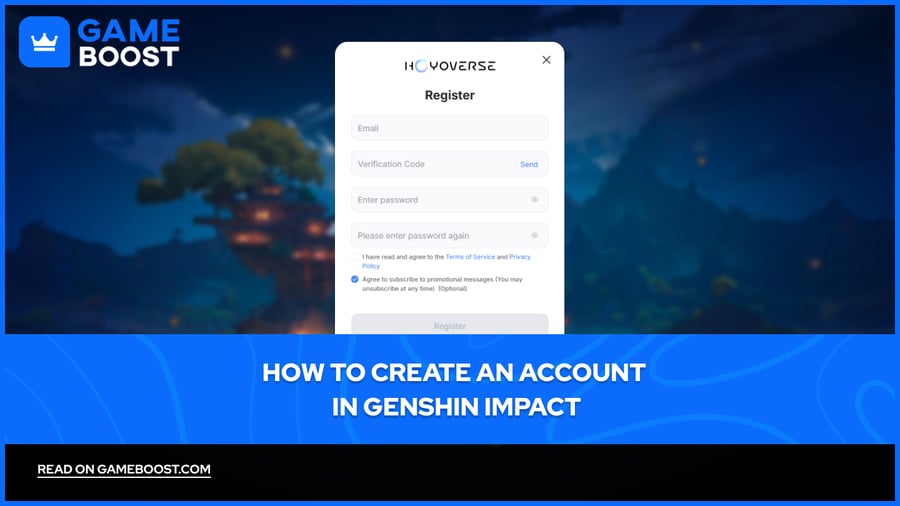
Genshin Impact is a free-to-play open-world action RPG developed by HoYoverse, available on PC, mobile, PlayStation, and Xbox. The game runs on a HoYoverse account system across all global servers, which also enables cross-save, so your progress carries between platforms.
New players need to create a HoYoverse account before jumping in. The process supports multiple registration options, including email sign-up and third-party logins through Google, Facebook, Twitter, Apple ID, and Game Center.
In this article, we'll explore how to create a Genshin Impact account step by step, covering every available registration method and what to keep in mind before getting started.
Also Read: How Many People Play Genshin Impact

Genshin Impact uses HoYoverse accounts as the primary login method on PC, mobile, and Xbox.
You can register with an email address through the HoYoverse Account Center or directly in the game.
Third-party login options include Google, Facebook, Twitter, Apple ID.
Linking an email after signing in with a third-party account adds a recovery option.
PlayStation creates a HoYoverse account automatically on first launch, tied to your PSN profile.
Xbox requires a Microsoft account linked to a HoYoverse account before you can play.
Console players need to link an email inside the User Center to access their account on other devices.
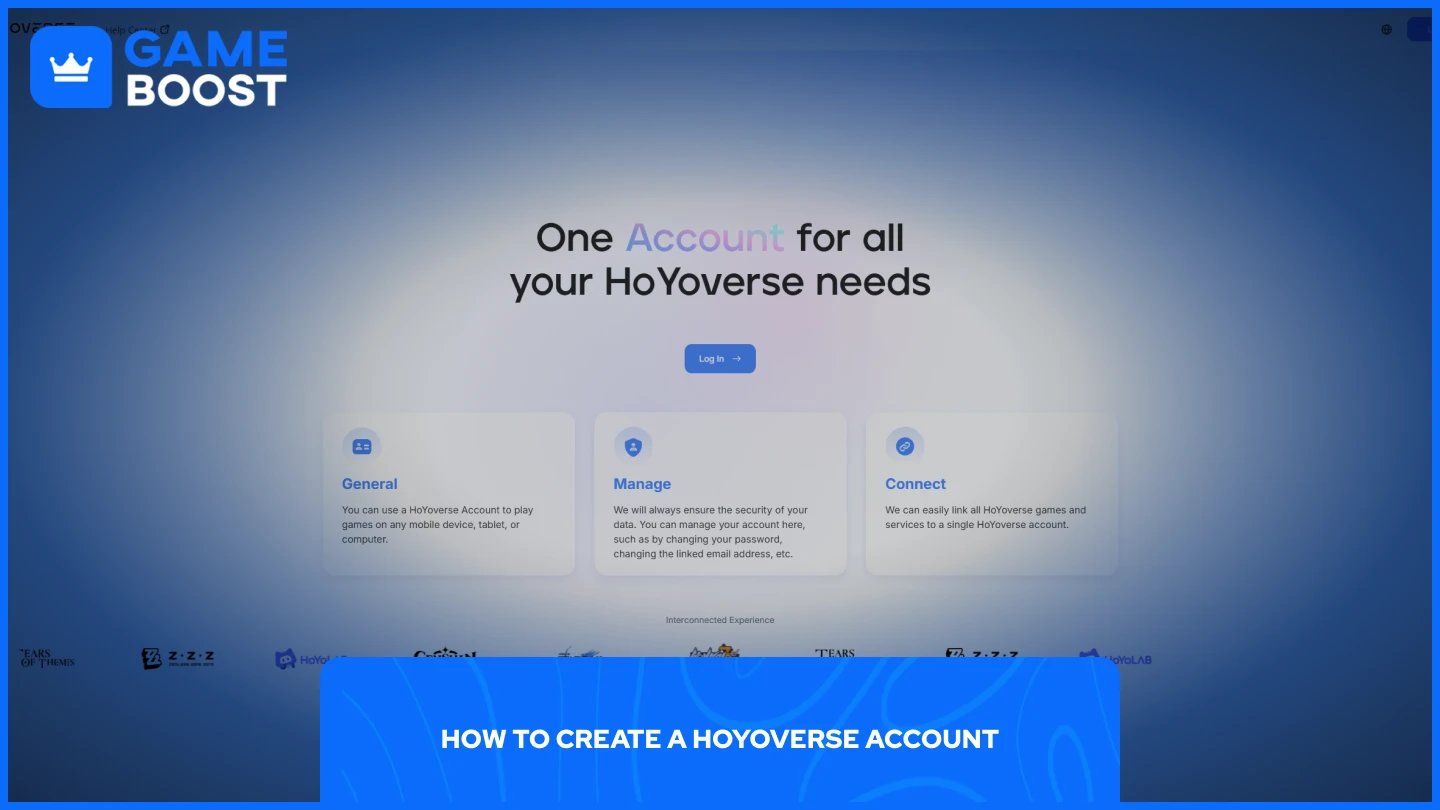
Creating a HoYoverse account is the standard registration method for Genshin Impact on PC and mobile. The account also works across all other HoYoverse titles, so you only need to do this once.
Go to the HoYoverse Account Center, or open Genshin Impact directly.
Click "Register Now."
Select the option to register via email address.
Enter your email address, create a password, and agree to the terms of service.
Check your inbox for a verification code from HoYoverse and enter it in the registration form.
Return to the game or the Account Center and log in with your new credentials.
Once your account is active, it syncs your progress across PC, mobile, and Xbox. It's worth enabling two-factor authentication after registering to keep the account secure.
Also Read: Where to Find Genshin Screenshot Folder
If you prefer not to register with an email, Genshin Impact supports third-party login options on global servers. These include Google, Facebook, Twitter, and Apple ID.
Open Genshin Impact or go to the HoYoverse Account Center.
Click "Log In" on the login screen.
Select the third-party provider you want to use.
Follow the on-screen prompts to authorize the connection.
Once linked, you can use that account to log in going forward.
It's worth linking an email address to your account afterward. You can do this by going to Settings, then Account, and opening the User Center inside the game. This gives you a recovery option if you ever lose access to the third-party account you signed in with.
Console players go through a slightly different process since you cannot register a HoYoverse account directly from a PlayStation or Xbox.
When you launch Genshin Impact on PS5, your PlayStation Network account is used to log in automatically. The server your account is assigned to is determined by the region of your PSN account, and it cannot be changed without creating a new PSN account. To enable cross-save and access your account on other platforms, you will need to link your PSN to a HoYoverse account separately through the in-game User Center.
To access your PlayStation account on PC or mobile, you need to link an email address to it first. Here's how:
Log in to Genshin Impact on your PlayStation.
Open the Paimon Menu and go to Settings.
Select Account, then open the User Center.
Follow the prompts to link an email address and set a password.
Use those credentials to log in on any other device.
Xbox accounts require a Microsoft Account linked to a HoYoverse account. When you first launch the game on Xbox, follow the on-screen instructions to complete that connection. Unlike PlayStation, your server region on Xbox is not tied to your Microsoft account, so you can change it from the title screen.
Also Read: How to Get Wishes in Genshin Impact
Creating a Genshin Impact account is a quick process regardless of the platform you're on. PC and mobile players can register directly through the HoYoverse Account Center using an email address or a third-party login. Console players need to either link an existing HoYoverse account on first launch or set one up through the website beforehand. Once your account is active, linking an email address is the best way to protect your progress and keep recovery options available.
Genshin Impact Accounts
Genshin Top Up
View all GameBoost Accounts
View all GameBoost Boosting Services
View all GameBoost Currencies
View all GameBoost Game Keys
View all GameBoost Gift Cards
View all GameBoost Top Ups
View all GameBoost Items
Buy CS2 Skins
“ Mustafa Atteya has been writing about gaming and esports since 2023, specializing in competitive game content and player improvement guides. At 25, he brings both hands-on gaming experience and professional SEO writing expertise to the GameBoost team.”