



•Hamza Rashid• 7 min read
Genshin Impact

Genshin Impact features a Photo Mode, a built-in tool that lets you capture screenshots of your characters and the game's environments without third-party software. You can access it through the menu, where you'll find options to control the camera angle, adjust character poses and expressions, zoom in or out, blur the background, and hide the UI for cleaner compositions.
The game automatically saves every photo you take, and accessing them requires navigating to a specific folder path on your system. Once you know the location, managing your screenshots becomes straightforward. In this article, we'll break down how Genshin Impact's Photo Mode system works and show you exactly where to find your screenshots on different platforms.
Also Read: How Many People Play Genshin Impact
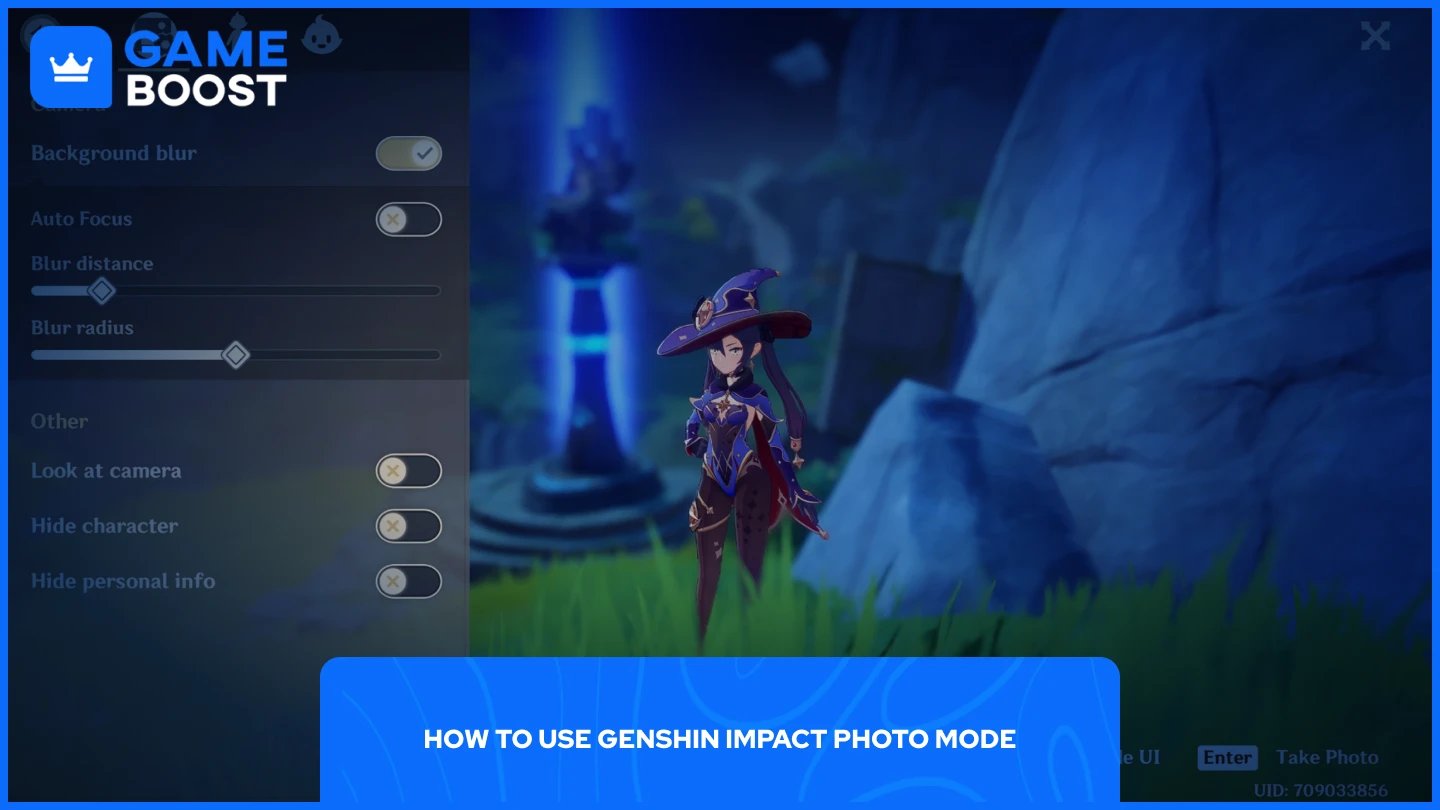
Accessing Photo Mode is straightforward and takes just a few seconds. Here's how to do it:
Launch Genshin Impact and log in to your account.
Open the Paimon menu by pressing ESC on PC or tapping the Paimon icon on mobile.
Click the camera icon located in the left corner of the menu.
Once you're inside Photo Mode, you'll see a complete set of camera controls and customization options. The interface lets you adjust your character's pose and facial expression, control the camera position and angle, zoom in or out, apply background blur for depth of field effects, and hide the UI completely for clean screenshots.
Also Read: Can You Play Genshin Impact on Mac? Everything to Know
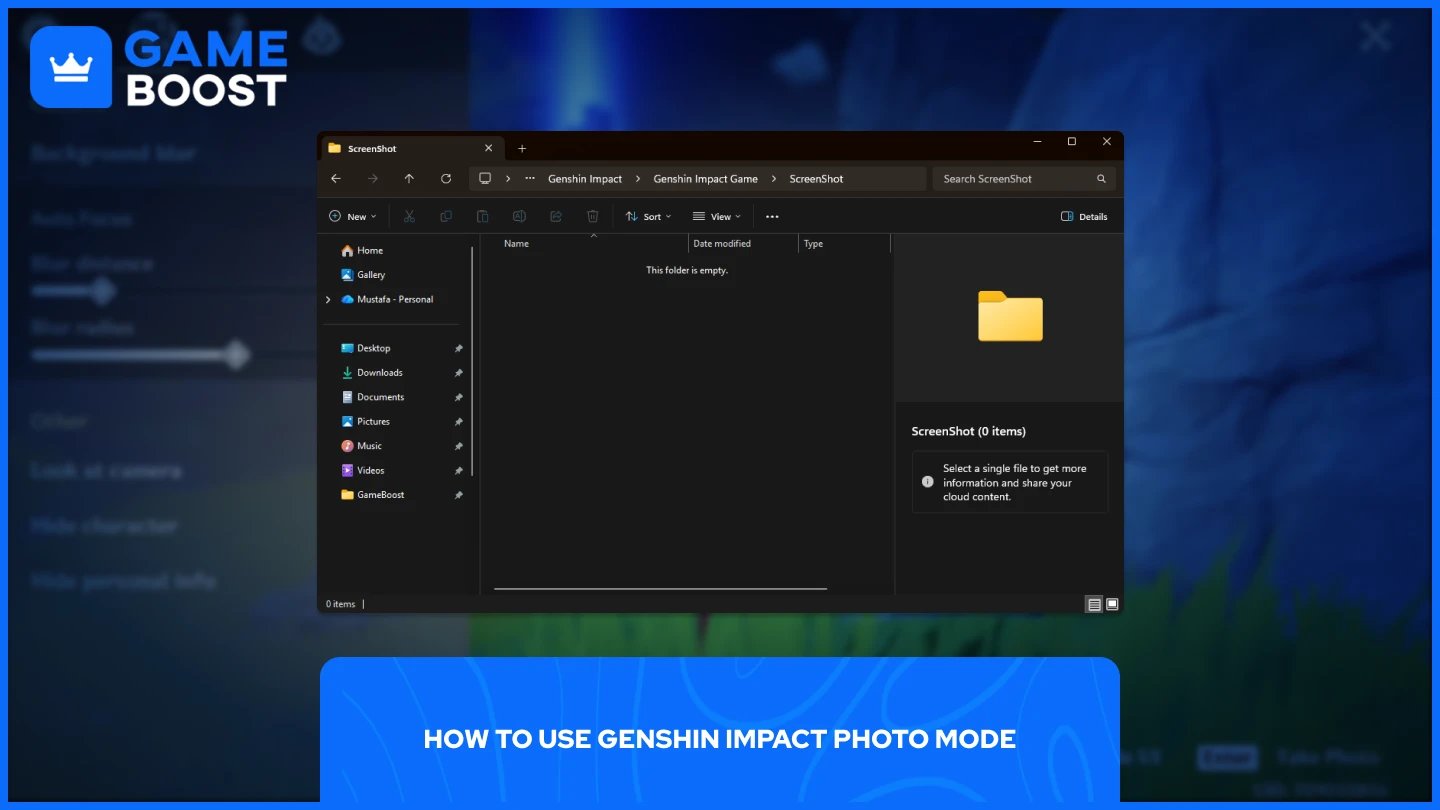
All screenshots you take through Photo Mode are stored directly in the game's installation folder. The game saves them automatically to a specific subfolder within your Genshin Impact directory. If you installed the game on your C drive, you'll find your screenshots at:
C:\Program Files\Genshin Impact\Genshin Impact Game\ScreenShot
If you installed Genshin Impact on a different drive or location, navigate to wherever you placed the game files and follow this path structure: Genshin Impact\Genshin Impact Game\ScreenShot. Every photo you've captured will be inside this folder as individual image files.
Also Read: How to Get Wishes in Genshin Impact
Genshin Impact's Photo Mode offers a powerful way to capture memorable moments from your adventures, and finding your screenshots is simple once you know where to look. The game stores everything in the ScreenShot folder within your installation directory, making it easy to access, share, or back up your images whenever you need them.
Genshin Impact Accounts
Top Up Genshin
View all GameBoost Accounts
View all GameBoost Boosting Services
View all GameBoost Currencies
View all GameBoost Game Keys
View all GameBoost Gift Cards
View all GameBoost Top Ups
View all GameBoost Items
Buy CS2 Skins
“ Mustafa Atteya has been writing about gaming and esports since 2023, specializing in competitive game content and player improvement guides. At 25, he brings both hands-on gaming experience and professional SEO writing expertise to the GameBoost team.”