

•Filip Premuš• 5 min read
General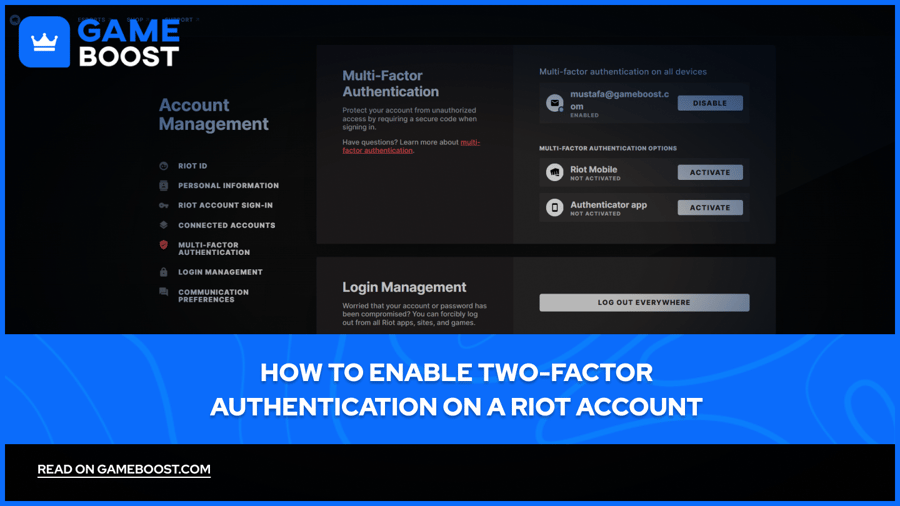
Riot Games has built an entire portfolio around a single login, with titles like League of Legends, Valorant, Teamfight Tactics, and Legends of Runeterra all tied to one Riot account. That account holds your ranked history, your skins, your payment details, and years of progress across multiple games. Riot officially launched 2FA in January 2022, and later expanded the system to full multi-factor authentication (MFA) with additional verification methods in 2025.
This article covers exactly how to set up Riot Games 2FA, which method works best for you, and what free rewards you can claim for turning it on.
Also Read: Top 5 Websites to Buy Valorant Accounts
Multi-factor authentication, or MFA, is a login security system that requires more than just a username and password to access your account. A second form of verification confirms that the person logging in is actually who they say they are, adding a layer of protection that a stolen password alone can't bypass.
Riot's MFA system goes beyond the older approach, where a code was only required when signing in from a new or unrecognized device. With MFA active, a verification code can be required on every single login session, not just the first time you log in on an unfamiliar device. Riot’s MFA was introduced in September 2025, as the evolution of Riot's original two-factor authentication system, where 2FA only sent a code to your email on new logins.
The Riot Account MFA system currently supports three verification methods:
Riot Mobile sends a push notification to approve the login and allows QR code sign-in for future sessions
An authenticator app such as Google Authenticator, Microsoft Authenticator, or Duo generates a time-based code you enter at login
Email verification sends a six-digit code to the address linked to your Riot account
All three options are available through your Riot account settings page, and you can switch between them at any time.
In the past, Riot has shared that 80 to 90 percent of stolen accounts do not have MFA enabled, which makes it one of the most direct ways to keep your account out of someone else's hands. Your ranked progress, skins, and payment details across every Riot title are tied to a single account, so a compromised login affects everything at once.
Enabling 2FA on your Riot account takes less than five minutes and is done entirely through the Riot account page, not the game client. Before starting, make sure the email address linked to your account is verified. If it isn't, go to the Sign-In & Security tab, find the unverified email banner, click Resend Email, and verify it from your inbox first.
Once your email is verified, follow these steps to enable Riot Games 2FA:
Sign in to your Riot account page.
Navigate to Multi-Factor Authentication.
Choose your option (Email, Riot Mobile, or Authenticator App)
Follow the on-screen prompts to complete the setup for your chosen method.
That's it. From that point on, every login will require a six-digit code sent to your chosen method. If you don't want to enter a code every time, you can check the "Remember this app for 30 days" box at login, which skips the verification step for a month on that device.
Also Read: What is a Hardware Ban in Valorant?
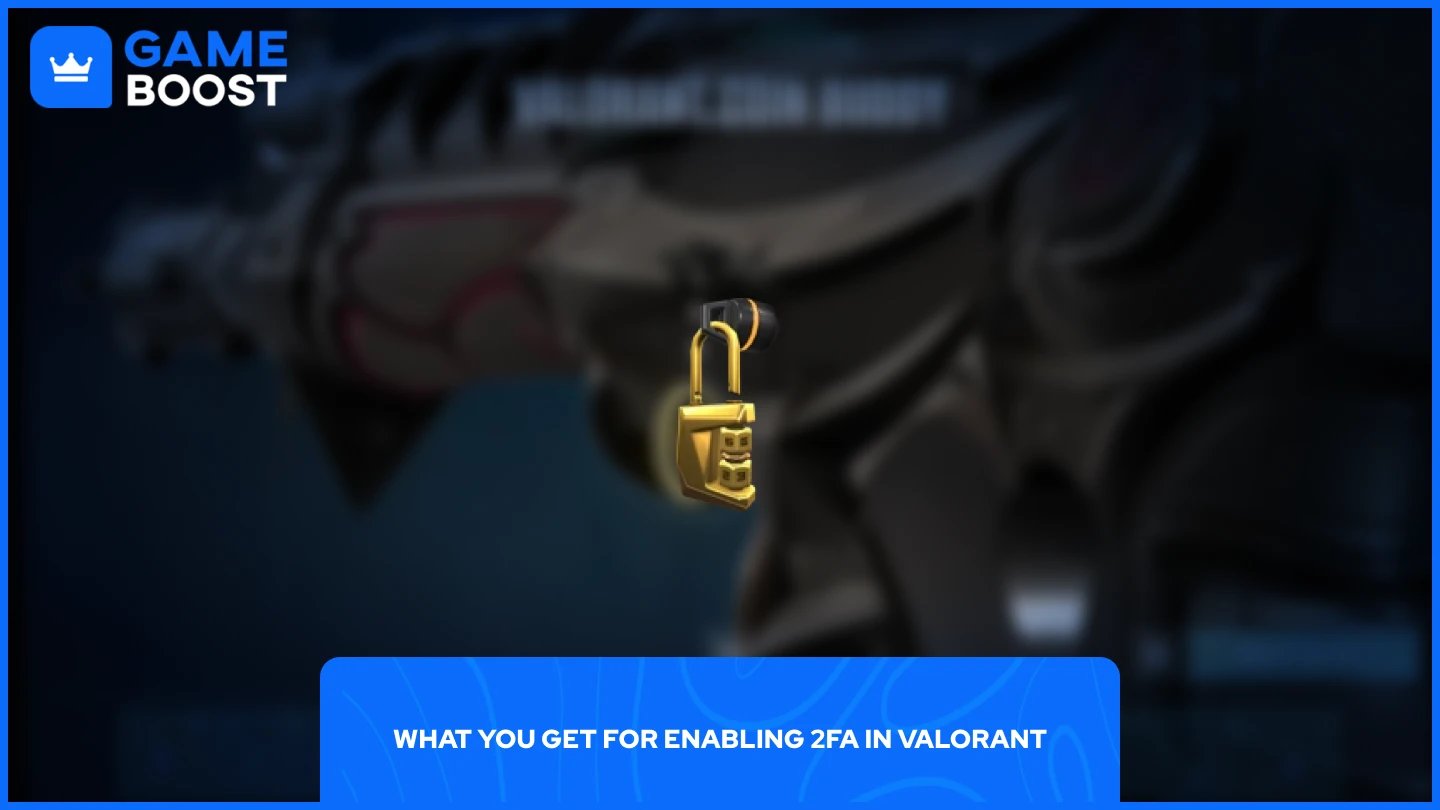
Riot rewards players who enable MFA through the Riot Mobile app with free in-game items. For Valorant, you'll receive the "Keep it Safer" Gun Buddy automatically once MFA is active on your account. The reward is only granted once, so if you enabled 2FA at any point in the past, it's already in your inventory.
Also Read: Can You Have Multiple Accounts in Valorant?
Enabling 2FA on your Riot account is one of the simplest steps you can take to protect your skins, payment details, and progress. With multiple authentication options available (email, Riot Mobile, or an authenticator app), you can pick whatever works best for you. The setup takes a few minutes, and considering what's at stake with a compromised account, it's well worth it. On top of the added security, you get a free Gun Buddy in Valorant just for turning it on, so there's really no reason to skip it.
“ Mustafa Atteya has been writing about gaming and esports since 2023, specializing in competitive game content and player improvement guides. At 25, he brings both hands-on gaming experience and professional SEO writing expertise to the GameBoost team.”