

•Filip Premuš• 4 min read
Brawl Stars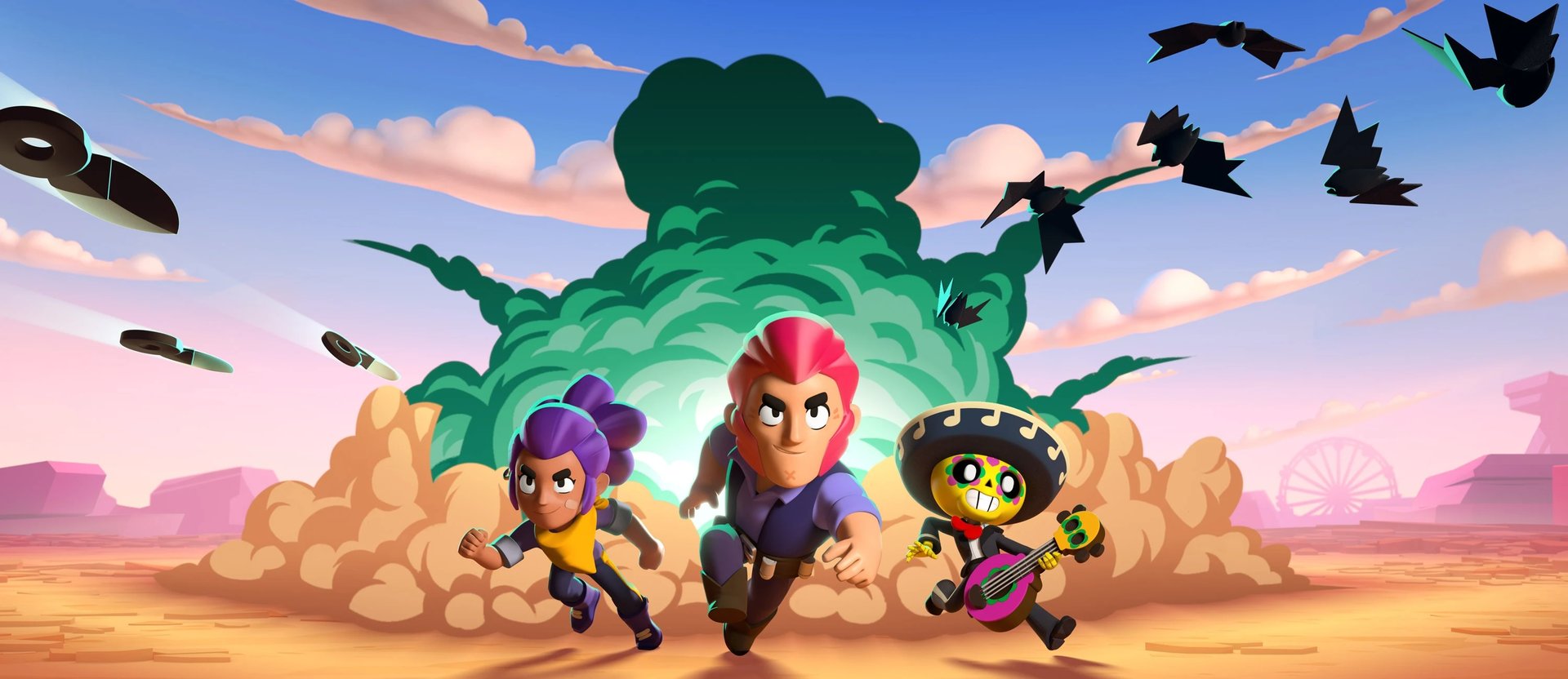
Brawl Stars is a multiplayer mobile action game developed and published by Supercell, the same company behind Clash of Clans. Released worldwide on December 12, 2018, for iOS and Android devices, the game has attracted millions of players with its battles and game modes.
While Brawl Stars was designed for mobile devices, many players prefer experiencing the game on larger screens through PCs, laptops, or Mac devices. This offers better visibility during matches and more comfortable controls for extended gaming sessions.
In this article, we'll explore how you can play Brawl Stars on Mac devices through a step-by-step guide and break down the pros and cons of every available method. While using a Mac can make gameplay smoother, having access to stronger brawlers and upgrades on your Brawl Stars account plays a bigger role in performance.
Also Read: How to Play Brawl Stars on PC: Step-by-Step Guide
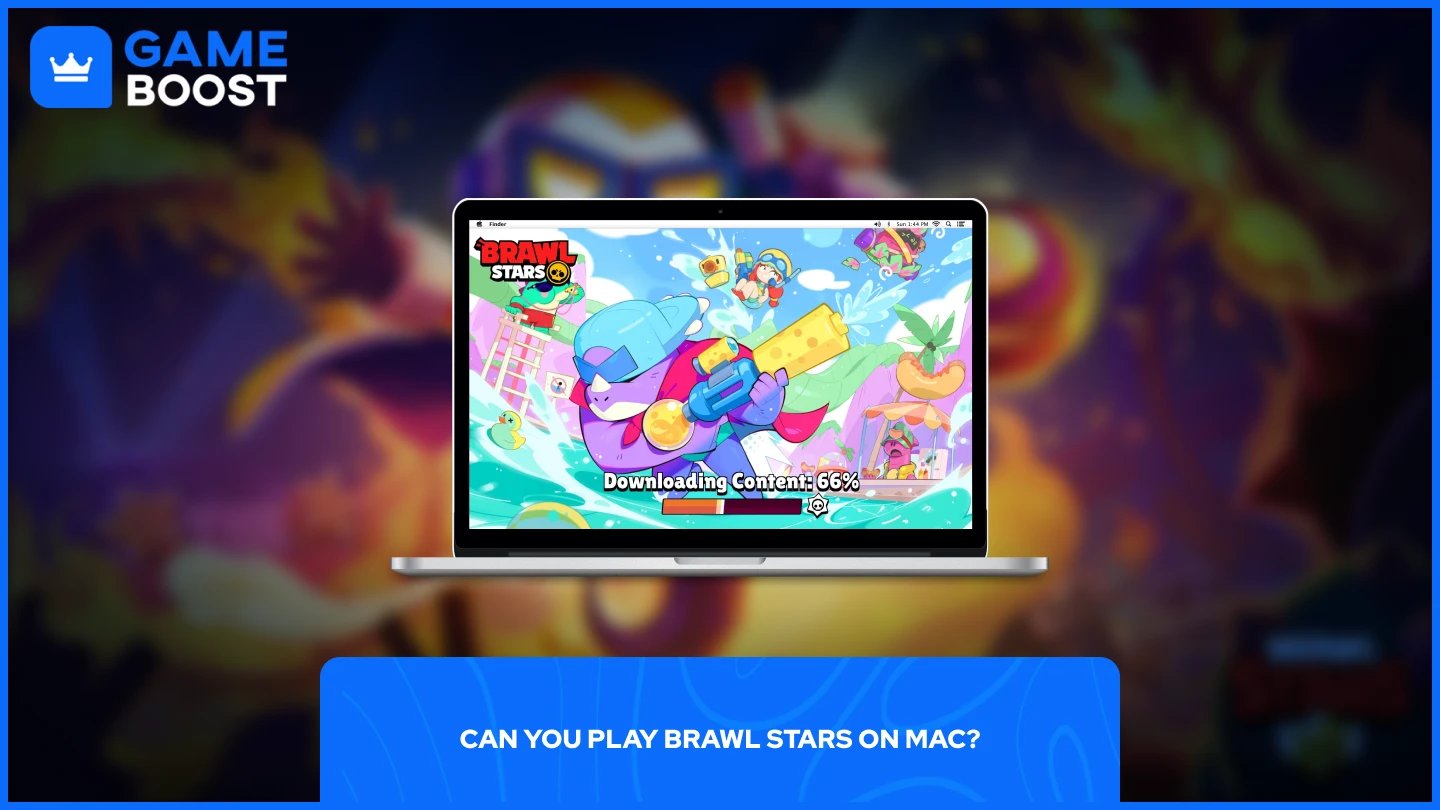
Yes, you can play Brawl Stars on Mac, but only through alternative methods. There is no official Mac version of Brawl Stars because the game was developed exclusively for Android and iOS devices. You won't find a native Mac app in the macOS App Store.
To play Brawl Stars on your Mac, you have two main options:
Android Emulators
Screen Mirroring Apps
Each method has different requirements and performance levels depending on your Mac's specifications and your preferences for controls and gameplay experience. The following sections will break down each method with detailed instructions, system requirements, and the advantages and disadvantages of both approaches.
Android emulators are software programs that create a virtual Android environment on your Mac, allowing you to run mobile apps and games as if you were using an Android device. These emulators download Brawl Stars directly from the Google Play Store and let you play with keyboard and mouse controls.
The most popular emulators for Mac include:
BlueStacks
MuMuPlayer Pro
LDPlayer
Full control over game settings and graphics quality
Customizable keyboard and mouse controls for more precise gameplay
Support for multiple instances to run several accounts simultaneously
Smooth performance on most modern Macs with at least 4GB RAM
Direct access to the Google Play Store for easy installation
Consumes more system resources than screen mirroring methods
Longer initial setup process (download emulator, install, configure Google Play Store, and controls)
Older Mac models may experience lag
Can slow down your Mac if running other programs simultaneously
Also Read: All You Need to Know About Brawl Stars Ranks
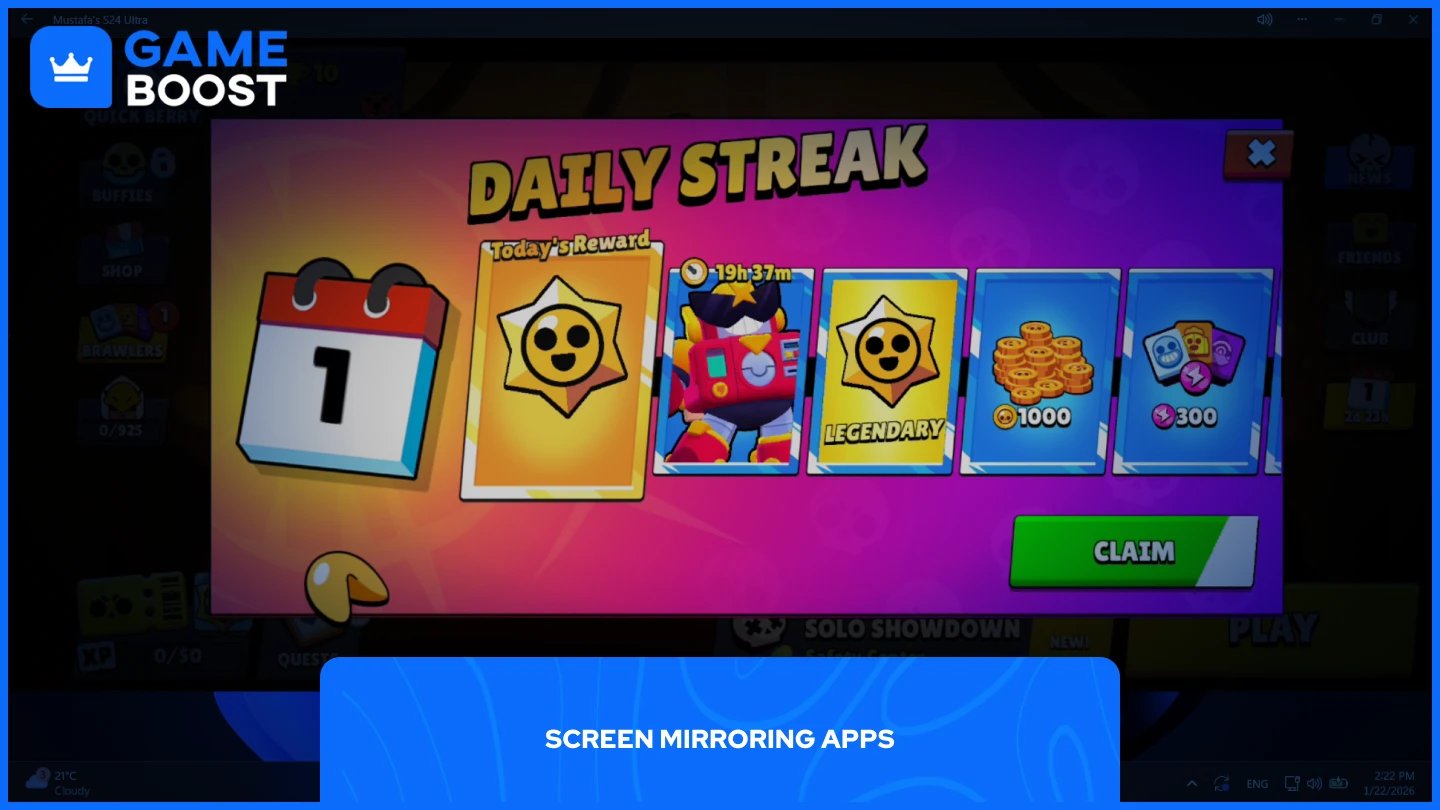
Screen mirroring apps connect your iPhone or iPad to your Mac, displaying your mobile screen on your computer monitor. These apps work similarly to Microsoft Phone Link, which lets Windows users mirror their Android phones to their PCs. Screen mirroring keeps the game running on your mobile device while giving you a larger display to play on.
Popular screen mirroring apps for Mac devices include:
iPhone Mirroring
ApowerMirror
AirDroid Cast
Quick and simple setup process compared to emulators
Minimal system requirements on Mac
No need to download the game separately on your Mac
Your game progress and data remain stored on your mobile device
Works well on older Mac models that struggle with emulators
Can record gameplay directly from your Mac
Requires your iPhone or iPad to run Brawl Stars simultaneously
May experience input lag depending on connection quality
Limited to your mobile device's performance and battery life
Drains your mobile device's battery faster during extended sessions
Playing Brawl Stars on Mac is possible through Android emulators or screen mirroring apps. Emulators offer better performance and customizable controls but require more system resources and setup time. Screen mirroring provides faster access with minimal requirements, but it depends on your mobile device's performance. Choose emulators for competitive gameplay or screen mirroring for casual sessions.
Brawl Stars Boosting
Buy Brawl Stars Gems
Brawl Stars Accounts For Sale
View all GameBoost Accounts
View all GameBoost Boosting Services
View all GameBoost Currencies
View all GameBoost Game Keys
View all GameBoost Gift Cards
View all GameBoost Top Ups
View all GameBoost Items
Buy CS2 Skins
“ Mustafa Atteya has been writing about gaming and esports since 2023, specializing in competitive game content and player improvement guides. At 25, he brings both hands-on gaming experience and professional SEO writing expertise to the GameBoost team.”