
•Filip Premuš• 6 min read
Gift Cards
DAZN is a sports streaming service that operates in over 200 countries and territories. The platform provides live and on-demand coverage of major sporting events, including boxing, MMA, football, motorsports, and various other competitions.
DAZN gift cards offer a payment method for accessing the service. These cards let you purchase a subscription or add credit to your account without needing a traditional credit or debit card. This makes them particularly useful for gifting subscriptions to friends and family or managing your streaming expenses through prepaid options.
Knowing exactly where to find these gift cards and how to apply them properly ensures you can start streaming sports content without any delays or complications. In this article, we'll explore everything you need to know about DAZN, the available subscription options, how to redeem gift cards step by step, and where you can purchase these gift cards.
Also Read: How to Redeem Just Eat Gift Cards: Everything to Know
DAZN offers three subscription plans with identical content and features. The main difference lies in the payment structure and total cost.
Plan | Monthly Cost | Annual Cost | Commitment | Cancellation |
|---|---|---|---|---|
Monthly Flex | $29.99 | $359.88 | None | 30-day notice |
12-Month Monthly Saver | $19.99 | $239.88 | 12 months | End of contract |
DAZN Ultimate | - | $224.99 | Pay upfront | End of period |
All plans include access to live and on-demand sports content, multi-device support (up to 5 registered devices), and two simultaneous streams. Pay-per-view events require separate purchases on top of your base subscription, with prices ranging from $14.99 to $89.99 depending on the event.
Also Read: How to Redeem Nike Gift Cards: Complete Guide
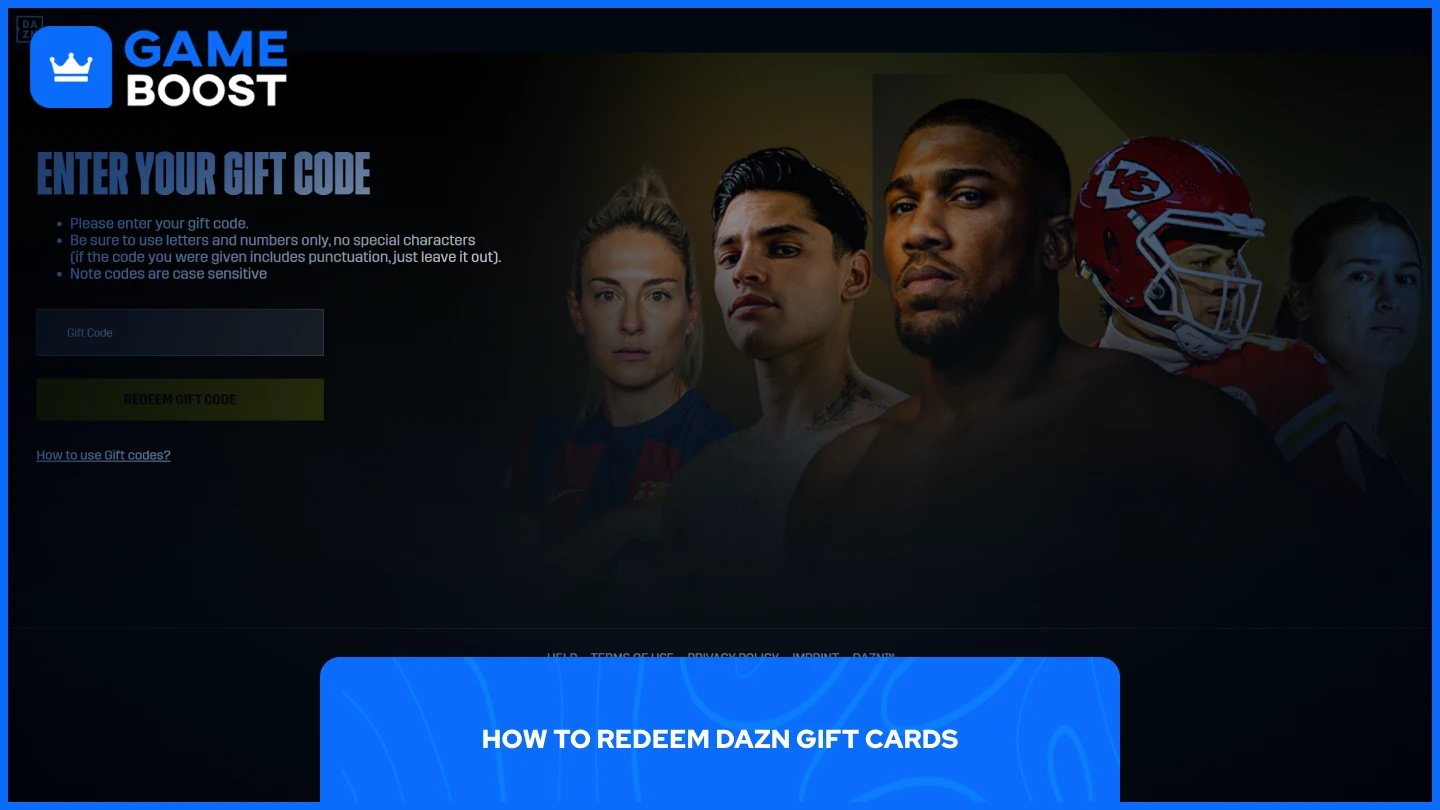
Redeeming DAZN gift cards takes just a few minutes. The process works the same regardless of where you purchased your gift card. Follow these steps to activate your DAZN gift card:
Open your web browser and go to dazn.com/redeem.
Enter your gift code in the designated field.
Complete the account creation process by providing your email address and creating a password. New users must set up an account, while existing subscribers can sign in.
Enter payment details if prompted. Some gift codes require payment information for automatic renewal after the gift period ends, while others skip this step entirely.
Your DAZN subscription activates immediately after completing these steps. Gift codes work only for accounts billed directly by DAZN, not through In-App Payment systems. If you purchased your subscription through iTunes or Amazon, you'll need to cancel that subscription and switch to direct DAZN billing before redeeming gift codes.
DAZN gift cards are available through multiple online retailers and digital marketplaces. These cards typically come in predetermined durations like 1-month, 6-month, or 12-month subscriptions.
Some third-party marketplaces like G2A also carry DAZN gift cards, though availability varies by region. Gift cards purchased from these sources can only be redeemed in the country where they were purchased, so verify regional compatibility before buying.
For users seeking a comprehensive marketplace with competitive pricing, GameBoost offers digital gift cards and gaming services under one platform. The marketplace provides instant delivery, 24/7 customer support, and a cashback system on purchases.
While GameBoost is expanding its gift card offerings, the platform delivers reliable service for gamers who want access to multiple gaming products beyond just subscription cards.
Also Read: How to Redeem Google Play Cards: Step-by-Step Guide
DAZN gift cards provide a convenient way to access sports streaming without using credit cards. The redemption process takes just a few minutes, and gift cards are available from multiple online retailers with instant delivery. The Annual Super Saver plan at $224.99 offers the best value for year-round subscribers, while the Flexible Pass works better for short-term access. Choose your subscription based on how long you plan to use the service.
How to Redeem Netflix Gift Cards
How to Redeem Twitch Gift Cards
How to Redeem Crunchyroll Gift Cards
View all Entertainment Gift Cards
“ Mustafa Atteya has been writing about gaming and esports since 2023, specializing in competitive game content and player improvement guides. At 25, he brings both hands-on gaming experience and professional SEO writing expertise to the GameBoost team.”