
•Filip Premuš• 6 min read
Gift Cards
Twitch gift cards are a simple way to add money to a Twitch account without linking a credit card. Each card carries a code that turns into Twitch balance once you redeem it, and that balance pays for subscriptions, gift subs and Bits for the streamers you watch.
Redeeming takes a few minutes, but a wrong account or a card from another region can stop the code from working. Below are the redemption steps, how to check and spend your balance, what to do when a code fails, and where to get Twitch gift cards for less.
Twitch gift cards are redeemed on Twitch's official code redemption page after logging in to your account.
Redeemed value goes straight to your Twitch Wallet and pays for subs, gift subs and Bits.
Card region must match your Twitch account's country, or the Twitch gift card won't redeem.
Buying Twitch gift cards on a marketplace can cost less than face value, with the code ready in your order panel after payment.
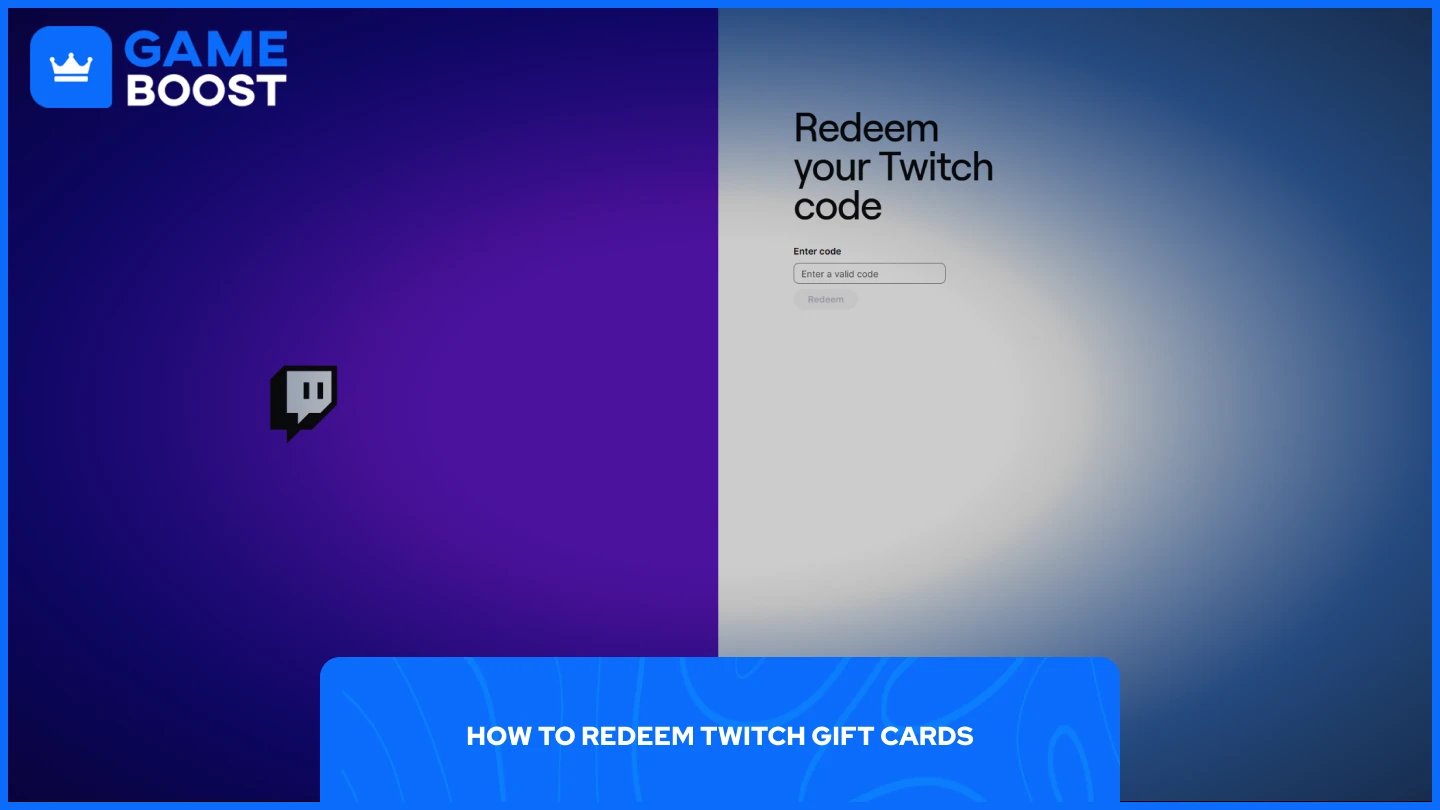
Redeeming a Twitch gift card only takes a few steps:
Log in to the Twitch account you want to add the balance to. Codes land on whichever account is signed in, so check the username first.
Go to the Twitch code redemption page.
Enter the code exactly as shown, including any dashes, and double-check easy mix-ups like 0 and O.
Select your country if Twitch asks for it.
Click Redeem to add the value to your account.
Physical cards hide the code under a scratch-off strip, so scratch gently to avoid damaging the characters.
Redeemed value shows up as gift card balance in your Twitch Wallet, which you can open at twitch.tv/wallet. Checking it right after redeeming confirms the code went through.
Twitch balance pays for channel subscriptions, gift subs for other viewers and Bits used to cheer in chat. Gift cards also work as presents, since anyone with a Twitch account can redeem a code you send them.
When a code won't redeem, one of these is usually behind it:
Region mismatch blocks the code, since a card's region has to match the country on your Twitch account.
Typos make the code invalid, so retype it character by character before trying again.
Logging in to the wrong account sends the balance elsewhere, so confirm the username before redeeming.
If everything checks out and the code still fails, contact Twitch support with your proof of purchase.
Twitch sells gift cards through its own site and major retailers, where they usually cost exactly their face value. Buying regularly at full price adds up, especially for viewers who gift subs often.
Marketplaces are the cheaper route. On GameBoost, Twitch gift cards often sell below face value, with regions including Europe, the US, the UK, Canada and Australia, and cashback on every order goes toward future purchases. Delivery is instant, with the code ready in your order panel after payment, and 24/7 support steps in if anything goes wrong. Before buying, pick the region that matches your Twitch account so the code redeems on the first try.
Redeeming a Twitch gift card takes a few clicks on the official redemption page. Log in to the right account, match the card's region to your country and enter the code carefully, and the balance lands in your Wallet ready for subs, gift subs and Bits.
Buying cards below face value stretches that balance further, which helps most for viewers who gift subs or cheer with Bits every week. Your Twitch account also earns free in-game rewards through campaigns like Marvel Rivals Twitch Drops, so keep it linked to the games you play.
Buy Food & Delivery Gift Cards
Cheap Travel & Transport Gift Cards
“ Mustafa Atteya has been writing about gaming and esports since 2023, specializing in competitive game content and player improvement guides. At 25, he brings both hands-on gaming experience and professional SEO writing expertise to the GameBoost team.”