
•Filip Premuš• 6 min read
Gift Cards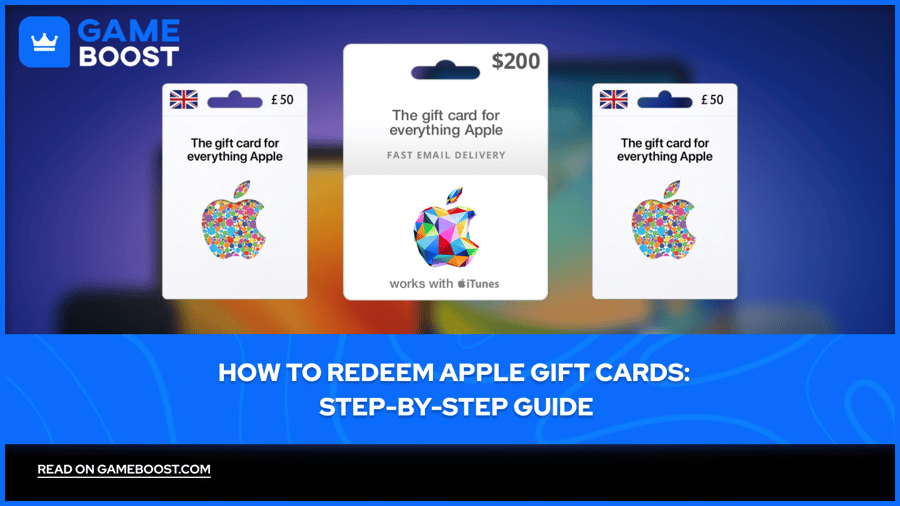
Apple Gift Cards are prepaid payment credits issued by Apple. When you redeem one, the value goes directly into your Apple Account balance. You can then use that balance across various Apple services, including the App Store, Apple Music, iCloud+, and Apple TV+, or put it toward Apple hardware and software purchases.
The redemption process is simple, but not everyone knows how it works or where to find gift cards in the first place. In this article, we'll explore everything you need to know about Apple Gift Cards, including how to redeem them on different devices and where to find them.
Also Read: How to Redeem Netflix Gift Cards: Complete Guide
Redeeming Apple Gift Cards is a simple process that takes less than a minute. You can do it from your iPhone, iPad, or MacBook through the App Store. The steps are nearly identical across devices, with only minor differences in where certain buttons are located.
Also Read: How to Redeem Xbox Game Pass Codes: Step-by-Step Guide
Redeeming a gift card on your iPhone is straightforward. Here's how to do it:
Open the App Store on your iPhone.
Tap your profile icon in the top right corner.
Select "Redeem Gift Card or Code."
Use your camera to scan the code on the back of the card, or tap "Enter Code Manually" to type it in.
Tap "Redeem" to confirm.
Once the process is complete, the funds will be added to your Apple Account balance immediately. You'll see a confirmation message showing the amount credited to your account.
The process on a MacBook is nearly identical to the iPhone. Here's how to do it:
Open the App Store on your MacBook.
Click your profile icon in the bottom left corner.
Click "Redeem Gift Card" in the top right corner of the window.
Use your MacBook's camera to scan the code, or enter it manually.
Click "Redeem" to confirm.
After redemption, the balance updates instantly. You can check your current balance anytime by returning to your account page in the App Store.
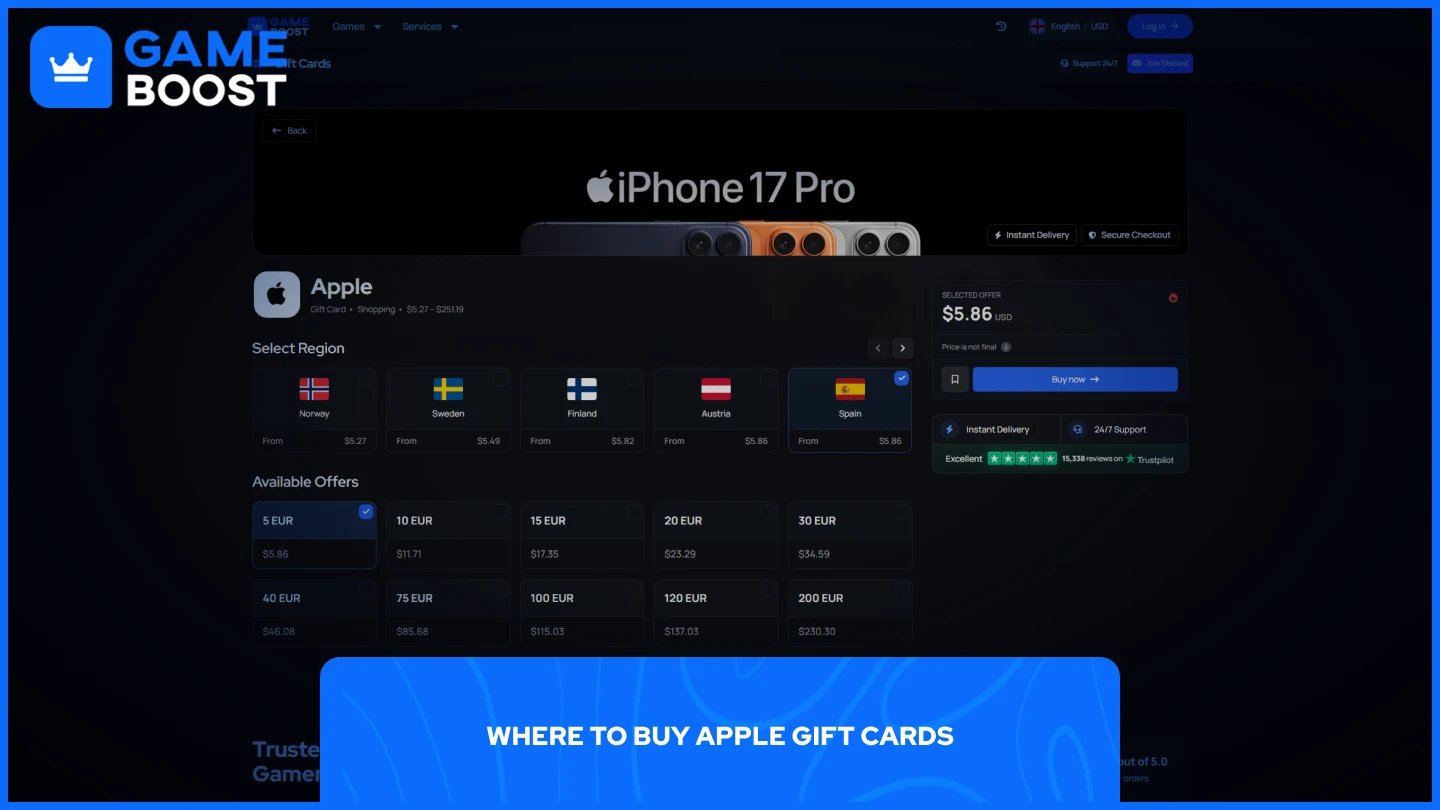
Apple Gift Cards can be purchased directly from Apple's official website, but these can be expensive, especially if you're a regular buyer. The prices are fixed at face value, which means you're paying full price without any discounts or benefits.
That's where third-party marketplaces come in. Major platforms like GameBoost offer Apple Gift Cards at discounted rates compared to buying them directly from Apple. The platform also provides 3-6% cashback on all purchases, which adds up over time if you're a frequent buyer. Additionally, GameBoost has 24/7 live chat support to help you with any questions or issues during the purchasing process.
Beyond GameBoost, there are other websites worth considering. Alternative options include G2A and Eldorado, both of which sell Apple Gift Cards at competitive prices. However, prices vary between platforms, so it's worth comparing rates before making a purchase. Some marketplaces also offer instant delivery, while others may take a few hours to process your order.
When buying from third-party sellers, make sure you're using a reputable platform with buyer protection and positive user reviews. This ensures you receive a valid, working gift card code.
Also Read: Where to Buy Steam Wallet Codes at the Best Prices
Redeeming Apple Gift Cards is a quick and easy process on both iPhone and MacBook. The steps are nearly identical across devices, taking less than a minute to complete once you have your gift card code ready.
When it comes to purchasing gift cards, buying directly from Apple is the direct option, but third-party marketplaces like GameBoost offer significant discounts and cashback rewards that can save you money over time. Just make sure to use reputable platforms with buyer protection to avoid any issues with invalid codes.
How to Redeem iTunes Gift Cards
How to Redeem Google Play Cards
How to Redeem Spotify Premium Codes
How to Redeem Netflix Gift Cards
View all Entertainment Gift Cards
“ Mustafa Atteya has been writing about gaming and esports since 2023, specializing in competitive game content and player improvement guides. At 25, he brings both hands-on gaming experience and professional SEO writing expertise to the GameBoost team.”