
•Filip Premuš• 6 min read
Gift Cards
Spotify Premium codes are prepaid cards or digital codes that let you pay for a Premium Individual subscription in advance. Each code is an alphanumeric combination that, when redeemed, either covers future Premium payments for your account if you're already a subscriber or upgrades your account from the free tier to Premium.
These codes provide a convenient way to gift Spotify Premium or pay for your subscription without linking a credit card. However, not every user knows how to actually redeem these codes, which can leave purchased cards sitting unused.
In this article, we'll break down exactly how you can redeem these codes with a step-by-step guide and cover where you can get these codes from in the first place.
Also Read: How to Redeem Apple Gift Cards: Step-by-Step Guide
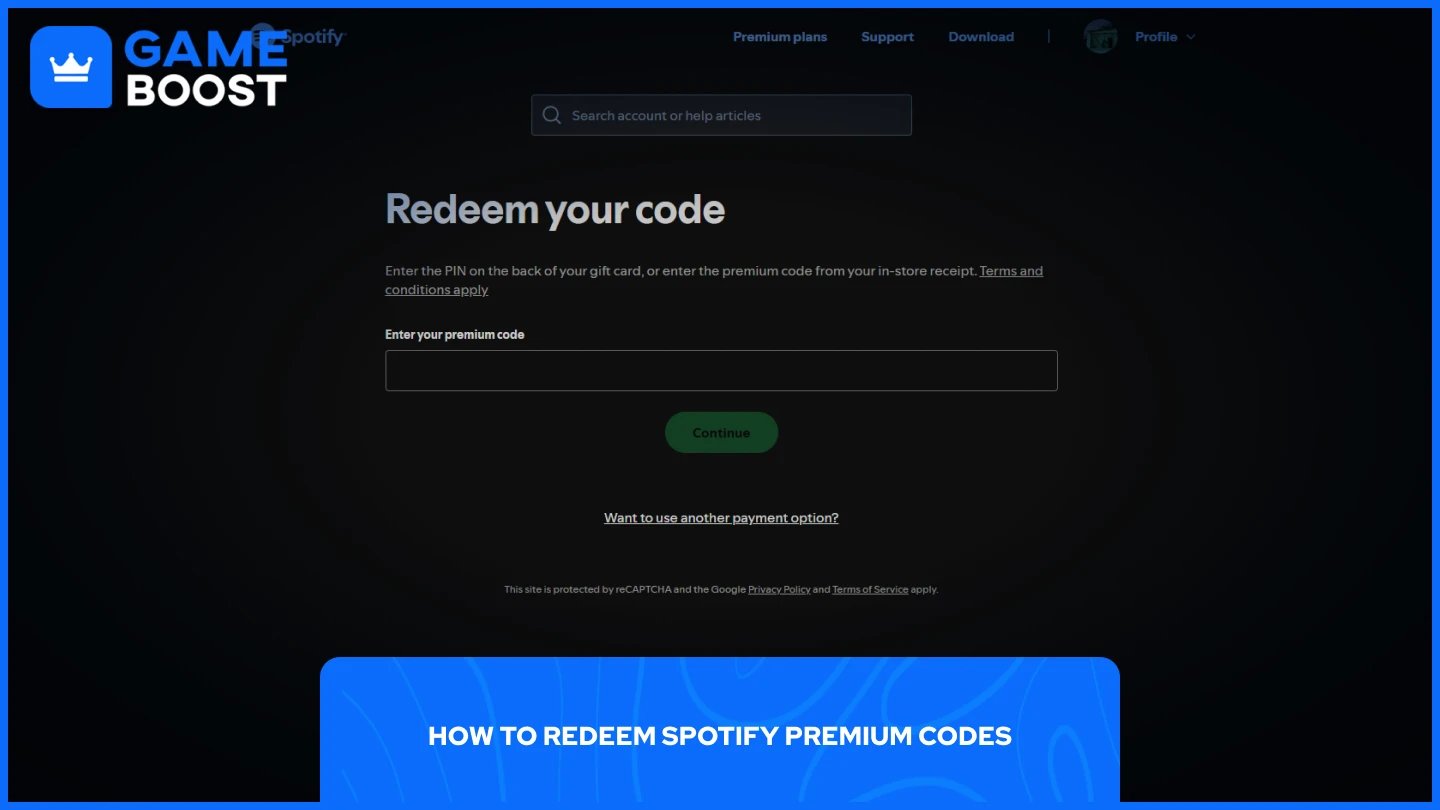
The redemption process is simpler than most users think. Here's how to do it:
Enter the PIN on the back of your gift card or the Premium code you received.
Input any additional information if required (Street, Town/City, State, ZIP Code, etc.)
Click "Continue" and confirm your redemption.
Once you've clicked continue, Spotify will apply the credit to your account immediately. If you're on the free tier, your account will upgrade to Premium Individual right away. If you already have an active Premium subscription, the code's value will be added as credit toward future payments, extending your subscription period.
Keep in mind that these codes apply only to the Premium Individual plan. They do not work for discounted plans like Premium Student, Premium Duo, Premium Family, or other promotional offers. Additionally, your Spotify account's country or region must match the country where the gift card was purchased or intended for use. Codes purchased in one country cannot be redeemed by accounts registered in a different region.
Also Read: Everything to Know About Razer Gift Cards
Spotify gift cards can be purchased directly from Spotify's official website or from major retailers like Amazon, Best Buy, Target, and Walmart. However, these options can be expensive, especially if you're a regular buyer, because they sell these cards at 1:1 rates. In other words, a $30 gift card will cost you exactly $30.
That's where third-party marketplaces come in. Major marketplaces like GameBoost offer Spotify gift cards for sale at a discounted rate compared to buying them directly from official sources. Additionally, the platform provides 3-6% cashback on all purchases with instant delivery, making sure you receive your code immediately after payment.
Beyond GameBoost, there are other websites as well. Some alternative options include G2A and Eldorado, but prices vary depending on stock availability and current promotions. Always compare prices across different platforms before making a purchase to get the best deal possible.
Also Read: Where to Buy Steam Wallet Codes at the Best Prices
Redeeming Spotify Premium codes is a straightforward process that takes less than a minute. Simply visit Spotify's redemption page, enter your code, and confirm. The credit applies instantly to your account, either upgrading you to Premium or extending your existing subscription.
Buying gift cards from third-party marketplaces like GameBoost can save you money through discounts and cashback offers compared to paying full price at official retailers. Just make sure the card matches your account's region before purchasing to avoid any redemption issues.
How to Redeem Google Play Cards
How to Redeem Apple Gift Cards
How to Redeem iTunes Gift Cards
How to Redeem Netflix Gift Cards
View all Entertainment Gift Cards
“ Mustafa Atteya has been writing about gaming and esports since 2023, specializing in competitive game content and player improvement guides. At 25, he brings both hands-on gaming experience and professional SEO writing expertise to the GameBoost team.”