


•Filip Premuš• 4 min read
GTA 5
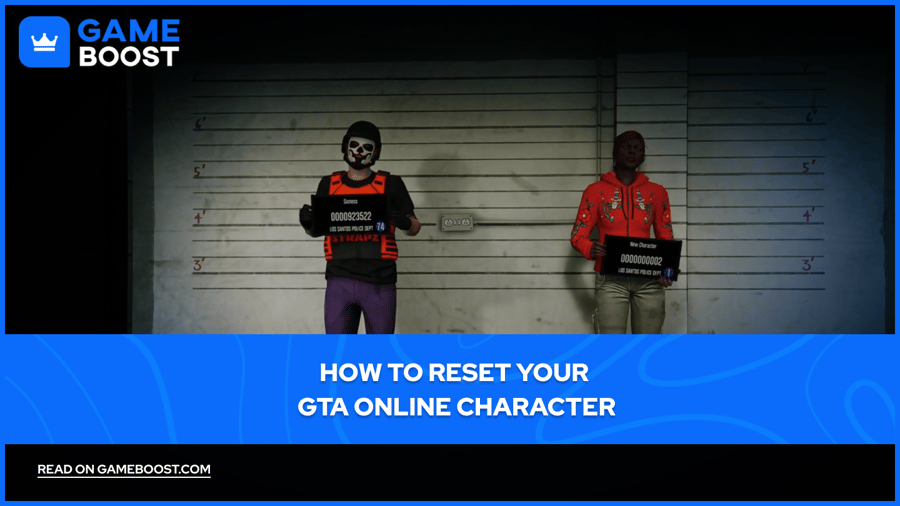
GTA Online is the multiplayer component of GTA 5. Since its launch in 2013, it has grown into one of the most played online games, receiving consistent updates from Rockstar Games that add new missions, vehicles, businesses, and more.
There's no built-in reset button in GTA Online. To start fresh, you either delete your existing character entirely or use your second character slot to create a new one. Both options have their own implications, deleting a character permanently wipes all progress tied to that slot, while creating a second character lets you start over without losing your main.
In this article, we'll explore how to reset your GTA Online character, what you stand to lose, and which approach makes the most sense depending on your situation.
Also Read: Where to Buy GTA 5 Accounts?

Deleting a character in GTA Online is permanent. There's no confirmation email, no grace period, and no way to recover what's gone. Everything tied to that character slot is wiped the moment you confirm the deletion. Here's what you permanently lose:
Rank and RP
All properties, including apartments, garages, offices, and businesses,
Every vehicle stored in your garages
Weapons and weapon upgrades
Any stats built up over time
Keep in mind that your GTA account balance is shared across both character slots. So if you have a second character, they'll still have access to whatever money was sitting in the bank. If you want a true clean slate with no money either, you'll need to spend it down or transfer it to cash before deleting.
Also Read: How to Change Your Rockstar Games Account Email
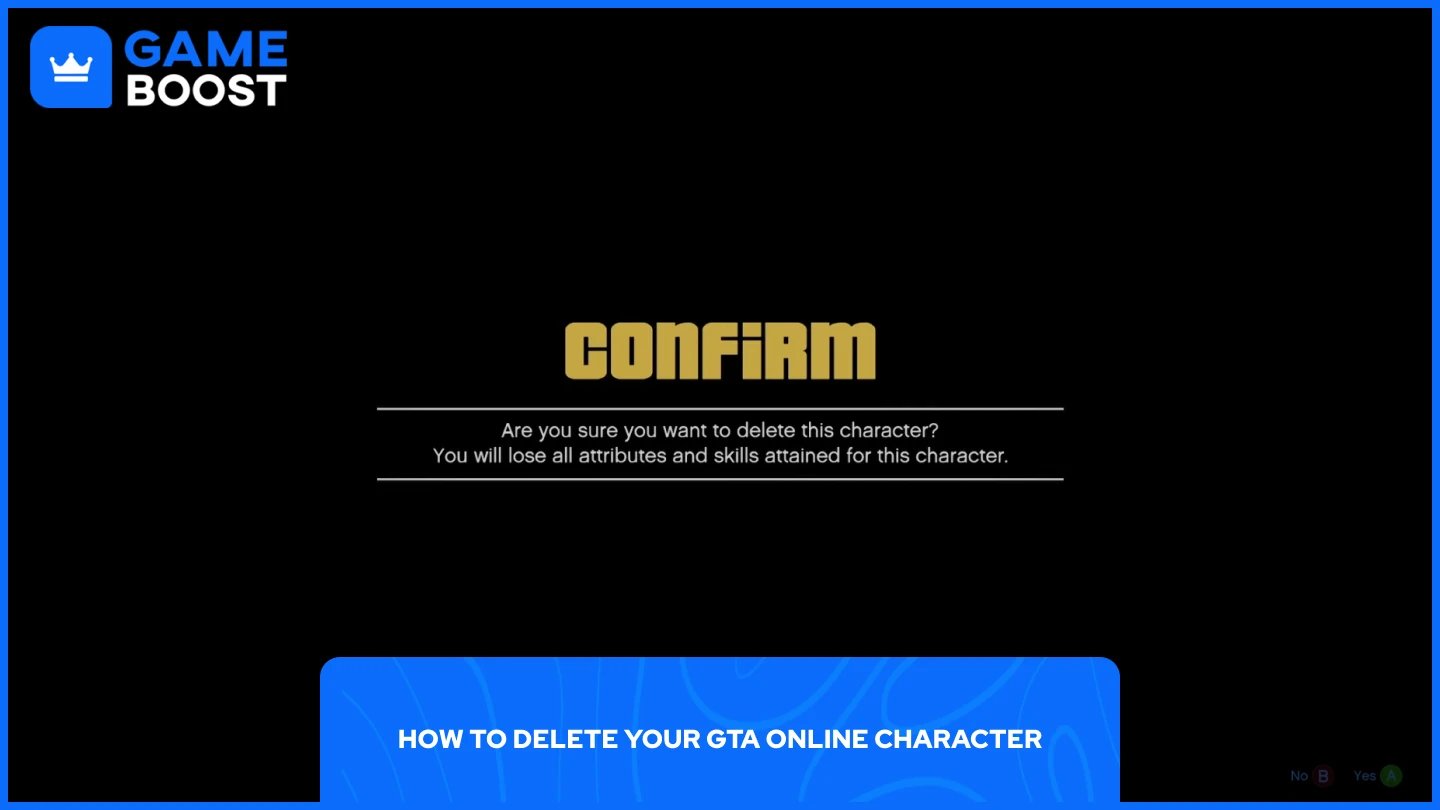
The process is straightforward, but the steps differ slightly depending on your platform. Here's how to do it:
Launch GTA Online and open the pause menu.
Navigate to the Online tab.
Select Swap Character.
On the Character Selection screen, highlight the character you want to delete.
Press the delete button — Del on PC, X on Xbox, or Square on PlayStation.
Confirm the prompt and type "delete" in the text box when asked.
Select Yes to finalize the deletion.
The character will no longer appear on the selection screen once the process is complete. From here, that slot is free to create a new character.
It's worth noting that GTA Online allows you to have two character slots at the same time. If your second slot is empty, you don't have to delete your main character at all, you can simply create a new one in that open slot and start fresh without losing your existing progress. This is the safer option if you're not fully committed to wiping everything.
Also Read: How to Appeal a Rockstar Ban: Step-by-Step Guide
Resetting your GTA Online character is a serious decision, and one that can't be undone. Before going through with it, make sure you've considered using your second character slot instead, it gives you a fresh start without permanently losing your main. If you've made up your mind and want a full reset, follow the steps above and make sure your bank balance is cleared beforehand if you want to start with nothing. Once the character is gone, it's gone.
GTA 5 Key
GTA 5 Enhanced Key
Buy GTA 5 Items
GTA 5 Accounts For Sale
View all GameBoost Accounts
View all GameBoost Boosting Services
View all GameBoost Currencies
View all GameBoost Game Keys
View all GameBoost Gift Cards
View all GameBoost Top Ups
View all GameBoost Items
Counter-Strike 2 Skins
“ Mustafa Atteya has been writing about gaming and esports since 2023, specializing in competitive game content and player improvement guides. At 25, he brings both hands-on gaming experience and professional SEO writing expertise to the GameBoost team.”