


•Filip Premuš• 4 min read
GTA 5

GTA Online allows players to create up to two characters on a single GTA account, giving them the option to try a different playstyle. It sounds convenient, but deleting one of those characters comes with serious consequences that many players overlook before confirming the deletion. In this article, we'll explore exactly what you lose when you delete a GTA Online character, what carries over, and what you should do before making that decision.
Also Read: Where to Buy GTA 5 Accounts?

Deleting a GTA Online character wipes everything tied to that specific character slot. That includes your rank, all owned properties, vehicles, businesses, weapons, and any cash being held as in-hand money. None of that transfers, it simply disappears the moment the deletion is confirmed.
Properties also receive no refund. Money stored as cash is lost, though banked cash remains tied to the account, since the bank balance is shared between both character slots. Selling vehicles and trading expensive properties for cheaper ones before deleting is the only way to recover some value before pulling the trigger.
Also Read: How to Change Your Rockstar Games Account Email
The one thing that survives character deletion is your shared bank account. The bank account is shared between characters, so banked GTA$ remains accessible to whichever character you have active. This means depositing all your money before deleting is the single most important step you can take.
Beyond the bank balance, GTA Online does offer the option to carry your rank over to a newly created character. When setting up a new character, the game asks if you want the new one to start at the same rank as your existing character (up to a maximum of Rank 120). Accepting that will save you from grinding back to your previous level, though all the items and properties that came with that rank will still need to be repurchased from scratch.
Also Read: How to Appeal a Rockstar Ban: Step-by-Step Guide
If you have made up your mind about deleting a character, a few steps beforehand can prevent unnecessary losses:
Deposit all cash into the bank. In-hand money is lost on deletion, but banked funds carry over to your other character slot.
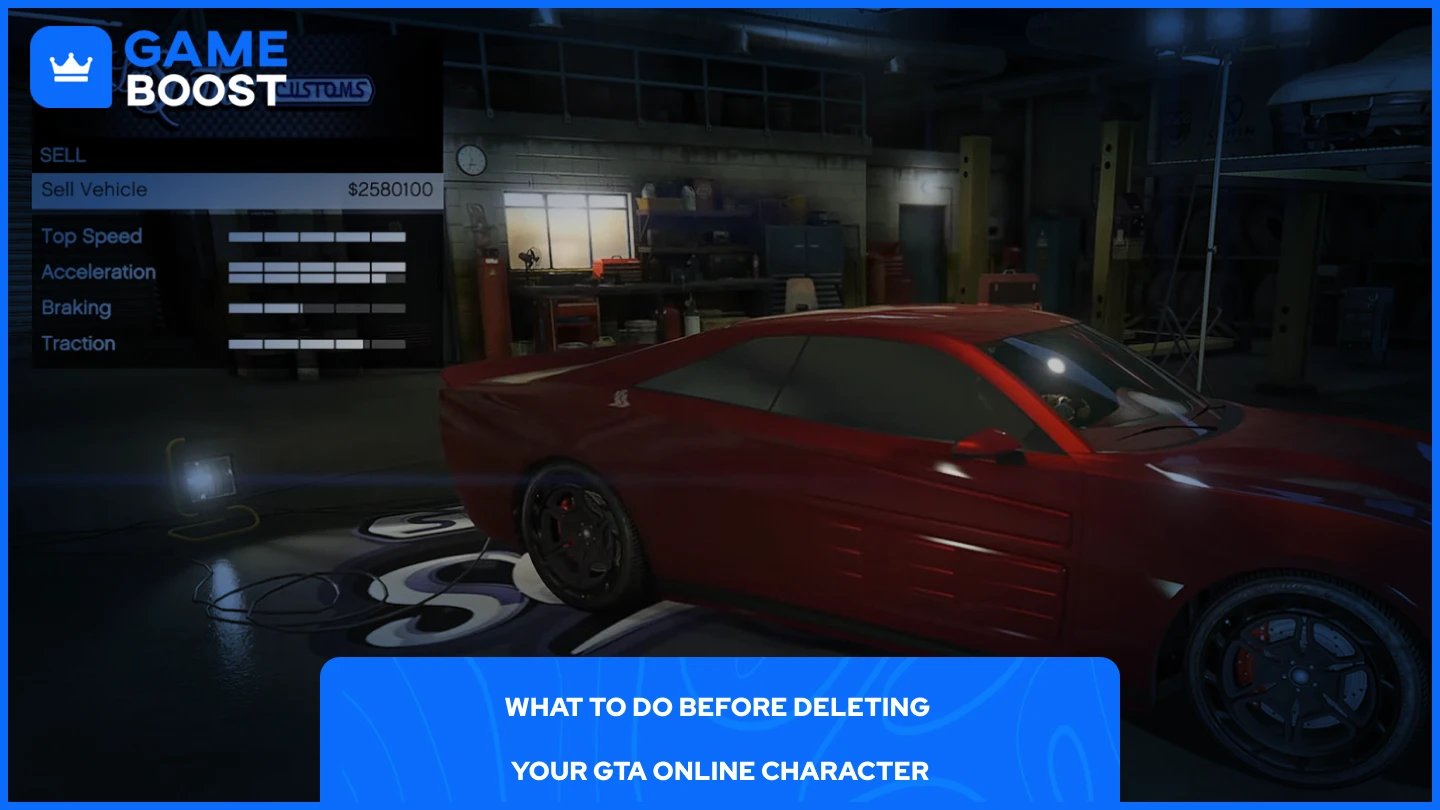
Sell as many vehicles as possible before deleting. You will not be refunded for owned cars, so selling them converts that value back into cash you can bank.
Check your weapons inventory for any limited-time or event-exclusive items. These cannot be recovered once the character is gone.
Consider changing your appearance instead. Rockstar lets players alter their character's look for GTA$100,000, which is a far cheaper alternative to starting over if your only reason for deleting is dissatisfaction with how your character looks.
Also Read: How to Reset Your GTA Online Character: Step-by-Step Guide
Deleting a GTA Online character is permanent and costly if you go in unprepared. Rank, properties, vehicles, weapons, and unbanked cash are all gone the moment you confirm the deletion. The only things that survive are your banked GTA$ and the option to carry your rank forward to a new character. Before doing anything, bank your money, sell what you can, and double-check for any limited-time weapons. If appearance is your only issue, the $100,000 makeover option will save you a lot of time and resources compared to starting from zero.
GTA 5 Key
GTA 5 Enhanced Key
Buy GTA 5 Items
GTA 5 Accounts For Sale
View all GameBoost Accounts
View all GameBoost Boosting Services
View all GameBoost Currencies
View all GameBoost Game Keys
View all GameBoost Gift Cards
View all GameBoost Top Ups
View all GameBoost Items
Counter-Strike 2 Skins
“ Mustafa Atteya has been writing about gaming and esports since 2023, specializing in competitive game content and player improvement guides. At 25, he brings both hands-on gaming experience and professional SEO writing expertise to the GameBoost team.”