

•Filip Premuš• 23 min read
Games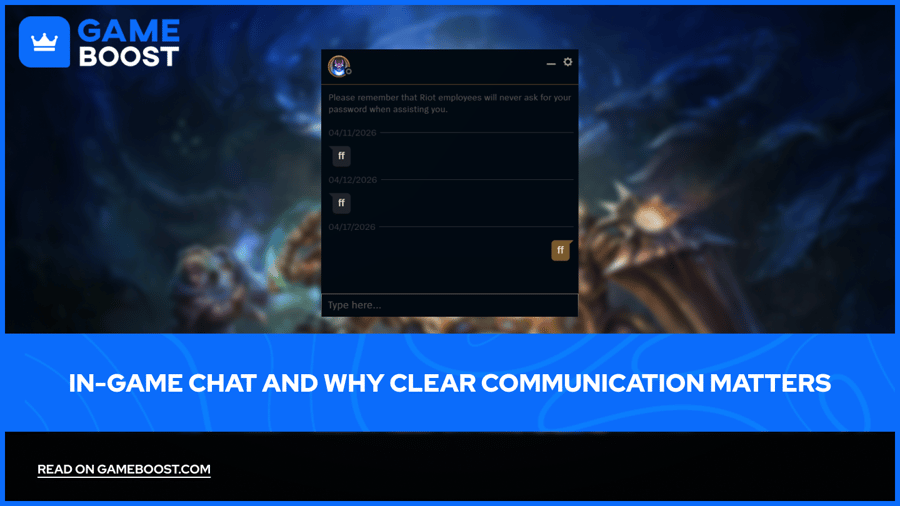
Online games are more enjoyable when players can talk to each other. A quick message during a tense moment in League of Legends or a callout mid-round in Valorant can change how a match plays out entirely.
Most games today include some form of in-game chat, ranging from open text boxes and voice channels to quick presets and ping systems. Each is built around the same idea: letting players share information in real time.
In this article, we'll explore how in-game chat works across popular games, why clear communication matters, and how it extends well beyond the match itself.
Also Read: All Resident Evil Games in Order
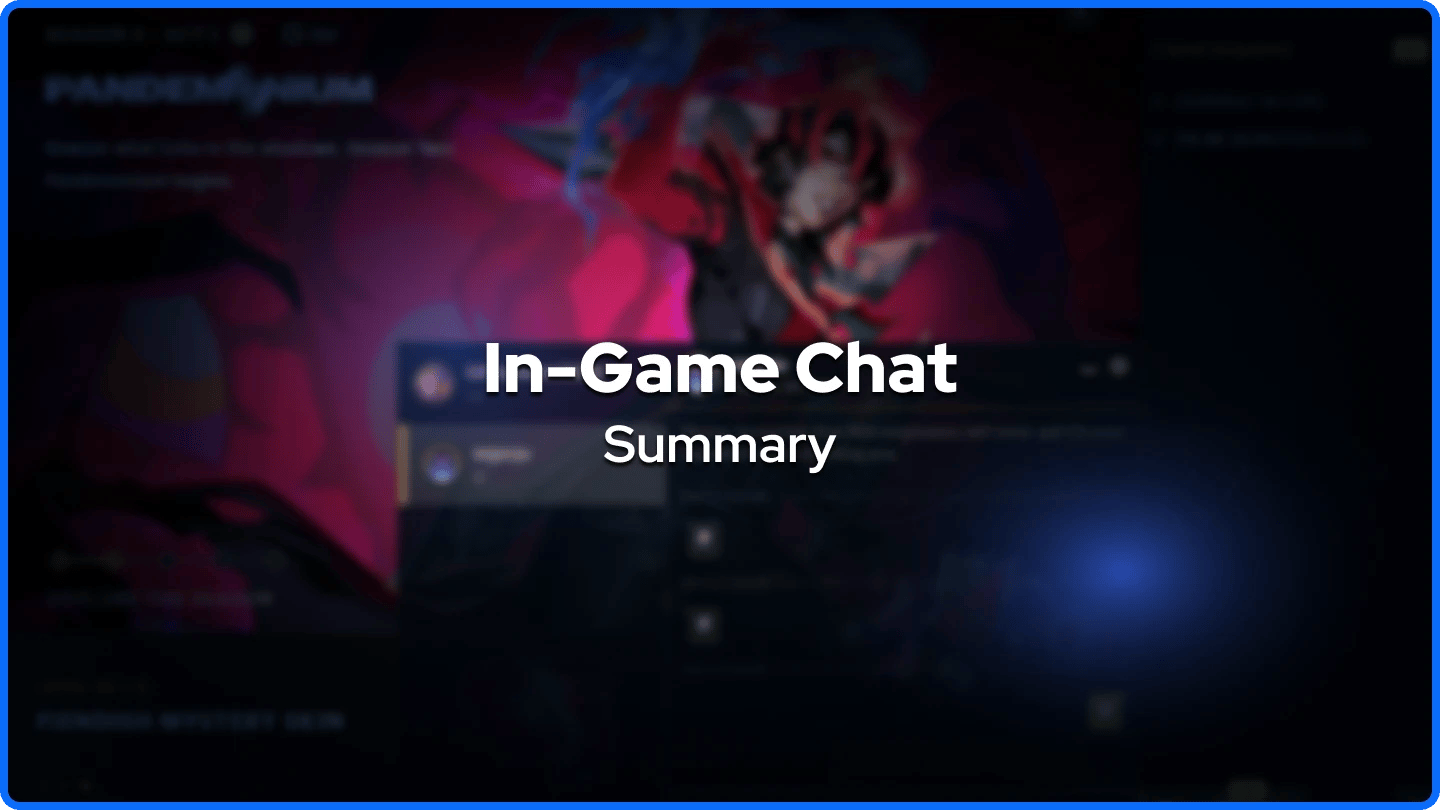
In-game chat comes in several forms across popular games, including open text, voice chat, ping systems, and quick chat presets
League of Legends, Valorant, and CS2 rely on a mix of text and voice, while Rocket League uses preset phrases as its primary chat system
Clear, short messages during a match help teammates react faster and reduce confusion in high-pressure moments
Voice chat in games like Valorant gives players a speed advantage that text alone cannot match in fast-paced situations
Post-match chat builds friendships over time, with many long-term gaming groups forming from short conversations after a good game
Tone in chat matters as much as content, since a calm message can help a team recover, while a frustrated one can create friction
Players who write in gaming communities outside the game, on forums, Discord, or team applications, benefit from using a grammar checker to catch mistakes before posting
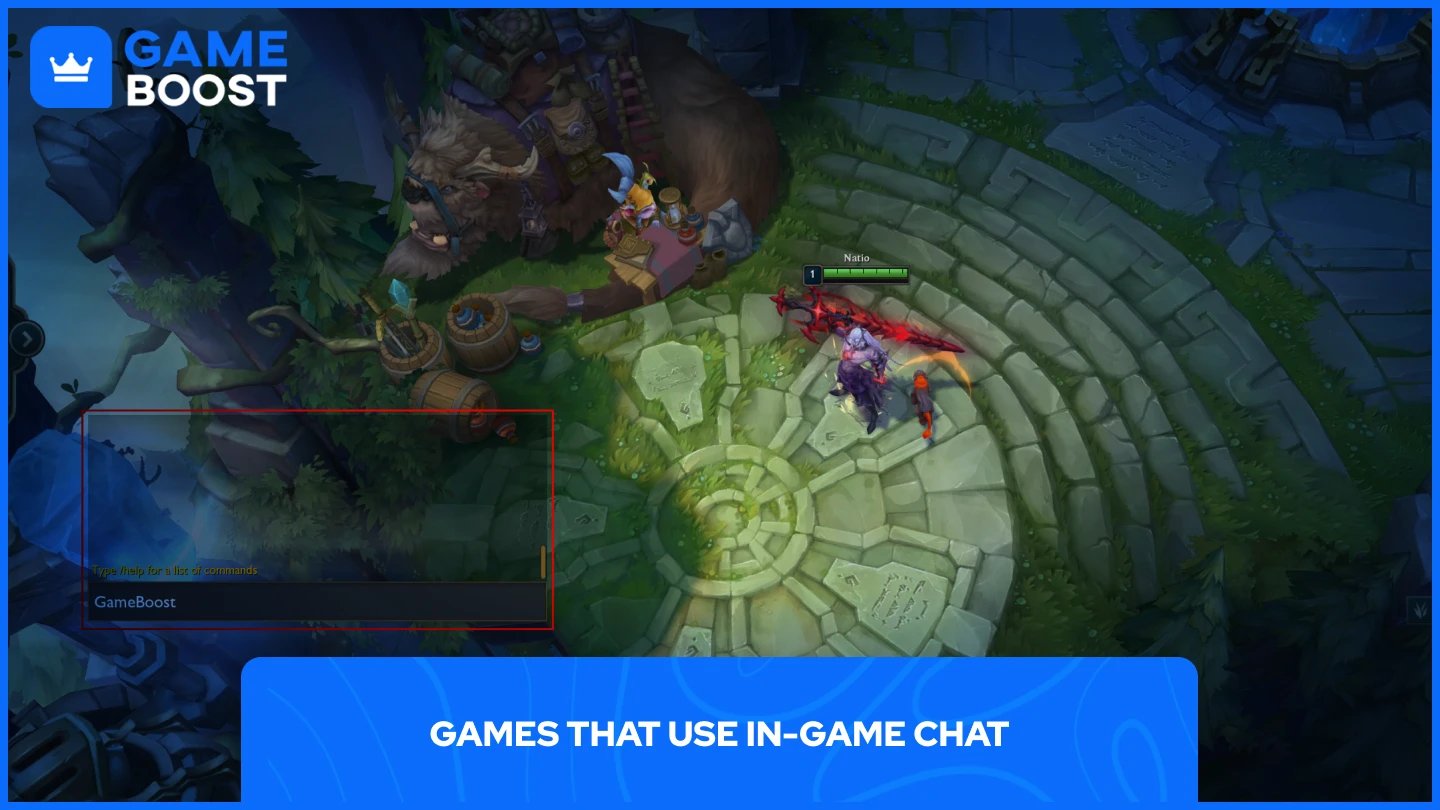
Many of the most popular online games have built-in chat features, and each handles communication differently:
League of Legends has one of the most active text chat communities in gaming. Players use it to coordinate objectives, call for help across the map, or react to plays. It also includes a ping system for players who prefer not to type mid-game.
Valorant combines text chat with voice communication. Players can speak directly to their team during fast-paced rounds where typing is not practical, while text chat remains available for those who prefer it.
CS2 follows a similar structure. Voice and text are both available, and experienced players tend to use short, specific callouts to relay information as quickly as possible.
Rocket League takes a different approach. Instead of open text chat during a match, it relies on a quick chat system with preset phrases like "Nice shot!" or "What a save!" Players can still type freely, but the preset option keeps things fast when there is no time to stop and type.
Fortnite supports both team voice chat and text. The game's large player base means chat is frequently used to coordinate squad movements and respond to shifting situations across the map.
Minecraft and Roblox both support open text chat. Since both games attract younger audiences, they also include filters and moderation tools to keep conversations appropriate.
Also Read: 5 Must-Play Action Horror Games Like Resident Evil
Good communication during a match can be the difference between a coordinated push and a failed attempt. Short, clear messages help teammates react faster and with less confusion.
In League of Legends, typing "dragon in 30" tells the team to prepare for an objective without any lengthy explanation. In CS2, a callout like "two B site" immediately gives teammates information they can act on.
Voice chat speeds this process up even further. In Valorant, calling "spike planted A" gives the team real-time information that a typed message during the same moment simply cannot match.
Text chat also covers players who cannot use a microphone. Someone in a quiet environment, dealing with social anxiety, or gaming late at night can still communicate effectively through text alone.
Quick chat presets like those in Rocket League strike a balance between speed and communication. They let players send useful messages without typing at all, which matters a lot in a game that moves as fast as Rocket League does.
Short and specific messages tend to work best. "Push now" is more useful than "maybe we should try going in." "Need backup bot" is clearer than "can someone please come help me down here." The less a teammate has to interpret, the faster they can respond.
Tone matters just as much as content. A calm message after a lost round helps the team refocus. A frustrated or sloppy one can cause friction that lingers for the rest of the match.
This extends well beyond the game itself. Players write posts in community forums, send messages in Discord servers, apply for guild memberships, and put together guides regularly. In those spaces, how clearly you write shapes how seriously people take what you have to say. Many players use a grammar checker when writing longer posts or team applications outside the game, since small mistakes are easy to miss and harder to take back once posted publicly.
Also Read: 5 Best Survival Horror Games Like Outlast
A: League of Legends, Valorant, CS2, Rocket League, Fortnite, Minecraft, and Roblox all include in-game chat. Each game handles it differently, from open text and voice options to quick chat presets.
A: Rocket League supports free text chat, but its matches move too fast for most players to type mid-game. The quick chat system with preset phrases like "Nice shot!" or "What a save!" is the more practical option during play.
A: It depends on the game and the situation. In fast-paced games like Valorant or CS2, voice chat is faster and more practical during a round. Text chat works well for players who cannot use a microphone or prefer a quieter experience.
A: Most games include a mute option in the scoreboard or player settings menu. In League of Legends, you can mute a player by clicking the icon next to their name on the scoreboard. Valorant and CS2 have similar options accessible during a match.
In-game chat has become a central part of how players connect across games like League of Legends, Valorant, CS2, Rocket League, Fortnite, and many others. It supports teamwork during matches, builds friendships over time, and extends the gaming experience well beyond the final score.
Clear communication is what makes it all work. Short, specific messages outperform long ones during a match, and the same principle applies everywhere else players write, from Discord servers to community forums.
“ Mustafa Atteya has been writing about gaming and esports since 2023, specializing in competitive game content and player improvement guides. At 25, he brings both hands-on gaming experience and professional SEO writing expertise to the GameBoost team.”