


•Filip Premuš• 6 min read
WoW: Forever

The best WoW Forever addons for a starter setup are Questie, Baganator, Leatrix Plus, and Auctionator. They help you find quests, sort your inventory, handle vendor chores, and compare Auction House prices. Add Dialogue UI, Leatrix Maps, TomTom, or GatherMate2 when you want more control over a particular part of the game.
Forever already includes quest guidance, a combined bag view, a damage meter, and a Cooldown Manager. Try those settings before building your addon list. Every addon below is available at no cost, with a Forever release listed on its project page.
Start small. Pick addons for the tasks you actually want help with, then add more as needed.
Questie requires QuestieDB. Install both, using a database package that supports Forever.
Baganator requires Syndicator. CurseForge installs this dependency automatically.
Choose the Forever version. Check your addon manager’s game instance and the download’s supported game versions.
Check the built-in tools first. Quest guidance, combined bags, the damage meter, and the Cooldown Manager may already cover what you need.
The names below link to the authors’ CurseForge project pages. Select a file marked for WoW Forever when downloading.
Addon | Best for | Setup detail |
|---|---|---|
Quest locations and quest tracking | Requires QuestieDB | |
Inventory categories and item searches | Requires Syndicator | |
Vendor chores, chat, and interface options | Turn on individual features in its settings | |
Buying, selling, and checking prices | Refresh price data with Auction House scans | |
Reading quests and NPC conversations | Adjust font size and camera behavior | |
Map display and points of interest | Enable the map options you want | |
Coordinate waypoints and navigation | Use its waypoint commands or map controls | |
Gathering node locations | Records locations as you gather |
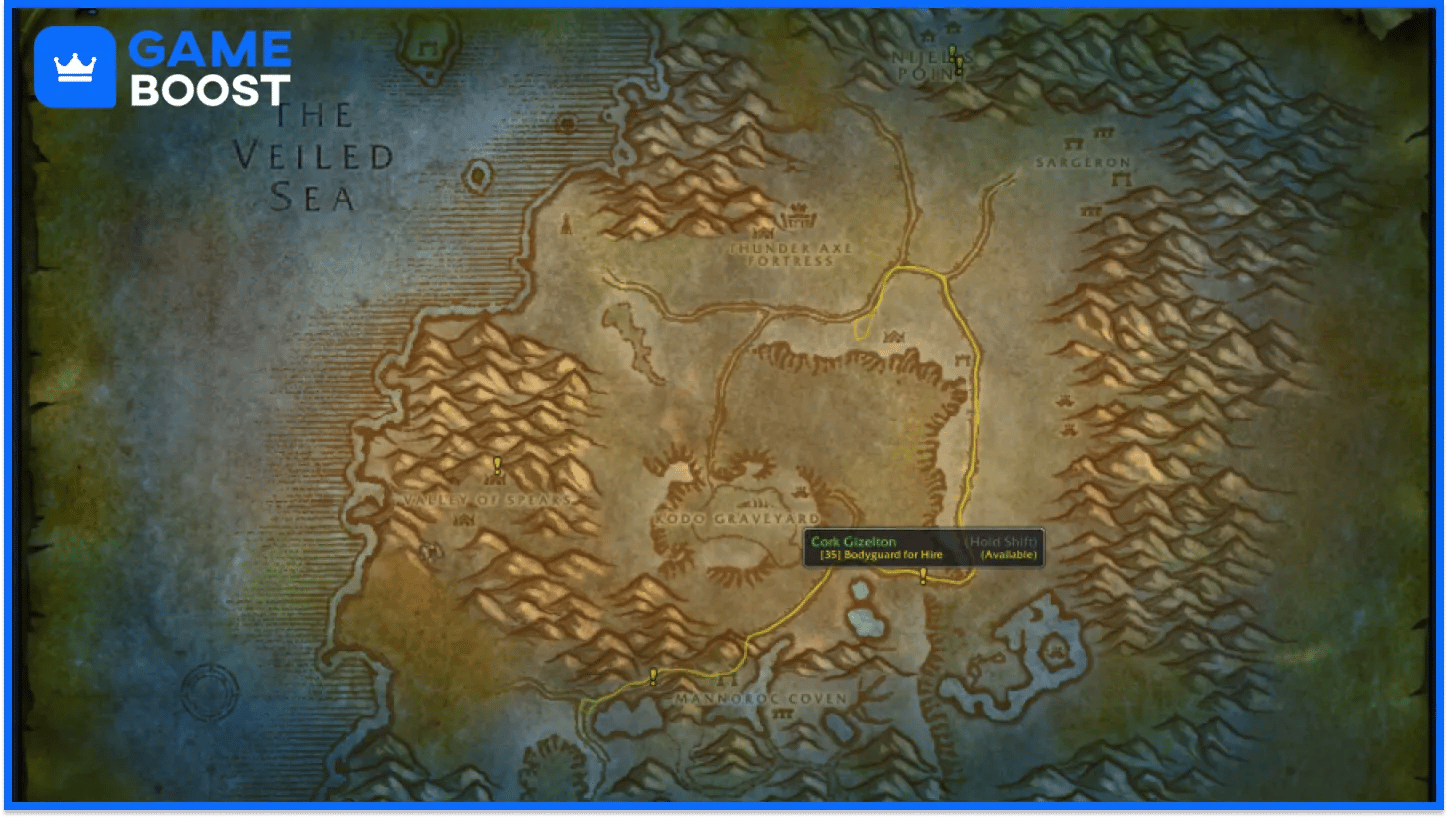
Questie adds map markers for quest givers, objectives, and turn-ins. Its tracker, searchable database, and quest history help when you’re looking for unfinished quests in a zone or trying to work out where an objective belongs.
Forever’s own quest guidance may be enough for your usual questing. Questie is worth adding if you want its extra filters and quest information. Open its options with /questie and reduce the number of visible markers if the map gets crowded.
Install QuestieDB alongside it. The database supplies the quest, NPC, item, and object information that Questie uses. If you see a missing-database message, check that both addons are installed and that the database package supports Forever.
Baganator gives you inventory categories or a single bag view, with searches that help you find items by name and other properties. It suits players who carry several gear sets, profession materials, and stacks of consumables.
The extra value comes from organizing and searching your items. Forever already has a combined bag option, so try that first if you only want one inventory window.
Baganator needs Syndicator to work. The CurseForge app installs it automatically. For a manual installation, download the dependency too and leave it enabled in the game’s addon list.
Leatrix Plus groups everyday settings into one panel. Its options include selling junk, repairing equipment at vendors, changing chat behavior, and adjusting interface elements. Open the settings with /ltp and turn on the features you want.
I’d start with vendor and chat settings, then spend a session seeing what else gets annoying. That gives you a reason for each change and makes it easier to trace a setting later.
Quest automation is optional. If you want to read conversations through Dialogue UI, review any automatic quest acceptance and turn-in settings so they match how you want to play.
Auctionator helps with shopping lists, posting auctions, and comparing item prices. It also puts auction price information in tooltips, which helps when you’re deciding whether to keep, sell, or buy a material.
Refresh its price data with an Auction House scan before relying on an old tooltip value. Check the listings available when you buy or sell, too. A recorded price can differ from the amount someone is offering right now.
If you’re saving for your first mount, compare material sales against your upcoming training costs before buying another equipment upgrade. Auctionator makes the price comparison easier to read.
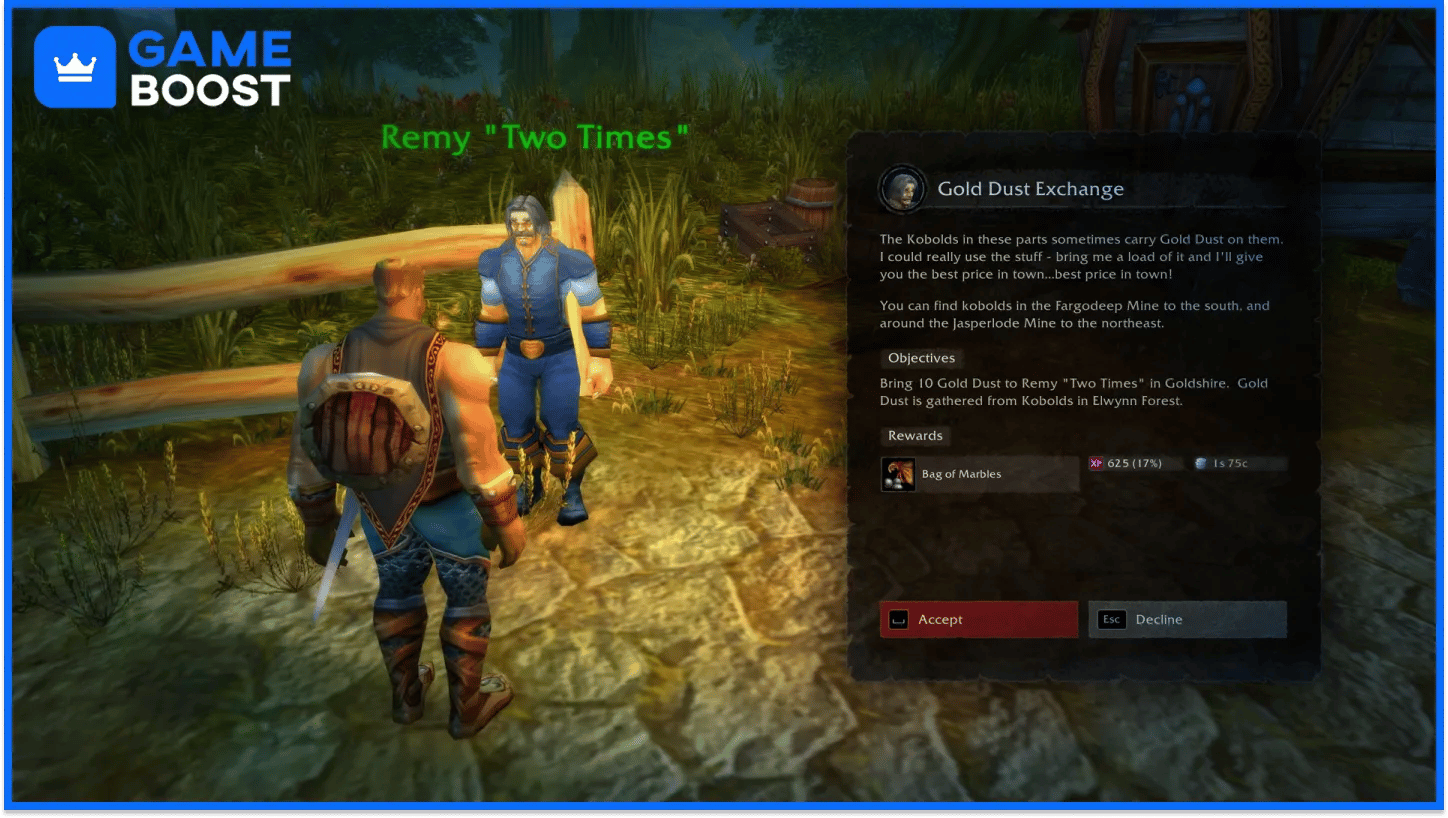
Dialogue UI changes how quest text and NPC conversations appear. Adjustable text size, keyboard controls, and optional camera movement give you a few ways to make conversations easier to follow.
This is a good pick if you enjoy reading quests. Try its camera settings during a conversation and turn movement off if you prefer a steady view. Its Forever build also supports a marker for quests newly added to the game.
Pay attention to quest reward stats. Dialogue UI’s default upgrade arrow uses item level, so check whether the actual stats suit your character before choosing a reward.
Leatrix Maps lets you adjust the world map’s size and position, show points of interest, and reveal unexplored map artwork. Its options also cover zone levels, flight points, and coordinates.
The Forever release includes a discovery-area display that helps you find places you still need to visit. Revealing the artwork doesn’t complete exploration for your character. You still have to travel through the relevant areas.
It’s handy for planning trips through Forever’s new zones. Turn on the information you need for the trip, then reduce the map clutter if quest and gathering icons start competing for space.
TomTom adds coordinate waypoints and an arrow pointing toward your destination. It’s useful when a quest, trainer, or entrance is described with coordinates and you want a direction to follow.
For example, once you’re in Elwynn Forest, you can mark the Human riding trainer with:
/way 84.2 65.0 Randal HunterCheck that you’re on the correct zone map before using coordinates without a zone name. A waypoint marks a location, so you’ll still need to find a usable road, doorway, or passage to reach it. The same approach helps when traveling to Forever dungeon entrances.
GatherMate2 records gathering locations and displays them on your world map and minimap. Herbalists, miners, and anglers can build a record of the spots they visit instead of trying to recall every stop on a route.
A marker records a location. It doesn’t tell you that a resource is currently available there. Start with the locations you gather yourself and filter the map to the resource types you want.
GatherMate2 also supports imported data through GatherMate2_Data. Check that any imported dataset covers Forever’s zones and nodes. If you spend a lot of time gathering, the profession bonuses in the Legacy System are another part of planning your character.
Open CurseForge and select World of Warcraft.
Choose your Forever game instance.
Search for the addon and install its Forever release.
Check that required dependencies are installed, including QuestieDB for Questie and Syndicator for Baganator.
Start Forever and check the AddOns menu to confirm the addons are enabled.
If the app offers the wrong downloads, open the instance settings and check that the selected game instance uses the Forever flavor.
Close the game, download a packaged release that supports Forever, and extract its addon folders into:
World of Warcraft/_forever_/Interface/AddOns/Each addon folder should contain its .toc file directly inside it. If the ZIP extracted into an extra folder around the addon, move the actual addon folder into AddOns. Install required dependencies the same way, then restart the game.
Pick a few addons around how you play, then adjust their settings after a session or two. Questie, Baganator, Leatrix Plus, and Auctionator cover several common tasks. Add the others when you want better map controls, coordinate navigation, gathering records, or a different way to read quests.
“ Filip Premuš is a seasoned gaming content writer specializing in titles like Steal a Brainrot, Old School RuneScape, and other popular online games. With a sharp focus on accuracy, updates, and in-game strategy, he creates comprehensive guides that help players stay ahead of the meta and make informed decisions.”