


•Hamza Rashid• 8 min read
Clash of Clans

A lot of Clash of Clans players reach a point where they start wondering exactly how long they've been playing the game. However, finding your account creation date isn't something the game makes obvious, and most players don't know it's even possible to track down. There are a few reliable ways to do it, and here we will go through all the ways to check your account age in Clash of Clans.
Clash of Clans does not display your account creation date anywhere in the game, so finding it requires indirect methods
The "Bigger Coffers" achievement, earned by upgrading Gold Storage to level 2, is the fastest in-game way to estimate your CoC account age
iOS users can check their Apple ID purchase history for the exact date Clash of Clans was first downloaded
Android users can find the oldest achievement date through Google Play Games, but only if Google was linked from day one
Contacting Supercell support and requesting your account data is the most reliable method when others don't work
Older Clash of Clans accounts with clean histories are generally more credible and valuable than newer accounts at the same progression level
The absence of a visible account age in CoC is likely tied to data inconsistencies from the pre-Supercell ID era when accounts were tied to Game Center or Google Play.
For most Clash of Clans players, finding the account creation date starts as a curiosity but quickly becomes more useful than expected. Knowing exactly how long you've been playing CoC gives you a concrete reference point for the progression you've built, and it tells a more complete story than Town Hall level or trophy count alone. Players who have been grinding since 2013 or 2014 carry a different kind of account history compared to someone who started two years ago, even if their current stats look similar on paper.
The account age also comes up in situations beyond nostalgia. If you've ever needed to verify your Clash of Clans account ownership when contacting Supercell support, the creation date is one of the details that helps confirm the account is yours. The age also adds context to the overall Clash of Clans Account value, since a long-standing account with a clean history is generally viewed as more trustworthy than a newer one at the same progression level.
Also Read: How Much Is Your Clash of Clans Base Actually Worth?
Clash of Clans does not display the account creation date anywhere within the app, there is no built-in feature or account details screen that definitively states the calendar date your CoC account first came into existence. That is why players have to rely on a handful of indirect methods to track their Clash of Clans account age. Each method has its own level of accuracy, and the one that works best for you will depend on your device and how long you've had the account.
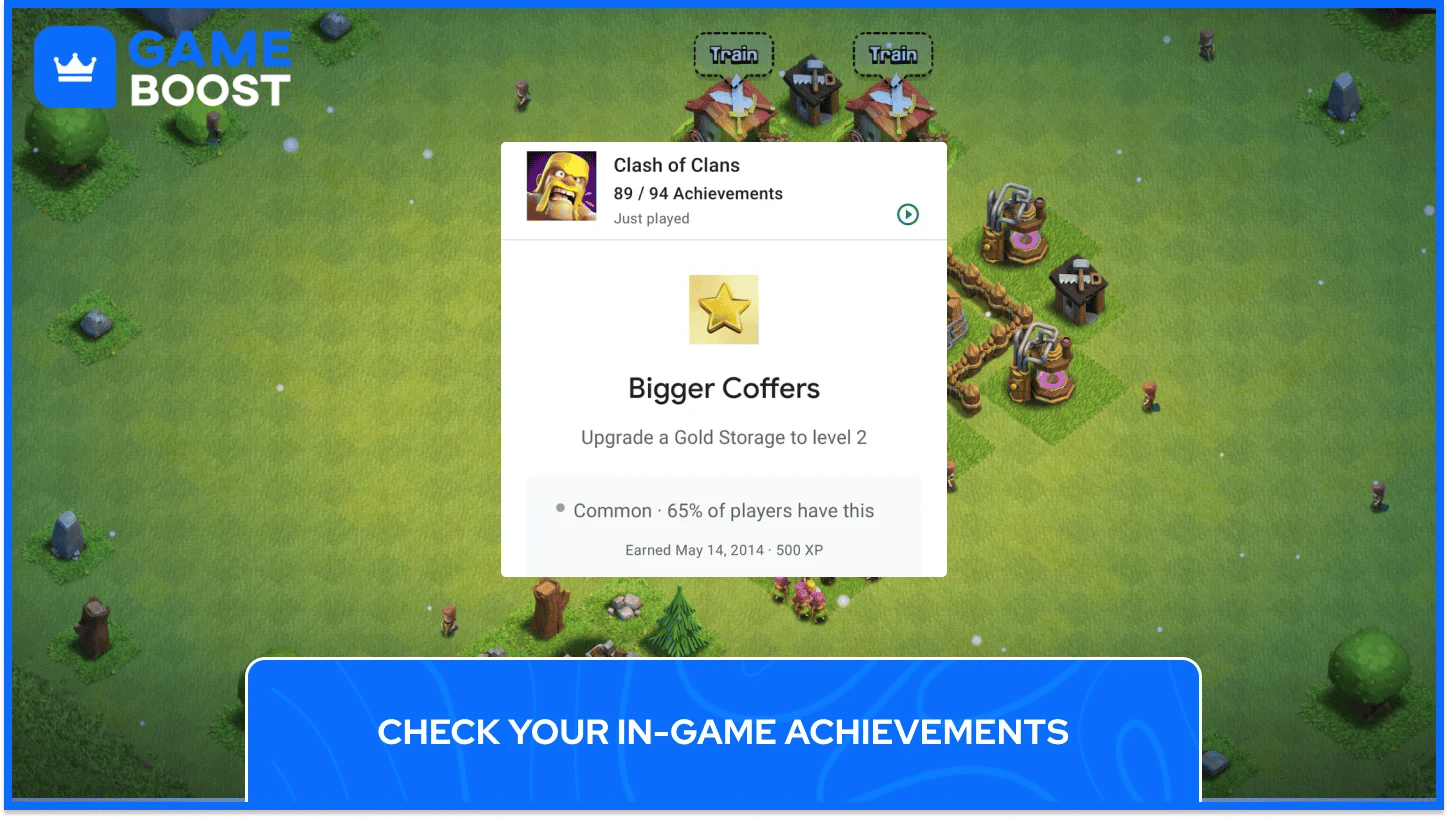
The fastest way to check your Clash of Clans account creation date is by going through your in-game achievements, since most players earn their first achievement on the same day they start playing. The specific achievement to look for is called "Bigger Coffers," which is unlocked by upgrading your Gold Storage from level 1 to level 2. This is typically one of the first tasks players complete in Clash of Clans, making the date attached to this achievement a reliable approximation of when the CoC account was first created.
To find it, open the game, tap your player profile, and scroll through the Achievements tab until you reach the oldest one. The date shown on that earliest Clash of Clans achievement is your best in-game estimate for account age. Keep in mind that if you transferred your village or moved it to a new Game Center account at some point, the achievement dates may not accurately reflect your original account creation date, in which case one of the other methods below will give you a more reliable result.
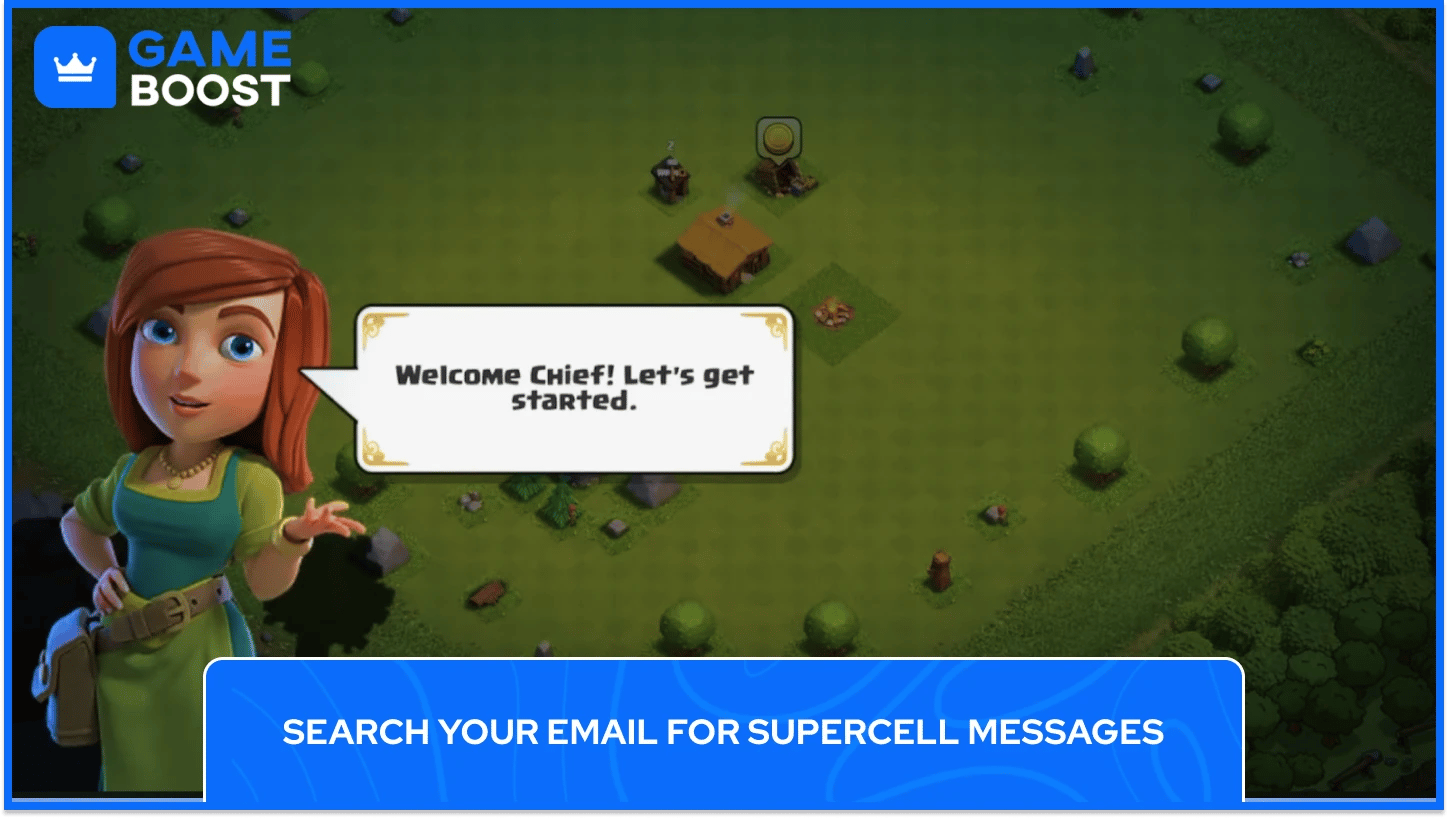
When you first sign up and create a Clash of Clans account, Supercell sends a confirmation email to your registered address. Any onboarding or notification emails from Supercell in your inbox carry timestamps that directly correspond to when your CoC account was first created. Searching your inbox for terms like "Supercell" or "Clash of Clans" should surface those early emails quickly, giving you an exact date for your account's registration.
If nothing appears in your main inbox, check your spam and promotions folders as well, since automated emails from game developers frequently get filtered out. This method does require access to the original email address used at registration, which can be a problem for players who have changed email providers or addresses multiple times over the years. For accounts created in the early days of Clash of Clans, that original address might be years old and no longer active.
iOS users can check when they first downloaded Clash of Clans by going to Settings, tapping their username, selecting View Account, and navigating to Purchase History. Expanding the date range beyond the default 90-day window and searching for Clash of Clans in the list will show the exact date the app was first installed on your Apple ID.
Since most players create their Clash of Clans account on the same day they install the game, the Apple ID download date is one of the most precise methods available for iOS users trying to determine their CoC account age. This works independently of in-game data, meaning even accounts that have been migrated or transferred will still show the original install date tied to your Apple ID.
Also Read: How to Play Clash of Clans on Mac: Step-by-Step Guide
Android users can find their Clash of Clans account creation date through Google Play Games by opening the app, going to their Profile, navigating to the Library, selecting Clash of Clans, tapping Achievements, and scrolling to the oldest one to check the date it was earned. As with the in-game method, the "Bigger Coffers" achievement is the one to prioritize since it's the earliest milestone most players hit after starting a new CoC account.
This method is only accurate if your Google account was linked to Clash of Clans from the beginning. Players who connected Google Play Games to their account weeks or months after they started will see achievement dates that reflect when the accounts were linked rather than when the CoC account was actually created. In that case, the email method or Supercell support will be more accurate options.
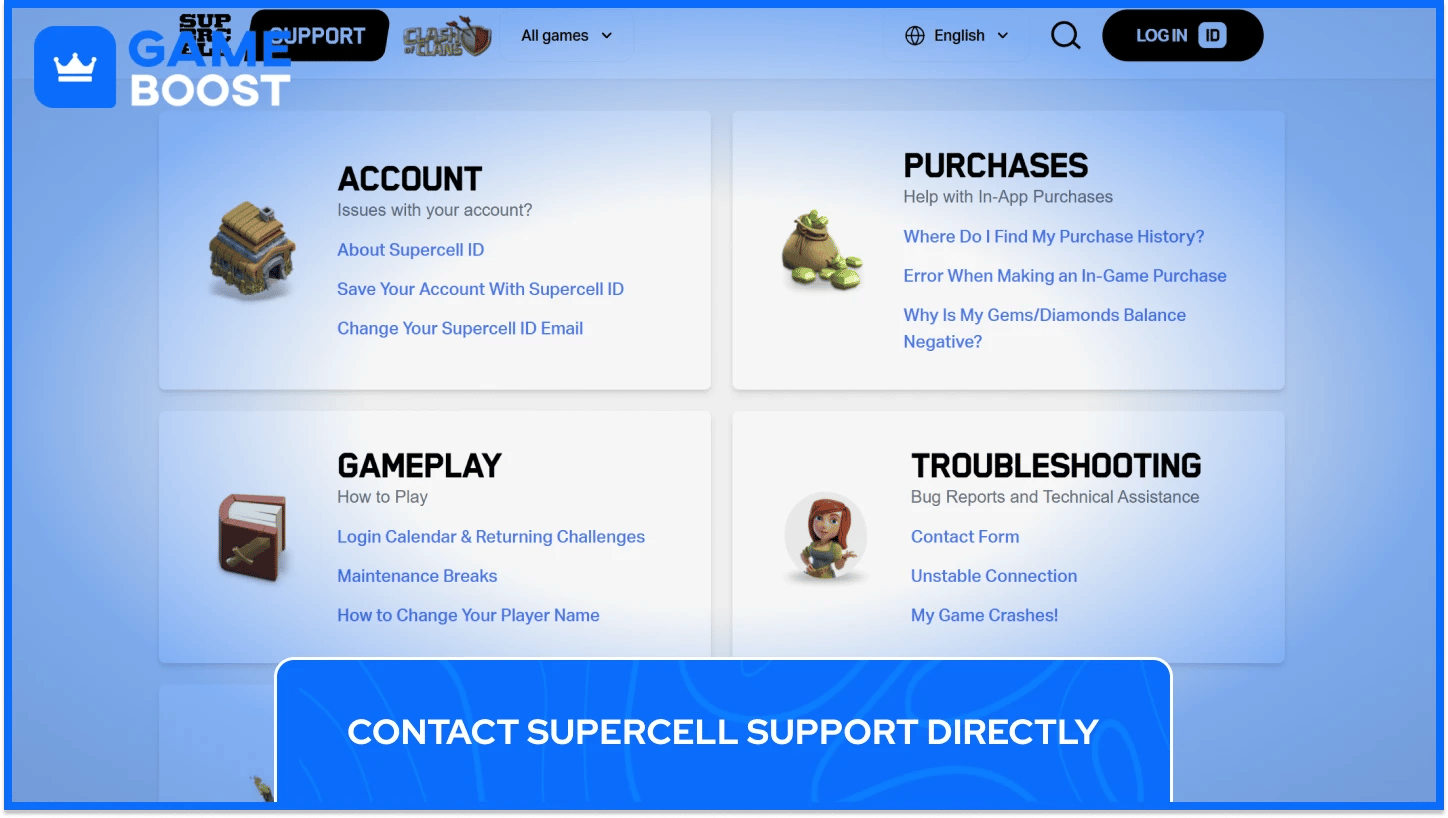
For players who can't pin down their Clash of Clans account creation date through any other methods, reaching out to Supercell support directly is the most thorough route available. To do this, open Clash of Clans, go to Settings, tap Help and Support, then Contact Us. Type "talk to a support agent" and when prompted, respond with "access my data”.
After Supercell runs a security check on your account, they will send your account data to your registered email address, which includes details about when you created your Clash of Clans account.
Before submitting the request, make sure your registered email address is active and accessible, since that's where Supercell sends the data. Support teams don't always have full access to detailed records from very early accounts, so while this method works in most cases, results can vary depending on how old the Clash of Clans account is. Having your Supercell ID linked before contacting support also speeds up the verification process.
Also Read: How to Transfer a Clash of Clans Account to iPhone/Android
Players have been requesting a visible Clash of Clans account creation date on the profile screen for years, and Supercell has added that feature to other games in their lineup but hasn't brought it to CoC, and there's no official explanation as to why.
The most plausible reason comes down to account history. A large portion of older Clash of Clans accounts were created before Supercell ID existed, originally tied to Game Center on iOS or Google Play on Android instead. When Supercell introduced the Supercell ID system, many players migrated their accounts, and that transition didn't always carry over clean creation date data.
Displaying an accurate CoC account age for every player would require that the original registration data to be complete and consistent across millions of accounts, many of which changed hands between platforms or devices over the years. The gaps in that data make it difficult to surface a reliable creation date universally across the player base.
Account age doesn't determine the price of a Clash of Clans account on its own. However, older Clash of Clans account with a long creation date and a clean ban history carries more credibility than a newer account at the same Town Hall level, because it tells a players that the progression was made over time rather than rushed. Accounts that have been flagged or banned at some point are worth significantly less, regardless of their current progress, and an account creation date that lines up naturally with the progression shown is one of the things players use to verify that an account's history is consistent.
Additionally, an older CoC account is far more likely to have maxed or near-maxed heroes simply because the player has had the time to work through that grind, which is part of why account creation date and overall account value are closely connected in the secondary market.

Clash of Clans account creation date is private and not visible on other players' profiles. The only person who can access that information is the account owner, either through their own device or by contacting Supercell support directly.
Deleting the app doesn't affect your CoC account creation date or the progress, as long as your account is linked to a Supercell ID, Google Play, or Game Center, everything stays intact and can be recovered after reinstalling.
Clash of Clans account age has no direct impact on matchmaking in Clash of Clans. Matchmaking is based on Town Hall level, troop strength, and base progression.
Tracking down your Clash of Clans account creation date takes a bit of digging, but once you take the time to get the date when your Clash of Clans account was created, it becomes a useful piece of information.
What's worth keeping in mind is that account age is just one piece of a larger picture. As Supercell continues updating Clash of Clans with new Town Hall levels, heroes, and content, the gap between older and newer accounts keeps widening in terms of what it takes to reach a maxed state.
Buy CoC Account
CoC Clans For Sale
Clash of Clans Top Up
View all GameBoost Accounts
View all GameBoost Boosting Services
View all GameBoost Currencies
View all GameBoost Game Keys
View all GameBoost Gift Cards
View all GameBoost Top Ups
View all GameBoost Items
Counter-Strike 2 Skins
“ Kristina joined GameBoost in 2024 as an SEO specialist and quickly became the go-to writer for third-person shooter and competitive games. She covers titles like Fortnite, Valorant, League of Legends, GTA 5, and Roblox, focusing on how-to guides, practical tips, and updates.”