


•Hamza Rashid• 8 min read
Clash of Clans
Clash of Clans accounts take months, sometimes years, to build. With phishing attempts and account takeovers becoming an increasingly reported issue across the Supercell community, knowing how to properly secure your account is no longer optional.
Supercell introduced the Account Protection feature for Supercell ID, which prevents anyone from recovering your account without access to your registered phone number or backup recovery codes. In this article, we'll walk you through everything you need to do to protect your Clash of Clans account, from securing your Supercell ID to locking down the email tied to it.
Also Read: Clash of Clans: Account Bans, Durations, and Appeals
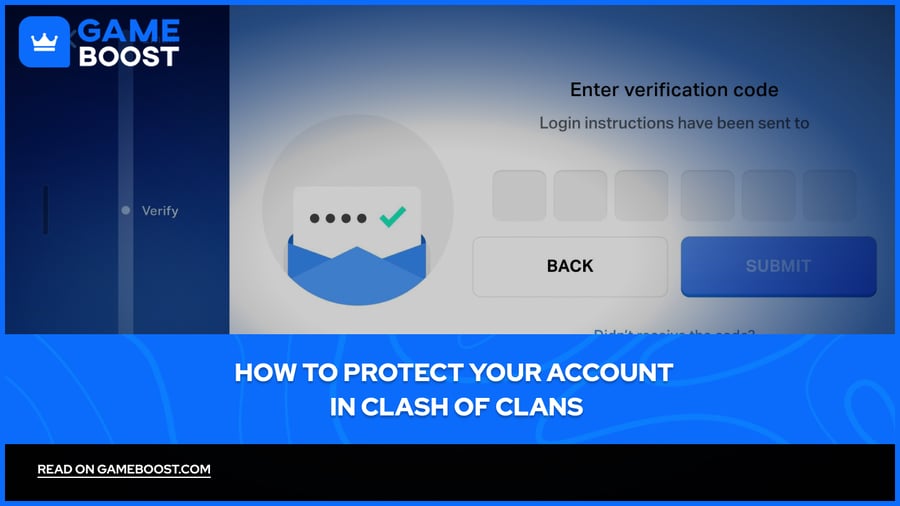
Supercell ID protects your account by sending a six-digit verification code to your email on every login.
Enabling Account Protection links your account to a phone number, meaning no one can recover it without access to your phone or backup recovery codes.
To activate it, go to Settings → Supercell ID → Account Settings → Activate, verify your email, save your recovery codes, and confirm your phone number.
Once Account Protection is on, it can't be turned off. Register a phone number you'll have long-term access to.
Losing both your phone number and recovery codes means permanently losing access to your account.
Phishing scams are common in CoC. Scammers impersonate Supercell and offer free gems to steal your credentials. Supercell will never ask for your password, if anyone does, it's a scam.
Once you link your Clash of Clans account to a Supercell ID, the default security method kicks in automatically. Instead of using a traditional password, Supercell sends a new six-digit verification code to your email every time you log in. This means that even if someone knows your email address, they still can't get into your account without also having access to your inbox.
You can also tick "Remember me on this device" when logging in, which saves the account to that device and removes the need to enter a verification code each time you switch to it. This is fine for your personal devices, but avoid doing it on shared or public devices.
The whole system is only as strong as the email behind it. If someone gets into your email, they can get into your Clash of Clans account just as easily. Make sure your email has a strong, unique password, and that two-factor authentication is enabled on it as well.
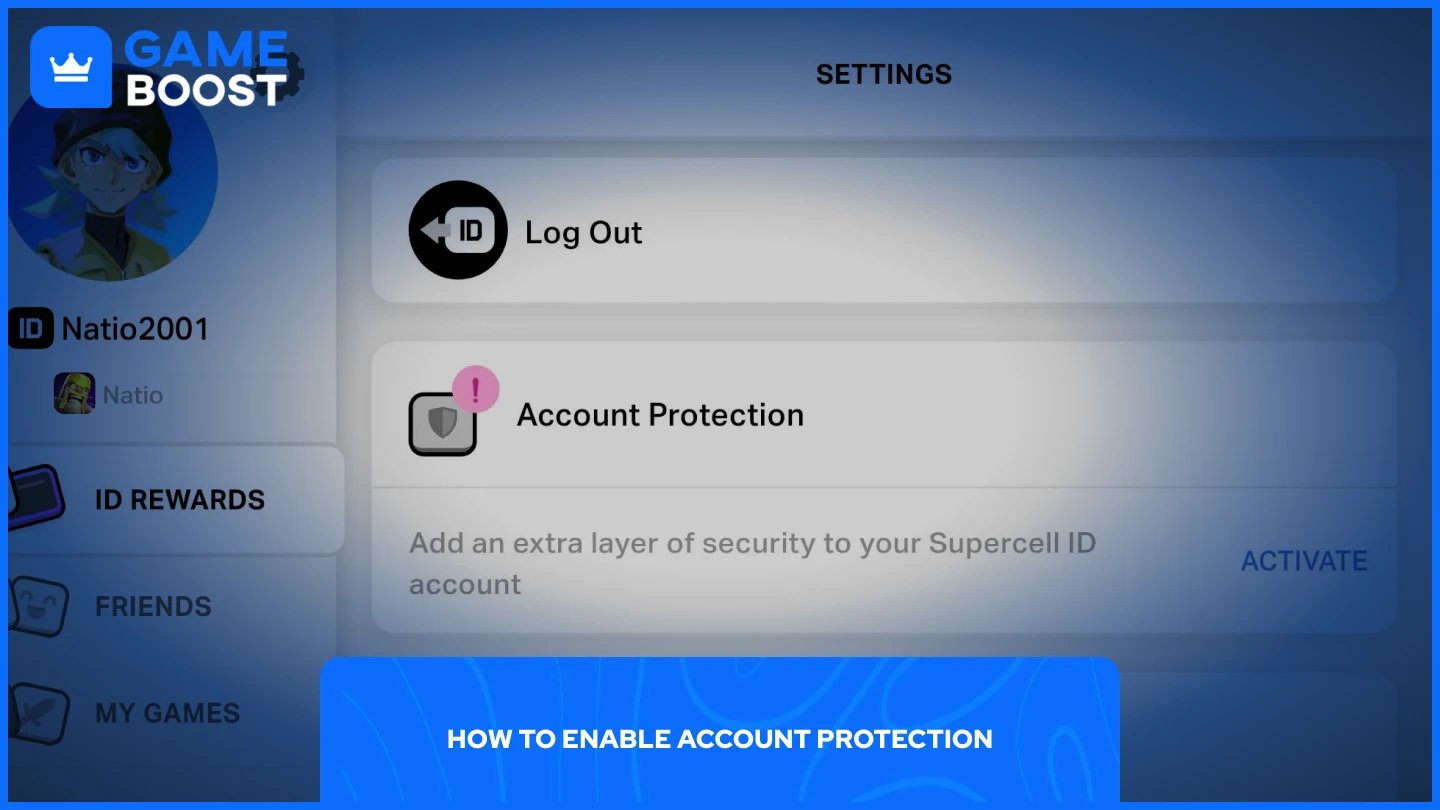
The default email verification is a solid starting point, but Account Protection takes things a step further. This feature safeguards your account from being recovered or accessed by malicious parties by requiring anyone attempting a recovery to provide codes that only you can receive.
To enable it, follow these steps:
Open Clash of Clans and go to Settings.
Tap Supercell ID and go to Settings (a gear icon).
Scroll down to “Account Protection”, tap Activate, and follow the on-screen instructions.
Supercell will send a verification code to the email linked to your account. Enter it to proceed.
Save the three unique recovery codes somewhere safe, as they are shown only once and are essential if you ever lose access to your phone number.
Enter your phone number and input the SMS verification code to complete the setup.
Once Account Protection is enabled, it cannot be disabled, so make sure the phone number you register is one you have long-term access to. If you ever change your number, update it before losing access to the old one. Losing access to both your phone number and your backup recovery codes means you won't be able to recover your account.
Also Read: Clash of Clans: How to Fix a Locked or Disabled Account
Phishing in Clash of Clans became a widespread issue, with high-profile players and even world record holders losing their accounts to organized scammers. It got bad enough that the community launched a full protest under the hashtag #StopPhishing before Supercell responded with the Account Protection feature mentioned above.
The most common method scammers use is impersonation. They pose as Supercell, promise free gems or in-game rewards, and ask you to hand over your account credentials through fake websites or messages. Supercell will never ask for your password through any channel.
A few things to keep in mind to stay safe:
Never click links sent through Discord, social media, or in-game chat that claim to be from Supercell.
If a free offer sounds too good to be true, go directly to Supercell's official website to verify it before doing anything.
Never share your Supercell ID email or verification codes with anyone, including clanmates.
If you receive a login notification email for a device you don't recognize, click "This is not my device" immediately and follow the steps to log out all connected devices.
Also Read: How to Recover Your Account in Clash of Clans
Securing your Clash of Clans account doesn't take long, but skipping it can cost you years of progress. Link your account to a Supercell ID, enable Account Protection with a phone number you'll keep long-term, and store your recovery codes somewhere safe. Beyond the technical steps, staying alert to phishing attempts is just as important, no legitimate offer will ever ask for your login details.
Buy CoC Account
CoC Clans For Sale
Clash of Clans Top Up
View all GameBoost Accounts
View all GameBoost Boosting Services
View all GameBoost Currencies
View all GameBoost Game Keys
View all GameBoost Gift Cards
View all GameBoost Top Ups
View all GameBoost Items
Counter-Strike 2 Skins
“ Mustafa Atteya has been writing about gaming and esports since 2023, specializing in competitive game content and player improvement guides. At 25, he brings both hands-on gaming experience and professional SEO writing expertise to the GameBoost team.”