

•Hamza Rashid• 9 min read
Valorant

Valorant's daily shop refreshes every 24 hours at midnight UTC, offering four random weapon skins from hundreds of available options. The randomized rotation means your desired skin might not appear for weeks or months, which makes checking the shop regularly important for anyone who cares about Valorant cosmetics.
Checking the Valorant shop on PC is simple. You open Valorant, click the store tab, and browse what's available. The problem is that this requires launching the full game client every single time. That's not practical when you're away from your computer or simply don't have time to boot up the game.
Accessing the Valorant shop on the phone fixes this issue. You can check your daily rotation when you're not at your PC and see what's available before deciding to log in later. Riot Games hasn't released an official mobile shop viewer yet, but there are ways to view your Valorant shop from your phone.
Since the Valorant shop is randomized, getting the skins you want can take time, which is why some players look for Valorant accounts that already include their desired cosmetics.
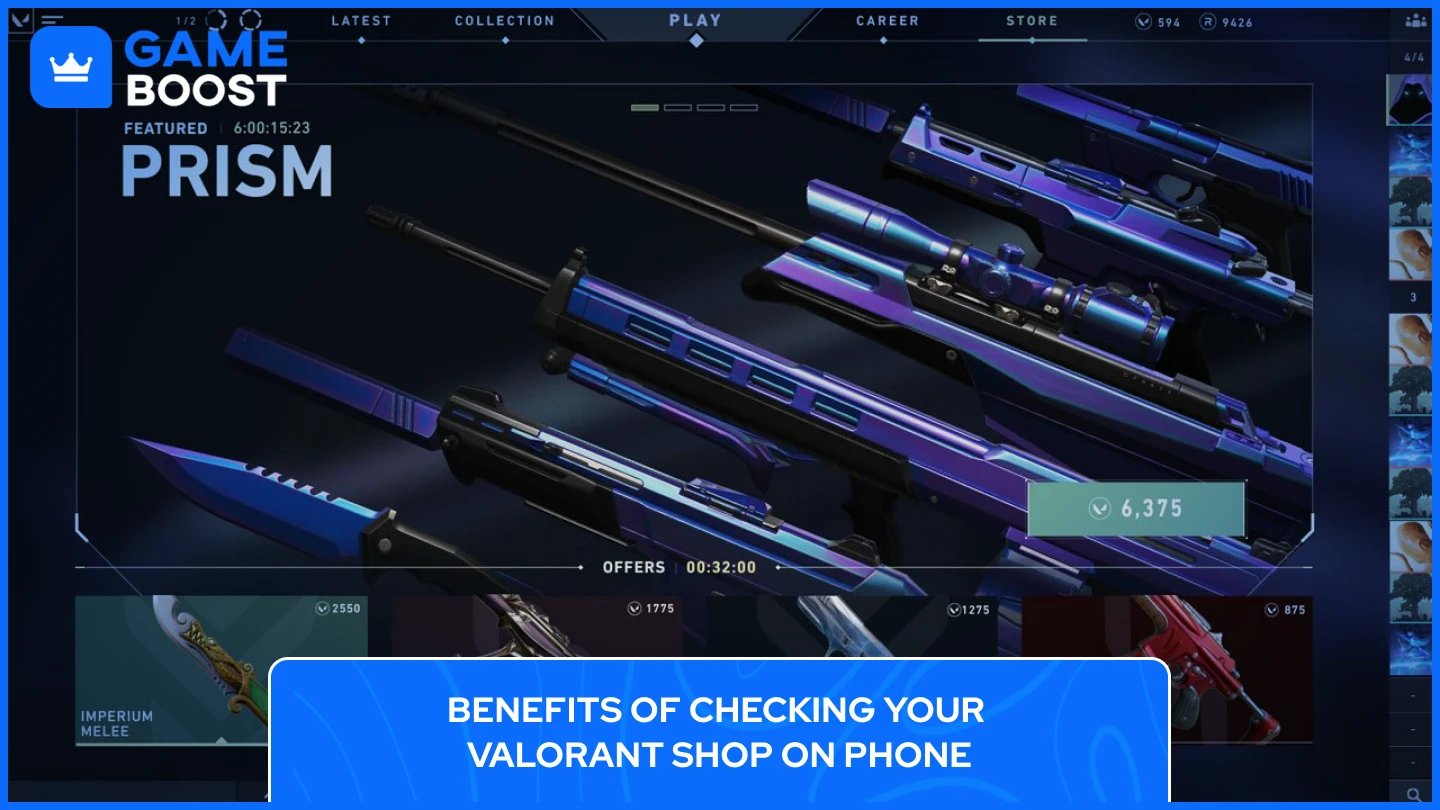
The Valorant shop rotation changes daily, and there's no pattern to predict when specific skins will appear. Some players wait months to see a particular weapon skin in their personal store. Missing a day means potentially missing the exact skin you've been waiting for.
Launching Valorant on PC just to check the shop takes time. The game needs to load, you need to navigate through the menus, and then you're already in the client. This works fine when you're planning to play anyway, but it becomes tedious when you only want a quick shop check. Not everyone can access their gaming PC throughout the day, which means missing out on knowing what's available in your daily rotation.
Checking Valorant shop on Mobile removes these barriers. You get instant access to your daily shop rotation without waiting for the game to load. You can check your Night Market offerings when they're active, see bundle rotations, and track your Valorant Points balance. This lets you decide if it's worth logging into the full game later to make a purchase. The convenience means you'll never miss seeing a rare skin just because you weren't near your PC when the shop reset happened.

VShop is the most popular mobile app for checking your Valorant shop on Android devices. The app connects directly to Riot's servers using your account credentials and displays your daily shop rotation, Night Market items, and account information like Valorant Points and Radianite Points. It's a community-created tool developed by an independent developer named Vasc, not an official Riot Games product.
The app is free to download and works on Android 7.0 or higher. VShop shows the same information you'd see in the game client, including skin images, prices, upgrade videos, and bundle details. You can also create a wishlist of skins you want, and the app will notify you when those items appear in your shop. The interface is clean and simple to use, making it easy to check your store in just a few seconds.
To download VShop, you need to get the APK file from a trusted source since it's not available on the Google Play Store. The official download location is the VShop GitHub page or the developer's website at vshop.one. Download the latest version of the APK file, then open it on your Android device to begin installation. You may need to enable "Install from Unknown Sources" in your phone's settings first, which is a standard requirement for apps downloaded outside the Play Store.
After installing VShop, open the app and log in with your Riot Games account username and password. Make sure to select your correct region (NA, EU, Asia Pacific, etc.) before logging in, as selecting the wrong region will show incorrect shop data. Once logged in, the app displays your current daily shop with all four weapon skins, any active Night Market offers, and your account balance. The shop updates automatically when Riot's servers refresh at midnight UTC.
Also Read: 5 Most Expensive Skins in Valorant
Discord bots offer another way to check your Valorant shop through phone, and they work on both mobile and desktop versions of Discord. These bots connect to Riot's API and retrieve your shop information directly within Discord servers. The main advantage is that Discord bots work across all devices, including iOS, which doesn't have access to apps like VShop.
Several Discord bots can display your Valorant shop. Popular options include "Valorant Shop Bot" and "SkinPeek", both of which have been used by thousands of players. These bots are open-source projects created by community developers, meaning their code is publicly available for anyone to review. They don't store your login credentials permanently and only use them to generate authentication tokens needed to access your shop data.
To use a Discord bot for checking your Valorant shop, you first need to add the bot to a Discord server where you have permissions. You can add it to your own personal server or any server where the bot is already present. Once the bot is in the server, open any text channel and type the command "/login" followed by your Riot Games username and password. The bot will authenticate your account and store a session token.
After logging in successfully, use the "/shop" command to view your current Valorant store. The bot will display your four daily weapon skins with images, prices, and skin tier information. Some bots also support additional commands like "/nightmarket" to check Night Market offerings when available, and "/notify" to set alerts for specific skins you want. You can use these commands anytime from your phone through the Discord mobile app, making it just as convenient as dedicated shop checker apps.
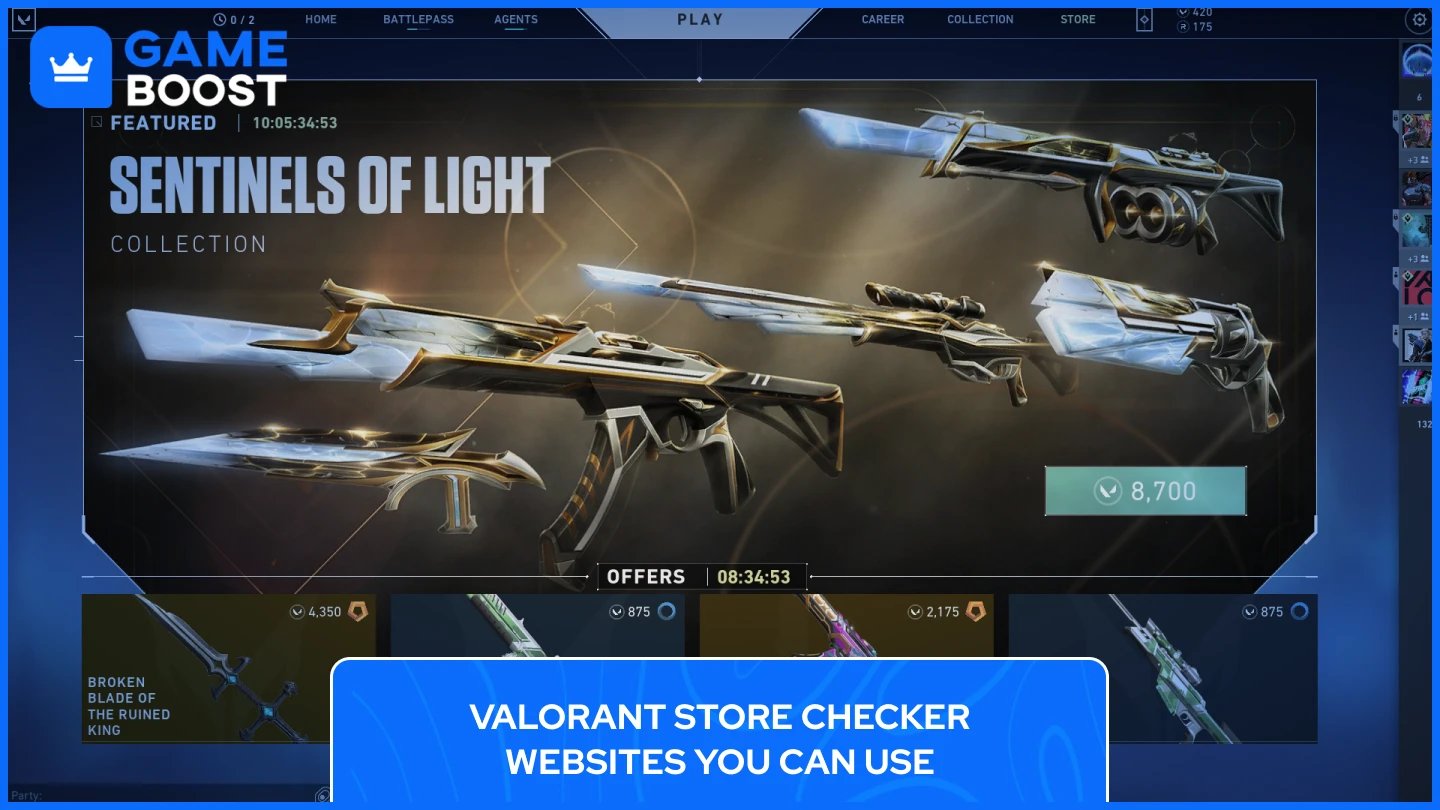
Browser-based store checkers let you view your Valorant shop without downloading any apps. These websites work on any device with internet access, including phones, tablets, and computers. You simply visit the site, log in with your Riot account, and see your daily shop rotation displayed in your browser.
ValorHub is currently one of the most reliable Valorant store checker websites available. The site requires you to create an account first, then connect your Riot Games credentials through their dashboard. Once connected, you can view your daily shop, Night Market items, and even browse the complete catalog of Valorant skins organized by weapon type. ValorHub updates automatically when the Riot servers refresh your shop at midnight UTC.
Other websites like valorantstore.net and similar store checker sites have existed in the past, but many have been taken down due to DMCA claims from Riot Games. Riot has been actively removing sites that use their API without authorization, which means some popular store checkers may suddenly become unavailable. This makes website checkers less reliable long-term compared to apps and Discord bots.
Using these store checker websites is simple. Navigate to the site on your phone's browser, create an account or log in, then enter your Riot Games username and password when prompted. The site will authenticate your account and display your current shop offerings. You can bookmark the site on your phone for quick access, making it almost as convenient as using a dedicated app. Just remember that you'll need internet access each time you want to check your shop since these tools don't store your shop data locally.
Also Read: How Many Skins Are in Valorant: Complete Guide
All third-party Valorant shop checkers require your Riot Games account credentials to function. This creates security risks since you're sharing login information with tools not created by Riot Games. Proper precautions protect your account from unauthorized access.
Two-factor authentication is your most important security measure. Log into your Riot Games account, navigate to the "Sign-In and Security" tab, and enable two-factor authentication. Riot will send a confirmation email to activate it. Once enabled, any login attempt requires a verification code from your email or the Riot Mobile app. Even if someone gets your password, they can't access your account without that verification code. Enable this before using any shop checker tool.
Use a unique password for your Riot account that you don't use anywhere else. If a third-party tool gets compromised, having a unique password prevents attackers from accessing your other accounts. Some players create a temporary password for shop checkers, then change it back after logging in for extra protection.
These tools aren't approved by Riot's anti-cheat system Vanguard. Most players use them without issues, but Riot Games can take action against accounts using unauthorized third-party services. Tools like VShop and Discord bots claim they only send credentials directly to Riot's servers without storing them, but you're trusting community developers with your account access. Research any tool before entering your login information and check community feedback first.
Also Read: Is Valorant on Switch? Everything to Know
Checking your Valorant shop on mobile gives you flexibility that the PC client can't match. You see your daily rotation instantly without launching the game, which helps you catch rare skins before they disappear from your 24-hour window. Android users have VShop as a good app option, while Discord bots work across all devices, including iOS. Browser-based store checkers offer another alternative that requires no downloads.
None of these methods are official Riot Games products, so security precautions matter. Enable two-factor authentication and use unique passwords to protect your account. These tools only let you view your shop, not make purchases, which means you'll still need to log into Valorant on PC when you're ready to buy. The tradeoff of convenience for that limitation works well for players who want to stay informed about their daily offerings without being tied to their gaming setup.
Valorant Accounts For Sale
Buy Valorant Points
Valorant Boosting Service
View all GameBoost Accounts
View all GameBoost Boosting Services
View all GameBoost Currencies
View all GameBoost Game Keys
View all GameBoost Gift Cards
View all GameBoost Items
View all GameBoost Top Ups
Counter-Strike 2 Skins
“ Kristina joined GameBoost in 2024 as an SEO specialist and quickly became the go-to writer for third-person shooter and competitive games. She covers titles like Fortnite, Valorant, League of Legends, GTA 5, and Roblox, focusing on how-to guides, practical tips, and updates.”