

•Patrik Mršnik• 7 min read
GTA 6

Is there a fix for GTA 6 crashing? Not an official one yet. As of November 23, Rockstar hasn't released a title update since launch or acknowledged a crash bug. Your best moves are the console-side fixes: current system software, the latest game update, a full restart, and a database rebuild on PS5.
Grand Theft Auto VI launched on November 19, and some PS5 players have hit error CE-108255-1 since. Others on PS5 and Xbox Series X report the game freezing during the prologue or the intro cutscenes. Some of those cases clear up with the steps below, and the rest may need a patch.
Below, you'll find what's confirmed about GTA 6 freezing, the official fixes for each console, and how to protect your saves.
Update the PS5 first. PlayStation Support says system software 26.07-14.23.00 is required before you can play GTA 6.
Check for a game update. Two updates, 1.002.000 and 1.002.001, landed before launch, and both are required before you play.
Restart properly. Close the game, then do a full restart on PS5 or a power cycle on Xbox.
Rebuild the database on PS5. Start in Safe Mode, then select Clear Cache and Rebuild Database > Rebuild Database.
Follow Xbox's seven steps. Microsoft's official guide runs from known issues to a cloud resync.
Save by hand. Use a separate manual slot before every long session.
Ignore patch rumors. Rockstar hasn't announced a GTA 6 patch date.
Rockstar hasn't confirmed a crash bug, a cause, or a fix. Its Grand Theft Auto VI Error Troubleshooting article only links to the PlayStation and Xbox error-code pages, and the Newswire has no patch post.
The PS5 error showing up in launch reports is CE-108255-1. GameSpot reported on November 20 that it makes GTA 6 crash or fail to load for some players. Sony's page for the code describes a general game or application error and lists one fix: update the game.
Two game updates arrived before launch. Version 1.002.000 came on November 13 and 1.002.001 on November 16, and both had to be installed before playing. No title update or patch notes have appeared since launch.
A November 25 patch date has spread on social media. Rockstar hasn't posted it on the Newswire or Rockstar Support, so treat it as unconfirmed until patch notes appear there.
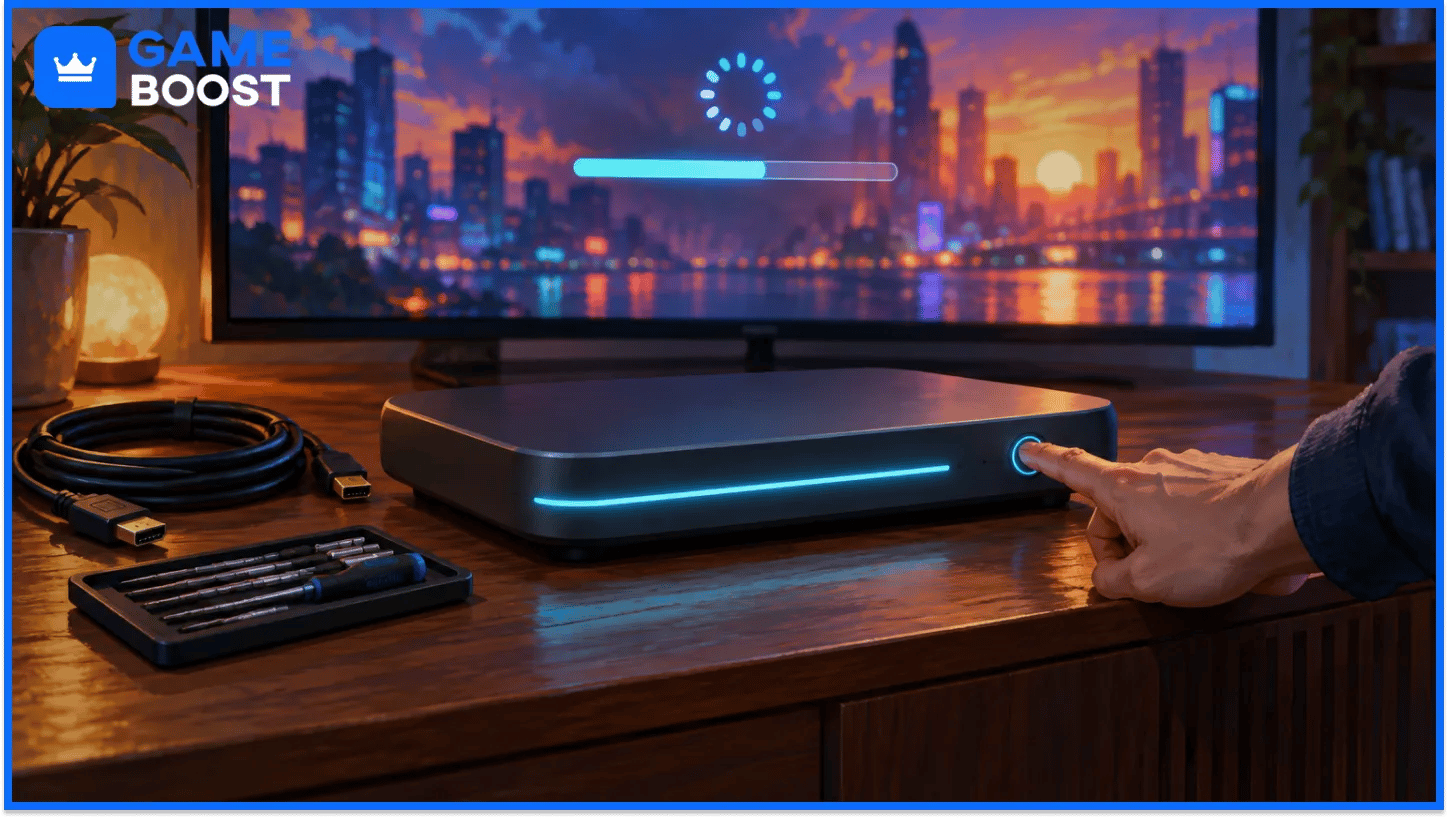
Start with the system software. PlayStation Support said on November 18 that PS5 update 26.07-14.23.00 is required before playing GTA 6. That applies even if you pre-loaded the game. Go to Settings > System > System Software > System Software Update and Settings.
Then update the game itself, as Sony's CE-108255-1 page recommends. Highlight GTA 6 on the home screen, press Options, and choose Check for Update. Close the game fully and restart the console from the power menu, which clears more than Rest Mode does.
Still crashing? Rebuild the database. Sony's steps for error CE-108262-9, a data-read error some players also report, start with a system update and a reinstall of the game. Next comes Safe Mode, where you select Clear Cache and Rebuild Database > Rebuild Database. A rebuild keeps your games and saves.
Sony lists the reinstall first, but I'd try the rebuild before it. GTA 6 is a large download, and a fresh install can take hours. Check our download speed tips first if you do reinstall. Skip Sony's last step, a full console reset, unless every other fix fails, since it erases everything on the console.
Work through Microsoft's official Troubleshoot game issues on Xbox guide in order. Its seven steps run from checking for known issues and restarting the game to a power cycle and a network test. After those come a profile switch, removing and re-adding your profile, and clearing the local save to resync with the cloud.
Microsoft says a restart or power cycle resolves most common issues, and a full power cycle doesn't erase games or data. I'd do it first after any GTA 6 freeze, then check for a game update under My games & apps.
The last step clears the local save and pulls your progress back from Xbox cloud saves. Confirm the cloud copy is current first. If you played offline, the cloud may not have your latest session.
Right now, the support pages loop. Microsoft's page points GTA VI questions to Rockstar, and Rockstar's page points console errors back to Xbox. If none of the seven steps works, submit a ticket to Rockstar Support with the exact error code and where the crash happens.
Save by hand often. GTA 6 gives you 15 manual save slots plus an autosave, so a manual save in a fresh slot before each session costs nothing. If a crash hits before the autosave runs, you lose minutes instead of a mission. I'd rotate two manual slots, so one clean save always survives.
Note where the crash happens. If it hits at the same cutscene or mission every time, write down the error code and the spot. Specifics make a support ticket far more useful. Repeated crashes in one place often point to a game bug only a patch can fix.
Check Rockstar's service status page if something online stops working. GTA 6 plays offline, but GTA+ claims and cloud saves need PlayStation Network or Xbox network. An outage there can look like a game fault.
Bought one of the GTA 6 accounts on GameBoost and the game won't launch on it? Message the seller in the order chat on your order page first, and open a support ticket if that doesn't solve it. GameBoost support runs 24/7.
Some GTA 6 launch problems come from a missed system or game update. Those clear up with an update and a restart. Crashes that survive every fix need Rockstar, and Rockstar hasn't commented yet.
Until a patch shows up on the Newswire or Rockstar Support, every fix in circulation is a console-side workaround. Social media dates mean nothing until Rockstar posts patch notes, and a repeat crash at one spot is worth a ticket.
Keep automatic updates on. Both GTA 6 updates so far arrived through the regular PS5 and Xbox update systems, so a crash fix should arrive the same way.
My take: update the system software and the game today, and rebuild the database if you're on PS5. Start every session with a fresh manual save. If one spot keeps crashing, file a ticket with the error code and play around it until the patch lands.
“ A former sports journalist and editor, Patrik joined Gameboost SEO team in 2026. He has spent most of his life playing Football Manager, but his sphere of interests spreads through whole gaming universe.”