


•Hamza Rashid• 8 min read
Clash of Clans

Clash of Clans is a strategy game available on iOS and Android where you build and upgrade your village, train troops, gather resources, attack other players' villages, and defend your own. Since its release in 2012, the game has maintained a massive player base through regular updates and competitive multiplayer features.
Your email is important in Clash of Clans because it's part of how you save, protect, and recover your game account. The game uses Supercell ID, a system that links your game profile to a unique email address. This connection lets you transfer your progress between devices and regain access if you lose your phone or get locked out.
Many players need to change their email for various reasons, such as switching to a new email account, improving account security, or fixing an incorrectly entered address during initial setup. In this article, we'll explain how to change the email address associated with your Clash of Clans account and break down what you need to know before making the switch.
Also Read: Clash of Clans Pets: Complete Guide
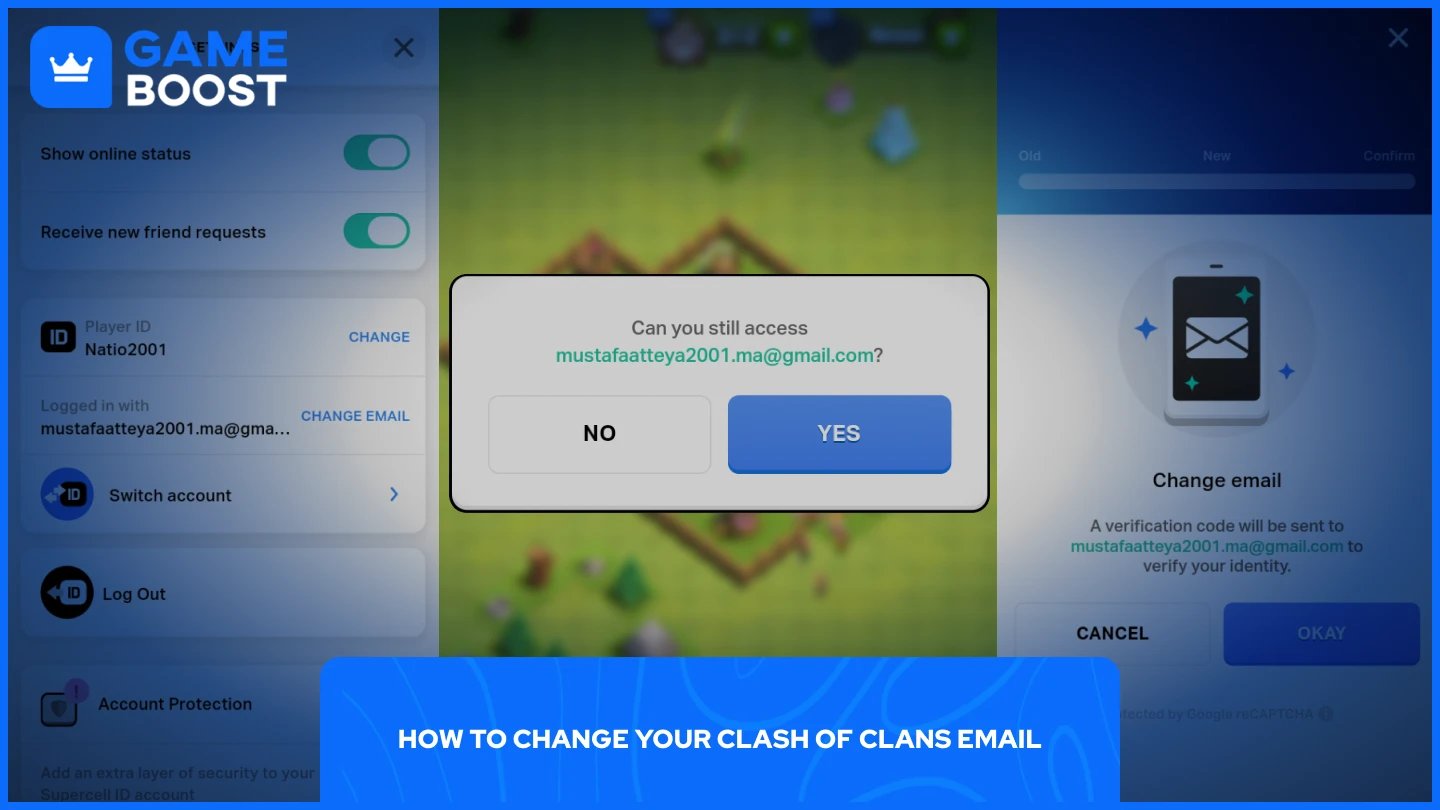
The process of changing your Clash of Clans email is straightforward and takes just a few minutes. The method varies depending on whether you still have access to your current email address.
Follow these steps to change your email address:
Launch Clash of Clans.
Go to Settings.
In the "Supercell ID" section, click "Open."
Click on the gear icon.
From the options, select "Change Email."
Click "Okay" to receive a verification code on your current email, then click "Yes" to confirm you still have access.
Enter the verification code.
Enter your new email address and submit.
The change takes effect immediately. Your Clash of Clans account will now be linked to the new email address, and you'll use it for future logins and account recovery.
Also Read: How to Delete Your Clash of Clans Account
When you've lost access to your registered email, you'll need to contact Supercell Support directly. The support team will verify your account ownership before making any changes. Here's how to reach them:
Launch Clash of Clans.
Go to Settings.
Select "Help & Support."
From the menu, select "Leave a message."
Explain your situation clearly in the message. Include details like your player tag, village name, town hall level, and any purchase receipts if you've made in-game transactions. This information helps Supercell verify you're the legitimate account owner. Response times typically range from a few hours to a couple of days, depending on support volume.
Also Read: All Clash of Clans Active Codes
Changing your Clash of Clans email is a simple process when you have access to your current address. The built-in Supercell ID system handles the transfer smoothly through email verification. If you've lost access to your registered email, Supercell Support can help you regain control of your account after verifying ownership. Keep your email information updated to avoid future access issues and ensure your village remains secure across device changes.
CoC Clans For Sale
Clash of Clans Top Up
Clash of Clans Account For Sale
View all GameBoost Accounts
View all GameBoost Boosting Services
View all GameBoost Currencies
View all GameBoost Game Keys
View all GameBoost Gift Cards
View all GameBoost Top Ups
View all GameBoost Items
Counter-Strike 2 Skins
“ Mustafa Atteya has been writing about gaming and esports since 2023, specializing in competitive game content and player improvement guides. At 25, he brings both hands-on gaming experience and professional SEO writing expertise to the GameBoost team.”