


•Hamza Rashid• 8 min read
Clash of Clans
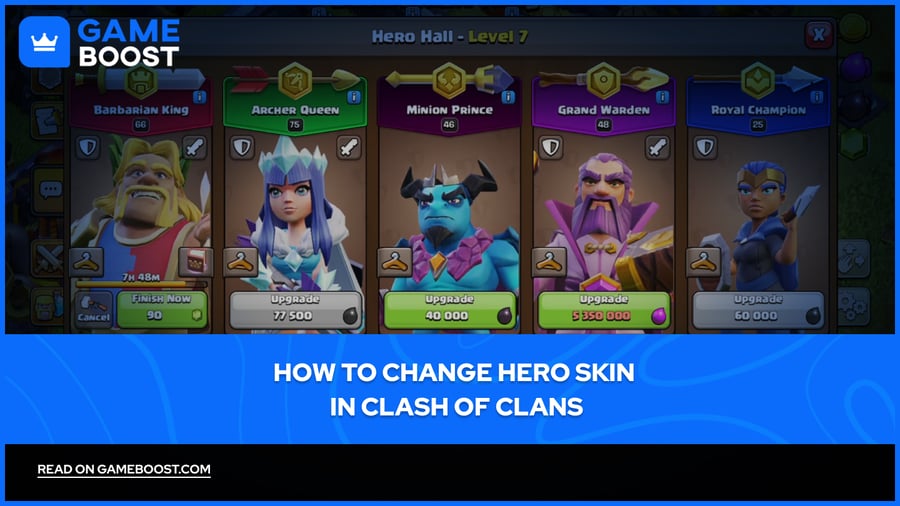
Clash of Clans is a mobile game developed by Supercell for iOS and Android. Since its release in 2012, the game has become one of the longest-running mobile titles with an active player base. The game features heroes, special, powerful units that fight alongside your troops in battles. Heroes are significantly stronger than regular troops.
Supercell introduced hero skins as a cosmetic feature that allows players to customize their heroes' appearance without affecting their stats or abilities. In this article, we'll explore what hero skins are, where to find them, and how to change hero skins in Clash of Clans.
Also Read: How to Change Clash of Clans Email: Step-by-Step Guide
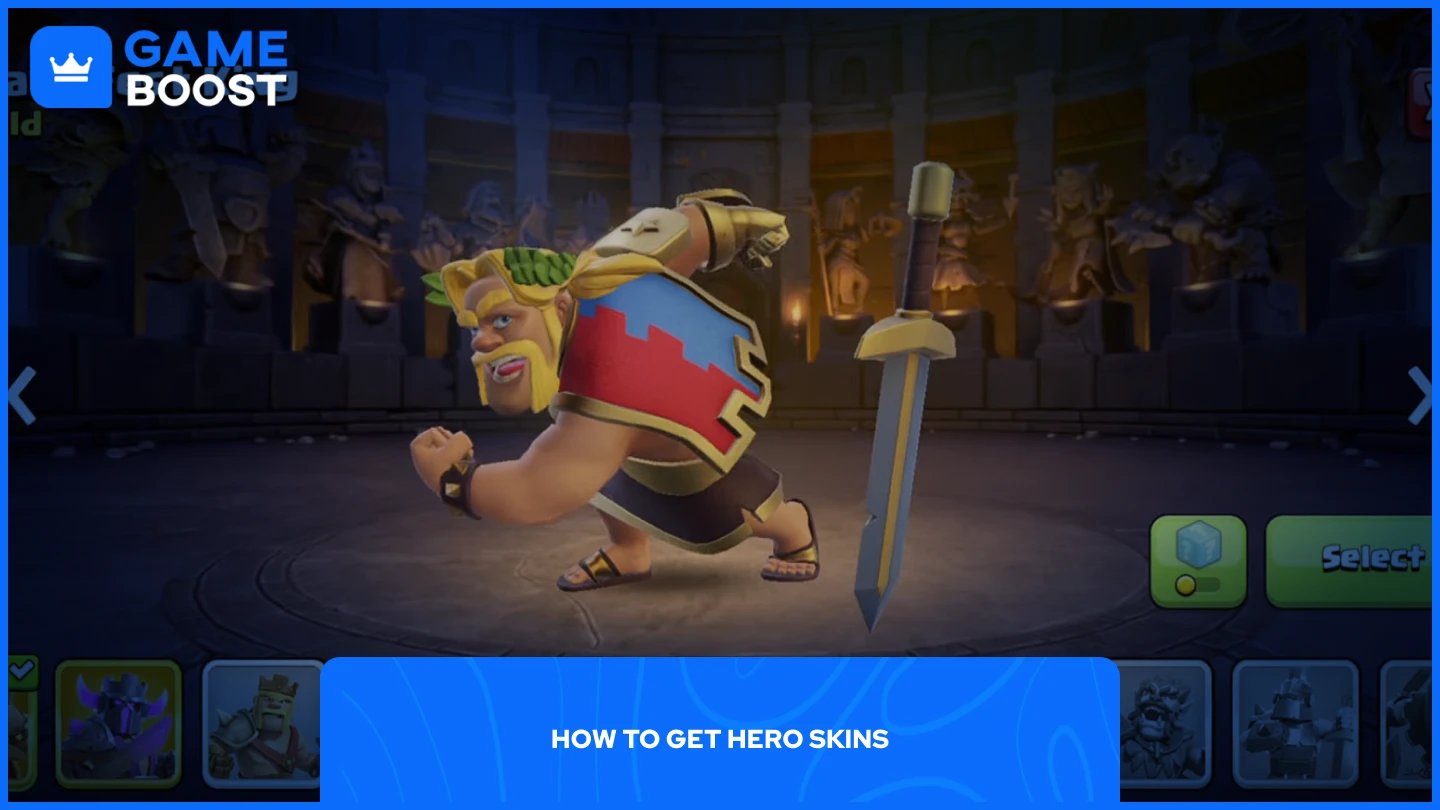
Hero skins can be obtained through several methods in Clash of Clans. The most common way is through the Gold Pass, which costs $4.99 per month. Each month features a new season with unique challenges, and completing these challenges rewards you with an exclusive hero skin.
After approximately one year, Gold Pass skins become available for purchase in the shop for 1,500 gems. This gives players who missed the original season a chance to unlock older skins using in-game currency. Not all skins follow this pattern, but most Gold Pass rewards eventually make it to the gem shop.
The shop also offers skins through special limited-time deals. Standard skins typically cost around $3.99, while Legendary skins are priced at approximately $9.99. These prices may vary depending on your region.
Players can purchase skins for heroes they haven't unlocked yet. Once you build the hero's altar and unlock that specific hero, the skin will be automatically available in your collection, ready to use.
Also Read: Clash of Clans Pets: Complete Guide
Changing hero skins is a straightforward process that takes just a few taps. Follow these steps to equip a new skin for your hero:
Go to your Hero Hall in your village.
Open the hero menu for the hero whose skin you want to change
Select the "Change Skin" option from the hero's information screen.
Browse through your available skins in the collection menu.
Tap on the skin you want to equip.
The game immediately applies the new appearance to your hero.
The skin's animations and effects will be visible during attacks, defenses, and clan wars. You can change skins as often as you like at no cost. Switching between different skins for the same hero doesn't consume any resources or require waiting periods.
Also Read: How to Play Clash of Clans on Mac: Step-by-Step Guide
Hero skins in Clash of Clans offer a way to customize your heroes' appearance without affecting their performance. The Gold Pass remains the most cost-effective method to obtain skins, while the shop provides access to older skins and special limited-time offers. Changing equipped skins takes seconds and can be done unlimited times without penalties.
CoC Clans For Sale
Clash of Clans Top Up
Clash of Clans Account For Sale
View all GameBoost Accounts
View all GameBoost Boosting Services
View all GameBoost Currencies
View all GameBoost Game Keys
View all GameBoost Gift Cards
View all GameBoost Top Ups
View all GameBoost Items
Counter-Strike 2 Skins
“ Mustafa Atteya has been writing about gaming and esports since 2023, specializing in competitive game content and player improvement guides. At 25, he brings both hands-on gaming experience and professional SEO writing expertise to the GameBoost team.”