

•Hamza Rashid• 9 min read
Valorant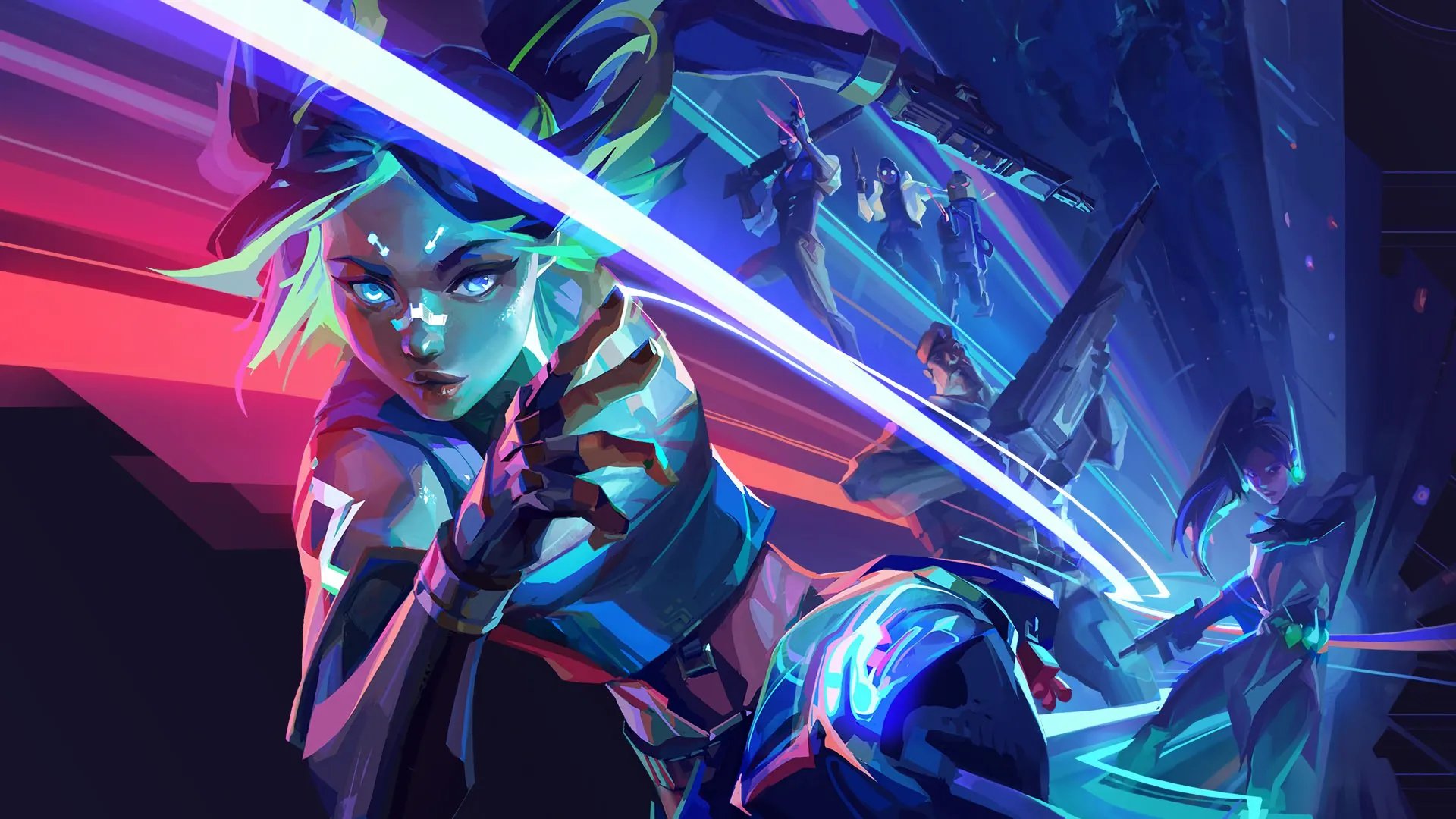
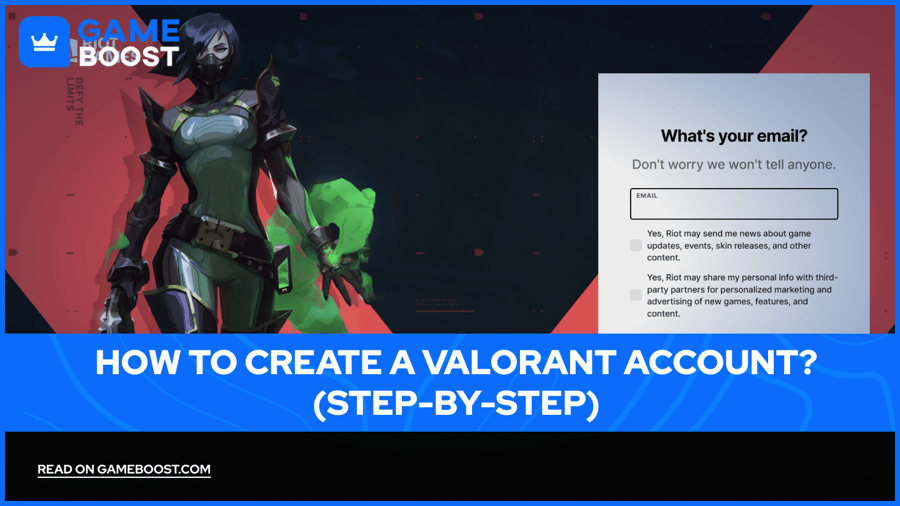
Valorant is Riot Games' free-to-play tactical 5v5 shooter that launched in June 2020 and has since pulled in tens of millions of players across the globe. The game puts two teams of five against each other across a set of rounds, with each player choosing from a roster of Agents, each carrying a distinct set of abilities that layer on top of the core gunplay.
The result is a game that rewards both mechanical precision and team coordination in equal measure, which is a big part of why it has built such a dedicated competitive scene. Getting into Valorant starts with creating your Valorant account, and this article walks you through everything you need to know, from account creation to your first login, the most common errors, and how to fix them.
Before creating a Valorant account, there are a few things Riot Games checks during registration that are worth knowing upfront. The registration process is free, but it does have some prerequisites tied to age, platform, and the email you use.
Age is the first thing Riot verifies, as the base minimum age to create a Riot Games account is 13 years old, though this varies by region. The access you get also depends on where you fall in that range. Players under 16 are restricted to Private Match mode only; those aged 16 to 17 need parental consent and must verify their birthdate and country of residence to access public matches, and players 18 and over get full access to all game modes without additional restrictions.
Your email address needs to be active and exclusively yours, since each Riot Account requires a unique email address; you can't reuse one already linked to an existing account. The email you provide becomes your main point of contact for password resets, two-factor authentication, and security alerts, so it's worth using one you actually check regularly.
Your Riot ID username comes with specific formatting rules. Usernames must be between 4 and 24 characters and can only contain alphanumeric characters, with no special characters or spaces allowed. One thing that often catches people off guard is that the login username cannot be changed later, so it's worth choosing it carefully from the start.
On the hardware side, here are all the specifics that your PC needs to run Valorant across three performance tiers:
Min Specs (30 FPS) | Rec Specs (60 FPS) | High-end Specs (144 FPS) | |
|---|---|---|---|
CPU | Intel i3-540 / AMD Athlon 200GE | Intel i3-4150 / AMD Ryzen 3 1200 | Intel i5-9400F / AMD Ryzen 5 2600X |
GPU | Intel HD 4000 / AMD Radeon R5 220 | NVIDIA GeForce GT 730 / AMD Radeon R7 240 | NVIDIA GTX 1050 Ti / AMD Radeon R7 370 / Intel Arc A310 |
RAM | 4GB | 4GB | 4GB+ |
OS | Windows 10 (Build 19041.5+) or Windows 11, 64-bit, DirectX 11 | Same | Same |
Storage | 30GB free space | 30GB free space | 30GB free space |
Windows 11 users also need TPM 2.0 and UEFI Secure Boot enabled before the game will run properly, so it's worth checking your BIOS settings ahead of time if you're on the newer OS.
Also Read: How Big is Valorant? Download & Install Size
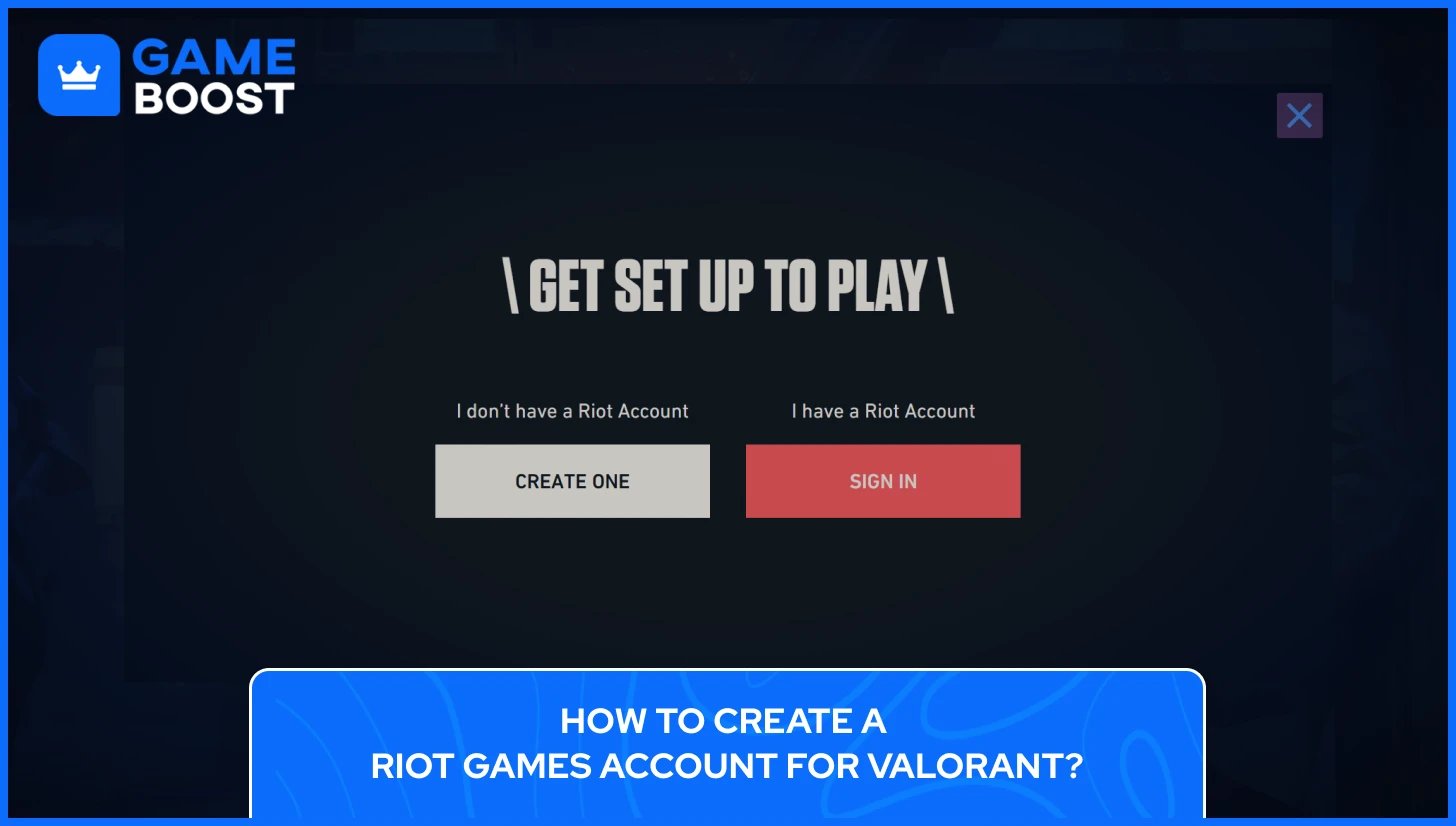
Valorant doesn't have its own standalone account system. Your Riot account works across Valorant, League of Legends, Teamfight Tactics, and other Riot titles, so if you already play any of those, you can skip this entirely and log in with your existing credentials.
For everyone starting fresh, here's the full process of how to create a Valorant account from start to finish:
Go to playvalorant.com and click the "Play Now" or “Play for Free” button on the homepage, which will redirect you to the platform selection
Choose your platform (PC, Xbox, PlayStation)
On \ Get Set Up To Play \ popup, under I don’t have a Riot Account click the “Create One” button
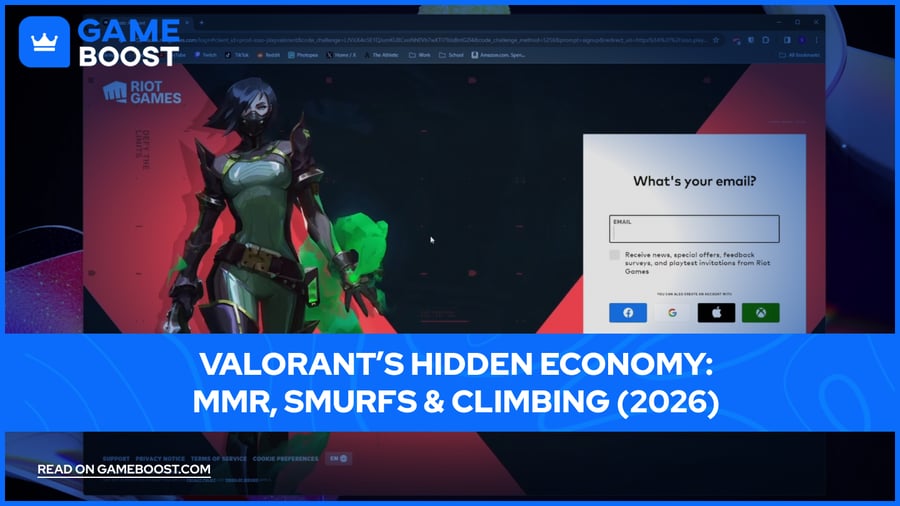
Enter your preferred email address, and verify your email
Enter your date of birth to comply with Riot's age verification policies.
Choose your Riot ID and create a strong password, combining letters, numbers, and symbols for better protection against unauthorized access.
Agree to Riot's Terms of Service and Privacy Policy, then click "Create Account."
Check your inbox for a confirmation email from Riot and click the verification link to activate your account.
Your Riot ID is your in-game identity across all Riot titles and it's made up of two parts: a Game Name and a tagline separated by a hash symbol, for example, GameBoost#NO1. Game Names must be 3 to 16 alphanumeric characters long, and taglines must be 3 to 5 alphanumeric characters long, starting with a region code by default. The Game Name doesn't have to be unique on its own since the tagline is what makes the full Riot ID distinct, so two players can share the same display name as long as their taglines differ. You can change your Riot ID for free once every 90 days, so there's no pressure to get it perfect right away, though it's still worth picking something you'll be comfortable with for a while.
The login username set during registration is permanent and separate from the in-game display name, which can be updated through the account dashboard at any time. The login username is never visible to other players, but losing track of it can complicate account recovery down the line, so it's worth storing it somewhere safe.
Also Read: Can You Have Multiple Accounts in Valorant?
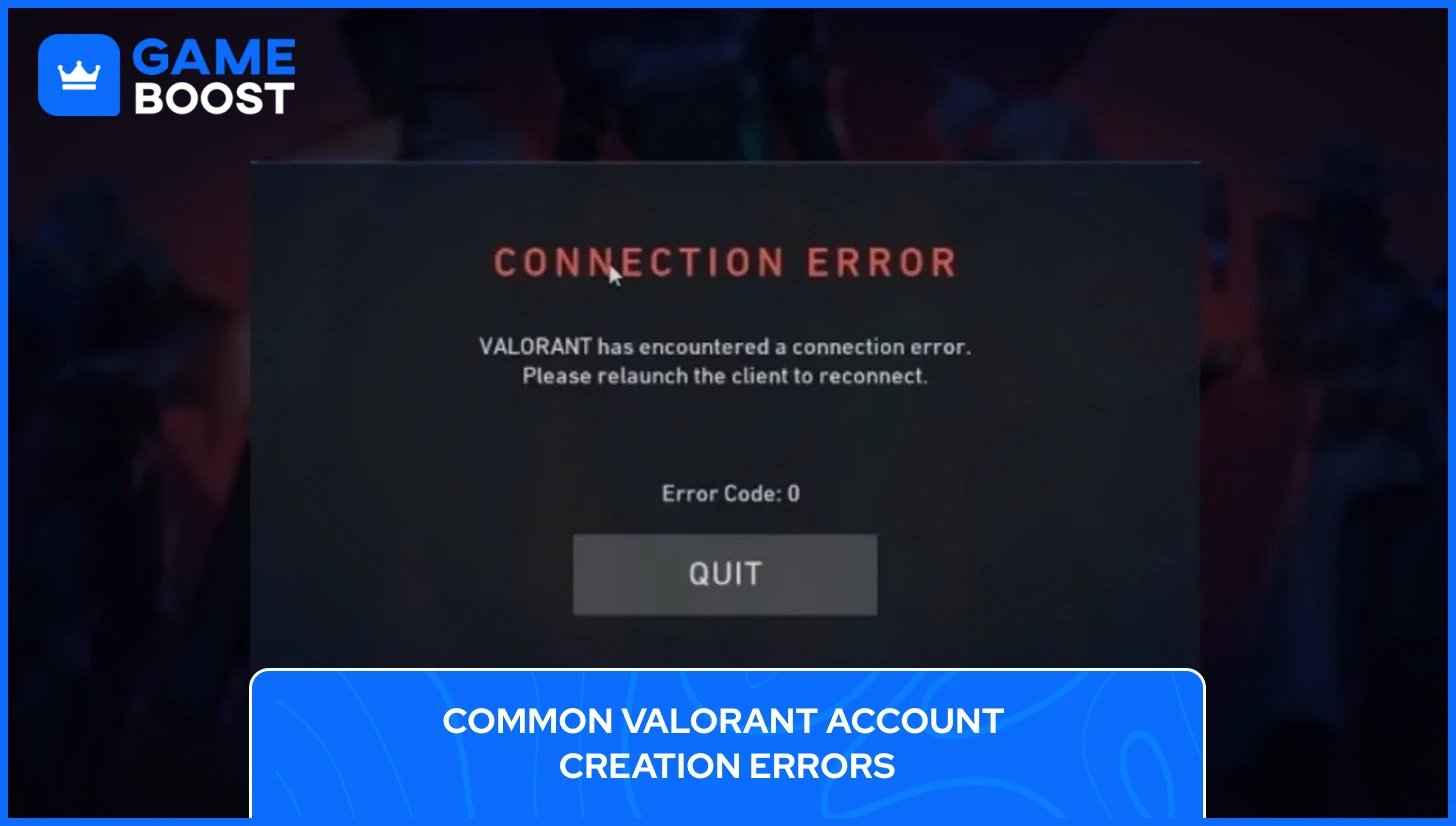
Most account creation and login problems in Valorant have simple fixes once you know what's actually causing them.
Verification email not arriving is probably the most frequent issue. The fix is almost always the same: check your spam or junk folder first, since Riot's emails get caught there regularly. If nothing shows up after a few minutes, log back into your Riot account and request a new verification link. A verified email address is required to log in, so the account stays locked until that step is completed.
The "you don't meet the requirements" error during the Valorant account process points to one of two things. Either the age entered doesn't meet the minimum requirement for your region, or the account information needs confirmation to comply with Riot's Terms of Service. Entering an accurate date of birth from the start avoids this entirely, since Riot uses it to determine regional access and game mode availability.
Username already taken or invalid comes up when the chosen Riot ID doesn't meet formatting rules, or the full ID combination is already in use. Game Names must be 3 to 16 alphanumeric characters, and since your Game Name doesn't need to be globally unique, adjusting the tagline to a different 3 to 5 character combination is usually enough to clear the conflict.
Once you create a Valorant account and you're trying to log in for the first time, a handful of error codes tend to catch new players off guard. Here is a list of the most common error codes related to creating a Valorant account and how to fix them:
Error Code | What It Means? | How to Fix It? |
|---|---|---|
0 / 1 / 38 | Connection error | Restart Valorant and the Riot Client |
4 | Invalid display name / Riot ID issue | Update your Riot ID at account.riotgames.com |
5 | Account logged in elsewhere | Log out from all devices, then sign back in |
7 | Couldn't connect to session service | Check your registered email for a suspension notice; if none, check Riot's server status |
8–21 | Riot Client problems | Restart the Riot Client |
29 | Network / firewall issue | Add RiotClientServices.exe, Valorant.exe, and Vanguard.exe to your firewall's allow list |
44 / 45 | Vanguard not initialized | Restart the Riot Client; if it persists, uninstall and reinstall Riot Vanguard |
46 | Planned platform downtime | Wait and try again later, no fix needed on your end |
61 | Account banned | Submit a support ticket to Riot Games |
Most errors resolve with basic steps like restarting the client, reinstalling Vanguard, or adjusting firewall settings. For anything that persists beyond that, Riot's official support team is the right next step.
Also Read: Top 5 Websites to Buy Valorant Accounts
Creating a Valorant account takes maybe ten minutes from start to finish, but the details around age restrictions, username rules, and Vanguard setup are what trip most people up. Getting those right from the beginning means less time troubleshooting and more time actually playing.
Once the account is up and running, the real experience starts. Valorant has a steep learning curve, and early matches can feel overwhelming with 20+ Agents to choose from, each with completely different ability kits. Taking time to learn one or two Agents in unrated matches before jumping into ranked play goes a long way toward building the mechanical habits the game demands.
Valorant Accounts For Sale
Buy Valorant Points
Valorant Boosting Service
View all GameBoost Accounts
View all GameBoost Boosting Services
View all GameBoost Currencies
View all GameBoost Game Keys
View all GameBoost Gift Cards
View all GameBoost Items
View all GameBoost Top Ups
Counter-Strike 2 Skins
“ Kristina joined GameBoost in 2024 as an SEO specialist and quickly became the go-to writer for third-person shooter and competitive games. She covers titles like Fortnite, Valorant, League of Legends, GTA 5, and Roblox, focusing on how-to guides, practical tips, and updates.”