
•Mario Juričević• 14 min read
Raid Shadow Legends
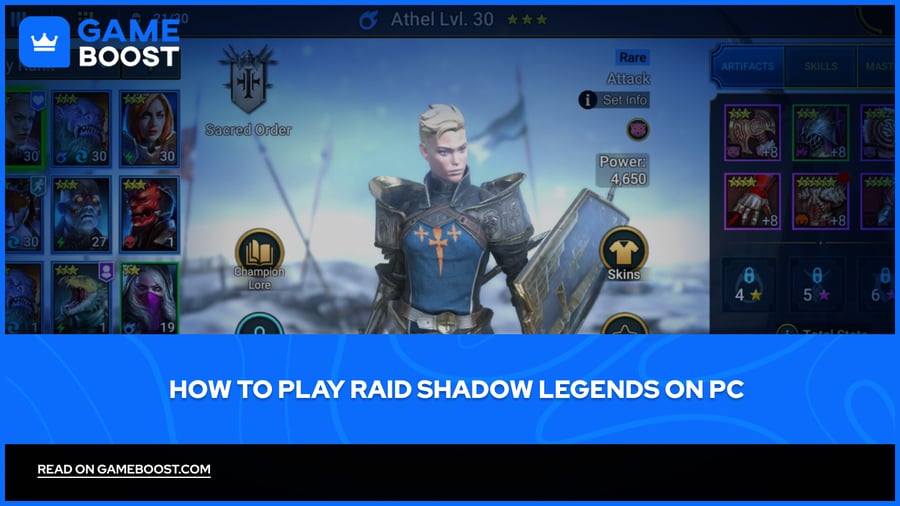
Raid Shadow Legends started as a mobile game, but Plarium eventually brought it to desktop as well. The game has now been downloaded over 100 million times across all platforms, and the PC version has become the best way to play.
In this article, we'll explore every method available to get Raid Shadow Legends running on PC, along with the key differences between each option, so you can pick what works best for you.
Also Read: How to Sell Your Account in Raid Shadow Legends
Raid Shadow Legends is officially available on PC via Plarium Play, Steam, Epic Games Store, and Microsoft Store.
Your progress syncs across all platforms through your Plarium ID.
PC requires Windows 10 21H1 or newer, at least 4 GB RAM, and 5 GB free disk space.
BlueStacks and LDPlayer are the most popular emulators for running the mobile version on PC.
Emulators support macros and multiple instances, which the official clients do not.
Plarium Play offers better graphics, higher stability, Plarium Points rewards, and Raid Optimizer support.
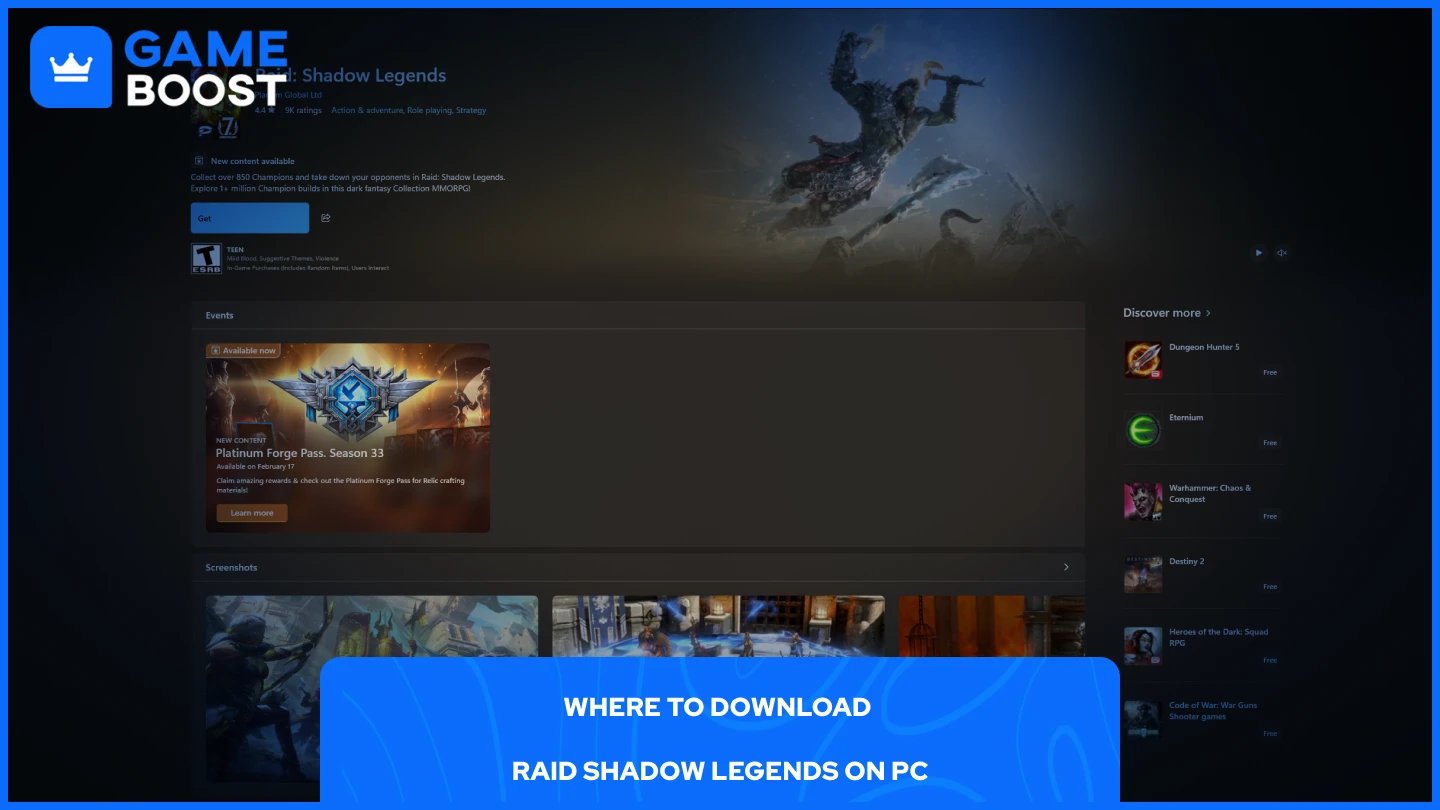
Raid Shadow Legends has four official platforms you can download it from on PC. All of them are free, and your progress syncs across all of them through your Plarium ID.
Plarium Play: The dedicated launcher built by Plarium. It offers the best graphical performance, exclusive Plarium Points rewards, and support for the Raid Optimizer tool.
Steam: Available through Valve's platform if you already have a Steam library.
Epic Games Store: Available for players who prefer Epic's launcher.
Microsoft Store: Available directly through Windows for those who want a quick install without a third-party launcher.
On PC, the game requires Windows 10 version 21H1 or newer, or Windows 11 21H2 or newer. You'll also need at least 4 GB of RAM and 5 GB of free disk space, with 8 GB of RAM recommended for a smoother experience.
If you prefer not to use any of the official platforms, running the game through an Android emulator is a solid alternative. BlueStacks and LDPlayer are the two most popular choices for Raid Shadow Legends. Here's how to get started with BlueStacks:
Go to the BlueStacks website and download the installer.
Install and launch BlueStacks.
Sign in with your Google account to access the Play Store.
Search for Raid Shadow Legends and install it.
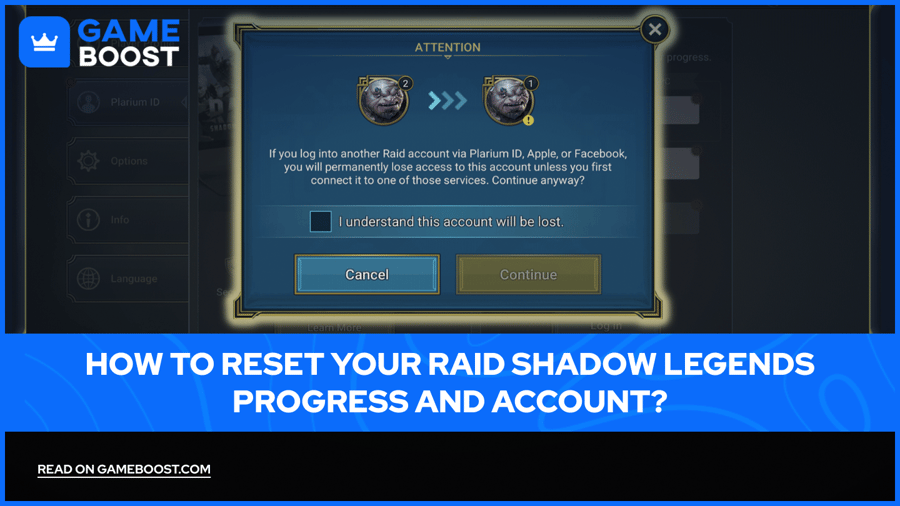
Launch the game and sign in with your Plarium ID to carry over your existing progress.
The process is identical for LDPlayer. The main reason players opt for emulators over the official client is macro support. Emulators like BlueStacks and LDPlayer allow you to create macros to autorun battles and even run multiple account instances at the same time, which is something the official client does not offer.
Also Read: How Much Is Your Account Worth in Raid Shadow Legends?
Both options will get you playing Raid Shadow Legends on PC, but they serve different types of players. Here's a quick breakdown of the key differences:
Plarium Play | Emulator | |
|---|---|---|
Graphics quality | High | Medium (unless maxed out) |
Macro support | No | Yes |
Multiple instances | No | Yes |
Raid Optimizer support | Yes | No |
Plarium Points rewards | Yes | No |
Stability | High | Can crash occasionally |
Plarium Play is the better choice if you want better graphics and smooth gameplay, while emulators are the option for players who want to grind, automate tasks, or run more than one account at a time. For most casual players, Plarium Play is the cleaner experience. For competitive or heavy grinders, an emulator gives you more control.
Also Read: Raid Shadow Legends: Recovering a Locked or Hacked Account
Playing Raid Shadow Legends on PC is straightforward regardless of which platform you choose. The official clients on Plarium Play, Steam, Epic Games Store, and Microsoft Store are the cleanest way to get started, while emulators give you extra flexibility if you're a heavy grinder. Your progress carries over through your Plarium ID either way, so you're not locked into one option.
“ Mustafa Atteya has been writing about gaming and esports since 2023, specializing in competitive game content and player improvement guides. At 25, he brings both hands-on gaming experience and professional SEO writing expertise to the GameBoost team.”