


•Mario Juričević• 14 min read
Raid Shadow Legends
A lot of RAID: Shadow Legends players eventually want to run more than one account, and BlueStacks is the most practical way to do it on PC. The Multi-Instance Manager lets you set up separate sessions, switch between them without logging out, and even run them side by side. Here's everything you need to get it set up correctly and stay on the right side of Plarium's account rules.
BlueStacks is an Android emulator that runs RAID: Shadow Legends on PC with added features not available on the native Plarium Play client
BlueStacks Multi-Instance Manager lets you create separate sessions, each tied to its own Google account and game data, with no shared progress between them
Ctrl + Shift + 8 opens the Instance Manager, and each new session should be assigned 4 CPU cores and 4 GB of RAM
Eco Mode reduces CPU and GPU load during auto-battles, making it practical to run multiple sessions without hardware strain
Plarium allows a maximum of 5 accounts per player, and using the same payment method or device across accounts can trigger automated bans
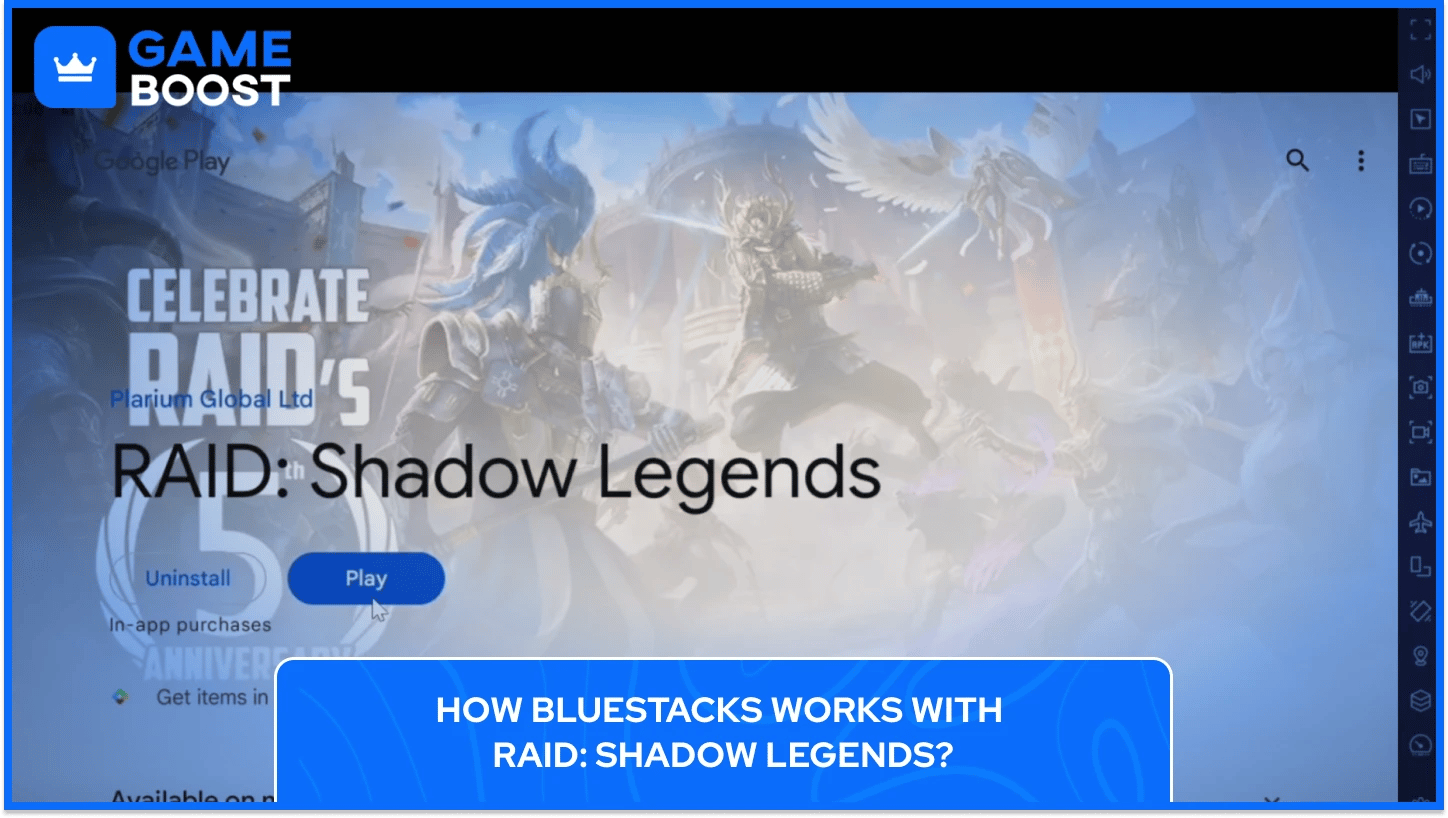
BlueStacks is an Android emulator that lets you run mobile games on PC. For RAID: Shadow Legends specifically, it goes well beyond just moving the game to a bigger screen. You get customizable keyboard controls through the Keymapping Tool, a Macro Recorder to automate repetitive grinding, and the ability to play on multiple accounts at the same time.
BlueStacks 5 supports up to 240 FPS, includes an Eco Mode to lower resource usage during auto-battles, and lets you automate repetitive in-game actions by binding custom scripts to a single key.
Plarium does have its own PC client called Plarium Play, and it works fine if you're only managing one account. The problem is that it doesn't give you the same level of control as BlueStacks when it comes to running multiple sessions.
For players who want to manage more than one RAID account, or simply get more out of their time in Teleria, BlueStacks is the more capable setup.
Buy Raid Shadow Legends Accounts
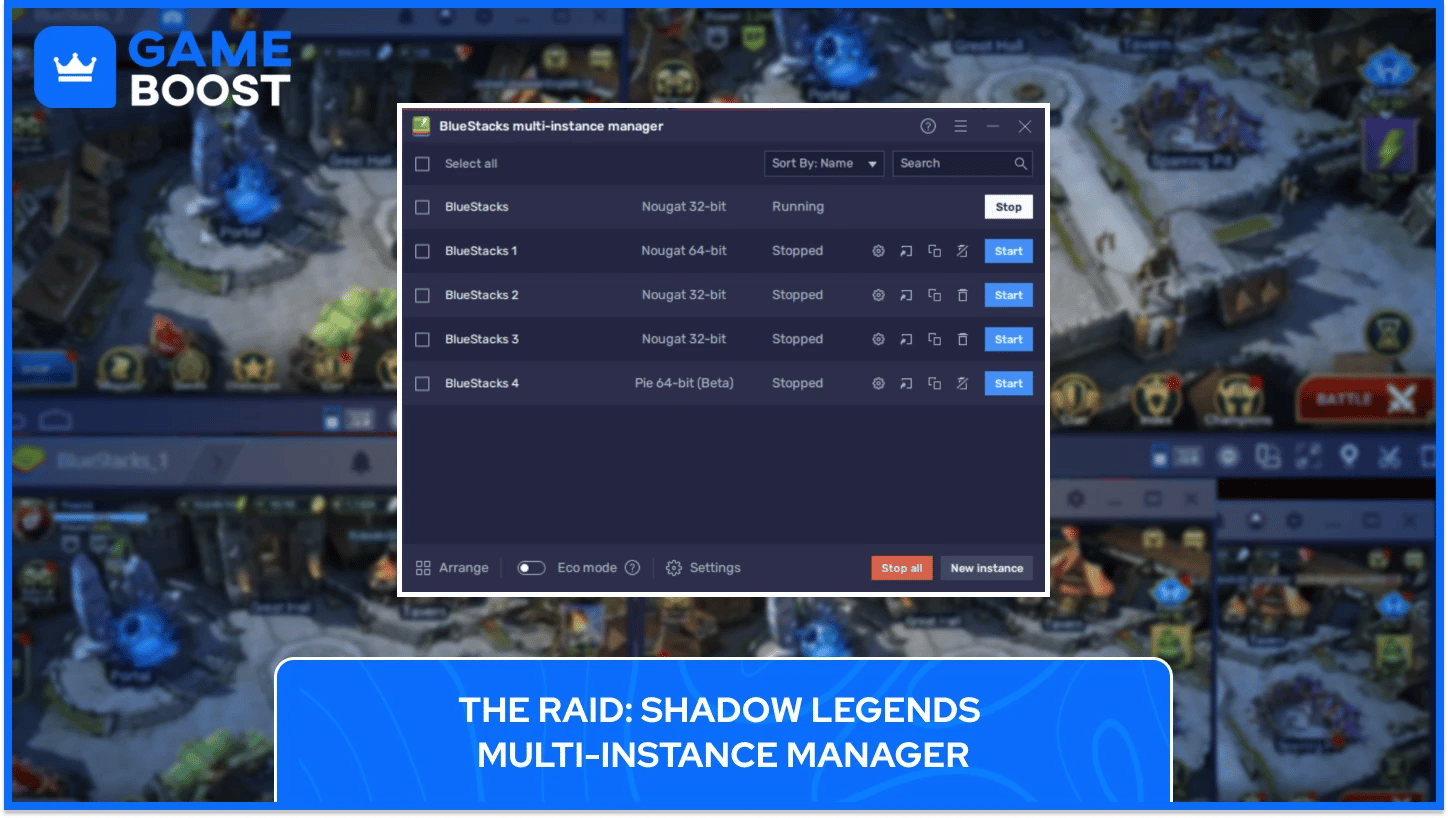
The Multi-Instance Manager is the feature that makes account switching possible on BlueStacks. It runs several separate copies of the emulator at the same time, with each one acting as its own independent device with its own Google account and game data. Your main account and any secondary accounts never share data, progress, or login sessions, and you can create as many instances as your PC can handle.
Setting up multiple RAID: Shadow Legends accounts on BlueStacks takes just a few steps:
Download BlueStacks, sign in to the Google Play Store, and install RAID: Shadow Legends.
Press Ctrl + Shift + 8 to open the Instance Manager, then click "New Instance" to create a second one.
Link the new session to a fresh Google account and go through the initial setup.
Assign 4 CPU cores and 4 GB of RAM to the new session, then click "Run" to boot it up.
Once both instances are running, switching between RAID accounts is just a matter of clicking between the two BlueStacks windows. No logout required, no re-entering credentials, and no waiting on load screens between sessions.
Beyond just switching between accounts, BlueStacks lets you run them all side by side using Multi-Instance Sync. When activated, it mirrors all the actions you do in one session across all other active sessions, so you're not repeating the same tasks manually on each account. This works well for rerolling runs, farming campaign stages, or grinding referral rewards without having to babysit each session individually.
You can also use a Macro to automate gameplay on one session while you focus on another. Pair that with Eco Mode, which lowers resource usage during auto-battles without affecting performance, and multiple RAID accounts can run in the background without putting too much strain on your PC.
That said, the number of sessions you can run at once is tied directly to your hardware. More accounts means more RAM and CPU demand, so scaling up only makes sense if your machine can actually handle it.
Plarium allows up to 5 accounts per player, so if you go beyond that, the extras get banned automatically, with Plarium keeping the last actively played account and the two with the highest levels.
Additionally, using the same payment method or the same device across multiple accounts can trigger Plarium's automated ban system, even with no actual rule-breaking involved. Keeping each account tied to a separate device, payment source, and Google login is the safest way to avoid that.
Accounts banned for botting or commercial farming remain permanently banned, so using BlueStacks automation for personal grinding is fine, but running accounts to sell them is a different matter entirely.
If your RAID: Shadow Legends account gets flagged by mistake, contact Plarium support and submit an appeal. Automated bans have been reversed before for players who hadn't actually broken any rules.
Running a single RAID account on BlueStacks is fairly light on resources, while running multiple instances is a different story, and your PC needs enough headroom to handle it without performance dropping off.
For a single instance, BlueStacks requires at least 4 GB of RAM, 10 GB of free storage, administrator access, and up-to-date graphics drivers. The operating system requirement covers Windows 7 or above, or macOS 11 (Big Sur) or above.
For multi-instance play, the resource demands scale up. BlueStacks recommends assigning 4 CPU cores and 4 GB of RAM per secondary instance, which means running two accounts comfortably requires a machine with at least 8 GB of RAM and a decent processor. More instances on top of that will need proportionally more.
BlueStacks 5 uses around 4,349 MB of RAM across three instances, which puts it ahead of alternatives like Nox and MEmu in efficiency terms. Enabling Eco Mode keeps things manageable during longer farming sessions by reducing CPU load significantly.
With BlueStacks' Multi-Instance Manager, each instance holds its own account session permanently. You move between accounts by switching windows, with no logout required at any point.
There's no fixed cap from BlueStacks itself. The number of instances you can run simultaneously depends entirely on your PC's RAM and CPU. Most mid-range PCs handle two to four instances without major issues.
BlueStacks itself doesn't violate Plarium's terms. The ban risk comes from specific behaviors like running more than five accounts, sharing payment methods across accounts, or using automation for commercial farming purposes.
Each instance requires a unique Google account to access a separate RAID profile. Sharing a Google account across instances would load the same game data in both.
BlueStacks is free to download and use. A paid BlueStacks Premium tier exists and removes ads, but the Multi-Instance Manager and all account-switching features are available on the free version.
BlueStacks turns RAID: Shadow Legends on PC into an account management setup. Running multiple sessions means your energy stays in use, your rerolling happens faster, and the grind that normally eats hours gets handled in the background. At that point, how efficiently you manage your time in Teleria matters just as much as which champions you're building.
“ Kristina joined GameBoost in 2024 as an SEO specialist and quickly became the go-to writer for third-person shooter and competitive games. She covers titles like Fortnite, Valorant, League of Legends, GTA 5, and Roblox, focusing on how-to guides, practical tips, and updates.”