
•Filip Premuš• 6 min read
Gift Cards
Eneba is a digital marketplace launched in 2018 that connects gamers with over 100,000 gaming products, including game keys, DLCs, subscriptions, and in-game currencies for platforms like Steam, PlayStation, Xbox, and Nintendo. With more than 15 million registered users worldwide, the platform offers discounted prices on digital gaming products by connecting buyers with third-party sellers.
One of the most popular payment methods on Eneba is their gift card system, which lets you add funds to your Eneba Wallet for quick and secure checkout without needing a credit card. This guide will walk you through how to redeem an Eneba gift card, where to buy one, important limits to know, and how to troubleshoot common redemption issues.
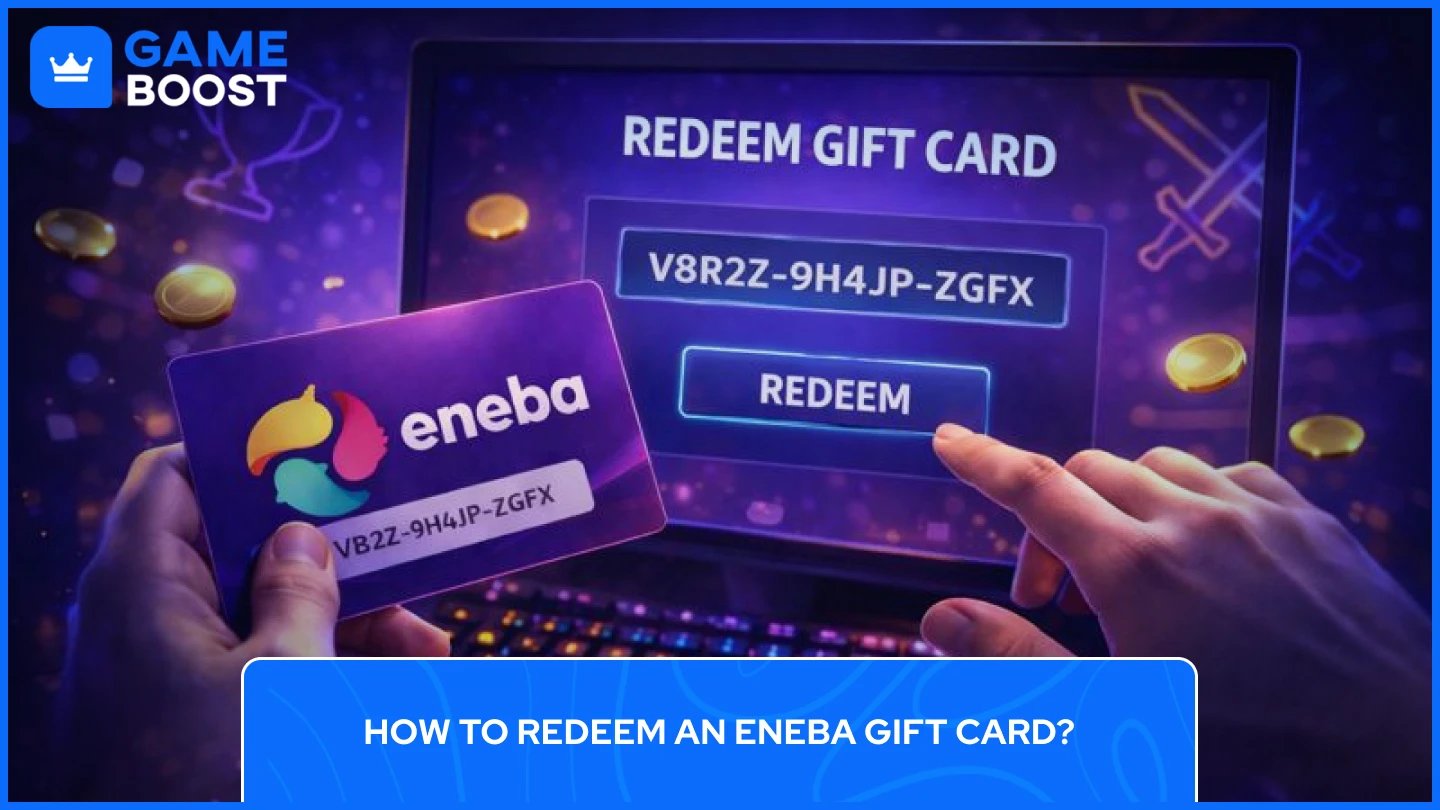
Redeeming your Eneba gift card is a quick process that takes just a few minutes. Once you add the funds to your Eneba Wallet, you can use them instantly at checkout for any purchase on the platform.
Here is a step-by-step process on how to redeem an Eneba Gift Card:
Create or Log Into Your Eneba Account – You'll need an active Eneba account to redeem a gift card. Visit Eneba.com and sign up for free if you're new, or log in with your existing credentials.
Access Your Account Menu – Click on your profile icon in the upper-right corner of the page to open the dropdown menu.
Navigate to Balance – Select "Balance" from the dropdown menu to access your Wallet Overview page.
Select Redeem Gift Card – On the left sidebar, click "Redeem gift card" under the Balance menu. You can also go directly to https://www.eneba.com/redeem-gift-card.
Enter Your Gift Card Code – Type or paste your gift card code into the box. Codes are 15 characters long, formatted as XXXXX-XXXXX-XXXXX. Enter it exactly as shown.
Apply the Code – Click "Apply" and the funds will be instantly added to your Eneba Wallet. Your updated balance will appear immediately on your account dashboard.
Note: Some users may need to complete their account profile before redeeming. If prompted, update your contact details and select your two-factor authentication method before proceeding.
After redemption, you can select your Eneba Wallet as a payment method at checkout when purchasing games, DLCs, subscriptions, or any other products on the marketplace.
Eneba gift cards are available through multiple online retailers, giving you flexibility in how you purchase them. Cards are delivered digitally via email, typically within minutes of completing your purchase.
The most direct way to buy an Eneba gift card is through the official Eneba store at denominations ranging from €5 to €100, with email delivery after payment. The platform accepts various payment methods, including credit cards, PayPal, cryptocurrencies, and Revolut, making it a simple option for adding funds to your wallet.
For an alternative purchasing option, GameBoost stands out as a trusted third-party retailer offering both global and region-specific Eneba gift cards. GameBoost provides 24/7 live chat human support, secure checkout, instant delivery, and competitive pricing, making it an excellent choice if you're looking for a cheap marketplace outside of Eneba's official store.
Other third-party retailers include CoinsBee and CoinGate, which specialize in cryptocurrency payments if you prefer buying with Bitcoin or other digital currencies. SEAGM supports PayPal, e-wallets, and credit cards, while doctorSIM offers 24/7 customer support and multiple payment options.
When purchasing from any retailer, make sure the gift card matches your region and currency. Some platforms may have region-specific versions, so verify compatibility with your Eneba account before buying.
Before purchasing or redeeming Eneba gift cards, you should understand the platform's restrictions to avoid any redemption errors. Here are the key limits and expiration details related to Eneba Gift Cards you need to know:
Daily Redemption Limit: You can only redeem up to €200 worth of gift cards per day on your Eneba account. This limit resets every 24 hours.
Monthly Redemption Limit: The maximum amount you can redeem per month is €400. This monthly cap helps maintain security and prevent fraudulent activity on the platform.
Expiration Date: Eneba gift cards are valid for 12 months from the date of purchase. Make sure to redeem your code within this timeframe to avoid losing the funds. Once redeemed and added to your Eneba Wallet, the balance typically doesn't expire, but it's best to use it within a reasonable period.
Important Restrictions: Eneba gift cards cannot be used to purchase cryptocurrency products on the platform. The cards can only be redeemed on Eneba.com and require an active Eneba account.
If you try to redeem a gift card and receive an error message stating "Gift card is used, expired, or you are over the monthly limit," it means you've either exceeded your daily or monthly redemption cap, the card has expired, or there's an issue with the code itself. In these cases, wait until your limit resets or contact Eneba support for assistance.
Also Read: How to Redeem Amazon Gift Cards and Check Balance?
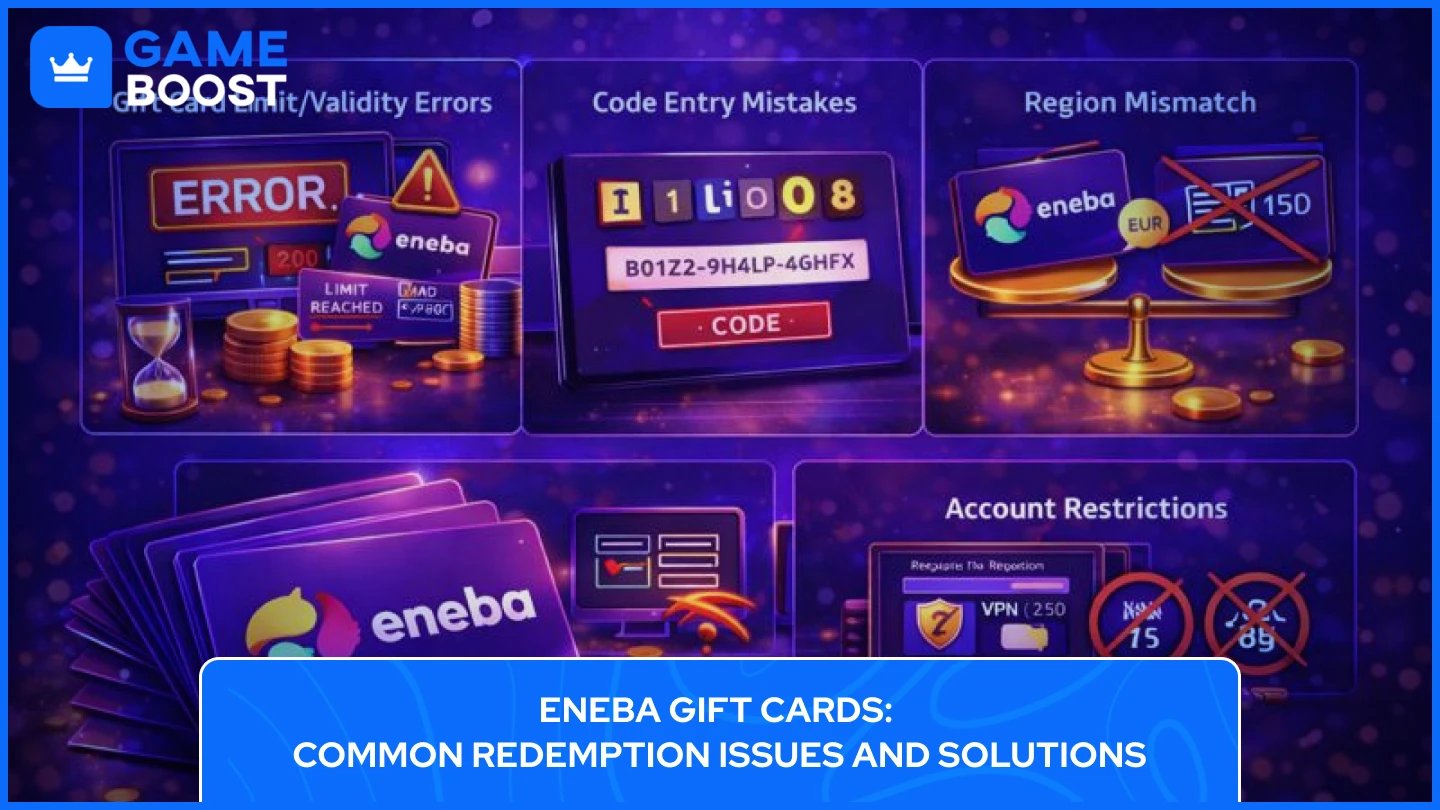
Even when following the correct steps, you might encounter problems when redeeming your Eneba gift card. Here are the most common issues that pop up while redeeming Eneba Gift Cards and how to fix them:
This is the most frequent error message users encounter. It typically means one of three things: you've exceeded your daily limit of €200 or monthly limit of €400, your gift card has expired after 12 months, or the code has already been redeemed. Wait 24 hours if you've hit your daily limit, or check if you've exceeded €400 for the month. If the card is genuinely expired or already used, contact Eneba support with your proof of purchase.
Eneba gift card codes are 15 characters long, formatted as XXXXX-XXXXX-XXXXX (five characters, dash, five characters, dash, five characters). Common entry errors include confusing similar-looking characters. Make sure you differentiate between 0 (zero) and O (letter), 1 (one) and I (capital i), and B and 8. Copy and paste the code directly from your email to avoid typos.
If your gift card currency doesn't match your account region, you won't be able to redeem it. For example, a EUR gift card won't work on a USD account. Check that your gift card matches your Eneba account's currency settings before attempting redemption.
Some users may need to complete their account profile before redeeming gift cards. If prompted, verify your contact details and set up two-factor authentication. Additionally, using a VPN or ad blocker during redemption can sometimes cause issues, so try disabling these temporarily.
If none of these solutions work, contact Eneba customer support with your order confirmation, gift card code (keep it private until speaking with support), and a description of the error you're receiving.
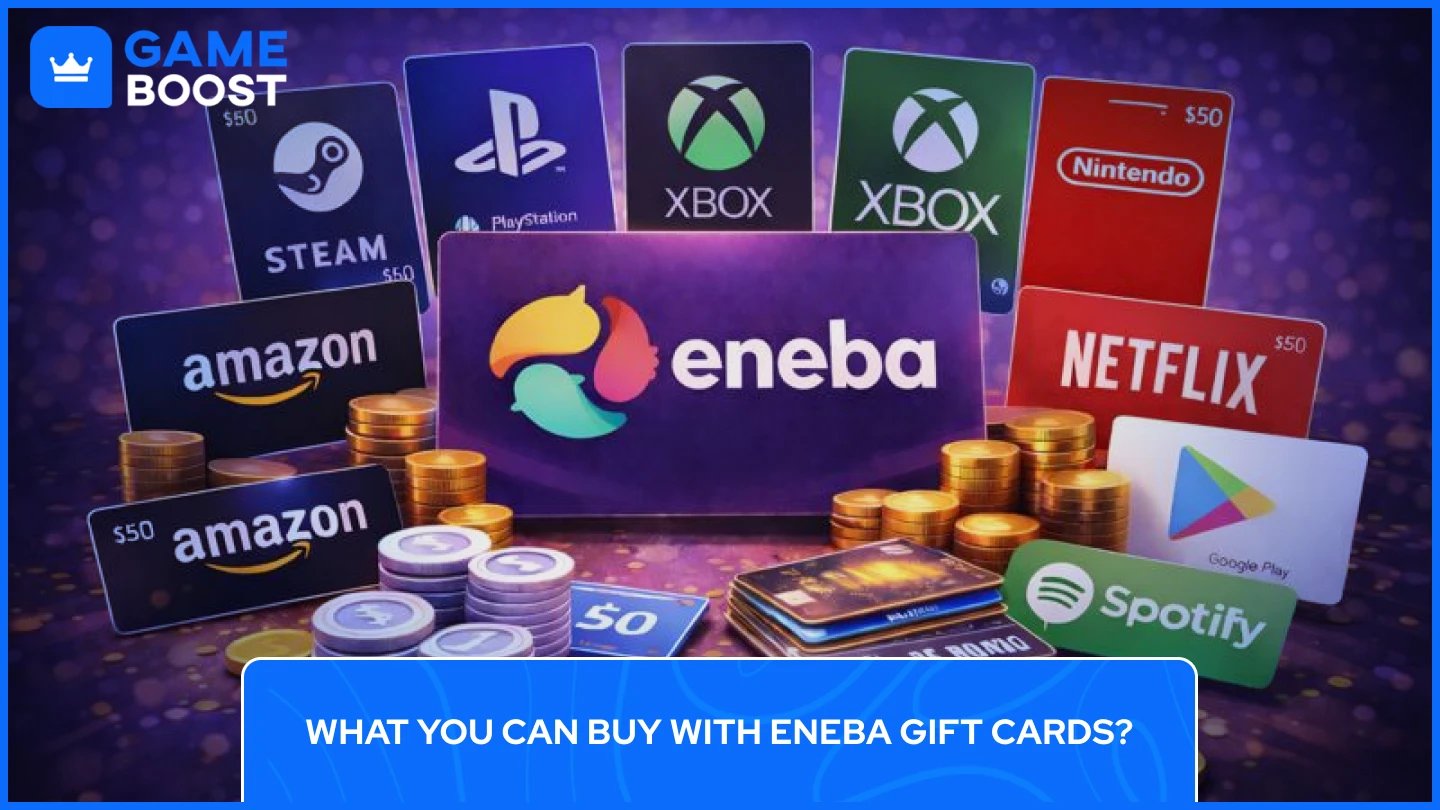
Once you've added funds to your Eneba Wallet, you can use them to purchase a wide variety of digital gaming products across all major platforms. Here's what you can buy with your Eneba gift card balance:
Game Keys for All Platforms – Purchase game keys for PC platforms like Steam, Epic Games Store, Origin, GOG, and Battle.net, as well as console platforms including PlayStation, Xbox, and Nintendo Switch. The marketplace features AAA blockbusters, indie titles, classic games, and new releases.
DLCs and Expansion Packs – Extend your favorite games with downloadable content, expansion packs, season passes, and additional story chapters across all platforms.
In-Game Currency and Items – Top up your account with Fortnite V-Bucks, Roblox Robux, GTA Shark Cards, and more. Purchase cosmetic items, character skins, emotes, Battle Passes, and other in-game content.
Subscriptions and Memberships – Buy gaming subscriptions, including Xbox Game Pass, PlayStation Plus, Nintendo Switch Online, and EA Play for access to hundreds of games, online multiplayer, and exclusive discounts.
Other Gift Cards – Purchase gift cards for other platforms and services, including Steam, PlayStation Network, Xbox Live, Nintendo eShop, Amazon, Netflix, Spotify, and many more at discounted prices.
Non-Gaming Products – The marketplace also offers software licenses, streaming service subscriptions, mobile top-ups, and physical gaming merchandise like consoles and controllers.
Important Note: Eneba gift cards cannot be used to purchase cryptocurrency products on the platform. All other eligible products can be bought using your Eneba Wallet balance.
Also Read: Where to Buy Steam Wallet Codes at the Best Prices
Redeeming an Eneba gift card is a simple process that takes just a few minutes. Simply log in to your account, navigate to the Balance section, enter your 15-character code, and the funds will be instantly added to your Eneba Wallet. Remember to keep track of the daily €200 and monthly €400 redemption limits, and make sure to use your gift card within 12 months of purchase.
If you run into any issues during redemption, double-check your code for entry mistakes like confusing zeros with the letter O, verify that your card matches your account region, and confirm you haven't exceeded your redemption limits. For persistent problems, Eneba's customer support is available to help resolve any technical difficulties.
With your Eneba Wallet funded, you'll have access to over 100,000 gaming products, including game keys for all major platforms, DLCs, in-game currency, subscriptions, and much more.
How to Redeem GameStop Gift Cards
How to Redeem Xbox Game Pass and Gift Cards
Where to Buy Steam Wallet Codes?
Where to Buy Roblox Gift Cards?
View all Entertainment Gift Cards
“ Kristina joined GameBoost in 2024 as an SEO specialist and quickly became the go-to writer for third-person shooter and competitive games. She covers titles like Fortnite, Valorant, League of Legends, GTA 5, and Roblox, focusing on how-to guides, practical tips, and updates.”