

•Hamza Rashid• 8 min read
Fortnite

Fortnite runs on V-Bucks, the in-game currency used to buy skins, emotes, Battle Passes, and everything else in the Item Shop. If you play on Nintendo Switch, getting those V-Bucks into your account takes a few extra steps compared to other platforms.
V-Bucks cards cannot be redeemed directly on the Nintendo Switch console. The redemption has to go through the Epic Games website, and your Nintendo Account needs to be linked to your Epic Games account before anything else.
It sounds like more work than it should be, but the process is quick once you know what you're doing. In this article, we'll explore exactly how to redeem V-Bucks on Nintendo Switch, step by step. Alternatively, if you'd rather skip the process entirely, you can buy Fortnite account that already comes loaded with V-Bucks and cosmetics ready to go.


V-Bucks cards cannot be redeemed directly on the Nintendo Switch console; the process goes through the Epic Games website.
Your Nintendo account must be linked to your Epic Games account before you can redeem. If Nintendo Switch doesn't appear as a platform option, the accounts aren't connected yet.
If V-Bucks don't show up after redemption, restart Fortnite and check your transaction history on the Epic Games website to confirm the redemption went through.
Account mismatches are the most common cause of missing V-Bucks. Verify your Nintendo account is connected to the correct Epic account under Account Settings > Connections.
V-Bucks purchased on Nintendo Switch are locked to that platform and cannot be transferred to Xbox, PlayStation, or PC.
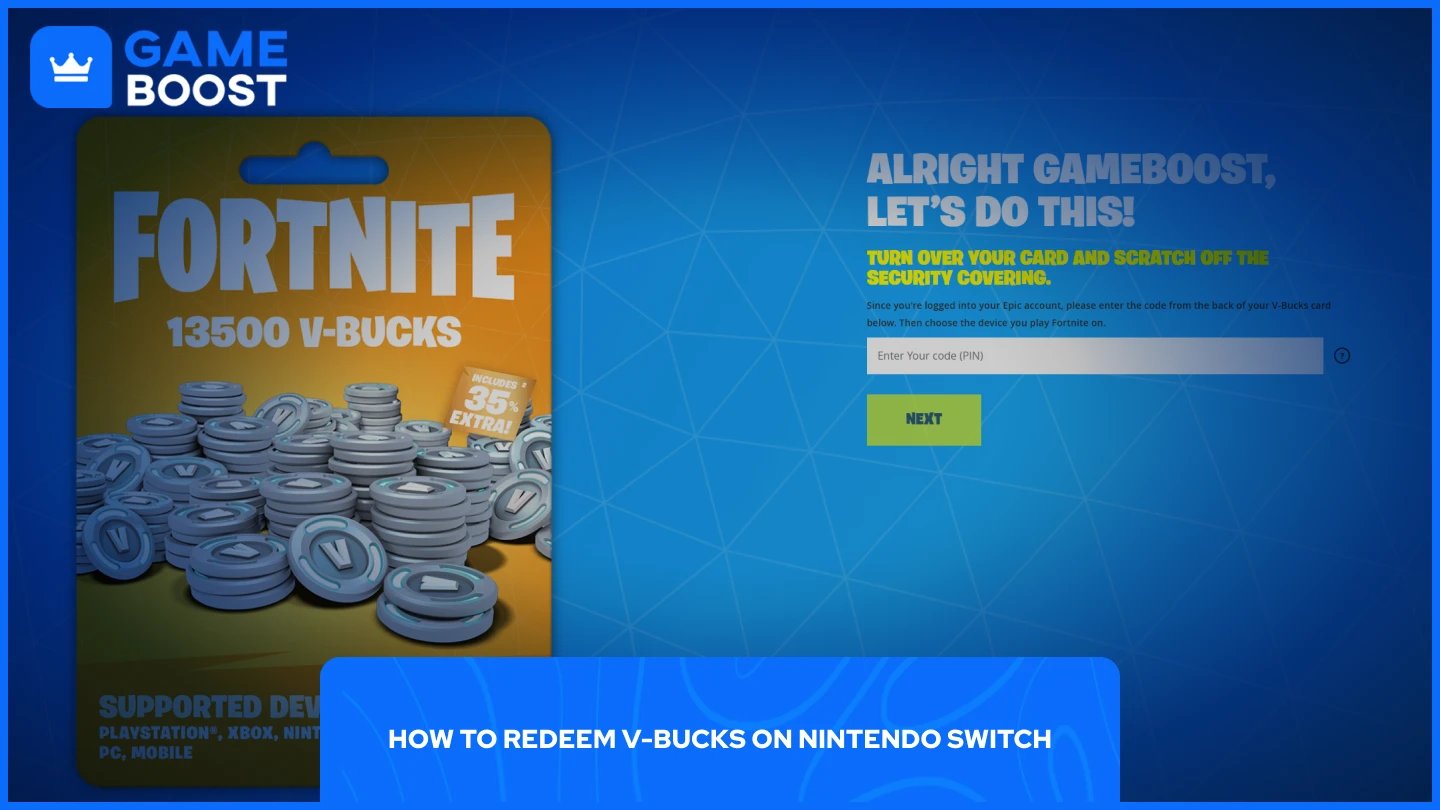
To redeem V-Bucks on Nintendo Switch, head to the Epic Games website and follow these steps:
Go to Fortnite V-Bucks Page.
Click Get Started and sign in to your Epic Games account.
Enter the PIN from the back of your V-Bucks card with no dashes, then click Next.
Select Nintendo Switch as your platform, then click Next.
Review the details and click Confirm if everything looks correct.
Open Fortnite on your Nintendo Switch, and your V-Bucks balance will be updated.
Make sure you're signing into the Epic Games account that's linked to your Nintendo account. If Nintendo Switch doesn't appear as a platform option in Step 4, your Nintendo account isn't linked to that Epic account yet. You'll need to connect the two before proceeding.
Also Read: How to Link Your Fortnite Account to Different Platforms
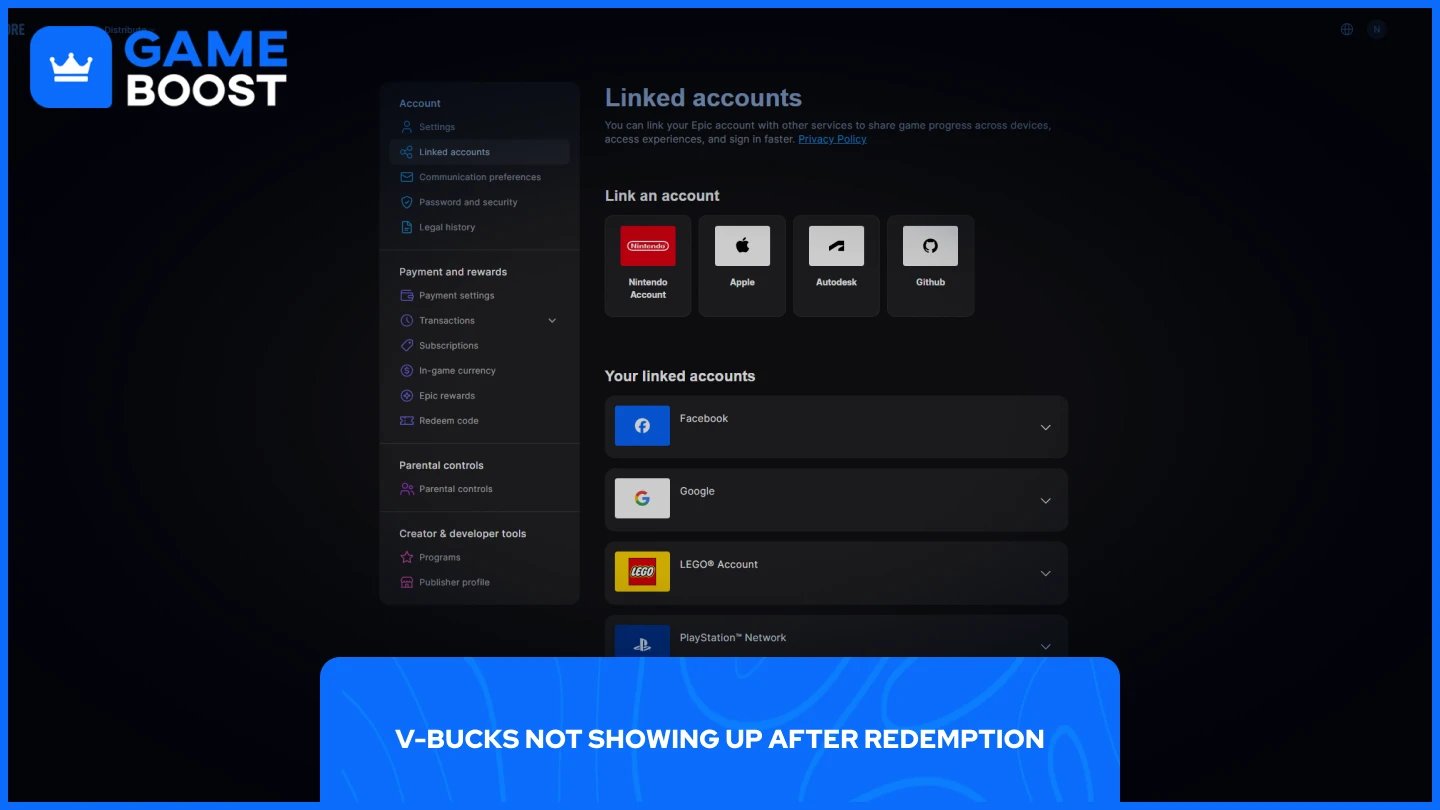
If you completed the redemption and your V-Bucks still aren't appearing in-game, the most common cause is an account mismatch. The V-Bucks were likely redeemed on the correct Epic account, but the wrong platform was selected during the process, or the account isn't properly linked to your Switch.
Close Fortnite fully on your Nintendo Switch, relaunch it, and check your balance again. Sometimes it just takes a moment to sync. If the balance still hasn't updated after restarting, log in to your Epic Games account on a browser and check your transaction history to confirm the redemption went through.
If the redemption shows as successful but the V-Bucks are missing in-game, double-check that your Nintendo account is connected to the correct Epic account. You can verify this under Account Settings on the Epic Games website, then navigate to Connections. If the wrong account is linked, you'll need to unlink it and reconnect the right one before the V-Bucks show up on your Switch.
Also Read: How Much Do V-Bucks Cost? All Package Prices
V-Bucks purchased on Nintendo Switch cannot be transferred to other platforms such as Xbox, PlayStation, or PC. This is a platform-specific restriction set by Epic Games, so any V-Bucks bought or redeemed through your Switch stay tied to that platform.
V-Bucks earned through the Battle Pass or other in-game methods are available across platforms, but purchased V-Bucks are locked to the system they were redeemed on.
The good news is that cosmetic items you buy with those V-Bucks, like skins, emotes, and other cosmetics, do carry over across platforms as long as your accounts are linked. So the items follow your Epic account, but the unspent V-Bucks do not.
Also Read: Fortnite V-Bucks Price Increase: What You Need to Know
Redeeming V-Bucks on Nintendo Switch isn't complicated, but it does require a couple of things to be in place before you start. Your Nintendo account needs to be linked to your Epic Games account, and the redemption itself has to go through the Epic Games website rather than the console. Once those are sorted, the process takes less than a minute.
Buy Fortnite Skins
Fortnite V-Bucks Top Up
Fortnite Accounts For Sale
View all GameBoost Accounts
View all GameBoost Boosting Services
View all GameBoost Currencies
View all GameBoost Game Keys
View all GameBoost Gift Cards
View all GameBoost Top Ups
View all GameBoost Items
Buy CS2 Skins
“ Mustafa Atteya has been writing about gaming and esports since 2023, specializing in competitive game content and player improvement guides. At 25, he brings both hands-on gaming experience and professional SEO writing expertise to the GameBoost team.”