

•Hamza Rashid• 8 min read
Fortnite

Redeeming a V-Bucks card on Xbox isn't as simple as entering a code. Unlike other platforms, Xbox requires a two-step redemption process. You enter the card code through Epic Games' website first, which then generates a secondary code that needs to be redeemed through your Microsoft account. Skip either step and the V-Bucks won't show up.
It's a straightforward process once you know what to expect, but the two-step flow catches a lot of players off guard the first time. In this article, we'll explore exactly how to redeem V-Bucks on Xbox, what to do if something goes wrong, and a few things worth knowing before you start.
Also Read: How to Redeem V-Bucks on Nintendo Switch

Redeeming a V-Bucks card on Xbox requires two steps: entering the card code on Epic Games' website, then redeeming the generated secondary code through your Microsoft account.
During redemption, select Xbox as your platform and make sure you're logged into the Epic Games account linked to your Xbox.
V-Bucks cards and Xbox gift cards are not the same. V-Bucks cards go through Epic Games' website, while Xbox gift cards add Microsoft balance that you spend directly in Fortnite.
If V-Bucks don't appear after redemption, check that your Epic Games and Xbox accounts are properly linked.
Invalid code errors are usually caused by typos, a previously redeemed card, or a region mismatch between the card and your account.
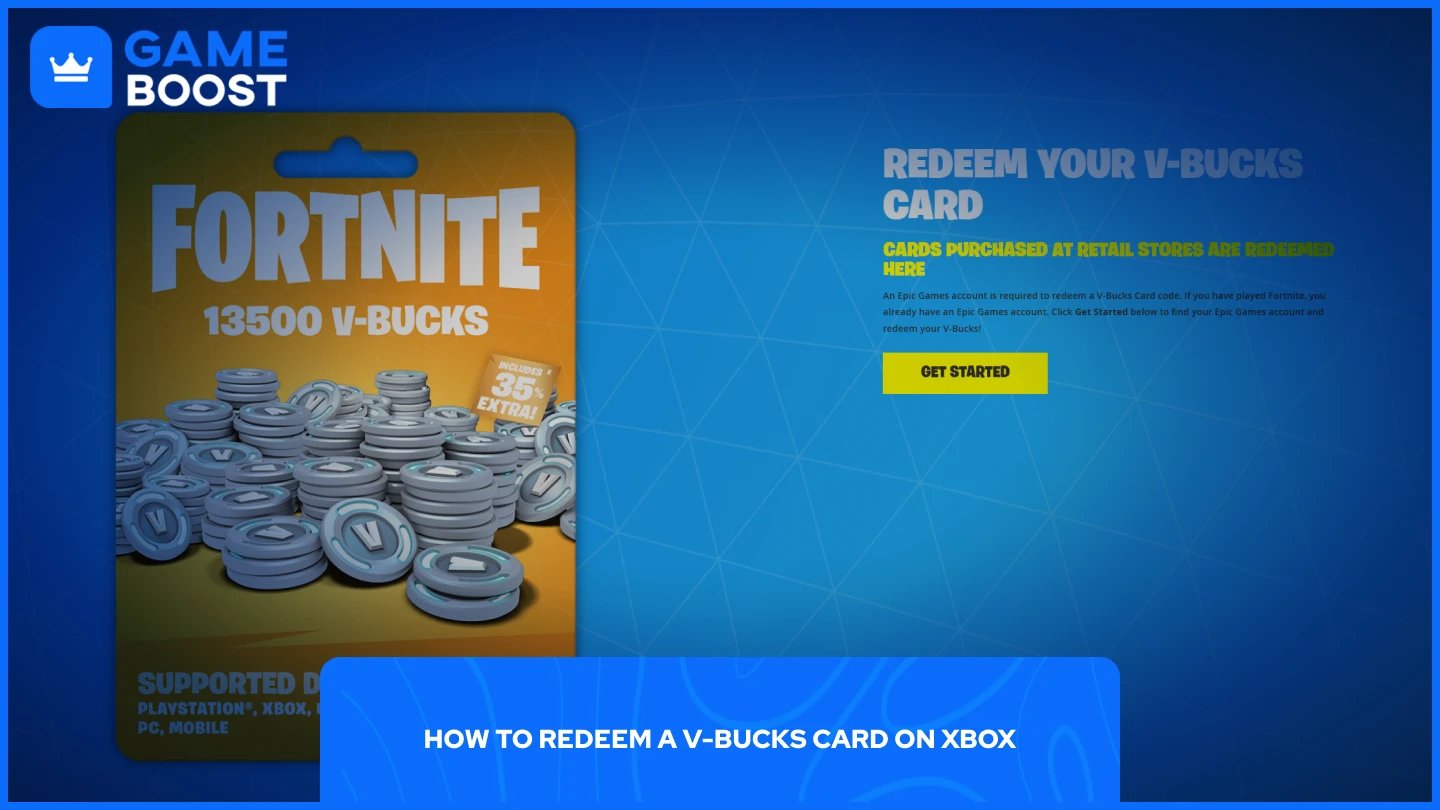
Redeeming a V-Bucks card on Xbox runs through Epic Games' website first, not the Xbox console itself. Here's how to do it:
Go to the Fortnite V-Bucks page and log in to your Epic Games account.
Click Get Started.
Scratch the back of your card and enter the PIN code without dashes.
Select Xbox as your platform and click Next.
Review the details and click Confirm.
A secondary code will be generated. Enter this code into your Microsoft account to complete the redemption.
Make sure you're logged into the Epic Games account that's linked to your Xbox. The platform selection step only shows devices connected to your account, so if Xbox doesn't appear, you're likely on the wrong account.

These are two different things, and the process for each is not the same.
A V-Bucks card is a Fortnite-specific card sold at retail stores. You redeem it through Epic Games' website, and the V-Bucks go directly into your Fortnite account after completing the two-step process described above.
An Xbox gift card adds credit to your Microsoft account balance. Once the balance is there, you can open Fortnite on your Xbox and purchase a V-Bucks bundle directly through the game using that balance. There's no need to visit Epic Games' website with this method.
Both work fine. The Xbox gift card route is slightly more flexible since any leftover balance can go toward other Microsoft Store purchases.
Also Read: How Much Do V-Bucks Cost? All Package Prices
V-Bucks not showing up after redemption:
This usually comes down to the Epic Games account not being properly linked to your Xbox account. Check your account connections through the Epic Games website and make sure both accounts are linked. If everything looks correct, wait 10-15 minutes and restart Fortnite.
Invalid code error:
Double-check the code for typos, as these are easy to miss with long character strings. If the code still won't go through, the card may have already been redeemed, or there's an issue with the card itself. In that case, contact Epic Games support and keep your purchase receipt on hand.
Wrong account:
If you have multiple Microsoft or Epic Games accounts, it's easy to redeem on the wrong one. The V-Bucks and balance are tied to whichever account you're signed into at the time of redemption and can't be transferred afterward.
Region lock:
V-Bucks cards are region-locked. A card purchased in one country may not work on an account registered in another. Always make sure the card matches your account's region before purchasing.
Also Read: Fortnite V-Bucks Price Increase: What You Need to Know
Redeeming V-Bucks on Xbox is a quick process once you understand the two-step flow. Start on Epic Games' website, confirm your platform, and enter the secondary code into your Microsoft account. If you run into any issues, the most common causes are a wrong account, an unlinked profile, or a region mismatch. Sorting any of those out usually fixes the problem immediately.
Buy Fortnite Skins
Fortnite V-Bucks Top Up
Fortnite Accounts For Sale
View all GameBoost Accounts
View all GameBoost Boosting Services
View all GameBoost Currencies
View all GameBoost Game Keys
View all GameBoost Gift Cards
View all GameBoost Top Ups
View all GameBoost Items
Buy CS2 Skins
“ Mustafa Atteya has been writing about gaming and esports since 2023, specializing in competitive game content and player improvement guides. At 25, he brings both hands-on gaming experience and professional SEO writing expertise to the GameBoost team.”