


•Hamza Rashid• 7 min read
Fortnite
Fortnite is available on PC, PlayStation, Xbox, Nintendo Switch, and Mobile, making it one of the most accessible games on the market. Since the game runs on an Epic Games account, players can link their different platform accounts to a single Epic account and carry all their progress, skins, and Battle Pass rewards across every device they own.
The linking process is straightforward, but there are a few things worth knowing before you get started. Each Epic account can only have one of each platform type linked at a time, meaning one PlayStation account, one Xbox account, one Nintendo account, and one Steam account. In this article, we'll cover how to link your Fortnite account to different platforms and what you need to know before doing so.

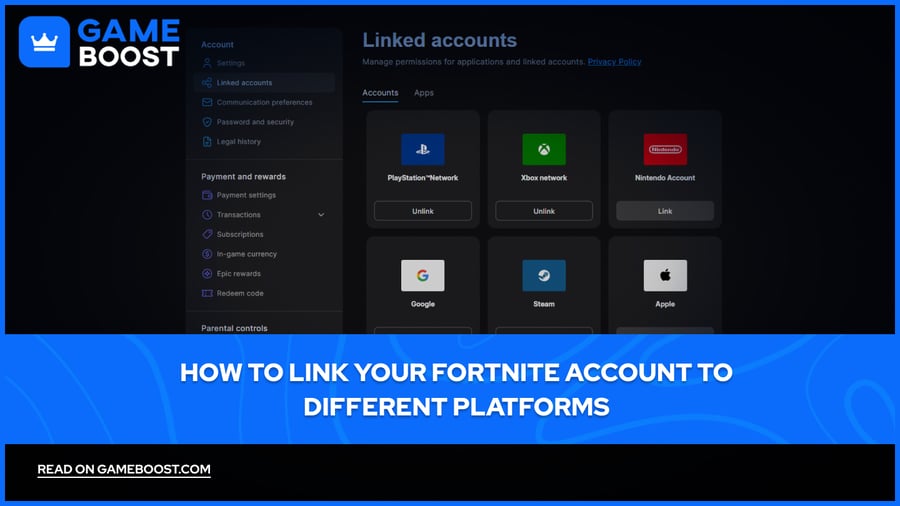
Fortnite supports account linking across the following platforms: PlayStation, Xbox, Nintendo Switch, Steam, Google, GitHub, Apple, Facebook, LEGO, Autodesk, and Twitch. Here's how to get it done:
Go to the Epic Games website and sign in to your account.
Click on your profile name in the top right corner and select Account.
Navigate to Linked Accounts.
You'll see all available platforms listed, click on the platform you want to link to, and select Link.
You'll be redirected to that platform's login page. Sign in with your credentials to verify the connection.
Once confirmed, the platform will appear as linked under your Epic account.
Repeat the process for any additional platforms you want to connect.
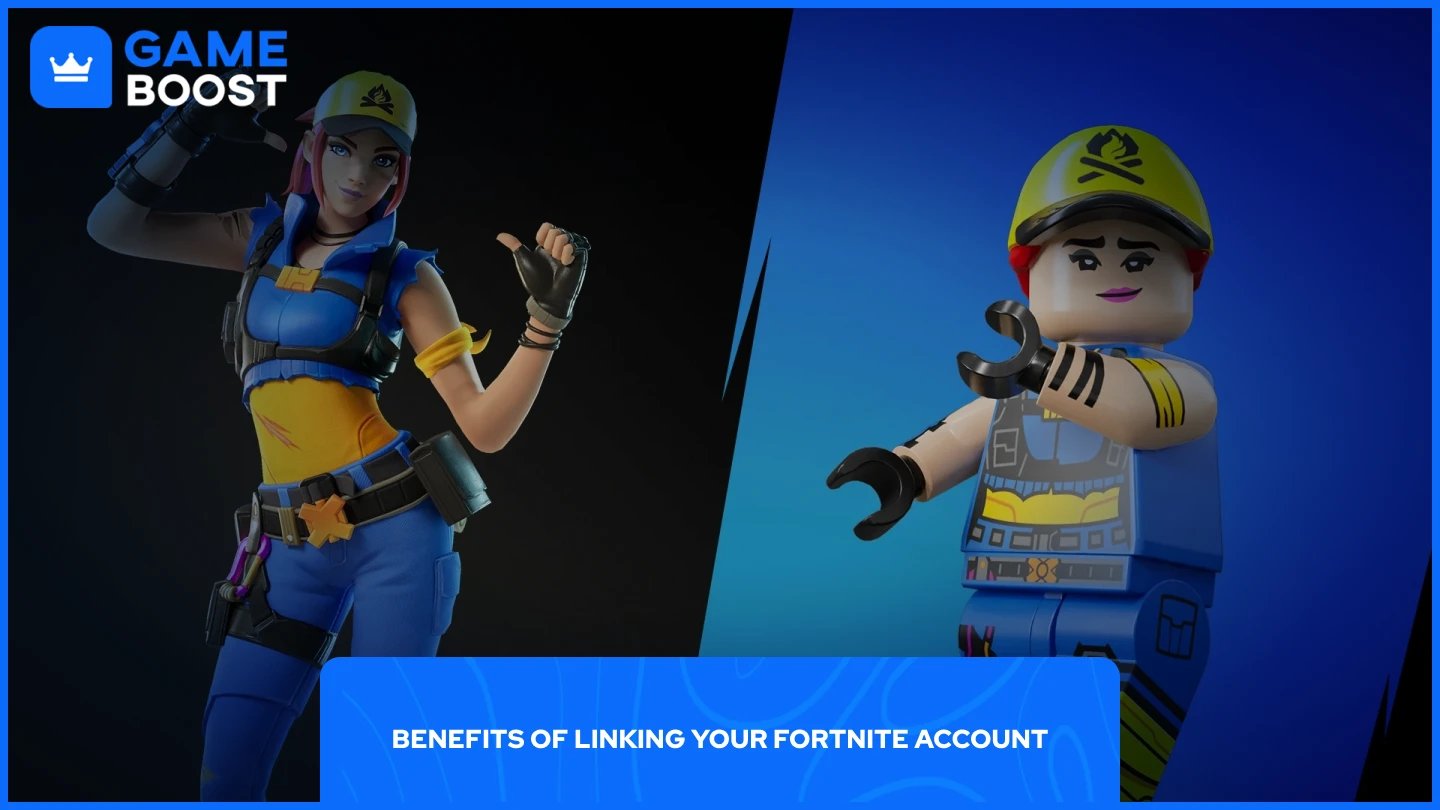
Linking your accounts comes with several practical advantages. The most obvious benefit is cross-progression. Any skins, V-Bucks, Battle Pass rewards, and stats you earn on one platform automatically carry over to every other linked device.
One of the more notable perks is the free reward tied to connecting a LEGO account. Linking your LEGO account to your Epic Games account also gets you the Explorer Emilie skin for free, which is otherwise unavailable through the Item Shop.
Cross-play is another direct benefit. Once your accounts are linked, you can squad up with friends regardless of what platform they're playing on. A player on Xbox can freely party up with someone on PlayStation or PC without any restrictions.
Finally, with all platforms tied to a single Epic account, you have a clear record of connected services and can manage or revoke access at any time through your account settings. Enabling two-factor authentication on your Epic account at the same time is also strongly recommended to keep everything secure.
Also Read: All Fortnite Exclusive Skins and How to Get Them
While account linking is straightforward, there are a few restrictions worth keeping in mind. Each Epic account can only have one account per platform type linked at a time, so one PlayStation account, one Xbox account, one Nintendo account, and one Steam account. You also can't link the same platform account to more than one Epic account simultaneously.
Account merging, which previously allowed players to combine two separate Epic accounts and transfer V-Bucks and cosmetics between them, was permanently removed by Epic Games in 2019 and is no longer available. This means if you have progress split across two different Epic accounts, there's no way to combine them.
Also Read: How To Sell Your Fortnite Account: Step-by-Step Guide
Linking your Fortnite account across platforms is a straightforward process that saves you from losing progress every time you switch devices. Once everything is connected through your Epic account, your skins, V-Bucks, and Battle Pass rewards follow you everywhere. Just keep in mind the limitations around one account per platform type and the fact that merging two separate Epic accounts is no longer an option.
Buy V-Bucks
Buy Fortnite Skins
Fortnite Accounts For Sale
View all GameBoost Accounts
View all GameBoost Boosting Services
View all GameBoost Currencies
View all GameBoost Game Keys
View all GameBoost Gift Cards
View all GameBoost Top Ups
View all GameBoost Items
Buy CS2 Skins
“ Mustafa Atteya has been writing about gaming and esports since 2023, specializing in competitive game content and player improvement guides. At 25, he brings both hands-on gaming experience and professional SEO writing expertise to the GameBoost team.”