


•Hamza Rashid• 8 min read
Clash of Clans
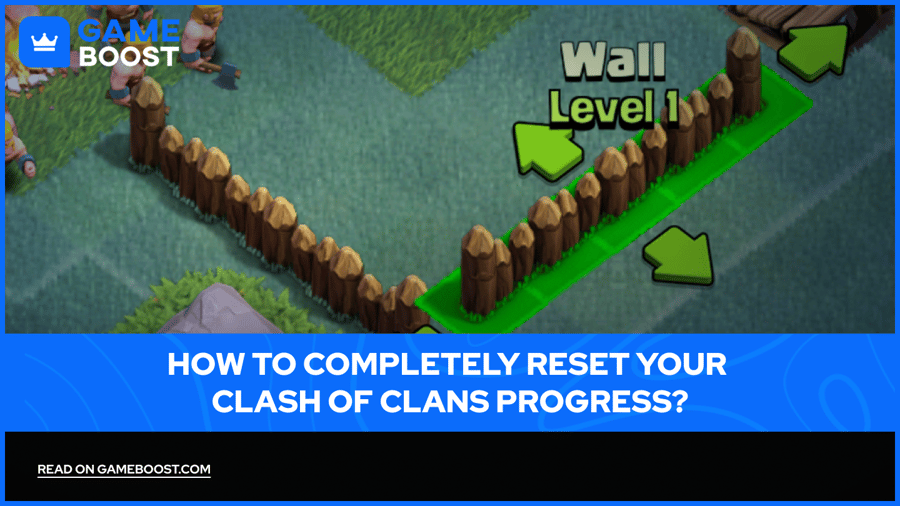
Few things feel as satisfying as building a Clash of Clans village from the ground up, watching your Town Hall level climb, your defenses strengthen, and your trophy count grow. But at some point, some players hit a wall, a rough start they can't shake, a base layout they regret, or just get the urge to do it all over again the right way.
The idea of resetting a Clash of Clans account sounds simple, but Supercell's account system doesn't quite work that way. This article covers how account resets work in Clash of Clans, what options are available to reset your Clash of Clans progress, and what to keep in mind before making any permanent decisions.
Clash of Clans has no built-in reset option; the village progress is stored on Supercell's servers and tied permanently to your login credentials
The only way to start fresh is by creating a new account using a different email address and a new Supercell ID
Android users can also start over by clearing app data and switching to a different Google Play account
iOS users need to sign out of Game Center and use a different Apple ID if their account isn't linked to a Supercell ID
Supercell support does not reset village progress under any circumstances, regardless of the reason
Full account deletion is permanent; all gems, upgrades, and clan history are gone once the request is confirmed and cannot be recovered
Multiple accounts can coexist on one device by saving each one under a separate Supercell ID
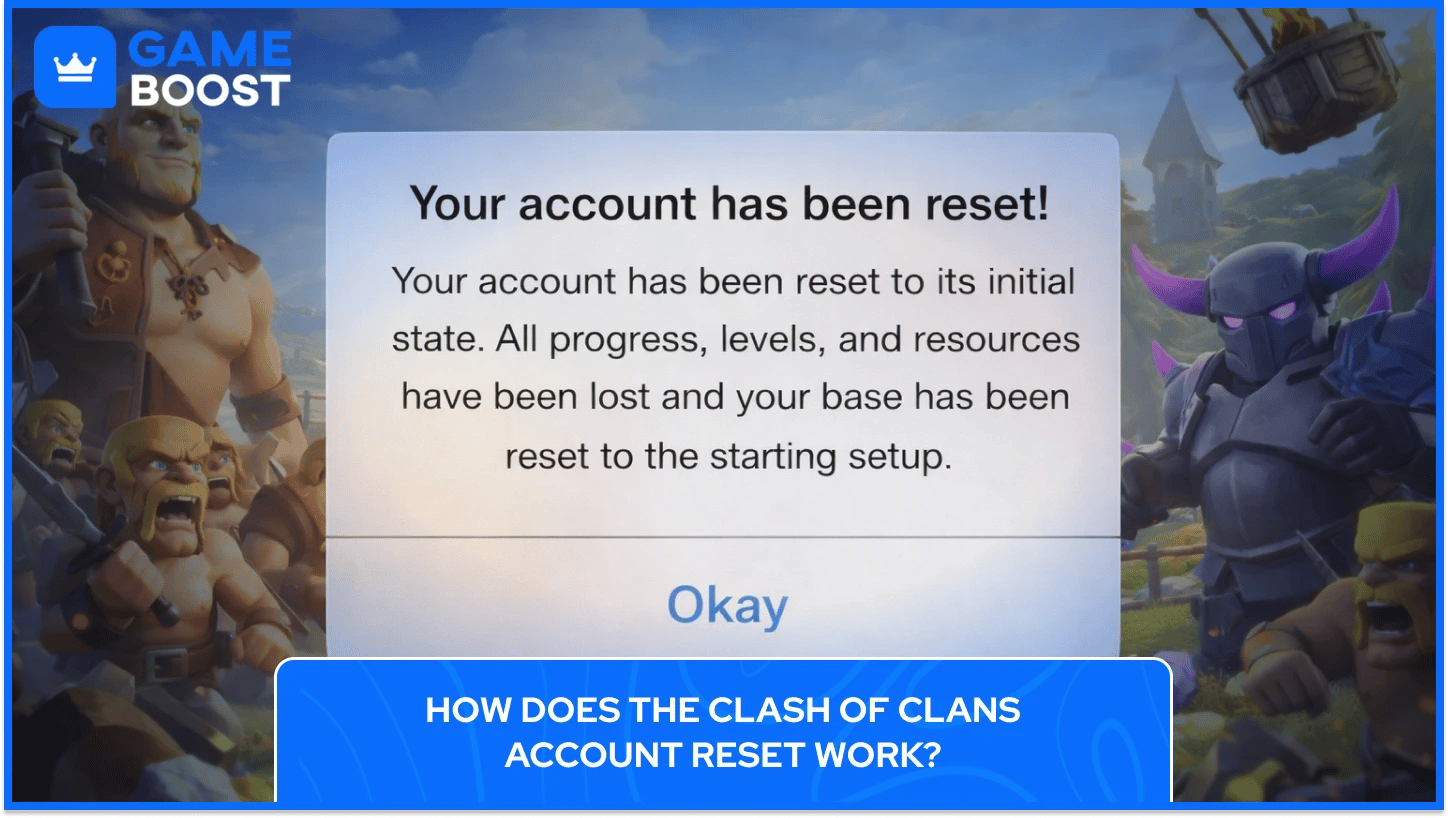
Clash of Clans doesn't have a reset button, as there's no option in the settings to wipe your village and start from Town Hall 1 on the same account. Every village in the game is stored on Supercell's servers, tied directly to your login credentials, your Supercell ID, your Google Play account on Android, or your Game Center account on iOS. Once your progress is saved to those servers, it stays there and follows you across devices.
The reason Supercell built it this way comes down to account security and data protection. If a one-tap reset existed, accidental wipes and account abuse would be constant problems. By locking the village to a specific login, Supercell ensures that years of progress won't disappear due to a single tap or a reinstall. Uninstalling the game won't reset anything either, as you can log back in with the same credentials, and your village loads exactly where you left off.
So when players talk about "resetting" their Clash of Clans account, what they actually mean is starting a fresh village under a completely new account. The existing account stays intact on Supercell's servers. The only real workarounds are creating a new account with different credentials or contacting Supercell support to request a full account deletion, which is permanent and cannot be undone.
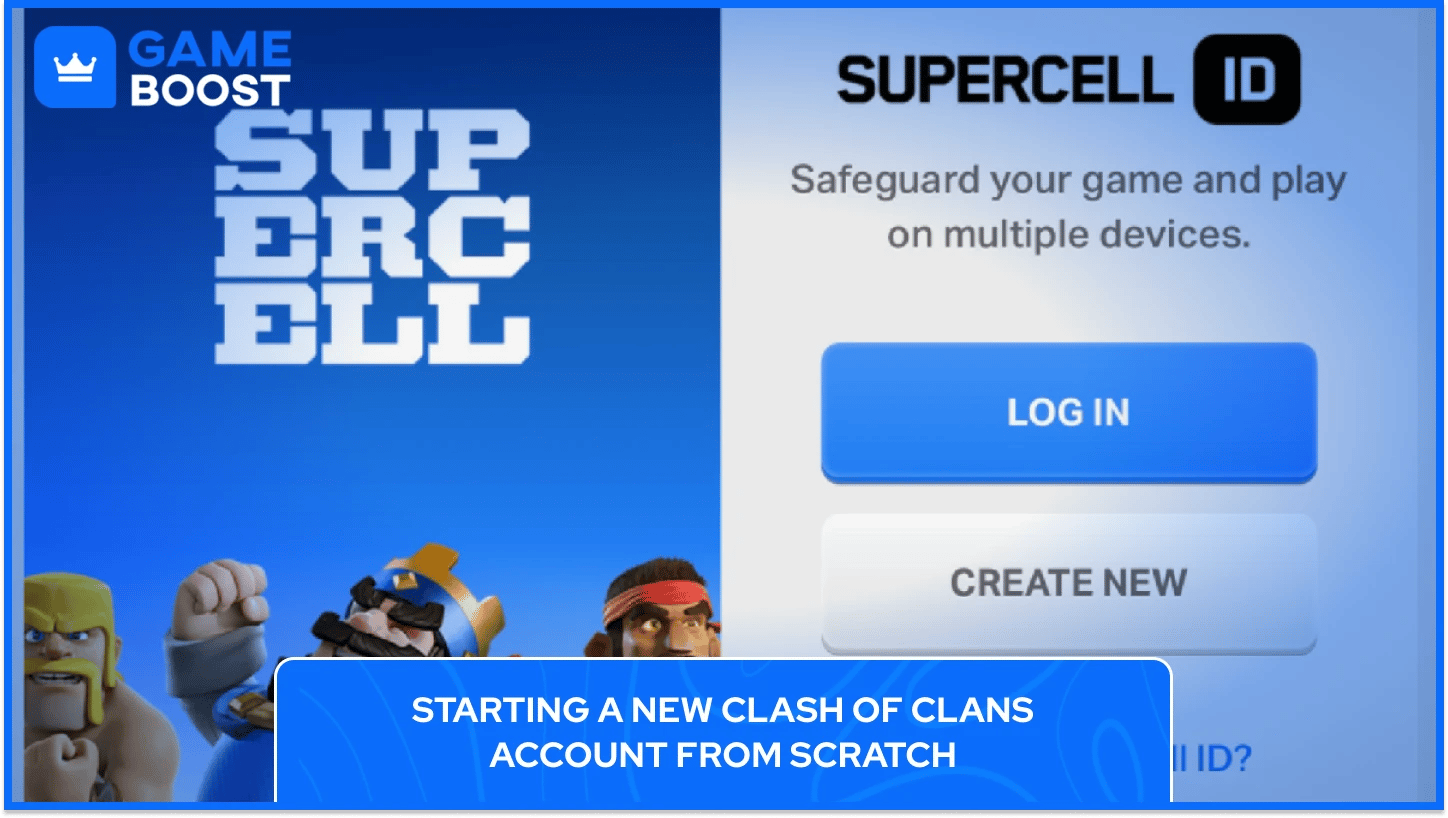
The cleanest way to reset your Clash of Clans account is through a new Supercell ID. Supercell ID is the recommended method because it works across both Android and iOS without depending on Google Play or Game Center. All you need is a different email address, which you can create for free through any provider.
Here's how to reset your Clash of Clans account by setting up a fresh village using a new Supercell ID:
Open Clash of Clans and tap the gear icon in the bottom right corner to open settings
At the top of the settings menu, tap your Supercell ID where it shows "Connected"
Select "Log Out" and confirm to disconnect your current village from the active session
The game will restart and bring you to the opening screen. Select "Play Without Supercell ID" for now
Complete the short tutorial to establish your new village locally on your device
Go back into settings and select "Register a Supercell ID" using a different email address than the one tied to your original account
Verify your new email with the code Supercell sends, and your new village is saved
You can save multiple Clash of Clans accounts by creating multiple Supercell ID accounts, and switching between them is as simple as using the swap button next to your Supercell ID in settings. Your old village stays connected to your original Supercell ID, and you can go back to it whenever you want by logging back in.
Also Read: Best Account Names for Clash of Clans Players
On Android, the process for creating a new Clash of Clans account is tied to how Google Play handles game data. If your current village is linked to a Supercell ID, the method above applies and works cleanly regardless of your device. The extra steps come in if your account is connected through Google Play instead.
The following steps cover the full process for Android users to reset their Clash of Clans account:
Go to Settings > Apps > Clash of Clans > Storage and clear the app data
Open the Play Games app, go to Settings > Your Data > Change Account For Games, find Clash of Clans, and switch it to a different Google account
Relaunch Clash of Clans and sign in with the new Google account to trigger a fresh start
Once the new village loads, register a new Supercell ID in the game settings to keep it saved
Starting with a new Supercell ID is still the simpler option, but knowing the Google Play route is useful if your original account isn't connected to one yet.
iOS handles Clash of Clans account data a bit differently from Android, mainly because it ties more tightly to your Apple ID and Game Center. If your village is connected to Game Center, you'll need to sign out of the original Game Center account before a fresh start is possible. This is done through your iPhone or iPad's Settings, under Game Center.
If your account is already linked to a Supercell ID, the same logout method from the new account section above works as well, with no extra steps needed. The Supercell ID system was built to remove the dependency on Game Center entirely, making it the preferred option for iOS players as well.
For those whose account is only connected through Game Center, the steps below cover what's needed:
Open Settings on your iPhone or iPad, scroll to Game Center, and sign out of the current account
Sign in to Game Center with a different Apple ID (create a new one if needed)
Download or relaunch Clash of Clans while signed into the new Apple ID, and a fresh village will load
Register a new Supercell ID in the game settings to save the new village securely
IOS doesn't offer a simple app data clear option the way Android does. If Game Center is signed in with the same Apple ID, the game will keep pulling up the same village. Using a different Apple ID is the only reliable way around this when the Supercell ID isn't in the picture.
Also Read: How to Transfer a Clash of Clans Account to iPhone/Android
Supercell support cannot reset your Clash of Clans account progress. Their team handles account recovery, access issues, and deletion requests, but reverting a village to Town Hall 1 on an existing account is not something they offer, and no exception is made for this type of request.
The only permanent action they can take is processing a full account deletion, but once confirmed, everything tied to that account is gone permanently, including all gems purchased, every upgrade, and your full clan history. There is no recovery after that point, so if you're completely done with that village. For anyone who simply wants a fresh start, creating a new account through a new Supercell ID is the better path, since your original village stays intact and accessible.
To reach Supercell support, open Clash of Clans, tap the gear icon, select Help and Support, and choose the relevant account option to start a conversation with their team.

Any gems tied to the account are permanently lost once Supercell processes the deletion request. Purchased gems are not transferable to a new account, which is worth factoring in before deciding to go through with a full deletion.
There's no way to reset the Clash of Clans account village progress while preserving clan history on the same account. Starting fresh always means creating a new account, which begins with no clan affiliation, no trophies, and no prior history attached to it.
Since your village lives on Supercell's servers and is tied to your login credentials, it remains the same regardless of what device you access it from. Clearing app data or uninstalling the game on one device won't affect the account itself.
Two Clash of Clans accounts can exist on the same device, but they can't run simultaneously. Switching between them requires logging out of one Supercell ID and into another, which takes only a few seconds once both accounts are saved on the device.
Supercell doesn't offer a reset button, and that's not changing. The practical options are creating a new account through a fresh Supercell ID or requesting a full deletion through support, and the difference between those two is that deletion is permanent, covers everything tied to the account, and cannot be reversed once confirmed.
For most players, a new Supercell ID is the right move. The original village stays untouched, both accounts sit on the same device, and nothing is lost in the process.
Buy CoC Account
CoC Clans For Sale
Clash of Clans Top Up
View all GameBoost Accounts
View all GameBoost Boosting Services
View all GameBoost Currencies
View all GameBoost Game Keys
View all GameBoost Gift Cards
View all GameBoost Top Ups
View all GameBoost Items
Counter-Strike 2 Skins
“ Kristina joined GameBoost in 2024 as an SEO specialist and quickly became the go-to writer for third-person shooter and competitive games. She covers titles like Fortnite, Valorant, League of Legends, GTA 5, and Roblox, focusing on how-to guides, practical tips, and updates.”