

•Filip Premuš• 4 min read
GTA 5

GTA Online lets you own up to ten standard properties, which include apartments and garages. As you progress and your needs change, you might find yourself stuck with a garage that no longer fits your setup. Maybe you need that property slot for something better, or you simply bought one in the wrong location.
The problem is that GTA Online has no direct option to sell a garage. The closest you can get is replacing your garage with a new property purchase, which gives you a 50% trade-in credit on the old one.
In this article, we'll explore how the garage replacement system works, what to do with your vehicles before making the swap, and what to expect from the refund.
Also Read: How to Restart GTA 5 Story Mode: Step-by-Step Guide

GTA Online has no direct option to sell a garage; the only way is replacing it with another property through Dynasty 8.
Vehicles stored in the old garage are automatically moved to the new one. If the new garage has fewer slots, overflow vehicles can be retrieved by calling the Mechanic.
To replace a garage, open your phone, go to the Internet app, navigate to Dynasty 8, purchase a new property, and select the garage you want to replace when prompted.
When trading in, you receive 50% of the original purchase price as credit toward the new property.
Also Read: Where to Buy GTA 5 Accounts?
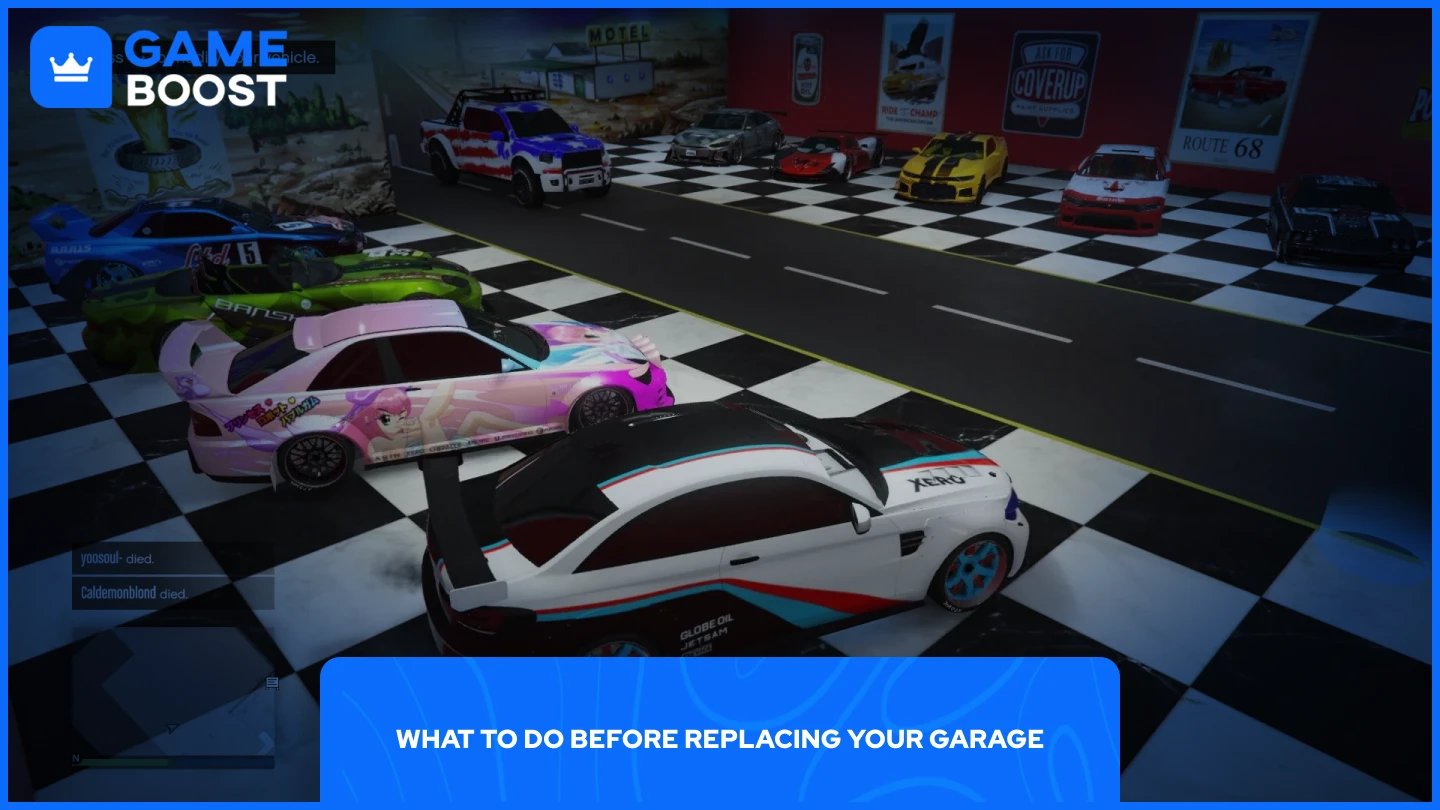
When you replace a garage, vehicles stored inside are automatically transferred to the new one. If the new garage has fewer slots, any overflow vehicles can be retrieved by calling the Mechanic and moved to another garage.
If you want to be cautious, you can still move vehicles to another garage beforehand. This is especially worth doing if the new garage has fewer slots than the old one, to avoid any overflow that needs to be sorted out via the Mechanic.

Replacing a garage is done through the Dynasty 8 website on your in-game phone. Follow these steps:
Open your phone and go to the Internet app.
Navigate to the Dynasty 8 website.
Browse the available listings and find a garage you want to purchase.
Select the property and click Purchase.
When prompted, choose the garage you want to replace.
Confirm the transaction.
The swap takes effect immediately once the purchase is complete.
Also Read: How to Increase Strength in GTA Online
When you trade in your garage, you receive 50% of its original purchase price as a credit toward the new property. You pay the new garage's listed price minus that 50% trade-in amount.
Since you only receive 50% of the original purchase price back as a trade-in credit, keep that in mind when planning your swap and choosing which property to upgrade to.
Also Read: How to Point in GTA 5: Step-by-Step Guide
GTA Online doesn't offer a direct way to sell a garage, but the replacement system gets the job done. Vehicles in your old garage transfer automatically, pick a new property on Dynasty 8, and the swap happens instantly. Just go in knowing the trade-in refund is 50% of what you originally paid, not the full amount.
GTA 5 Key
GTA 5 Enhanced Key
Buy GTA 5 Items
GTA 5 Accounts For Sale
View all GameBoost Accounts
View all GameBoost Boosting Services
View all GameBoost Currencies
View all GameBoost Game Keys
View all GameBoost Gift Cards
View all GameBoost Top Ups
View all GameBoost Items
Counter-Strike 2 Skins
“ Mustafa Atteya has been writing about gaming and esports since 2023, specializing in competitive game content and player improvement guides. At 25, he brings both hands-on gaming experience and professional SEO writing expertise to the GameBoost team.”