


•Hamza Rashid• 9 min read
Valorant
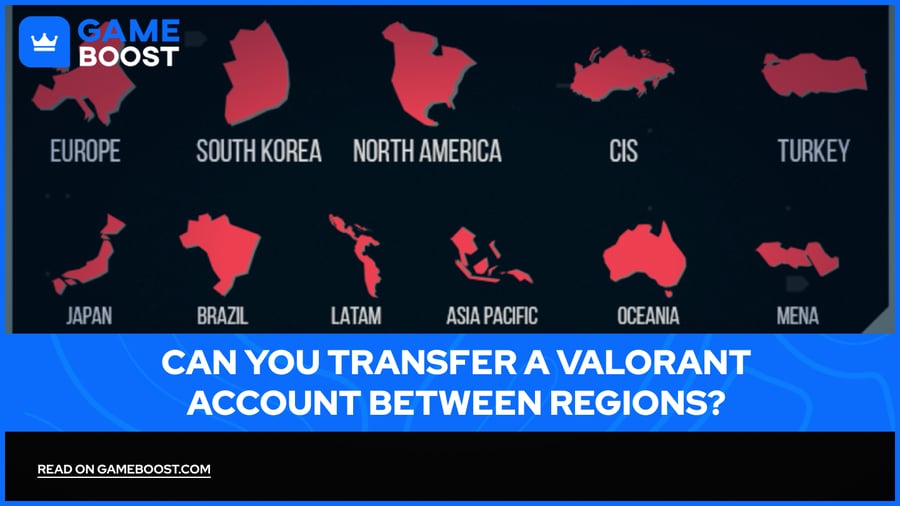
Valorant is one of the most played tactical shooters out there, with millions of active players spread across six distinct regional servers worldwide. Your account is tied to a specific region from the moment you create it, and that single detail shapes almost everything about your experience: who you queue with, which servers you connect to, and even the currency you use to buy skins.
For most players, this setup works fine, but it becomes a real issue when you move to a new country, struggle with lag, or want to play alongside friends locked to a different server. That's a situation where browsing Valorant accounts for sale on a target region starts to make more practical sense than going through a lengthy transfer process with no guarantee of keeping everything intact. This article covers exactly how Valorant's region transfer system works, what you stand to lose in the process, and what your real options are.
Every Valorant account is assigned a Region of Residence (RoR) at the point of creation, determined by your physical location at the time. This setting directly controls three things: the payment methods and currency available to you, the default language on your client, and the Game Shard you're placed on.
A shard is essentially your player pool. Riot Games currently runs six of them across the globe: North America (NA), Europe (EU), Korea (KR), Brazil (BR), Latin America (LATAM), and Southeast Asia/Asia-Pacific (AP). The shard you're on determines which servers you can connect to and, critically, who you can actually play with as two players on different shards cannot queue together.
Within each shard, there are also individual server locations, cities like Paris or Frankfurt within the EU shard, for example. Players can freely switch between these to chase better ping, but crossing into a different shard entirely is a separate process with real consequences.
Also Read: How to Appear Offline on Valorant?
Valorant account region transfers are possible, but Riot Games keeps the process intentionally restricted. You can only transfer your account to match your actual physical location, and the system is built around the assumption that you've genuinely relocated, not that you want to hop servers for convenience.
Some transfer combinations flat out aren't available. These are the restrictions that apply to Valorant region changes requests no matter your account age or rank:
Players in South Korea RoR cannot transfer to Japan, and players outside South Korea wanting a Korean RoR must create a new account from scratch.
Transferring to Vietnam requires permanent residency in the country.
China is fully closed to transfers in either direction, and players there need a separate account created specifically for that region.
Shard changes are only processed to align with your RoR, not to access a preferred player pool.
Restrictions and Special Cases
What Carries Over and What Gets Reset
How to Transfer Your Valorant Account to a New Region
Playing in a Different Region Without an Official Transfer
Outside of these cases, most other regional transfers are approved as long as your IP location lines up with the region you're requesting
A Valorant region transfer doesn't wipe your account clean, but it does reset more than most players expect. Before going through the process, it's worth knowing exactly what survives the move and what gets left behind.
The good news is that the things you've spent real money on stay with you. Your full skin collection, agents, gun buddies, player cards, sprays, and Valorant Points balance all carry over to your new region. Your account level and MMR also make the move, so your underlying skill rating isn't starting from scratch, even if your rank display is.
What does get wiped is the competitive side of your progress. Your current ranked season data, match history, and purchase history are fully erased when you transfer to a different shard. That means your rank resets and you'll need to place again in your new region, your full game history disappears, and your transaction records won't be visible in the new region's account.
There is one case where the data loss doesn't apply. Players transferring between the North America, LATAM, and Brazil shards keep all data, including current season progress, match history, and purchase history. This exception only covers moves within the Americas group of shards, so if you're moving from NA to EU or AP, the standard reset rules still apply.
Also Read: How to Link Playstation Account With Valorant?
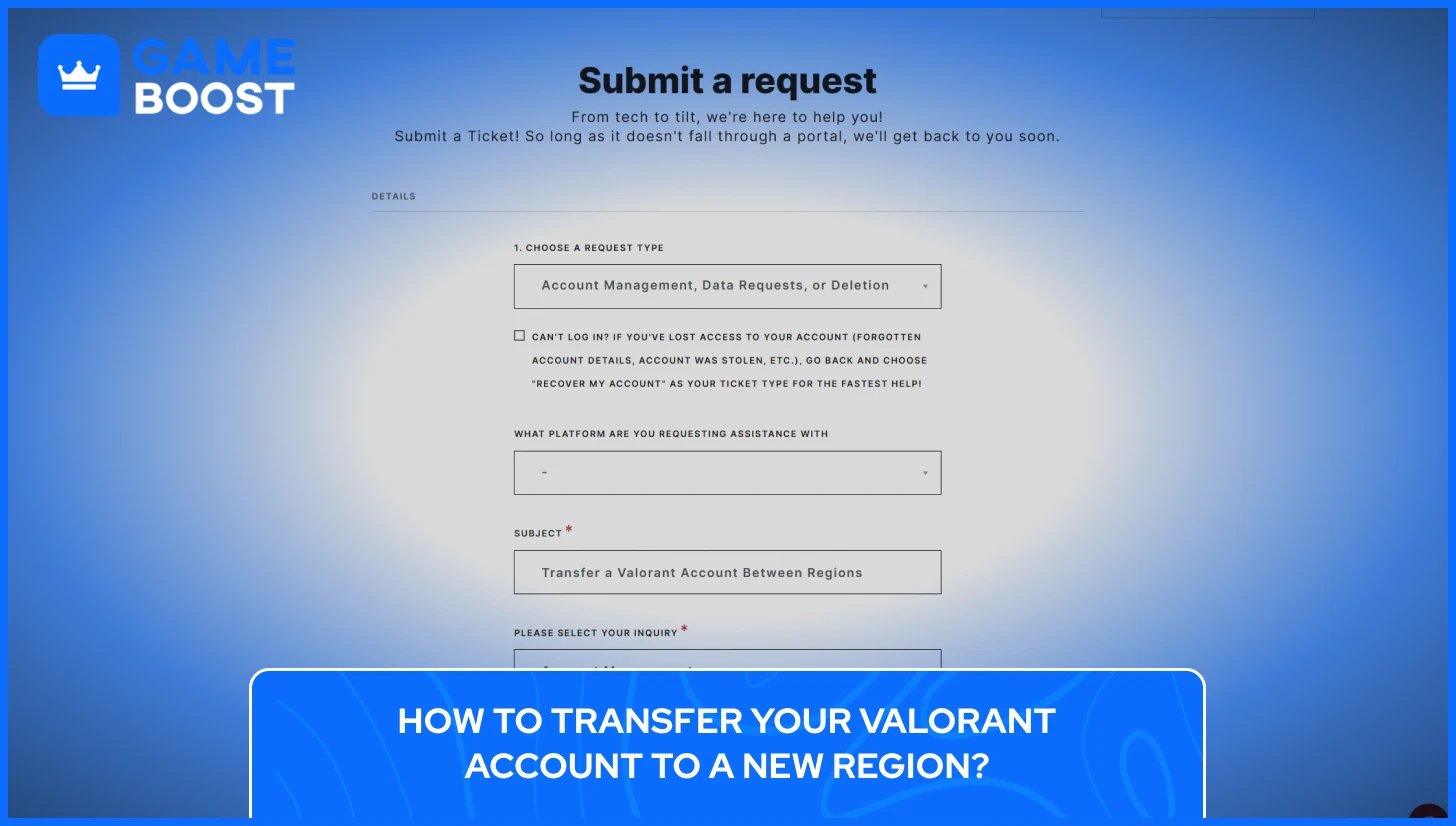
There's no option inside the Valorant client to change your region. The entire process runs through Riot's support site, and it starts with an automated eligibility check based on your current IP location.
Here's how to go through Valorant Account region change:
Go to the Riot Games Region of Residence support page and log in with your Riot account.
The system will detect your current location and compare it to your account's existing RoR. If a transfer is available, a confirmation message will appear showing your current region and the new one it's offering.
Review the summary Riot provides, which covers what will and won't carry over, then press "Change" to confirm.
Your transfer status will show as "Queued" once confirmed. The process can take anywhere from a few minutes to around an hour.
If the automated tool doesn't detect a location change or fails to trigger the option, the fallback is submitting a manual support ticket. To do that, go to the Valorant support page, select Account Management as the request type, and use "Need help changing Region of Residence / Country assigned to account" as your inquiry category.
Include a clear explanation of your situation and any relevant screenshots. Manual tickets typically take between three and seven days to receive a response from Riot's support team.
Keep in mind that Riot may require evidence of login activity from your new location over a period of time before approving a manual request. Simply submitting a ticket the day you arrive somewhere new may not be enough.
For players who want to access a different Valorant region without going through an official transfer, the only real workaround is to have a separate account tied to that region. This is a widely used approach for playing with friends on different shards, and it doesn't touch your main account at all.
To create an account in a specific region, you'll need a VPN connected to a server in your target region before signing up. Since Riot flags unstable or low-quality connections during sign-up, it's worth using a top-rated VPN with servers in your target region so the registration goes through cleanly and your new account locks to the shard you actually want. Once the account is created, the VPN is no longer required to log in, though you'll likely deal with higher ping depending on how far the servers are from your actual location.
The tradeoff is simple, you keep your main account completely untouched, but the new account starts from zero: no skins, no agents unlocked beyond the starting roster, no rank, and no match history. For occasionally queuing with overseas friends, that's a reasonable trade. For anyone expecting a competitive experience on par with their main account, it falls short.
A few things worth keeping in mind before going this route are:
Do not use a VPN on your existing main account to try and access other regions. Riot's systems can flag this, and it can create issues with your account's region detection going forward.
Creating a secondary account purely to play in another region is generally tolerated, but using it to exploit regional pricing or bypass competitive restrictions goes against Riot's Terms of Service.
If the goal is simply staying connected to friends abroad for the occasional session, a fresh regional account does the job. For anything more serious, an official transfer is the only path that keeps your progress intact.

Most regions are available for transfers, but a handful of exceptions apply. Transfers to China and South Korea require a brand new account, Vietnam requires permanent residency, and shard changes are only processed to match your actual RoR.
The automated tool can process the transfer in as little as a few minutes if your eligibility is detected instantly. Manual support tickets typically take between three and seven days, though Riot may ask for several weeks of login activity from your new location before approving.
You can transfer back to your original Valorant region, but not immediately. In order to do so, you must wait 90 days after your last transfer, and the same data resets apply when transferring back.
Your full cosmetics collection, agents, account level, and VP balance all carry over. What gets wiped is your ranked season data, match history, and purchase history (except for transfers within the Americas group of shards).
The official Region of Residence transfer through Riot's support page is completely free.
Riot's approach to region locking in Valorant is deliberate, as the system exists to keep matchmaking competitive and server performance stable, and the transfer restrictions reflect that. For players who have genuinely relocated, the process works well enough, even if losing ranked progress is frustrating.
What softens that blow is that MMR carries over regardless. Placement matches after a transfer tend to move fast because the matchmaking system already has a read on your skill level. The rank resets, but you won't be climbing from zero in any meaningful sense.
Valorant Accounts For Sale
Buy Valorant Points
Valorant Boosting Service
View all GameBoost Accounts
View all GameBoost Boosting Services
View all GameBoost Currencies
View all GameBoost Game Keys
View all GameBoost Gift Cards
View all GameBoost Items
View all GameBoost Top Ups
Counter-Strike 2 Skins
“ Kristina joined GameBoost in 2024 as an SEO specialist and quickly became the go-to writer for third-person shooter and competitive games. She covers titles like Fortnite, Valorant, League of Legends, GTA 5, and Roblox, focusing on how-to guides, practical tips, and updates.”