

•Hamza Rashid• 9 min read
Valorant

Valorant runs on a single Riot Games account, and that account holds all your data: your rank, your skins, your match history, and any VP you've spent over the years. Losing access to that account through a forgotten password, a changed email, or an unauthorized login can feel like losing everything you've put into the game.
The good news is that Riot Games has a structured account recovery system in place, and most cases are recoverable if you act quickly and follow the right steps. Here we go over how to recover your Valorant account, what to expect from Riot's support process, and what you can do to make sure it doesn't happen again.
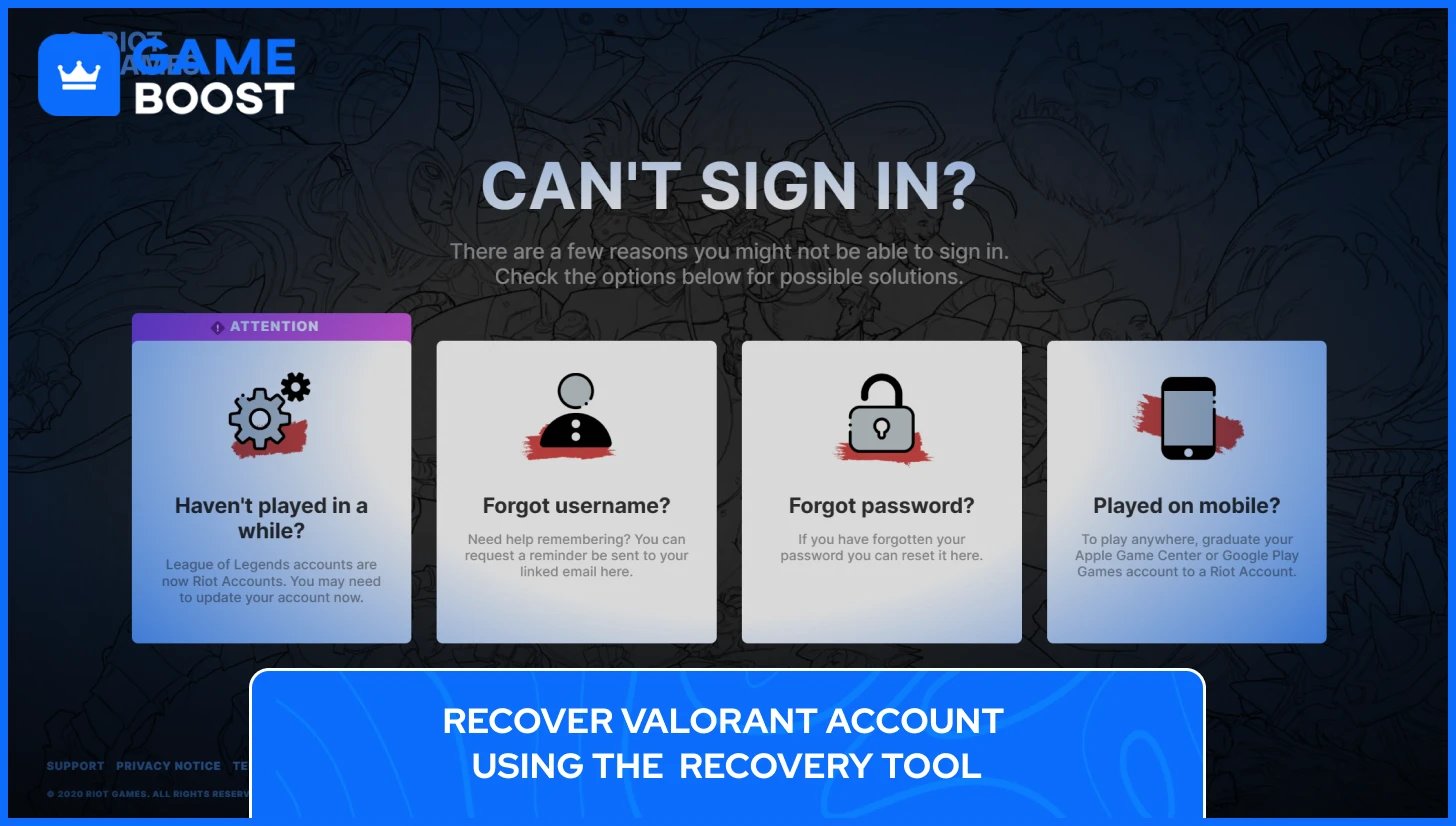
The Account Recovery Tool is Riot's fastest built-in option for getting back into a locked Valorant account, and for most players dealing with a forgotten password or a basic login issue, it's all they'll need. Before jumping straight to it, though, a few quick checks are worth running first. A mistyped password, Caps Lock being on, or logging into the wrong region can all look like a serious account access problem when the fix is actually much simpler. Checking the Riot server status page before submitting anything is also a smart move, since a temporary outage on Riot's end can lock you out just as effectively as a credential issue.
If you've ruled all of that out and still can't access your Valorant account, head to recovery.riotgames.com to start the official Riot account recovery process. The tool walks you through a short verification flow designed to confirm you're the legitimate account owner before any changes are made.
Here's what the Valorant account recovery steps look like in order:
Go to recovery.riotgames.com in your browser.
Enter your Riot Games username or the email address linked to your Valorant account.
Select the region your account is registered to.
Answer the identity verification questions, which typically include your date of birth on the account and a question about connected Riot games such as League of Legends.
If the details you provide match what's on file, Riot will send a password reset email to the address associated with the account.
Open that email, follow the reset link, and set a new password to complete the Valorant account recovery process.
This tool handles the majority of standard Valorant account recovery cases cleanly, particularly when the email address on the account is still accessible, and no one has tampered with the core account details. If the Account Recovery Tool doesn't resolve the issue, the next step is submitting a support ticket directly to Riot Games, which gives you access to a human agent who can investigate further.
Also Read: How to Change and Reset Your Valorant Password?
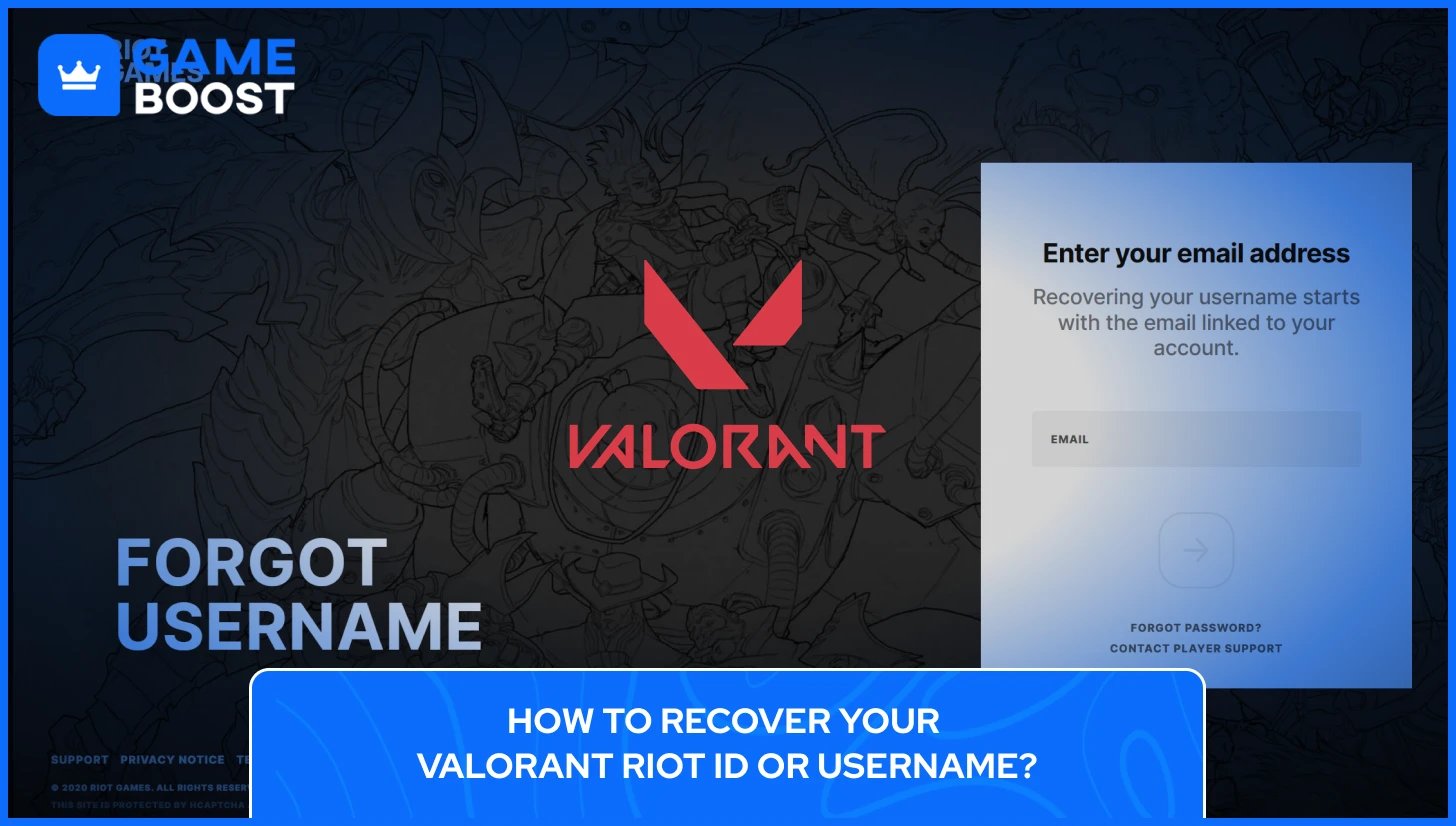
One thing that trips up a lot of players is the difference between a Riot ID and a Riot Games username. Your Riot ID is your in-game display name, the one other players see in matches and on your profile. Your username is what you actually type into the login screen to access your Valornat account. Forgetting one or both of these is more common than it sounds, especially for players who take long breaks from Valorant or manage multiple Riot accounts across different regions.
If you've forgotten your Riot Games username, the recovery process is easy as long as you still have access to the email address tied to your account. To recover your Riot Games username, head to recovery.riotgames.com/en/forgot-username, enter your registered email address, and submit the form. Riot will send a username recovery email within around 15 minutes, so if it doesn't show up in your inbox, check your spam folder before trying again.
Recovering your Riot ID works a little differently, as Riot ID is purely a display name, meaning it has no bearing on your ability to log in, so there's no dedicated recovery flow for it. If you want to update it, log into your account at account.riotgames.com, navigate to your profile settings, and change it from there. Keep in mind that Riot only allows a free Riot ID change every 90 days, so if your display name was altered by someone who had access to your account, you'll need to wait out that window or contact Riot support to request an exception.
The trickier situation is when a player has forgotten both their username and no longer has access to the email tied to the Valorant account they wish to recover. In that case, the self-service recovery options won't help, and submitting a support ticket with as much account ownership information as possible becomes the necessary next step.
When someone gains unauthorized access to your Riot account, the first thing they typically do is change the email address and password to lock you out completely, which cuts off access to the standard self-service recovery options. Knowing the warning signs early gives you a better shot at acting before that happens.
Some of the clearest indicators that your Valorant account has been compromised include in-game settings being changed without your input, friends reporting seeing you in matches you never played, and your rank dropping unexpectedly since your last login. Riot also sends automated security alerts from [email protected] or [email protected] when a login is detected from an unusual device or location, so an unexpected email from either of those addresses is worth acting on immediately.
If you still have access when you spot the suspicious activity, here's what to do right away:
Change your Riot account password at account.riotgames.com.
Change the password on the email address linked to your Valorant account, since email access gives anyone a direct path to reset your Riot credentials.
Check your Riot account login history for unrecognized devices or IP addresses and revoke anything suspicious.
Enable Multi-Factor Authentication on both your Riot account and your email if it isn't already active.
Contact your bank if you have a saved payment method on the account and notice any unauthorized VP purchases.
If you've already been fully locked out and the account email has been changed, the self-service recovery tool won't be enough. Submit a support ticket so a Riot agent can investigate and help recover the compromised Valorant account. Once access is restored, Riot can revert unauthorized name changes and investigate suspicious purchases made while the account was out of your hands, so reporting everything as soon as possible matters.
Also Read: How to Enable Two-Factor Authentication on a Riot Account
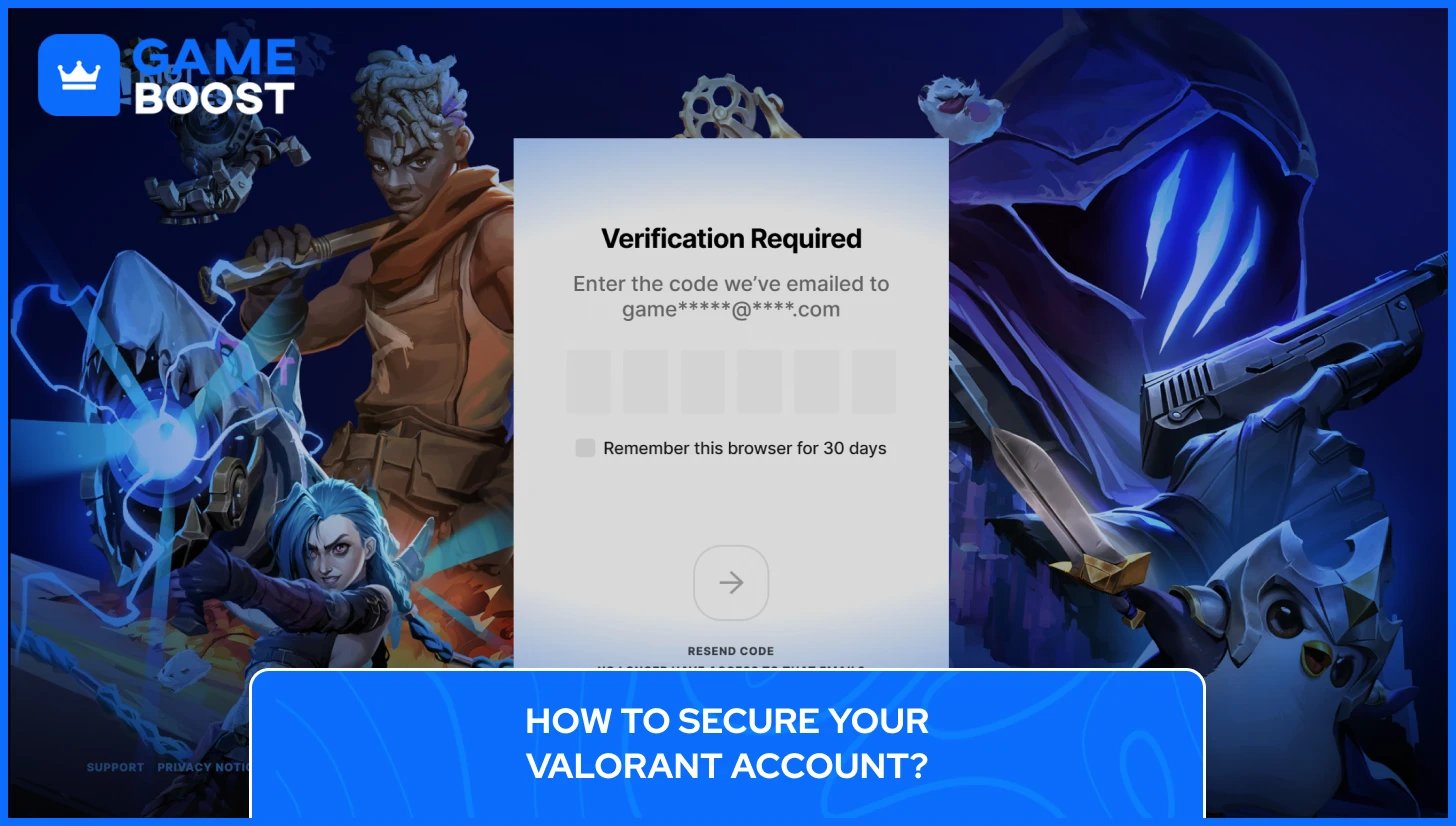
Getting your Valorant account back through Riot support is only half the job. If the same vulnerabilities that allowed the compromise are still there, the account is just as exposed as it was before.
Multi-Factor Authentication (MFA) is the most direct fix and the first thing to set up. Every time you sign in, Riot sends a six-digit verification code through the Riot Mobile app or to the email on the account, and that code is required before access is granted. To enable it, sign into account.riotgames.com, find the Multi-Factor Authentication card, and follow the prompts. Email MFA needs to be active before Riot Mobile MFA can be turned on, so start there if you haven't already.
Beyond MFA, there are a few habits worth building into how you manage the account going forward:
Enable MFA on your email account too, not just on Riot. Anyone with access to your email can request a password reset and walk straight into your Valorant account, so the email needs the same level of protection.
Use a unique password for your Riot account that you don't use on any other platform. Credential stuffing attacks, where leaked passwords from other sites are tested against gaming accounts automatically, are one of the most common ways players lose access.
Only log in through authenticate.riotgames.com. Riot's official guidance is to never enter your credentials on any other site, including third-party skin checkers or stat trackers that ask for a Riot login.
Sign out on any device that isn't yours. A session left open on a friend's PC or a gaming café machine is an easy and often overlooked entry point.
None of this takes more than a few minutes to set up, and it makes the kind of account takeover that sends players to Riot support in the first place significantly harder to pull off.
Recovering a Valorant account can take anywhere from a few minutes to several days, depending on how complicated the situation is, and Riot's response time through the support ticket system tends to vary by region and ticket volume. Having your account ownership details ready before you even start the process, things like your original email, date of birth on the account, and any purchase history, will always speed things up. If you've invested real time and money into your Valorant account, treating it with the same care you'd give any valuable asset just makes sense.
Valorant Accounts For Sale
Buy Valorant Points
Valorant Boosting Service
View all GameBoost Accounts
View all GameBoost Boosting Services
View all GameBoost Currencies
View all GameBoost Game Keys
View all GameBoost Gift Cards
View all GameBoost Items
View all GameBoost Top Ups
Counter-Strike 2 Skins
“ Kristina joined GameBoost in 2024 as an SEO specialist and quickly became the go-to writer for third-person shooter and competitive games. She covers titles like Fortnite, Valorant, League of Legends, GTA 5, and Roblox, focusing on how-to guides, practical tips, and updates.”