

•Hamza Rashid• 9 min read
Valorant
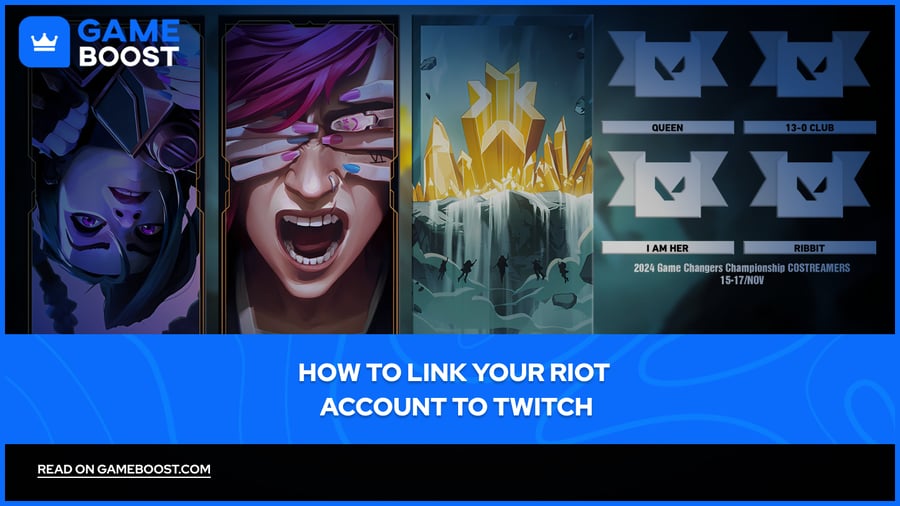
Valorant has a Twitch Drops system that rewards players with exclusive in-game items simply for watching live streams and esports events. These rewards include player cards, titles, sprays, and other cosmetics that are only available during specific broadcast windows, meaning you can miss them permanently if your accounts aren't connected in time.
Linking your Riot account to Twitch is a one-time setup that takes a couple of minutes, and you don't need a Twitch Prime subscription, the drops are open to all viewers. Once connected, any eligible stream you watch with drops enabled will automatically track your progress toward the rewards.
In this article, we'll explore exactly how to link your Riot account to Twitch, what rewards you can earn, and what to do if the connection isn't working.
Also Read: How to Enable Two-Factor Authentication on a Riot Account
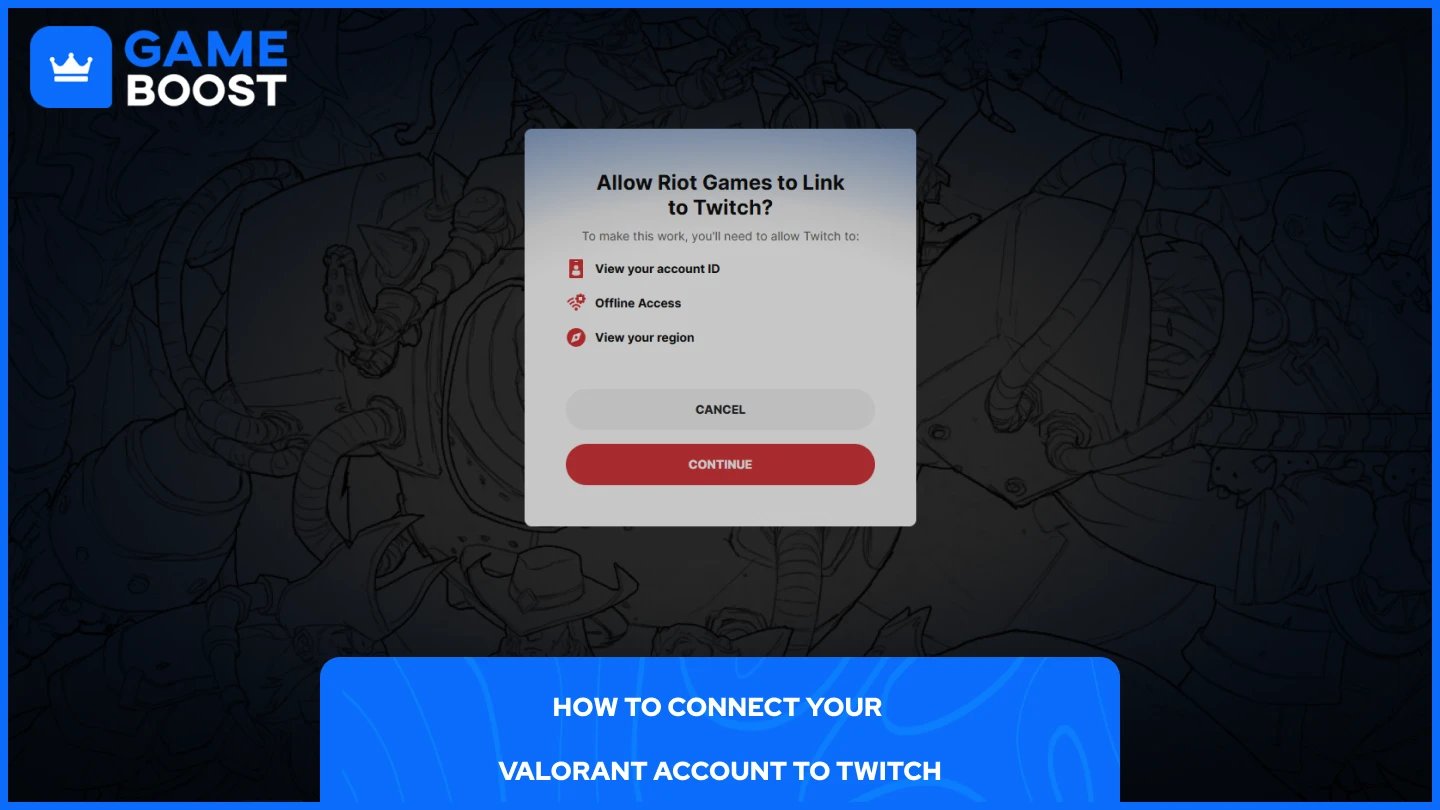
The linking process is handled through Twitch's settings and only takes a few steps to complete. Make sure you're logged into both your Riot Games account and your Twitch account before you start.
Open Twitch and click your profile icon in the top-right corner.
Select Settings from the dropdown menu.
Go to the Connections tab.
Scroll down to find Riot Games and click Connect.
A Riot Games login window will appear, sign in, and authorize the connection.
Once authorized, your accounts are linked. You don't need to repeat this process unless you manually disconnect them.
Earning a drop doesn't mean it lands in your inventory automatically. You still need to claim it manually through Twitch before it's sent to your Valorant account.
Click your profile icon on Twitch and select Drops & Rewards.
Find the drop you've earned and click Claim.
Once claimed, the reward can take up to 48 hours to appear in your Valorant inventory.
Only drops from streams with Drops Enabled will count toward your progress. You can usually spot these by the "Drops Enabled" tag on the stream, and active campaigns will appear under the Drops & Rewards tab so you can track how much watch time you've accumulated.
Also Read: Can You Appeal a Valorant Ban? Everything to Know
If your drops aren't tracking or the rewards aren't showing up in-game, a few things could be causing it.
The most common reason is that the wrong accounts are linked. Double-check that the Riot account connected to your Twitch is the same one you're playing Valorant on. If you have multiple accounts, it's easy to accidentally link the wrong one.
Another thing to check is the stream itself. Not every Valorant stream qualifies for drops, the broadcaster has to have drops enabled on their channel. If the stream you're watching doesn't show the "Drops Enabled" tag, your watch time won't count toward any rewards.
If your accounts are correctly linked, and you're watching an eligible stream but drops still aren't progressing, try unlinking and relinking your Riot account through Twitch's Connections settings, then refresh the page.
Rewards can take up to 48 hours to appear in your inventory after claiming, so if you've just claimed a drop, it's worth waiting before assuming something went wrong. If it's been longer than two days and the reward still hasn't shown up, contact Riot support directly through the Valorant support page.
Also Read: What is a Hardware Ban in Valorant?
Linking your Riot account to Twitch is a one-time setup that keeps you eligible for every future drop campaign Riot runs. Once connected, just make sure you're watching a drops-enabled stream and claim your rewards through the Drops & Rewards tab before they expire.
Valorant Accounts For Sale
Buy Valorant Points
Valorant Boosting Service
View all GameBoost Accounts
View all GameBoost Boosting Services
View all GameBoost Currencies
View all GameBoost Game Keys
View all GameBoost Gift Cards
View all GameBoost Items
View all GameBoost Top Ups
Counter-Strike 2 Skins
“ Mustafa Atteya has been writing about gaming and esports since 2023, specializing in competitive game content and player improvement guides. At 25, he brings both hands-on gaming experience and professional SEO writing expertise to the GameBoost team.”