

•Mustafa Atteya• 3 min read
Rocket League
Last Updated: November 5 2026 - No new codes have been added
Rocket League codes unlock free cosmetics like decals, player titles, and rocket boosts without spending Credits or grinding challenges. Psyonix doesn’t release them on a schedule, and most show up around esports events, collaborations, and seasonal updates before expiring without notice.
Below you’ll find every active Rocket League code, how to redeem it in-game, and where new ones get announced first.
Rocket League codes unlock free cosmetic items like decals, player titles, and rocket boosts, with no effect on gameplay
Codes are redeemed directly through the in-game Settings menu under the Extras tab, with no external site or third-party account needed
Rocket League codes don't follow a fixed release schedule and typically drop during special events, livestreams, esports collaborations, or seasonal updates
Following the official Rocket League X account, Discord server, and YouTube channel is the most reliable way to catch new codes before they expire
Rocket League occasionally releases promo codes that give free cosmetic items like decals, banners, boosts, and more. These codes are time-limited and can expire without notice, so check which ones are still redeemable before entering them.
Code | Reward |
|---|---|
For now, there are no working promo codes | - |
Items unlocked via Rocket League codes appear in your garage or inventory immediately if the redemption succeeds.

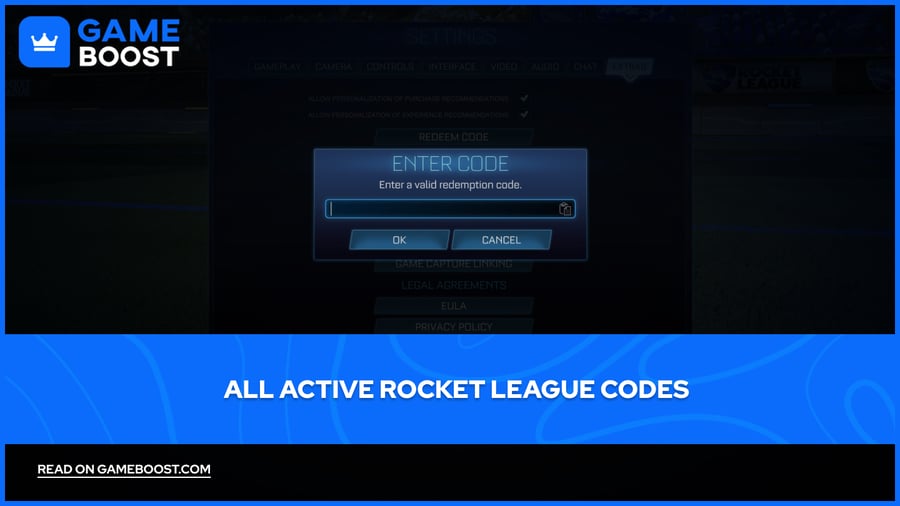
Rocket League promo codes are redeemed directly through the in-game menu. You don’t need to visit an external site or connect any third-party accounts. Everything happens inside the game client.
To redeem a Rocket League code, you just need to follow these steps:
Launch Rocket League
Open Settings from the main menu
Navigate to the Extras tab
Select Redeem Code
Type in the code exactly as it appears, including any symbols
Confirm to claim your reward
Codes are case-sensitive and must match the formatting exactly. If the code is valid, your item will appear in your inventory. If not, an error message will pop up on your screen. However, some rewards may require a quick restart to appear correctly.

New Rocket League codes don’t follow a fixed release schedule. They usually drop during special events, livestreams, or seasonal updates. When the developers announce major news, like a new car bundle, esports collaboration, or crossover, they sometimes include limited-time codes for cosmetic rewards.
The best way to catch new Rocket League codes early is by following Rocket League’s official social media accounts. These include:
Rocket League YouTube channel (especially livestreams and tournaments)
Community forums and fan-run databases also track promo codes, but they aren’t always reliable or up to date. If you're checking code lists outside official sources, always double-check in-game before assuming one works.
Rocket League codes only ever unlock cosmetics, so missing one never costs you anything on the pitch. Most are tied to esports events, collaborations, and seasonal updates, which makes those moments the best time to check the Extras tab.
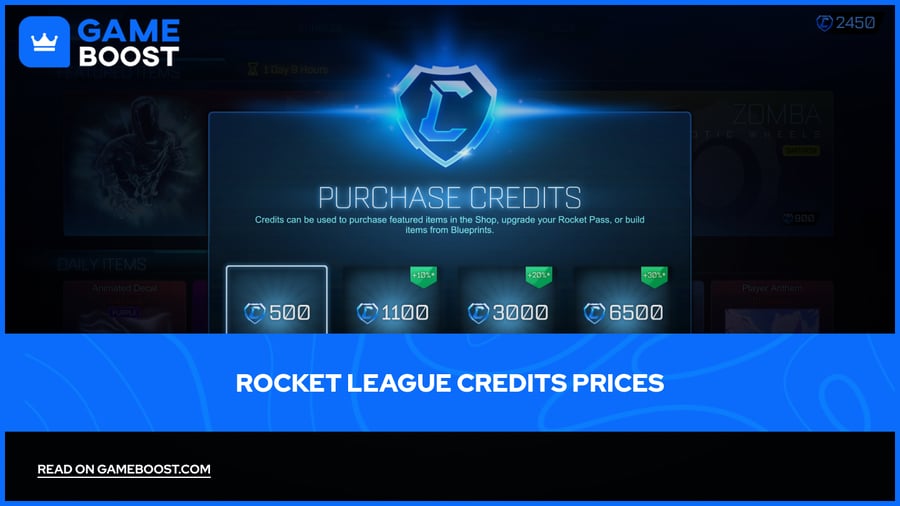
Between drops, Item Shop bundles and Blueprint unlocks still run on Credits, and Rocket League Credits for sale cover those without waiting for the next free code.
Rocket League Accounts For Sale
“ Kristina joined GameBoost in 2024 as an SEO specialist and quickly became the go-to writer for third-person shooter and competitive games. She covers titles like Fortnite, Valorant, League of Legends, GTA 5, and Roblox, focusing on how-to guides, practical tips, and updates.”