


•Filip Premuš• 4 min read
GTA 5
GTA Online drops you straight into Los Santos with one task before the chaos starts: build the person you'll spend hundreds of hours playing as. The character creator is more involved than most people expect, pulling from a system of genetics, lifestyle choices, and appearance settings that all feed into how your character looks and plays from the start.
Here you will find every step of the GTA Online character creation process, from your first gender choice to picking the outfit you'll wear when you hit the streets for the first time.
Also Read: Where to Buy GTA 5 Accounts?
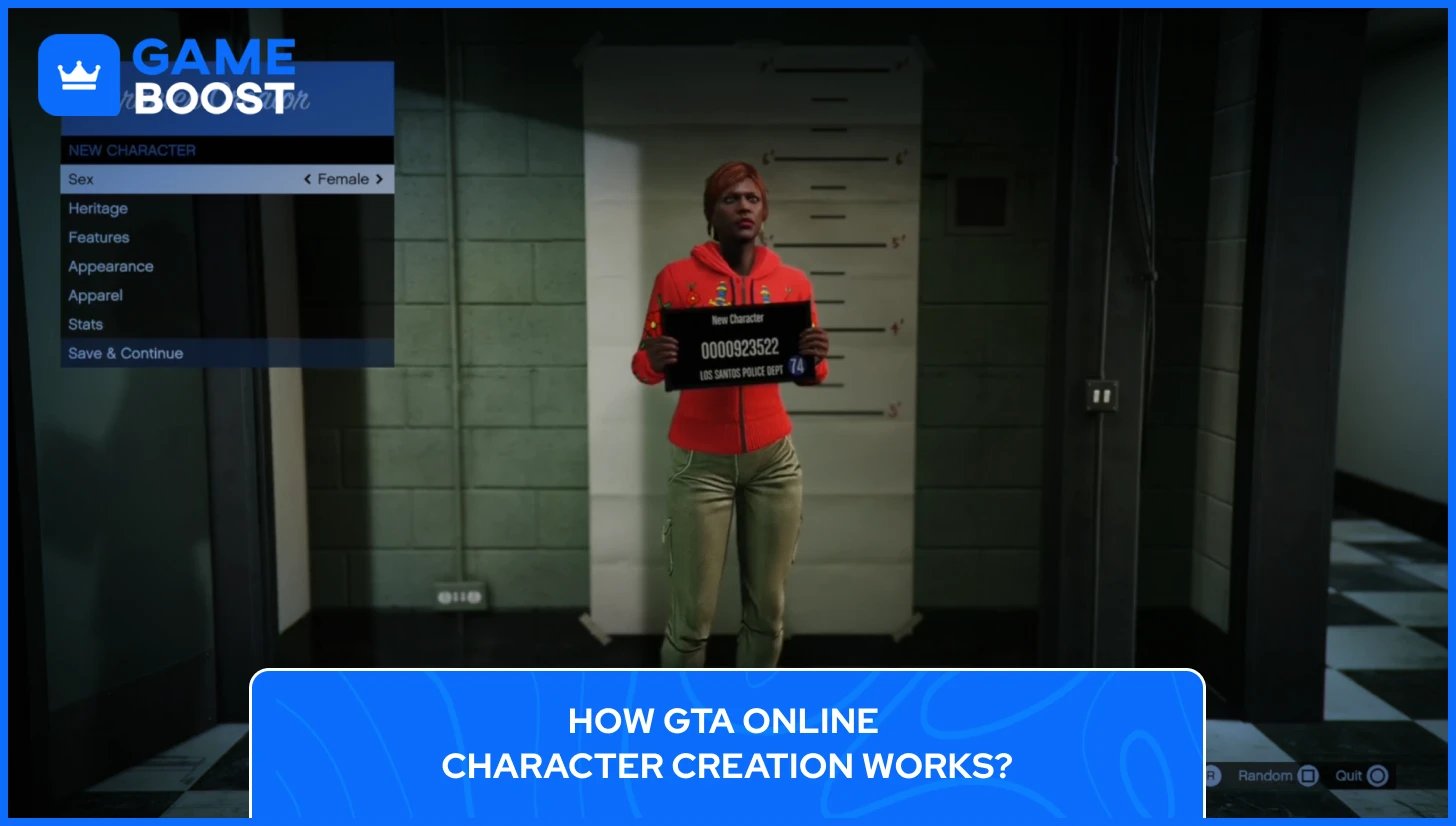
The character creator launches automatically the first time you load into GTA Online. You're placed in a police mugshot room, which sets the scene for your character's arrival in Los Santos. From there, you work through a series of menus covering gender, heritage, appearance, lifestyle, and starting outfit before hitting the streets.
The process is linear but not permanent. Most of what you set here can be adjusted later, so don't stress too much about getting everything perfect on your first try. That said, a couple of choices do stick around longer than others, which is worth knowing before you commit.
On PS5, Xbox Series X|S, and PC (Enhanced), the character creator runs as part of the Career Builder system. This is a one-time feature that awards new players GTA$4,000,000 to spend on properties, vehicles, and weapons tied to a chosen criminal career path. After completing those Career Builder selections, you arrive at the character customization screen, where you build your look. On older platforms, you go straight into the creator without the Career Builder step.
The creator itself covers five main areas: gender, heritage, appearance, lifestyle, and apparel. Each section builds on the last, and together they shape both how your character looks and what their starting stats are when you first load in.

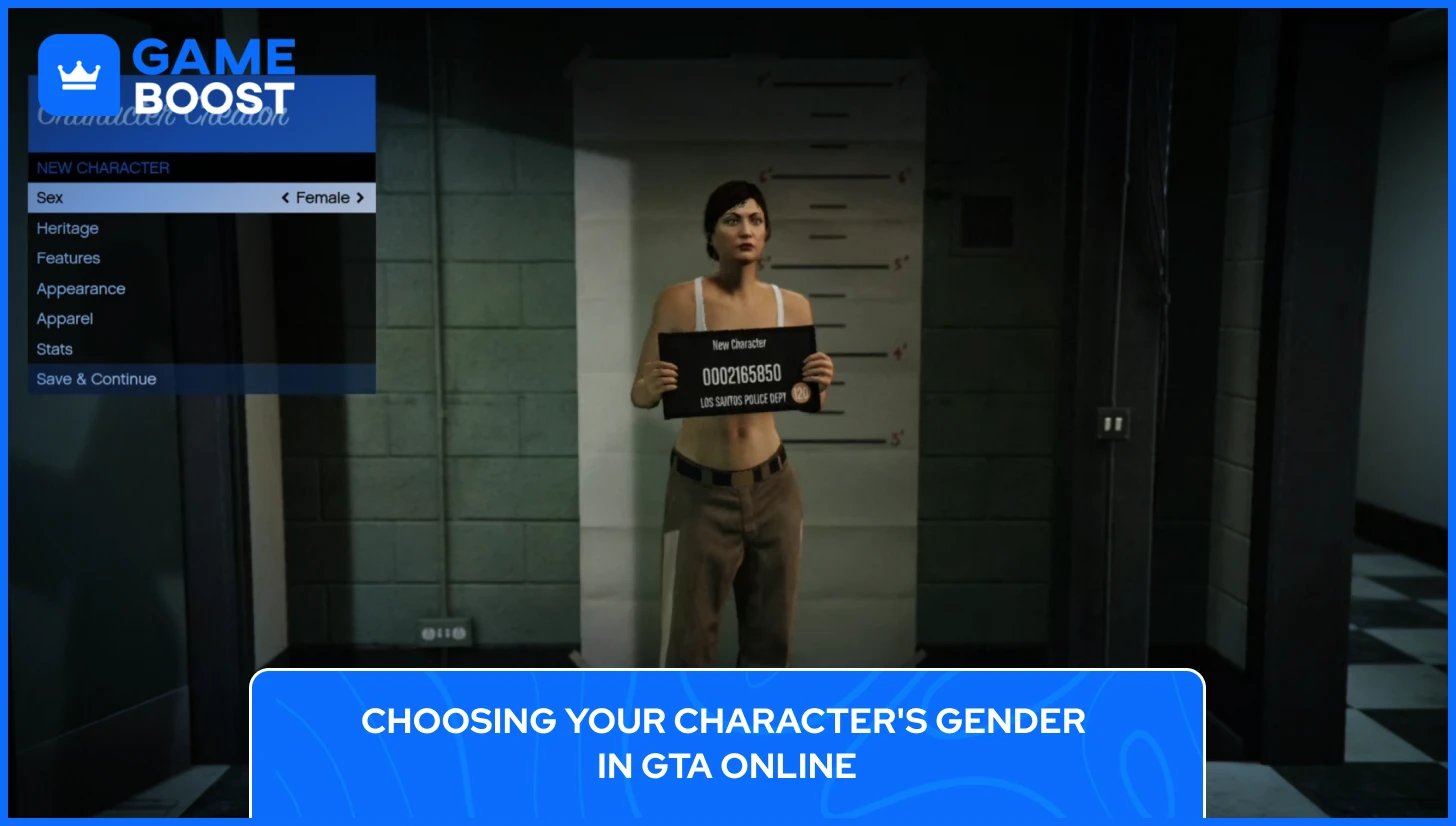
The first real decision you make in the character creator is picking your gender, and it's the one choice you'll want to get right immediately. Rockstar confirmed there is no way to change your character's gender after the initial character creation process. Everything else, from your face to your hairstyle, can be reworked later. Gender cannot.
The moment you leave the character creation menu, your gender selection is locked in permanently. This also applies when transferring characters between consoles, such as migrating a profile from PS4 or Xbox One to PS5 or Xbox Series X|S.
It's a limitation that has frustrated players for years, and Rockstar has shown no signs of changing course on it. The only real workaround is using your second character slot to create a new character of a different gender, though that means starting fresh on properties, vehicles, and progress tied to that slot.
The upside is that both male and female characters have access to the same content, missions, and clothing options in GTA Online, so neither choice puts you at a disadvantage. Take a moment before moving on, pick what feels right, and then proceed to the parts of the creator you can actually revisit later.
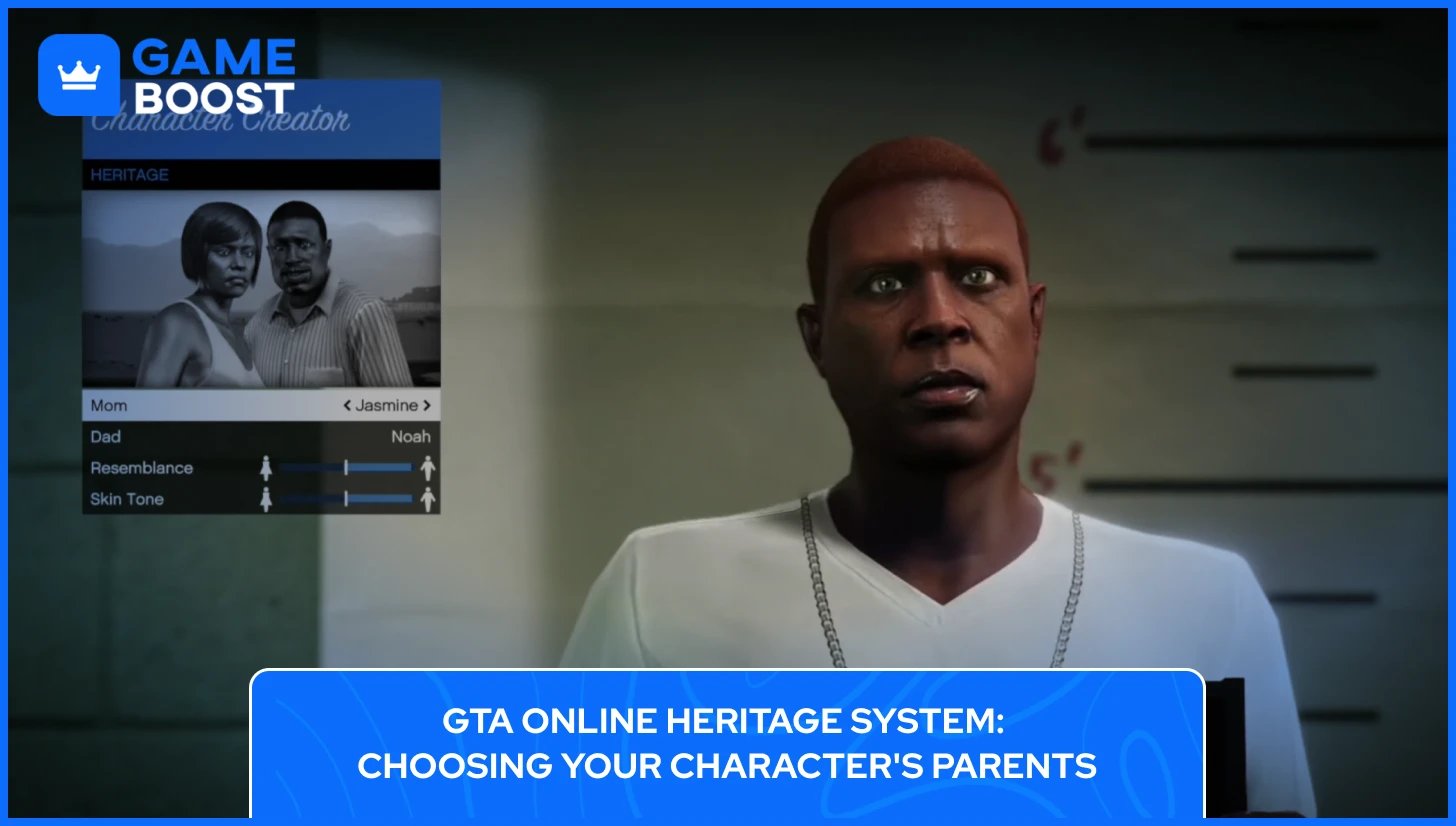
The Heritage section is the backbone of your character's look. Rather than handing you a blank face to sculpt from scratch, GTA Online has you choose from two parents and generates a blend of their features as the base for your character's appearance. It's an unconventional approach compared to most games, but once the pieces fit together, it gives you a solid foundation to build from.
The Heritage section lets you pick a Mom and Dad from 21 generic models of each gender, with the parent models spanning a range of races and facial types. Your character's race is determined by the combination you select.
On top of the standard parent pool, you can also choose special characters from previous Rockstar titles. On PS4, Xbox One, and PC, Claude and Misty from GTA 3 are available as parent options, along with Niko Bellic from GTA 4 and John Marston from Red Dead Redemption as father choices. These are purely cosmetic options and carry no gameplay differences, but they're a fun nod to Rockstar's history if you want something a little different.
Spending time here is worth it, as the parent combination you choose sets your character's skin tone and core facial structure. Browse through the options, preview how combinations look on your character in real time, and find a pairing that gets you close to what you have in mind.
Once you've locked in your parents, two sliders let you fine-tune the result. The Resemblance slider controls how many facial traits your character inherits from each parent, and a separate Skin Tone slider works the same way for complexion.
Pushing the Resemblance slider toward one parent makes your character look noticeably more like that side of the family. Keeping it closer to the middle blends both parents' features, which often produces more balanced and natural-looking results. The Skin Tone slider is independent of the Resemblance one, so you can, for example, lean toward your mother's facial features but match your father's complexion.
A common mistake is focusing too heavily on one parent and ending up with overly exaggerated features that don't match the look you were going for. If your character doesn't look right after adjusting the sliders, try a different parent combination before assuming the Features section will fix it. Heritage is the foundation, and it's much easier to get right here than to correct it later.
Also Read: How to Change Your GTA Online Username (Step-by-Step)
Once Heritage is done, the creator moves into the Appearance and Features sections, where you get into the actual details of how your character's face looks. This is where the real fine-tuning happens, and there's more to work with here than most players realize on their first run.
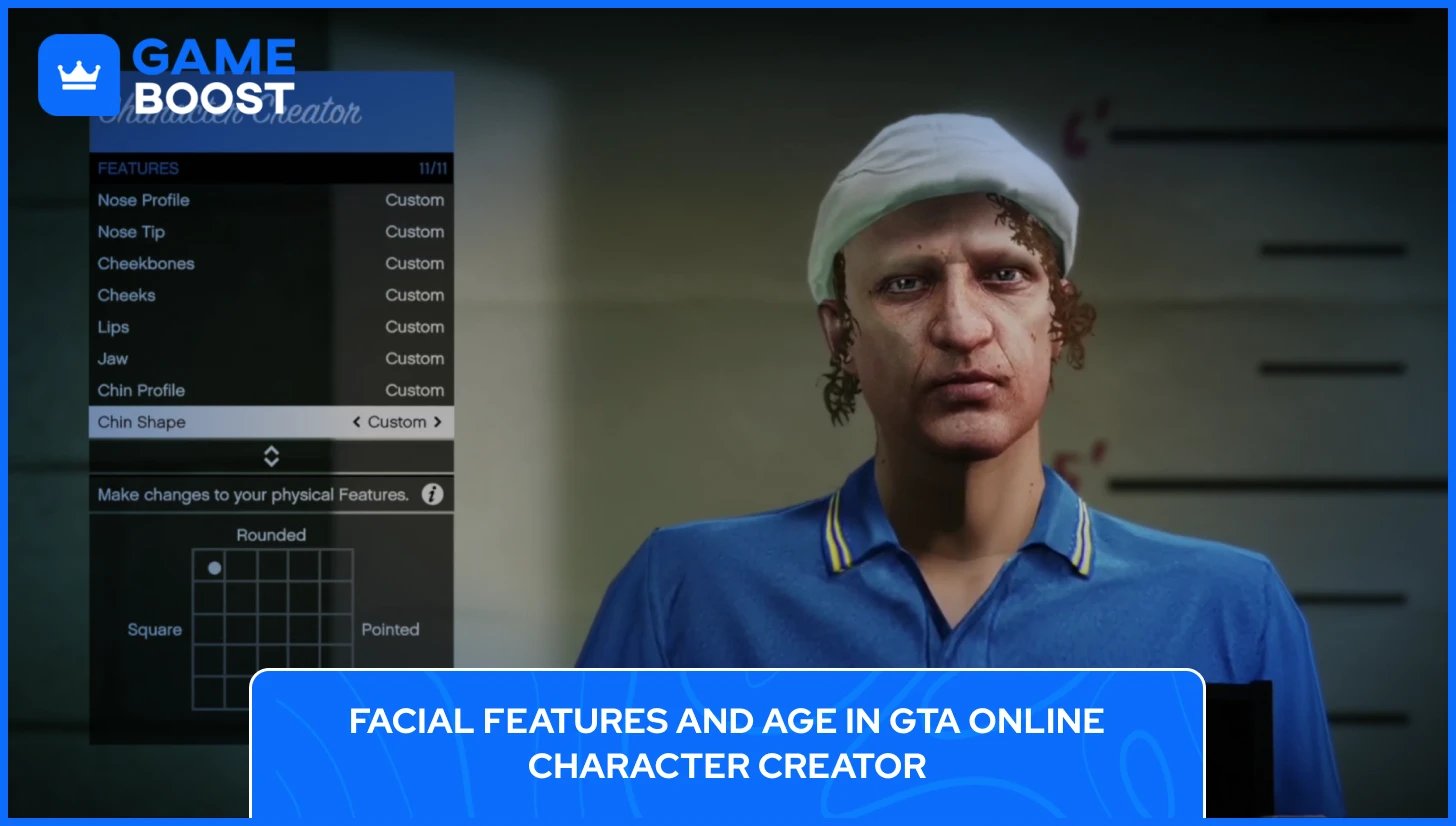
The Features section lets you make significant changes to your character's facial structure across eleven different elements, with preset options and a custom setting controlled through a scatter graph. This covers things like brow shape, nose width, jaw definition, and cheekbone height. The scatter graph format takes a little getting used to, but it gives you more precise control than a simple left-right slider would.
The Appearance section builds on this further with eleven categories that include effects to simulate aging, such as wrinkles, blemishes, and skin damage. You can set your character's age anywhere from 21 to 40, with older settings adding visible wear to the face. Going too heavy on aging effects tends to produce results most players aren't happy with, so it's worth keeping those sliders subtle unless you're going for a specific look.
One thing worth knowing is that you cannot change your character's body shape, height, or muscle mass directly in the character creator. Both male and female characters have fixed heights, and physique is not adjustable at creation. What you see is what you get on that front.
The Appearance section covers hairstyle, hair color, makeup, and skin tone modifications, all of which contribute to how polished or distinct your character ends up looking. Hair options differ between male and female characters, with male characters getting access to facial hair styles as well.
Makeup is available to both genders, though the range of options is more extensive for female characters. Skin tone modifications go beyond just the Heritage sliders and let you add things like complexion adjustments, sun damage, and aging marks on top of whatever base the Heritage section produced.
The good news is that hair and makeup aren't locked into what you choose here. Barber shops around Los Santos let you change your hairstyle, hair color, makeup, eyebrows, and face paint at any time for a small fee. So if you're unsure about a particular style during creation, pick something reasonable and refine it later once you're actually in the game.
The Lifestyle section is where character creation crosses over from aesthetics into actual gameplay. Most new players rush through it without realizing it has a direct impact on how their character performs from the moment they load in.
Stats are determined indirectly through your character's allocation of hours spent on daily activities, with each activity having a direct relationship to specific skills. The concept is simple: you're distributing a 24-hour day across seven different lifestyle categories, and wherever you put the most time shapes your character's starting skill set.
You have 140 percentage points to assign across the seven skill categories, with preset minimums and maximums already in place. Of those, 40 points are locked in as minimums, leaving 100 points for you to distribute freely.
Here's how each lifestyle choice maps to your starting stats:
Lifestyle Activity | Stats Increased | Stats Decreased |
|---|---|---|
Asleep | Stamina, Strength, Stealth, Lung Capacity | None |
Friends & Family | Stamina, Driving | Shooting |
Sports & Working Out | Stamina, Strength, Lung Capacity | Shooting |
Legal Work | Stamina, Stealth, Flying | Driving |
Sitting on the Couch | Flying, Driving | Strength, Stamina, Lung Capacity |
Partying | Shooting, Stealth | Stamina, Strength, Flying, Lung Capacity |
Illegal Work | Stamina, Stealth | Flying |
For most players just starting out, putting more points into Shooting, Strength, and Stamina gives the most useful early-game advantage. Driving and Stamina improve naturally as you play, so they don't need as many points upfront. Strength, on the other hand, is one of the harder stats to build up later, so investing in it at creation saves time.
However, stats cannot be altered when changing an existing character's appearance later. Once you're past character creation, the only way to build your stats is through in-game activity. The Lifestyle sliders are your one opportunity to give your character a head start, so it's worth spending a few extra minutes here rather than skipping past it.
Also Read: How to Reset Your GTA Online Character
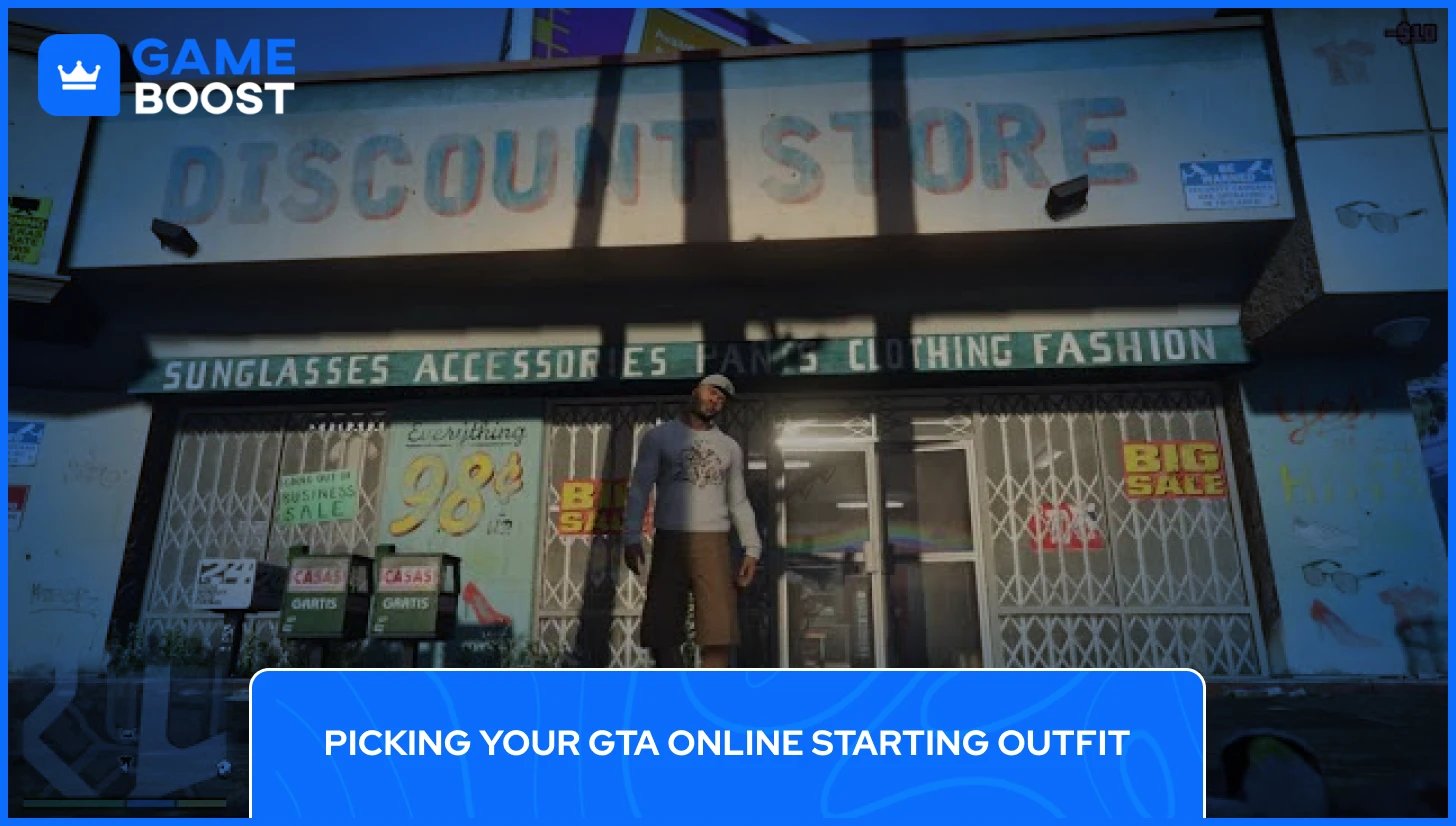
The last step before you hit the streets is choosing your starting outfit, and it's the most low-stakes decision in the entire creator. The Apparel section lets you set your initial outfit, hat, glasses, and crew t-shirt options.
There are eight style options to pick from, each with eight outfit varieties, covering a range of looks from casual streetwear to something more rugged, giving you enough variety to set a general tone for your character without feeling too restrictive. You also get the option to add a hat, glasses, and a crew t-shirt if you're already part of a crew.
Some starting outfits also include items that aren't available to buy individually in stores, and certain pieces may be rank-locked when you try to purchase them separately later. Saving your starting outfit at a clothing store as soon as you load in ensures those locked items are kept. It's a small step that many new players miss, and it can save some frustration down the line.
Beyond that, don't overthink this part. GTA Online has thousands of clothing items split across categories, including tops, pants, shoes, hats, accessories, glasses, and full outfits, all waiting for you once you're actually in the game. Whatever you pick here is just a starting point, and you'll be swapping pieces out within the first few hours of playing anyway.
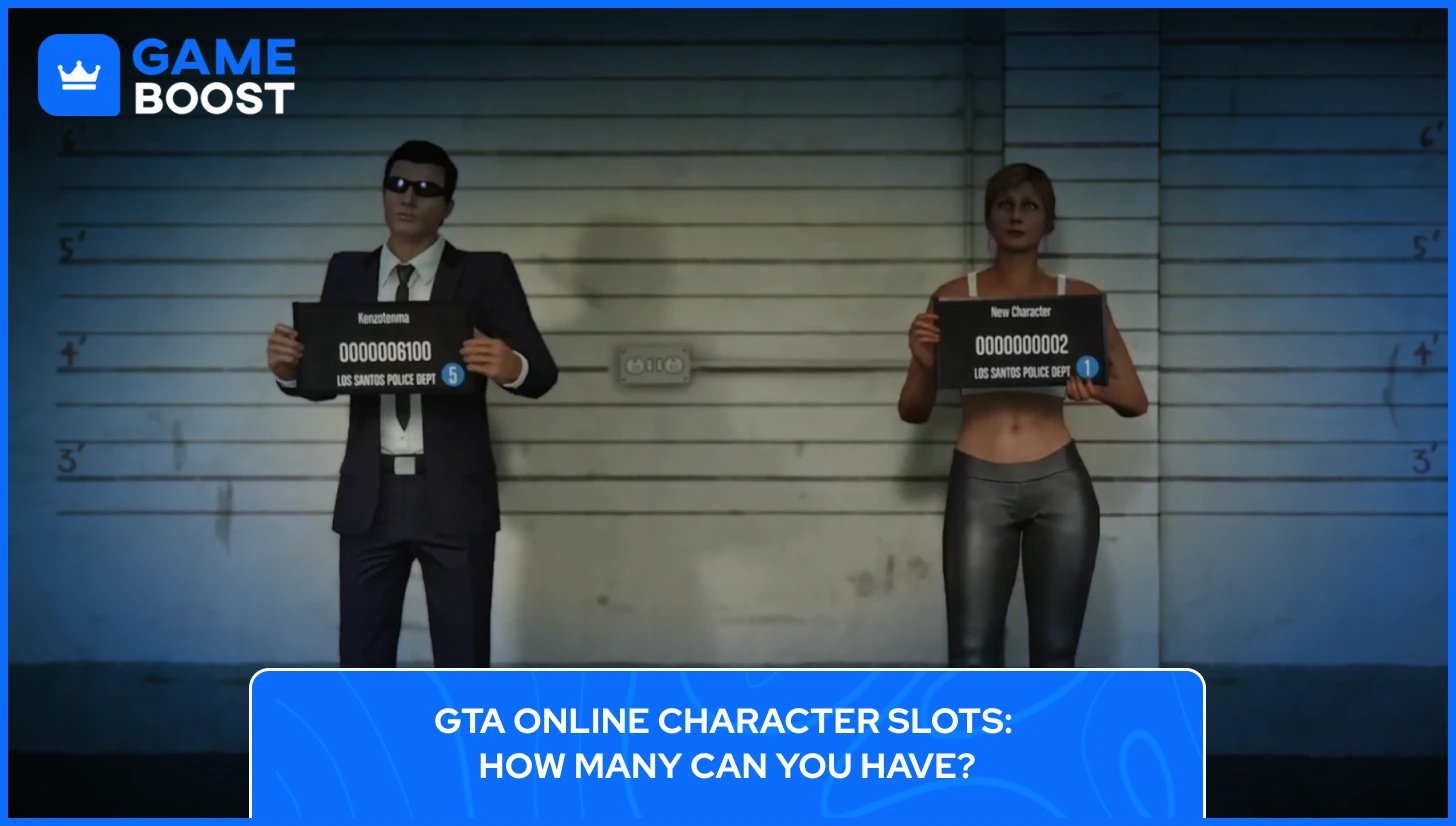
GTA Online gives every player two character slots to use. That's the total, and Rockstar has never expanded it beyond that despite placeholder slots appearing on older console versions of the game. Each slot holds a fully separate character with its own appearance, stats, rank, properties, and vehicles.
The two characters are independent in most ways, but they share the money stored in the bank account across both characters, though money kept in a character's pocket and RP do not carry over. This means if you deposit cash on one character, your second character can access and spend it. It's a detail worth keeping in mind before you start spreading funds across both slots.
When creating a second character, you have the option to copy the rank of your first character, up to a maximum of Rank 120. Doing so will allow the new character to skip the introduction mission and tutorial. Copying rank to the second character does not affect the first character's rank in any way.
What doesn't transfer are properties, vehicles, weapons, and clothing. Both characters have their own separate progress, and anything purchased for one stays with that character only. So if you're thinking about using a second slot purely to try a different gender or a fresh look, be aware that you're genuinely starting over on all the in-game assets, even if the bank balance carries across.
The second slot is also the only legitimate way to play as a different gender in GTA Online, since gender is locked to an existing character. It's a useful option if you've had a change of heart, just know what you're getting into before committing.
Also Read: What Happens When You Delete a GTA Online Character?
If you are not happy with how your character turned out later, changing your appearance in GTA Online costs GTA$100,000 and takes you back to the same police lineup room you saw when first creating your character, where you can rework your heritage, features, appearance, and apparel from scratch.
Here's how to access it and change your GTA Online character's appearance:
Load into any online session
Open the Interaction Menu: M on PC, hold the Touchpad on PS4/PS5, or hold the View button on Xbox One/Series X|S
Scroll down and select Style
Select Change Appearance
One thing that trips up a lot of players: the game warns you that the GTA$100,000 fee applies regardless of changes made, but this is not actually the case. You can open the editor, browse through the options, and back out without making any changes, and the fee will not be charged. The cost only kicks in when you confirm and finalize your new look.
Players also get a free opportunity to change their appearance on the first new session joined after reaching Rank 6, and on the second session joined after first starting as that character. If you're still early in the game and unhappy with your look, it's worth waiting for one of those free windows before spending GTA$100,000.
Keep in mind that stats cannot be changed through this menu, only appearance. And as covered earlier, gender remains locked no matter what. Everything else, including heritage, facial features, skin options, and outfit, is fully editable each time you pay the fee.
The character creator in GTA Online has a learning curve, and most players walk away from their first attempt feeling like something is slightly off.
These practical tips cover the most common mistakes worth avoiding before you commit to a look.
Spend more time on Heritage than anything else. It's the section most players rush through, and it's the one that matters most. The parent combination you choose sets the bone structure and skin tone of your character's face, and trying to fix a poor foundation through the Features sliders is far harder than getting it right from the start. Browse through all 21 options for each parent, preview how different pairings look in real time, and only move on once you have a base you're actually happy with.
Keep the Resemblance slider close to the middle. Pushing it too far in either direction tends to exaggerate one parent's features in a way that looks unnatural. A balanced blend usually produces a more realistic and better-looking result. The Skin Tone slider works independently, so you can favor one parent's complexion without affecting the face shape.
Go easy on the aging and skin damage settings. A subtle amount adds realism, but anything past the midpoint tends to make characters look significantly older and worn out. If you want your character to look like they're in their mid-20s, keep the age slider around the lower end of the 21-40 range and leave skin damage effects minimal.
Save your starting outfit at a clothing store as soon as you load in. Some items in the starting outfit may be rank-locked and unavailable to buy separately later, so saving the outfit immediately at any clothing store preserves those pieces.
Don't stress over Lifestyle stats. All stats can be built up through normal gameplay. Focus your Lifestyle points on Shooting and Strength since those take more effort to develop in-game, and let Stamina and Driving build naturally as you play.
Additionally, hold off on paying GTA$100,000 to change your appearance right away if you're not happy after loading in. You get a free appearance change on the first new session after reaching Rank 6, so it's worth waiting for that window if you're still early in the game.
Also Read: How to Change Your Rockstar Games Account Email

You can change your GTA Online character's appearance, but it costs GTA$100,000 each time. You access it through the Interaction Menu by going to Style, then Change Appearance. If you're still early in the game, you will get a free appearance change on your first new session after reaching Rank 6.
Male and female characters have identical access to all missions, businesses, weapons, clothing, and content in GTA Online. The choice is purely cosmetic and comes down to personal preference. The only practical difference is that some clothing items are exclusive to one gender, but neither option gives a gameplay advantage over the other.
Body shape, height, and muscle mass cannot be adjusted in the character creator. Male characters are set at 6'0" and female characters at 5'9", and those dimensions are fixed regardless of Heritage or any other setting.
Money stored in the bank account is shared across both character slots, but money kept in a character's pocket and RP do not carry over between characters. Properties, vehicles, weapons, and clothing are all separate and must be purchased individually for each character.
You can't reset an existing character's creation without deleting it. To start completely fresh, you'd need to delete the character from that slot and create a new one. Keep in mind that deleting a character removes all progress, properties, and vehicles tied to it permanently. The shared bank balance is the only thing that carries over to a new character in the same slot.
Your GTA Online character is the face you'll put on every heist, race, and free-roam session you play. Getting the creation right from the start saves time and GTA$ down the line, and nothing except gender is truly locked forever.
As GTA Online continues to receive updates, the wardrobe and customization options available in-game keep growing. New clothing drops, event-exclusive outfits, and limited items regularly cycle through the game, meaning your character's look can evolve well beyond what the creator sets up at the start. The character you build today is really just a starting point for however you want to represent yourself in Los Santos.
GTA 5 Key
GTA 5 Enhanced Key
Buy GTA 5 Items
GTA 5 Accounts For Sale
View all GameBoost Accounts
View all GameBoost Boosting Services
View all GameBoost Currencies
View all GameBoost Game Keys
View all GameBoost Gift Cards
View all GameBoost Top Ups
View all GameBoost Items
Counter-Strike 2 Skins
“ Kristina joined GameBoost in 2024 as an SEO specialist and quickly became the go-to writer for third-person shooter and competitive games. She covers titles like Fortnite, Valorant, League of Legends, GTA 5, and Roblox, focusing on how-to guides, practical tips, and updates.”