


•Filip Premuš• 5 min read
Roblox

To make a private server on Roblox, open the game’s page, go to Servers, and select Create Private Server. The price is shown before you confirm. Some games offer free servers, and others charge Robux every month.
Check the price before you buy Robux for a private server. The developer sets the price for each game, and a server that costs Robux to create can charge you again at renewal.
Open the game’s Servers section and select Create Private Server. The game must support private servers.
Open your server’s three-dot menu and choose Configure to add friends, invite specific players, or create a server link.
Roblox Plus includes one free private server per supported game. You don’t need Plus to use a server the developer already offers for free.
Cancel a paid server before its renewal date to stop the next charge. You can still use the time you’ve paid for.
The same steps apply on the Roblox website and in the mobile app. Start from the game’s page, where you’d normally press Play.
Open the game’s page and go to Servers.
Under Private Servers, select Create Private Server.
Name your server. Check the price and subscription terms, then confirm.
Return to Private Servers and select Join next to your server to play. To set up access first, open the three-dot menu and choose Configure.
If the page has no Private Servers section, the developer hasn’t enabled the feature for that game. If Roblox shows an error when you create a free server, check whether you already have one for that game or have reached your active free server limit. Deactivate an existing free server if Roblox asks you to make room.
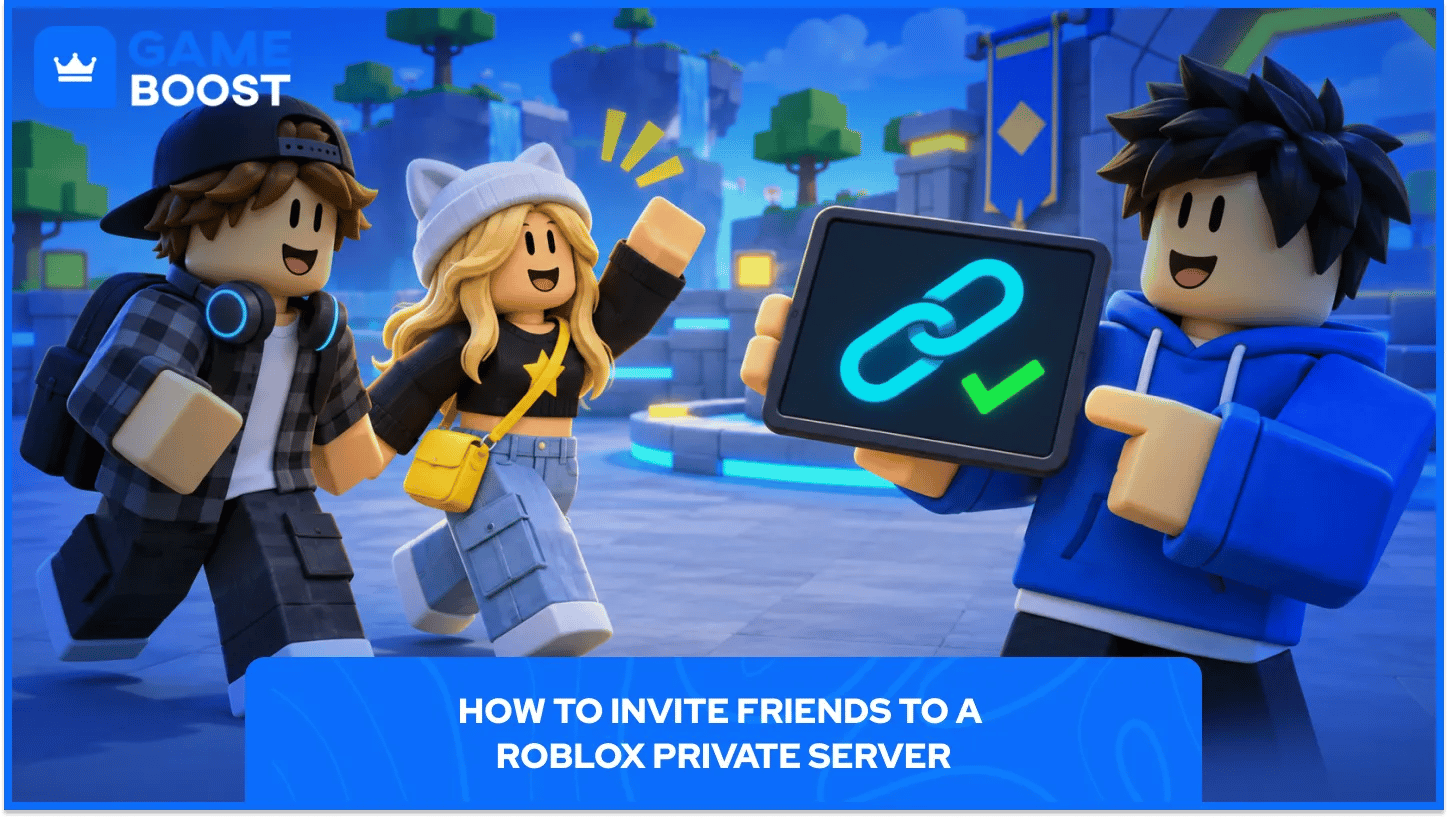
Find your server under Servers, open the three-dot menu, and select Configure. Turn on Friends Allowed if you want your Roblox friends to join, or add individual usernames under Server Members if you only want certain people there. Roblox lets you add up to 50 individual users to the access list. That’s an invite limit; the game still sets how many people can play at once.
You can also create a server link from the same settings page and share it with your group. Your friends can use the link or find the server under Private Servers on the game’s page. Account restrictions still apply. Roblox says players under 13 can join friends’ private servers by default, and privacy settings can restrict access further.
If someone gets Roblox error code 524, first check their username on the access list or turn on Friends Allowed if appropriate. Ask them to check Settings > Privacy and content restrictions > Visibility & private servers if they still can’t join.
Server option | What you pay |
|---|---|
Developer offers a free server | 0 Robux |
Developer charges for a server | The listed Robux price, with monthly renewal |
Server included with Roblox Plus | One free private server per supported game as part of the Plus subscription |
If you already pay for a private server separately, getting Plus won’t stop that server’s renewal. Check its settings before your next charge. The Roblox Plus vs. Premium comparison covers the subscription cost and the other Plus perks if you’re weighing it against what you spend on servers.
Go to the game’s Servers section, open the three-dot menu next to your server, and select Cancel. Confirm the cancellation. You can also stop renewal from Configure by turning off the active subscription.
You’ll still have access until the Expiration Date shown in the server settings. If you leave renewal on and don’t have enough Robux when payment is due, Roblox says the server expires.
Check the price on the game’s Servers page before you set up a room for your group. Add specific usernames if you want to keep it small, and cancel renewal after your session if you only needed the server for one night.
“ Filip Premuš is a seasoned gaming content writer specializing in titles like Steal a Brainrot, Old School RuneScape, and other popular online games. With a sharp focus on accuracy, updates, and in-game strategy, he creates comprehensive guides that help players stay ahead of the meta and make informed decisions.”