



•Patrik Mršnik• 5 min read
Roblox

Learning how to make a Roblox game starts with Roblox Studio, the free editor that every experience on Roblox is built in. It runs on Windows and Mac, ships with ready-made templates, and now includes an AI Assistant.
Publishing a game to the public takes a few more steps in 2026, since Roblox added age checks and new requirements for games aimed at younger players.
Download Roblox Studio for free on Windows 10+ or macOS 10.14+ and sign in with your Roblox account.
Pick a template such as Baseplate or Classic Obby, then build with Parts, Terrain, and Toolbox assets.
Use File > Publish to save it to Roblox, then answer the maturity questionnaire to go public.
A 16+ release needs a two-day-old account in good standing and an age check. All ages require 2FA, age verification, Roblox Plus or Premium (or a refundable 1,000 Robux fee), a 9+ or lower rating and Roblox’s evaluation.
Roblox Studio is free, and you only need a Roblox account to sign in. Download it from the official setup page, run the installer, and log in. The minimum is Windows 10 or macOS 10.14 with 3 GB of RAM, though Roblox recommends Windows 11 or macOS 14 with 8 GB.
There is no official Roblox Studio for Chromebook, Linux, iPad, or phones. You can play Roblox on Chromebooks, iPads, and phones, but building requires a Windows PC or a Mac.
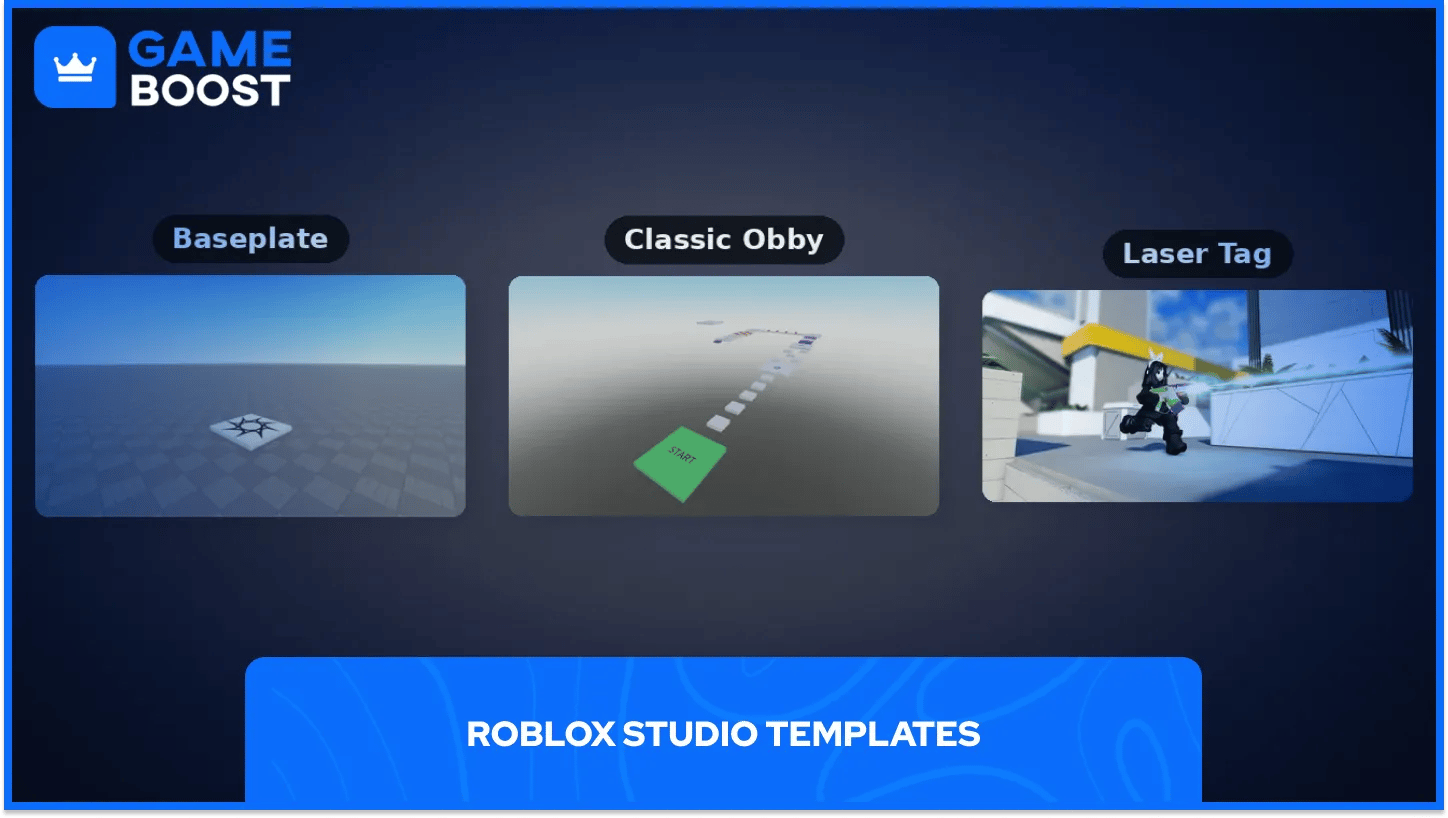
Templates are the fastest way to learn how a finished game fits together, and the template list covers each one in detail. Baseplate gives you an empty flat world and a SpawnLocation, the cleanest start for building from scratch.
Classic Obby hands you checkpoints, jump pads, and hazards that you can rearrange into your own course. Laser Tag, Racing, and FPS System give you a working game to take apart and learn from.
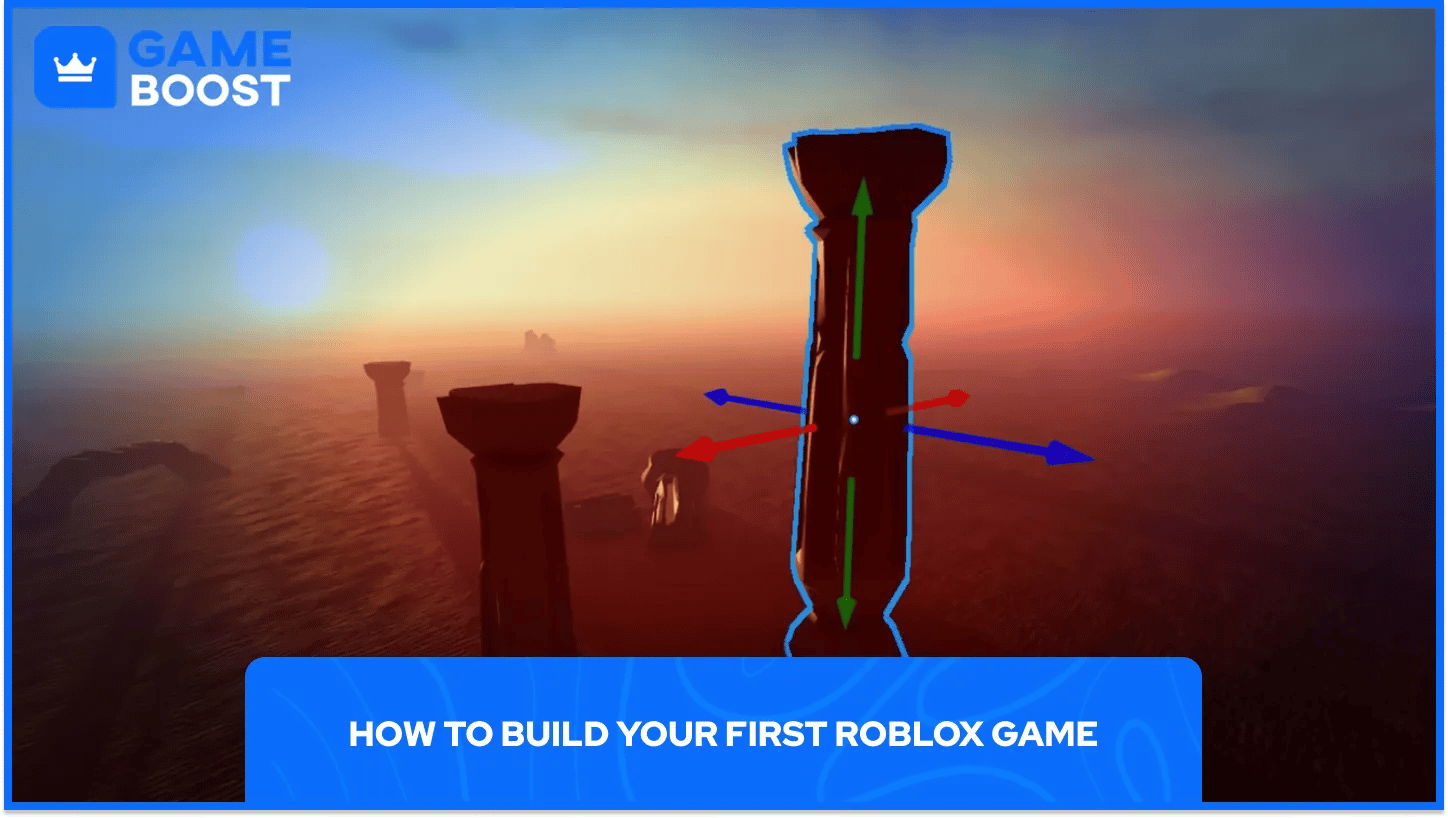
Four windows do most of the work. Output shows errors, and the other three are worth knowing by sight.
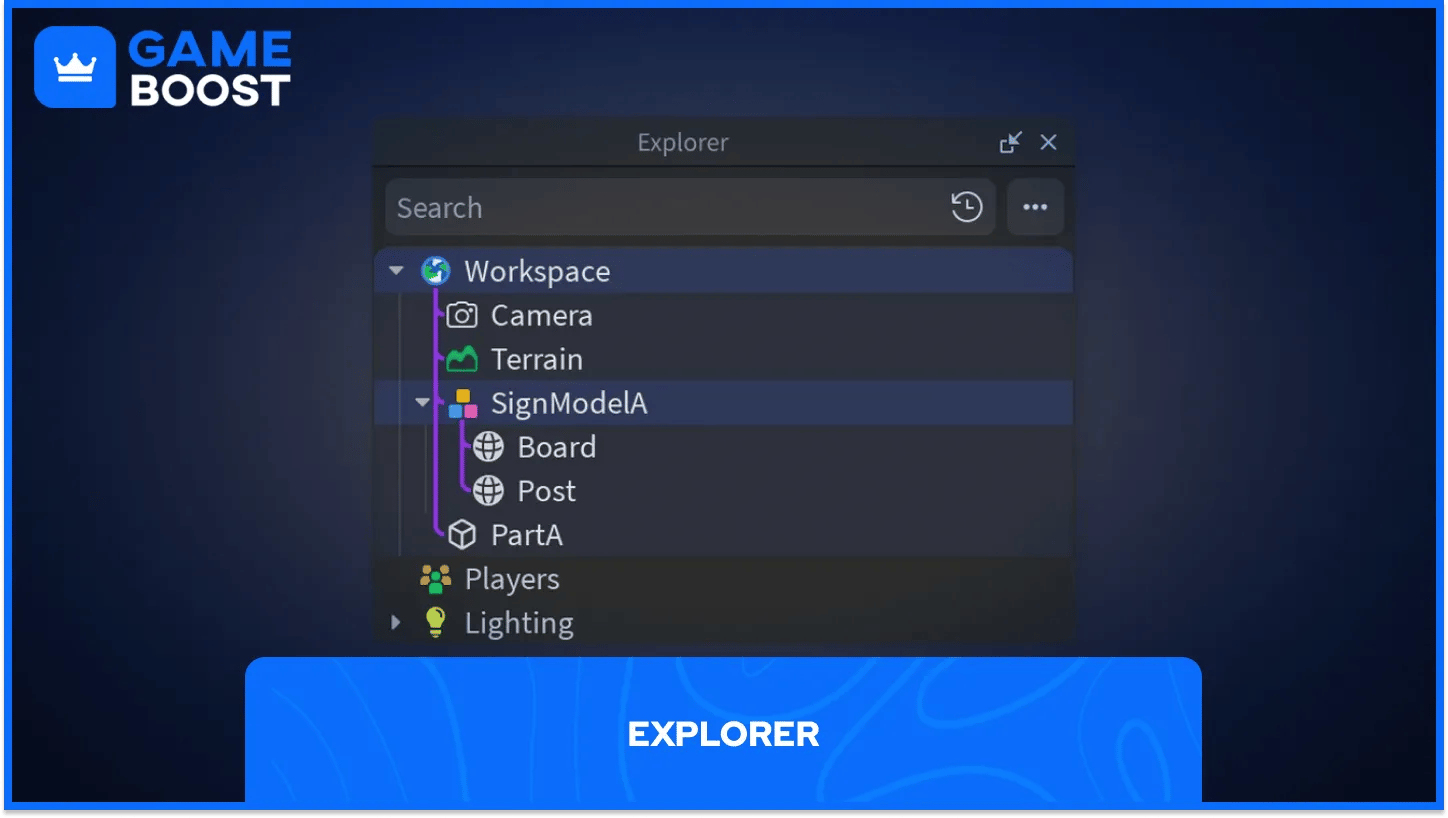
Explorer lists every object in your world, from Parts and models to scripts and services.
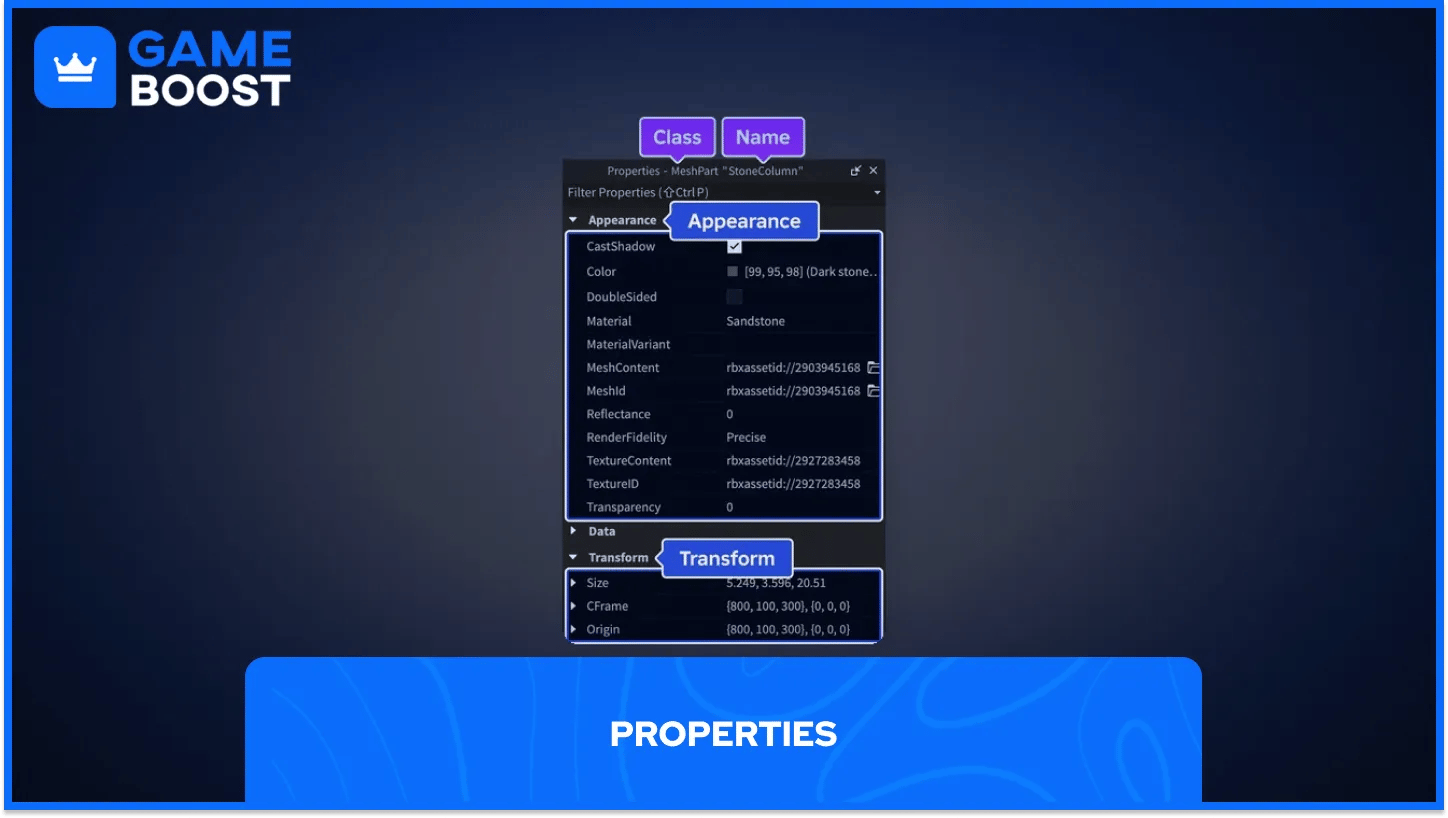
Properties edits whatever you select in Explorer or the 3D view, such as color, size, material, or whether a Part is anchored.
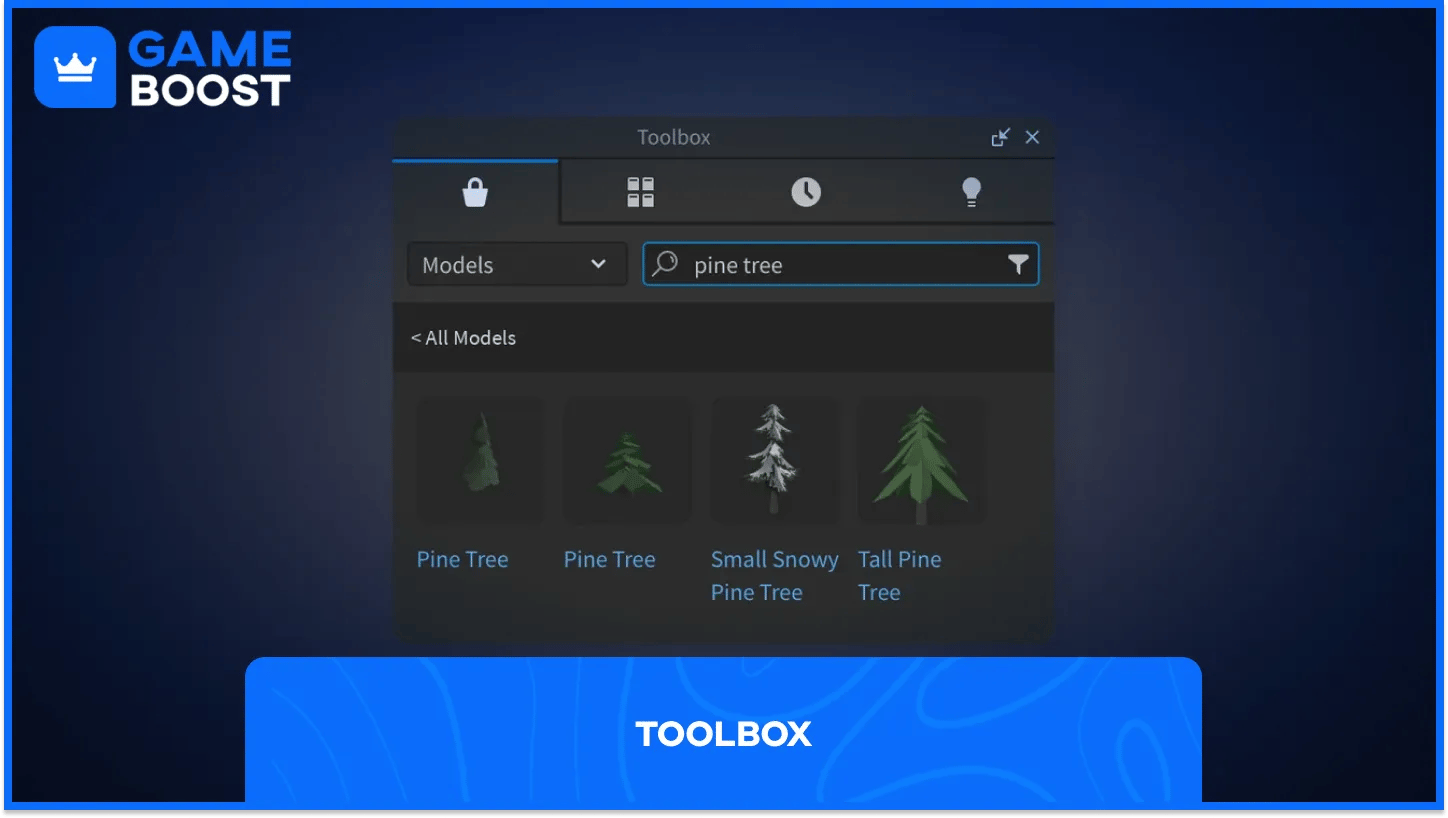
Toolbox holds models, audio, and other assets from the Creator Store plus your own inventory.
Behavior comes from Luau, Roblox's version of the Lua language. A Script runs on the server and controls things everyone sees, such as a door that opens. A LocalScript runs on one player's device and handles things like their camera or menus.
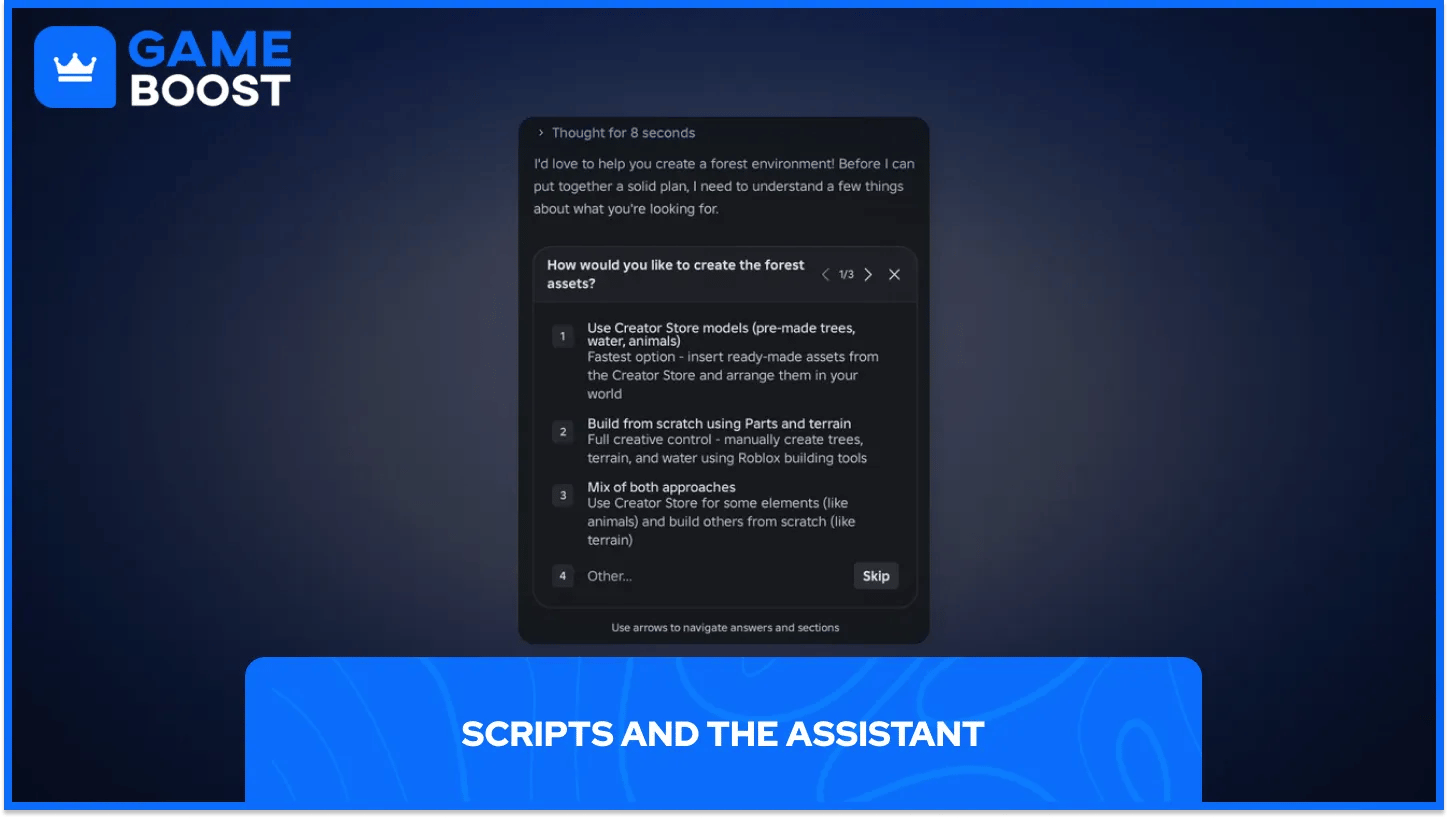
Studio's Assistant can write and edit scripts and change objects in bulk, and since April 2026, its Planning Mode lays out a plan you can edit before it builds.
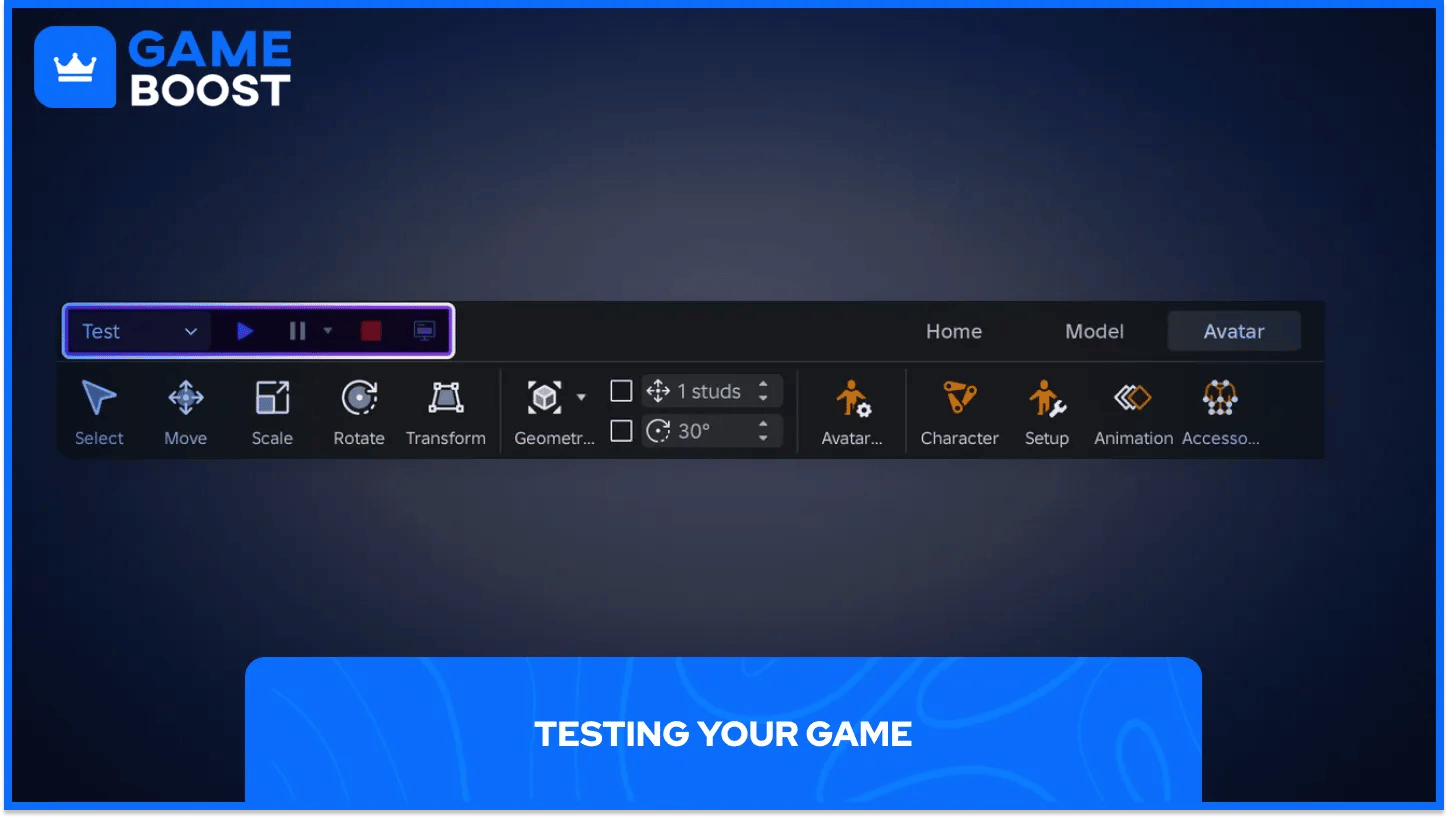
Test (F5) drops your avatar at a SpawnLocation, Test Here spawns you in front of the camera, and Run (F8) runs the world without an avatar.
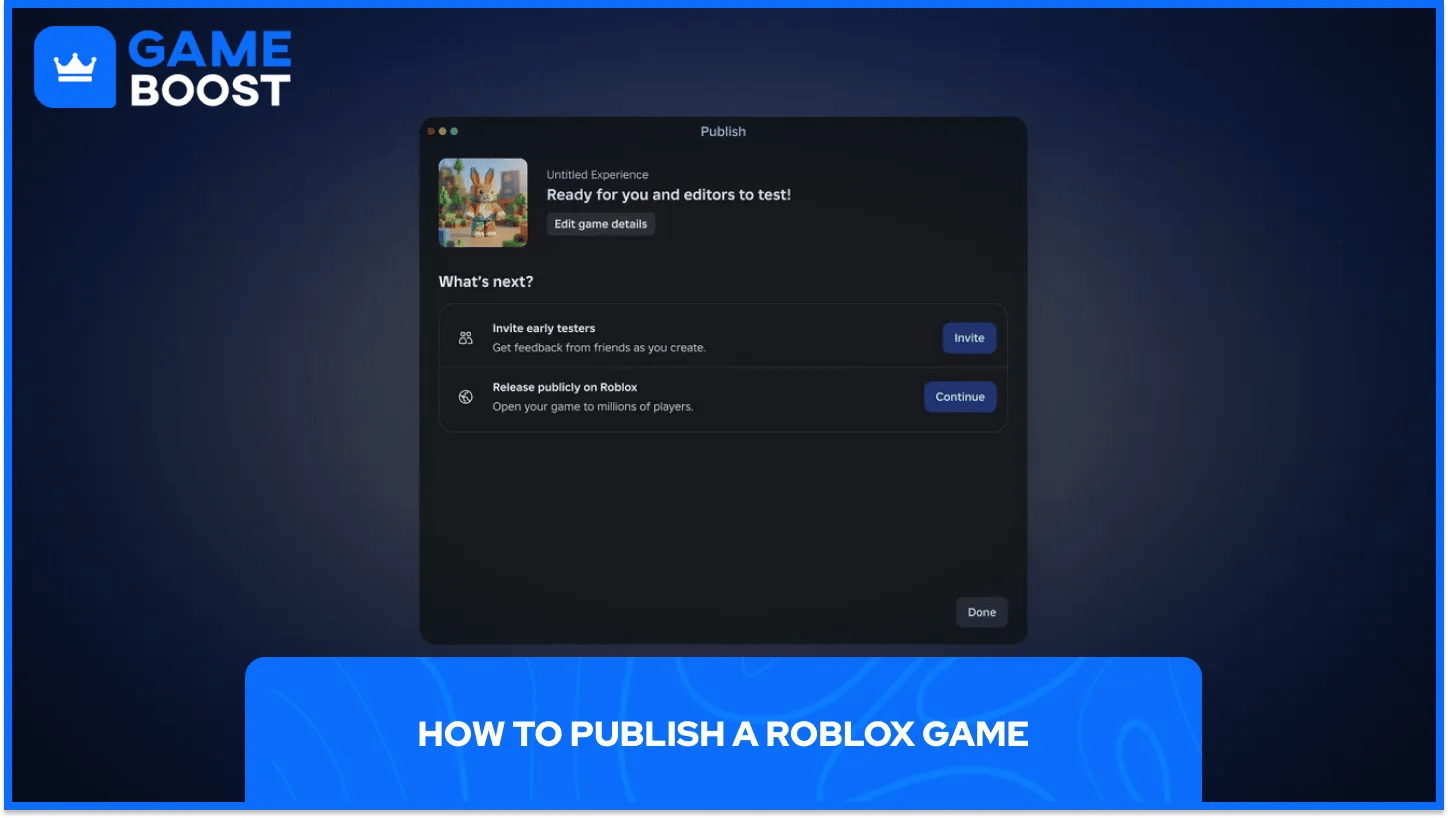
Go to File > Publish, add a name, description, icon, and genre, then save. Your game is now on Roblox but private, so only you, users with Edit access, and permitted group members can join. Open File > Publish again and choose Continue to start the public release.
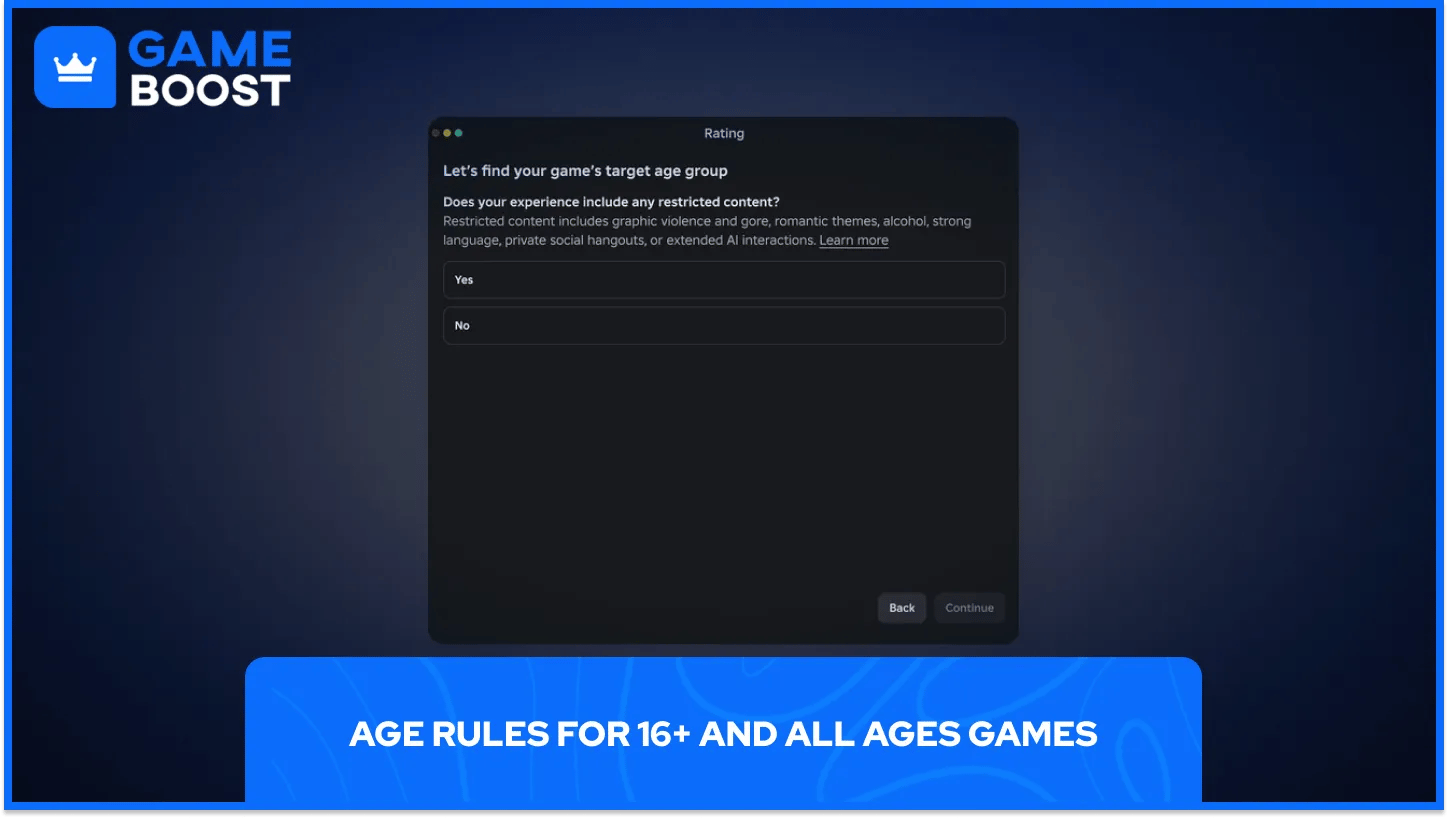
Roblox then asks a Content Maturity questionnaire. According to the publishing docs, a release to players 16 and older needs an account in good standing that is at least two days old, plus an age check by face estimate or government ID.
An all-ages release needs age verification, two-step verification, and either two straight months of Roblox Plus or Premium or a 1,000 Robux publishing fee per game. It also needs a Minimal, Mild, or Moderate (9+) rating and a pass through Roblox's evaluation for younger players. Roblox refunds that fee if the game keeps 25 highly engaged players for 60 days without being moderated.
Passes are the classic way to sell perks, such as a VIP room or a faster vehicle. The Strongest Battlegrounds sells its Early Access and Private Servers+ passes this way. You create them in the Creator Hub under Monetization and Passes, and our Gamepass guide walks through the setup. A pass only does something once a script in Studio checks who owns it.
Developer products cover repeat purchases like in-game currency, and Roblox says creators keep 70% of the Robux players spend in their game, including on their own passes. Avatar items sold on the Marketplace are another route, covered in our guide to Roblox clothing.
Creator Rewards pays 5 Robux a day when your game is one of the first three an Active Spender plays for 10+ minutes. It also shares spending from new or returning players your game brings in. Once you are 13+ with 30,000 earned Robux, a verified email, and a tax form on file, Roblox DevEx can turn them into real money.
The 1,000 Robux publishing fee comes out of your Robux balance, and GameBoost sells Robux if you're short.
The template screen is the most underrated teacher in Roblox Studio. Opening a finished obby and reading its scripts teaches a lot in one evening.
Making something for kids? Plan for the stricter all-ages rules from day one. Decide early whether your game is for 16+ or for all ages, since the all-ages route needs verification, 2FA, a subscription or the refundable fee, a 9+ or lower rating, and Roblox's evaluation.
Build something small first, test it with friends you add as collaborators before it goes public, and only then worry about Passes.
Roblox Accounts for Sale
Buy Roblox Robux
Roblox Items For Sale
Buy Roblox Gift Cards
View all GameBoost Accounts
View all GameBoost Boosting Services
View all GameBoost Currencies
View all GameBoost Game Keys
View all GameBoost Gift Cards
View all GameBoost Items
View all GameBoost Top Ups
“ A former sports journalist and editor, Patrik joined Gameboost SEO team in 2026. He has spent most of his life playing Football Manager, but his sphere of interests spreads through whole gaming universe.”


