


•Hamza Rashid• 5 min read
Roblox

Roblox error codes look cryptic, yet most come down to your connection, the game's permissions, a ban from that experience, or trouble on Roblox's side.
The same fixes work on Roblox Accounts bought through GameBoost. Below are the common codes and how to fix each one.
Codes in the 200s are connection drops or failures, and codes in the 500s and 600s appear when Roblox refuses a launch.
Error 279 and 277 are connection problems. Reinstall, try another network, and keep UDP ports 49152–65535 open.
Error 524 most often means privacy or private-server settings block you from that server.
Error 529 points to a problem on Roblox's side, so check Roblox Status and wait.
Error 267 and 600 usually mean the experience's creator banned you, and only that creator can lift it.
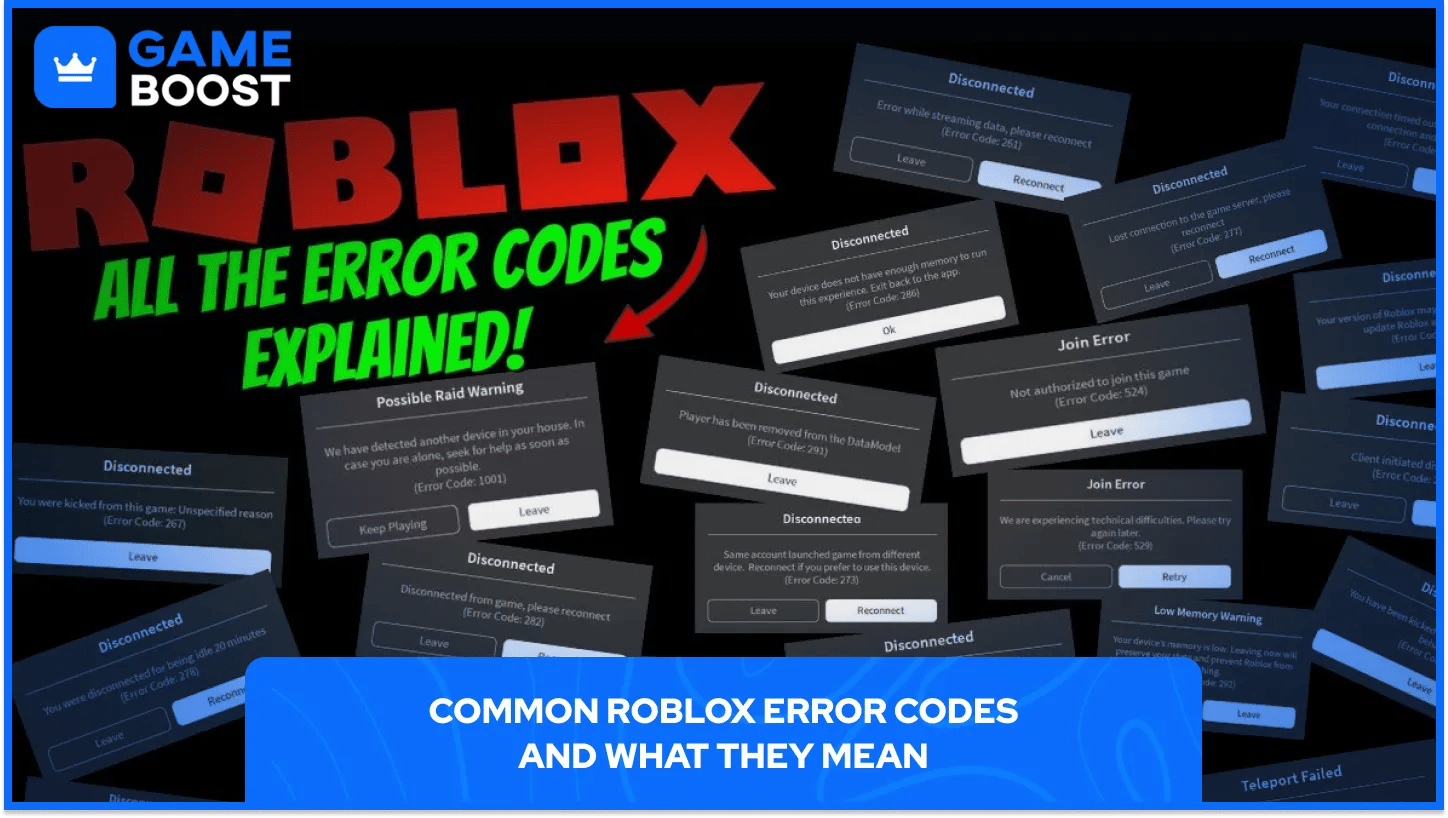
Roblox's own engine reference groups the codes by type. The 200s are disconnects and connection failures, and the 500s and 600s are launch errors that stop you from joining at all.
Code | Message or meaning | Usual cause |
|---|---|---|
260 / 262 | Problem receiving or sending data | Unstable connection |
264 | Same account launched on another device | Second login |
267 | Banned from an experience | Creator ban or in-game kick |
268 | Kicked for unexpected client behavior | Network trouble or antivirus |
277 | Lost connection to the game server | Connection dropped |
279 | Failed to connect to the game | Connection blocked or unstable |
280 | Roblox may be out of date | Old app version |
403 | Authentication failed | Login session, VPN, or security software |
524 | No permission to join this game | Privacy or private-server settings |
529 | Technical difficulties on launch | Roblox-side service problem |
600 | Banned from an experience | Creator ban, often on rejoin |
Error 403 sits outside that engine list. It's an authentication error that can hit at login or when joining, and player guides fix most cases by signing out of every device, turning off a VPN, and clearing the Roblox cache.
A code that hits many players at once is rarely your fault. If friends get the same error in the same game at once, whether that’s Forsaken or anything else, the issue is on the server side.
Roblox error code 279 means the app couldn't set up a connection to the game server, and 277 means an existing connection dropped. Roblox lists the same fixes for both on its error 279 help page and error 277 help page:
On Windows, uninstall Roblox, delete the AppData\Local\Roblox folder, and reinstall.
On Mac, give Roblox permission under Privacy & Security.
On phones and tablets, restart, force-close, or reinstall the app and check the date and time.
Switch to a different network, then contact your provider if nothing changes.
Security software causes the most connection trouble, according to Roblox's General Connection Problems page. It asks players to keep UDP ports 49152–65535 open, let Roblox through antivirus software and the router, and test a wired connection.
Error 268 comes from network trouble or antivirus software interfering with the app, Roblox says, so the same reinstall and network steps apply. Error 280 has a simpler fix: update Roblox.
You see error code 524 when you don't have permission to join that server. Roblox's 524 help page points first to Settings, Privacy and content restrictions, then to private-server access. Players under 13 can only join private servers created by friends.
Code 529 shows a technical difficulties message, and Roblox doesn't appear to have a dedicated help page for it. Its engine name marks it as a launch HTTP error, usually a sign Roblox's services are struggling, so check Roblox Status for trouble with Game Join and try again later.
Error 267 means the experience's creator banned your account, according to Roblox's 267 help page. Error 600 carries the same title, and players report it tends to appear when a banned player tries to rejoin. Some games also use 267 for a plain kick, so try rejoining once. Roblox Support can't lift a creator's ban, so contact the creator through their community or social links.
An experience ban only covers that one game, and an account ban from Roblox has its own appeal process. Error 264 is harmless: your account launched the game on another device, so close it there. If you suspect someone else logged in, reset your password, especially if the account holds earned Robux waiting for a Roblox DevEx cash-out.
Is it you or Roblox? The code number usually tells you. A code in the 200s points at the connection, so your network comes first; a code in the 500s points at the game's settings or Roblox's servers, and 600 means a creator ban.
Check the timing before you touch your router. If a code spikes for everyone at once, a quick look at Roblox Status saves you from reinstalling an app that was never the problem.
Roblox's help center has pages for the common codes, so search the exact number there before trusting an older guide.
Roblox Accounts for Sale
Buy Roblox Robux
Roblox Items For Sale
Buy Roblox Gift Cards
View all GameBoost Accounts
View all GameBoost Boosting Services
View all GameBoost Currencies
View all GameBoost Game Keys
View all GameBoost Gift Cards
View all GameBoost Items
View all GameBoost Top Ups
“ A former sports journalist and editor, Patrik joined Gameboost SEO team in 2026. He has spent most of his life playing Football Manager, but his sphere of interests spreads through whole gaming universe.”