


•Hamza Rashid• 6 min read
Roblox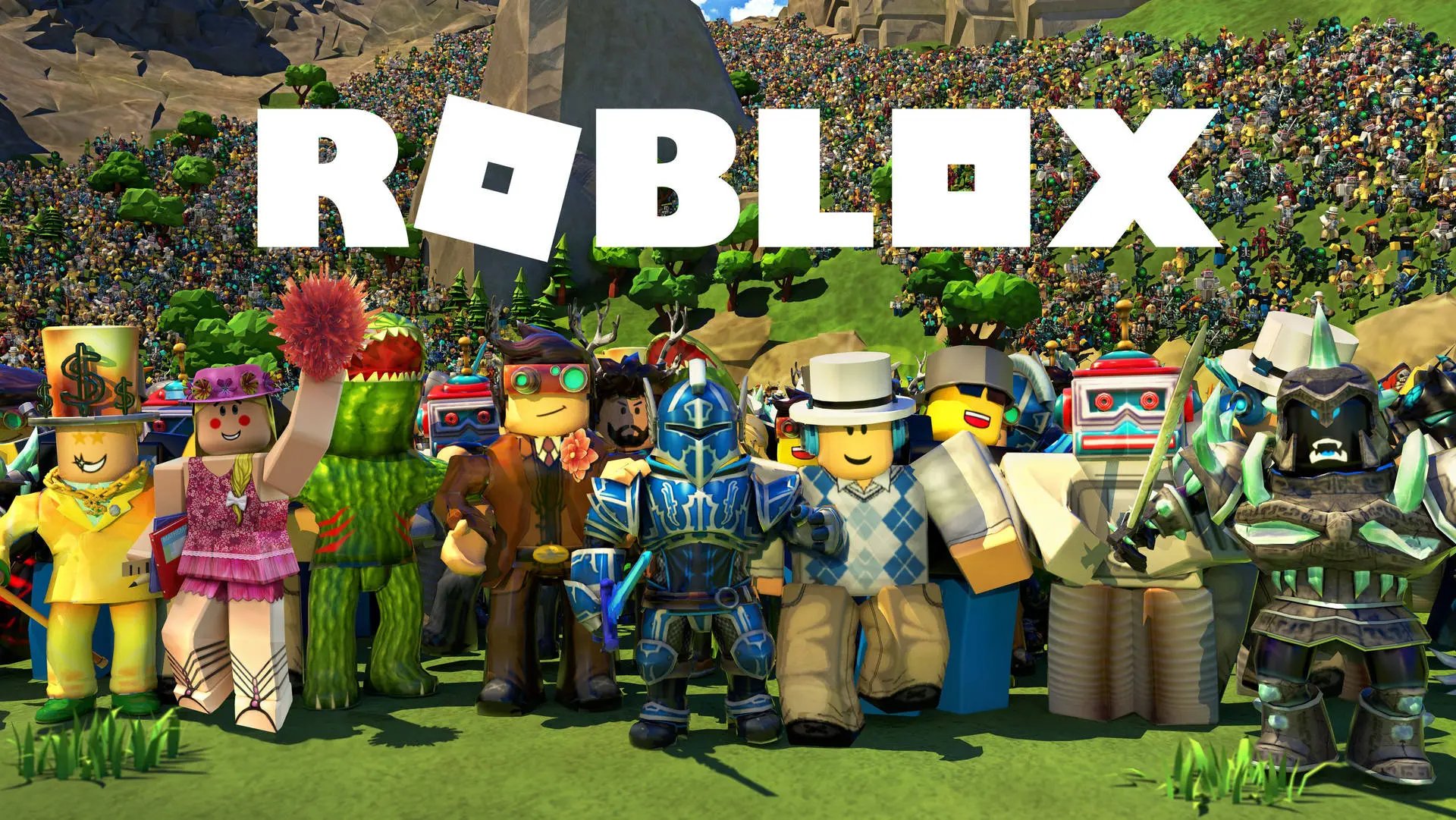
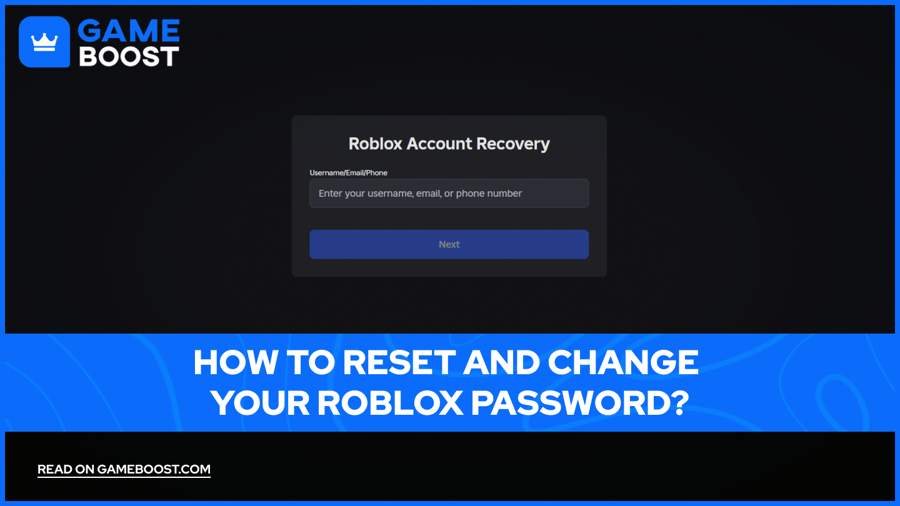
Roblox connects millions of players worldwide across thousands of games and experiences, making account security more important than ever. Your Roblox password protects everything from your in-game purchases and avatar customizations to your saved games and friend lists.
Forgetting Roblox password happens more often than you'd think. Maybe you haven't logged in for months, or you're switching to a new device and can't remember your credentials. Other times, you might spot suspicious activity on your account or simply want to strengthen your security. Some players also share passwords with friends or family members and later need to change them for privacy.
Here we will guide you through the process of changing your Roblox password while you're logged in, resetting it if you're locked out, and securing your account afterward to prevent any future access issues.
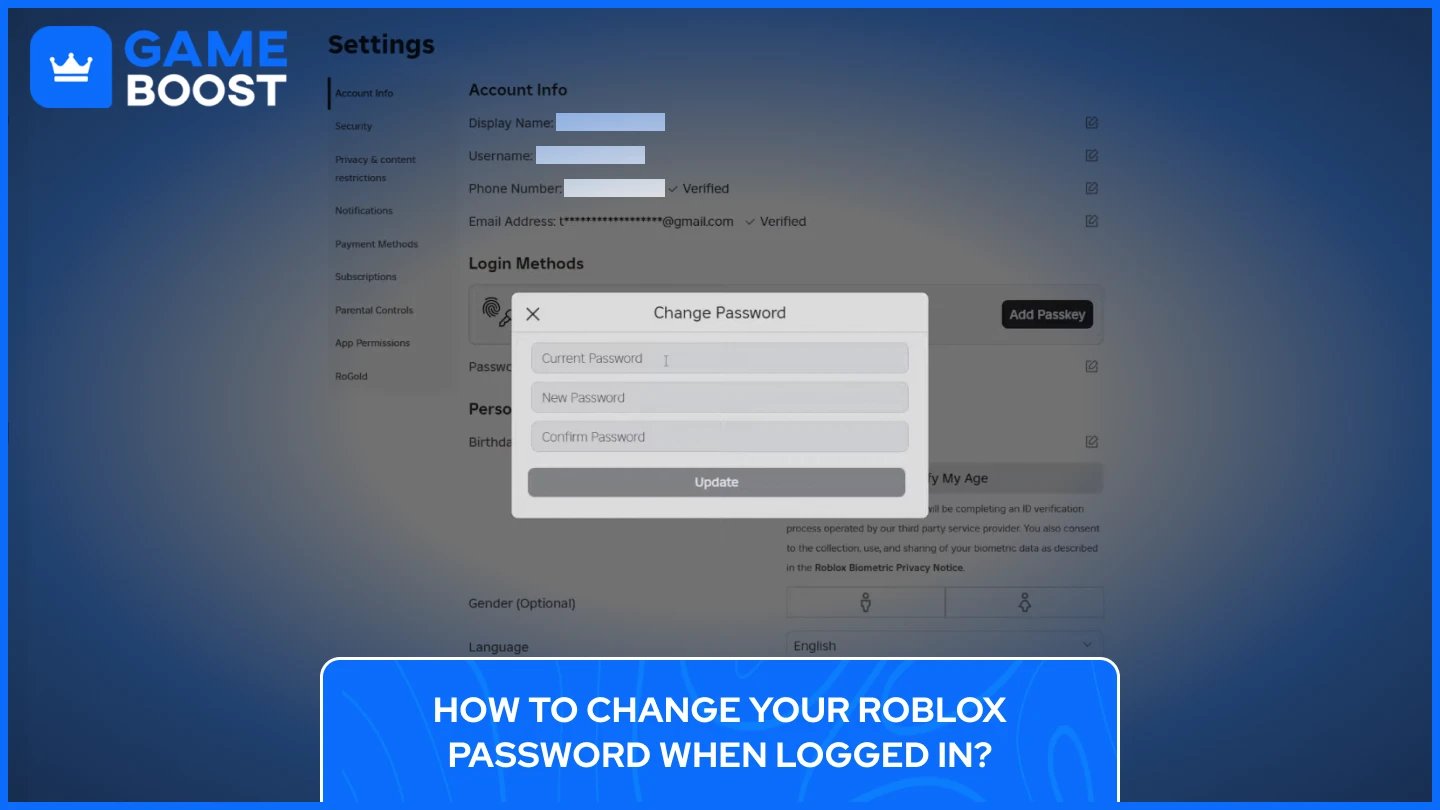
If you still have access to your Roblox account and simply want to update your password, the process takes less than a minute on any device.
Here is a step-by-step process of how to change your Roblox Password:
Log in to your Roblox account (web browser or mobile app)
Open Settings by clicking the gear icon (desktop) or tapping the three dots icon labeled "More" (mobile)
Select "Account Info" from the menu
Click or tap the edit button next to the Password section
Enter your current password to verify your identity
Type your new password in the next field
Re-enter your new password in the confirmation field
Click "Update" or "Submit" to save your changes
Roblox will automatically log you out after the password change, then you can sign back in with your new credentials and continue playing.
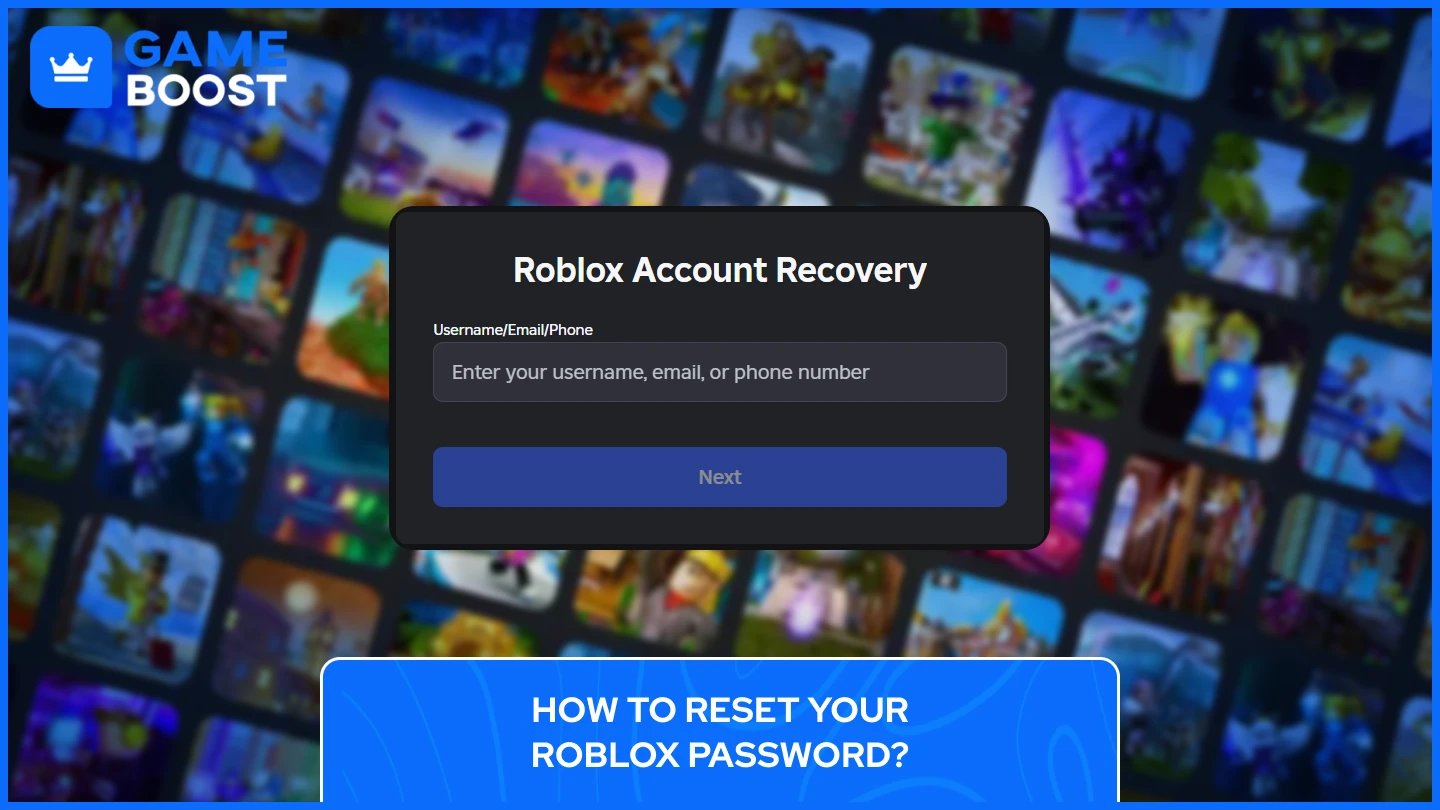
Roblox offers multiple recovery options depending on what information you have linked to your account. You can reset your password using your email address, phone number, or username.
The password recovery process starts the same way for all methods:
Go to the Roblox login page and click "Forgot Password or Username?" below the login fields
On the "Roblox Account Recovery" page, enter your username, email address, or phone number in the text box
Click "Next" to proceed
Recovery using email address: Check your inbox for a message from Roblox within a few minutes. The email will contain a blue "Reset Password" button. if you don't see it in your main inbox, check your spam or junk folder immediately, as email providers sometimes mistakenly flag automated messages from Roblox as spam. To prevent future issues, add "[email protected]" and "@appmail.roblox.com" to your email contacts list.
Click the "Reset Password" button in the email to open a new page in your web browser. The reset link typically expires after 15 minutes for security reasons, so act quickly. Enter your new password twice to confirm there are no typos, then click "Submit”. Roblox will confirm the password change and redirect you to the login page.
Recovery using phone number: Roblox will send a 6-digit verification code to your phone via SMS or WhatsApp within seconds. The message will come from an official Roblox number. Enter this code in the verification box on the Roblox page and click "Verify" to confirm your identity. Once your phone number is verified, the password reset page will appear. Enter your new password in the first field, then type it again in the confirmation field to avoid typos. Click "Submit" to finalize the reset.
Multiple accounts linked to the same email address or phone number will display a list of usernames after verification. Select the specific account you want to reset before entering your new password. You can then log in immediately using your username and newly created password.
Also Read: How to Cancel Roblox Premium on Mobile and PC
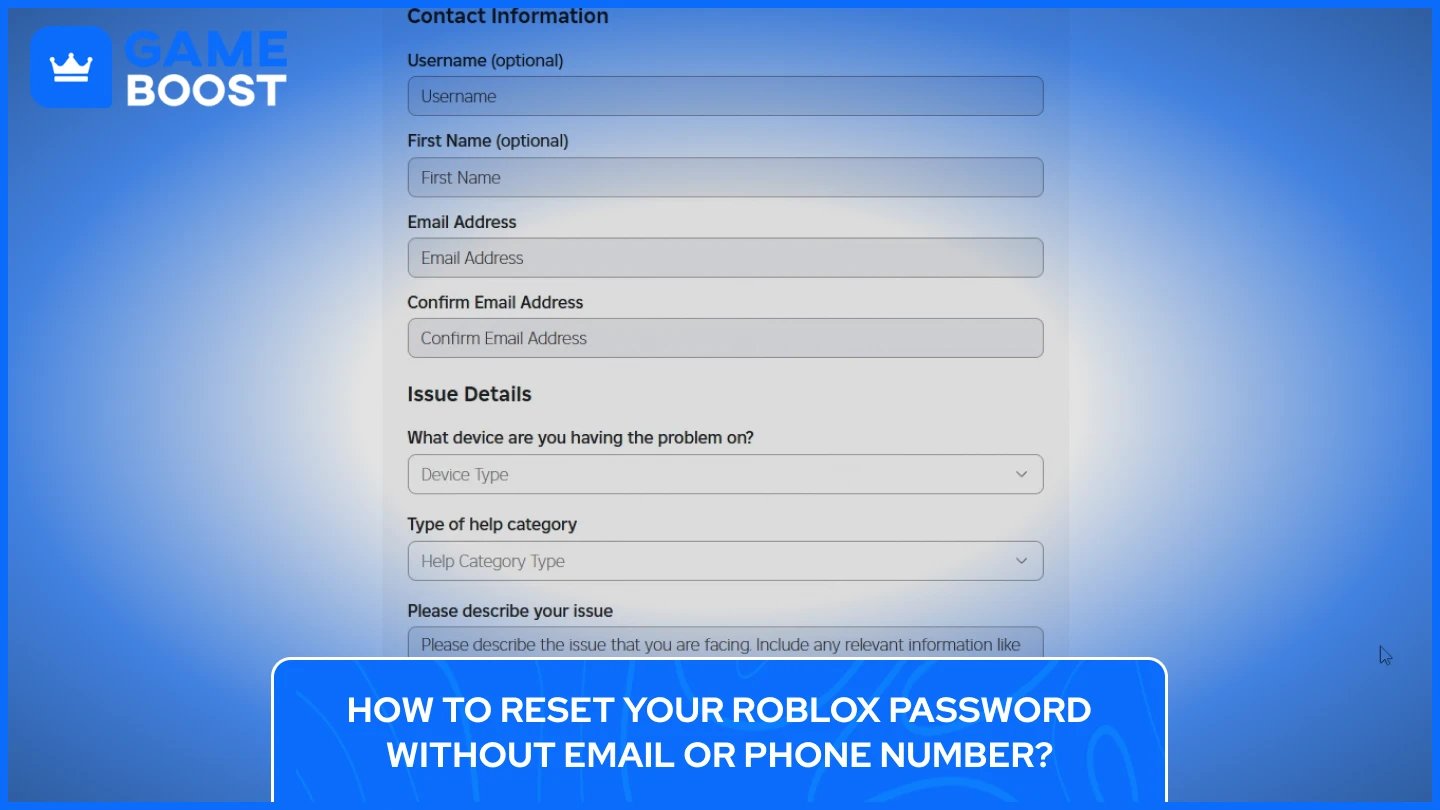
Accounts without a verified email address or phone number face significant recovery challenges. Roblox cannot use the standard password reset system for these accounts, which means you'll need to contact Customer Support directly and prove you own the account.
Navigate to the Roblox Support page at help.roblox.com and look for the contact form. Select "Account" as your issue category, then choose the option related to login problems or password recovery. You'll need to provide as much information as possible to verify your ownership.
The support team typically asks for details like your exact username, the approximate account creation date, any Robux purchases you've made, transaction IDs from purchase receipts, and the last time you successfully logged in. Purchase history is particularly valuable because it provides concrete proof of ownership. Check your email inbox for receipts from past Robux purchases or Premium subscriptions, as these often include your username and transaction details.
Response times from Roblox Customer Support usually range between 24 and 72 hours depending on ticket volume. The team may ask follow-up questions to verify your identity before resetting your password. Be patient and respond promptly to any requests for additional information, as this speeds up the recovery process.
Without an email address, phone number, or purchase history, Roblox states clearly that account recovery is impossible. The platform has no way to verify ownership in these cases, which is why adding contact information to your account as soon as possible is critical for future access.
Also Read: How to Block and Unblock Users on Roblox (Step-by-Step)
Changing your password is just the first step in protecting your Roblox account. Adding extra security layers prevents unauthorized access even if someone discovers your password in the future.
The most effective protection is enabling 2-Step Verification, which requires a second form of authentication every time you log in. To set this up, log into your account, navigate to Settings, and click the Security tab. Choose your preferred verification method and follow the on-screen instructions. Roblox offers several options, but you can only use one method at a time:
Email verification: Sends a unique code to your verified email address each time you log in. Codes expire after 15 minutes for security purposes.
Authenticator apps: Generate temporary 6-digit codes that refresh every 30 seconds using apps like Google Authenticator or Microsoft Authenticator. You'll scan a QR code during setup to link the app to your account. Save the backup recovery codes Roblox provides in case you lose access to the app.
Security keys: Use physical devices like YubiKey or built-in biometric methods like fingerprint scanners and facial recognition. This option only works on web browsers and requires having authenticator app verification enabled first.
Verification with a second device: Sends approval requests to a mobile device where you're already logged into Roblox. You'll see the device type, location, IP address, and timestamp for each login attempt, letting you approve legitimate logins or deny suspicious ones immediately.
Password reset issues happen frequently, but most have simple solutions. Here are the most common problems players encounter with trying to reset Roblox passwords and how to fix them.
Not receiving reset emails is the most reported issue. Beyond checking your spam folder and verifying your email address is entered correctly, try using a different browser or device to submit the reset request. Technical glitches sometimes interfere with the process on specific platforms. Wait 15-20 minutes before requesting another reset email, as sending too many requests in a short time may trigger spam filters or cause delays.
Expired verification codes create login barriers for users with 2-Step Verification enabled. Authenticator app codes refresh every 30 seconds, so always enter the current code displayed in the app. Entering an incorrect code too many times for the same account will invalidate that code entirely. Click "Resend Code" or "Start Over" on the verification screen to request a fresh code instead of repeatedly trying the same expired one.
Multiple account recovery becomes tricky when several accounts share the same email address or phone number. After verifying your identity through the reset link or SMS code, Roblox displays a list of all usernames associated with that contact information. Select the specific account you want to reset before entering your new password. Each account requires a separate password reset process, so repeat these steps for any additional accounts you want to access.
Contact Roblox Customer Support at help.roblox.com if you've exhausted all troubleshooting steps. Select "Account Hacked or Can't Log In" as your issue category, then choose "2-Step Verification" or "Password Reset" depending on your specific problem. Include your username, a detailed description of what's happening, and any error messages you're seeing. Support typically responds within 24-72 hours.
Also Read: How to Change Your Name on Roblox: Step-by-Step Guide
Protecting your account starts with maintaining control over your Roblox password. Roblox offers several options for updating your credentials while logged in or recovering access via email and phone verification. The key is acting quickly when you notice login issues and having recovery information set up before problems occur.
Strong Roblox passwords make a significant difference in account security. Combine uppercase and lowercase letters, numbers, and special characters to create passwords that are difficult to guess. Avoid reusing passwords from other platforms, as a breach on one site can compromise all your accounts. Password managers like LastPass or 1Password can generate and store complex passwords automatically.
Beyond password strength, 2-Step Verification adds a crucial second layer of protection. Even if someone steals your password, they won't be able to access your account without the verification code from your email, authenticator app, or security key. Taking a few minutes to enable this feature now can save hours of recovery effort later.
Keep your contact information current on your Roblox account. A verified email address and phone number give you reliable recovery options and make password resets straightforward. Without these details, account recovery becomes extremely difficult and may be impossible in some cases. Regular security checkups ensure your account stays protected as you continue enjoying everything Roblox has to offer.
“ Kristina joined GameBoost in 2024 as an SEO specialist and quickly became the go-to writer for third-person shooter and competitive games. She covers titles like Fortnite, Valorant, League of Legends, GTA 5, and Roblox, focusing on how-to guides, practical tips, and updates.”