



•Kristina Horvat• 6 min read
Roblox
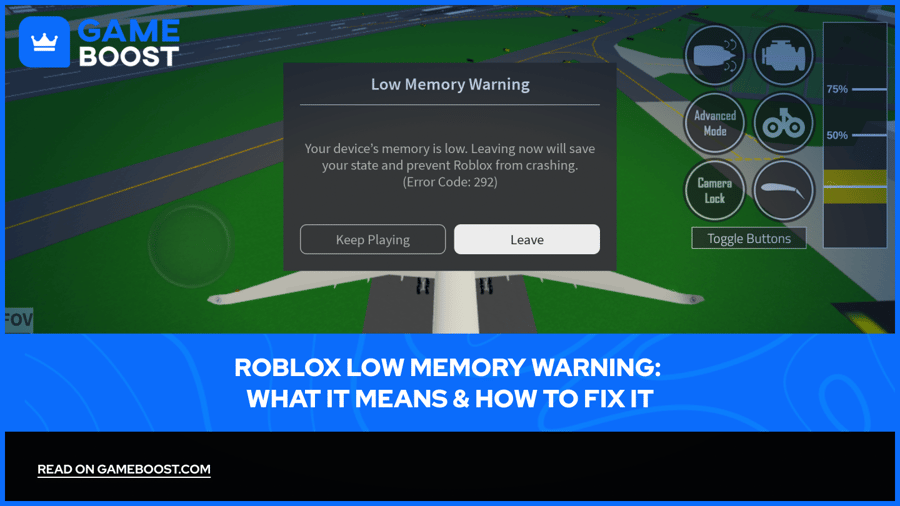
Bigger Roblox experiences keep pushing phones, tablets and computers harder, and devices with little memory feel it first. When things get too tight, Roblox pops up a warning before the app has a chance to crash.
Seeing the Roblox low memory warning means the device is running out of RAM, not storage space. Roblox offers two choices: Leave, which saves the current state and returns to the home page, or Keep Playing, which risks a crash. Closing background apps and lowering graphics quality fixes it in most cases.
Roblox low memory warnings are about RAM, not storage, so freeing space alone won't stop them.
Leaving when the warning appears saves the current state, and Roblox recommends doing it as soon as possible.
Error Code 292 is the official name of the low memory warning in the Roblox mobile app.
Most fixes come down to closing background apps and lowering Roblox graphics quality.
Older phones and tablets with less RAM see the warning most often in heavy experiences.
Low memory on Roblox means the device doesn't have enough free RAM to keep the experience running smoothly. RAM is the short-term memory apps use as long as they're open, and it's different from storage, where files and apps are saved.
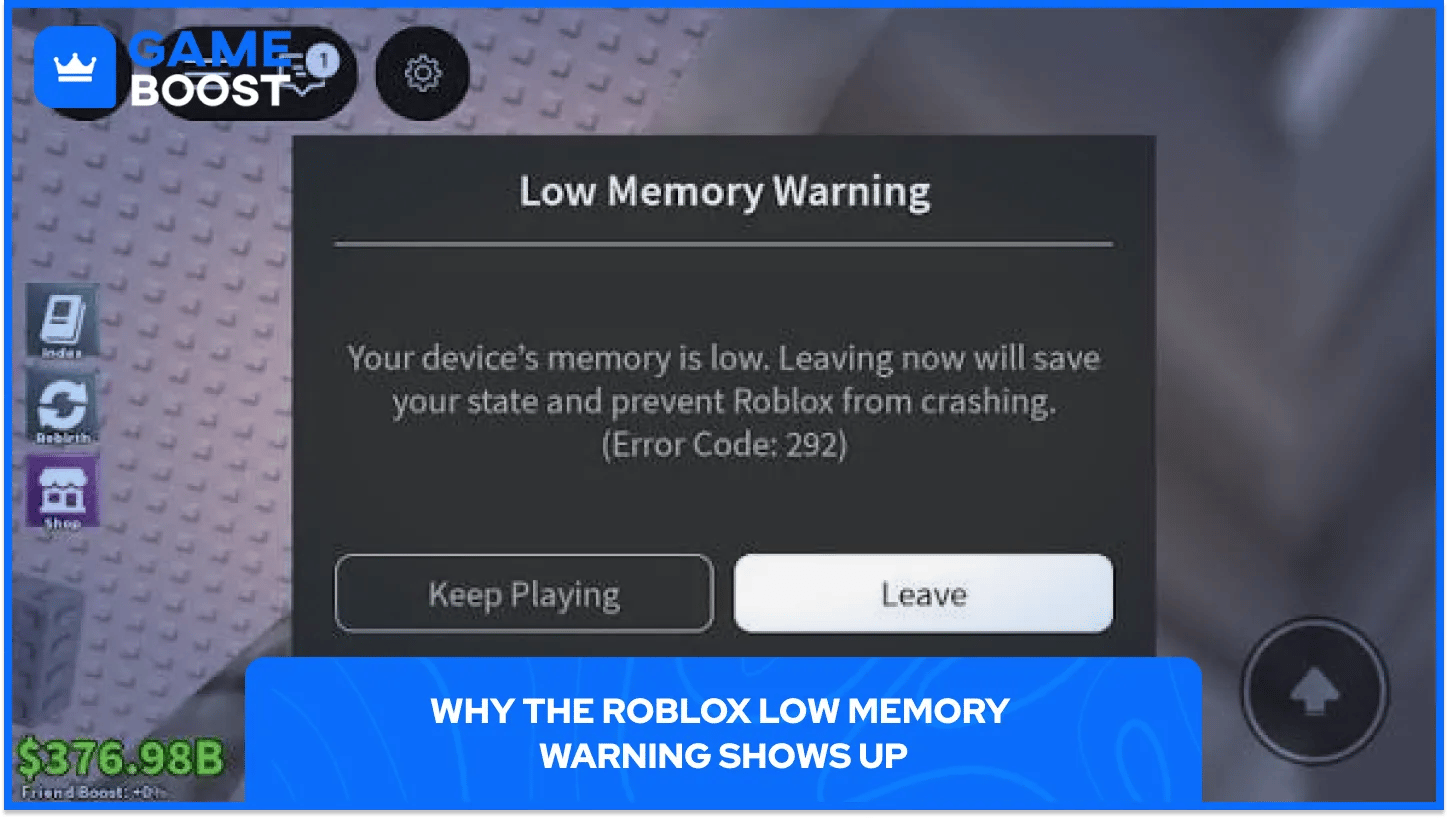
Once RAM runs low, Roblox shows a message with two buttons. Leave sends the player back to the home page and saves their state, and Keep Playing carries on with a real chance of a crash.
Roblox lists the warning as Error Code 292, one of many Roblox error codes players run into.
Several things usually push a device over its memory limit:
Background apps: every open app holds on to some RAM, leaving less for Roblox.
Heavy experiences: big worlds with lots of detail need more memory than simple games.
High graphics settings: sharper visuals take up extra RAM on top of the experience itself.
Older devices: phones and tablets with less RAM hit the limit far sooner.
Fixing low memory on Roblox means freeing up RAM or asking Roblox to use less of it. These fixes work on every device:
Leave the experience when the warning appears, then rejoin to start with a clean slate.
Close every app running in the background before opening Roblox.
Lower the graphics quality in Roblox settings.
Restart the device to clear out memory used by apps that didn't close properly.
Update the Roblox app and the device's system software.
Pick a lighter experience when a specific world keeps triggering the warning.
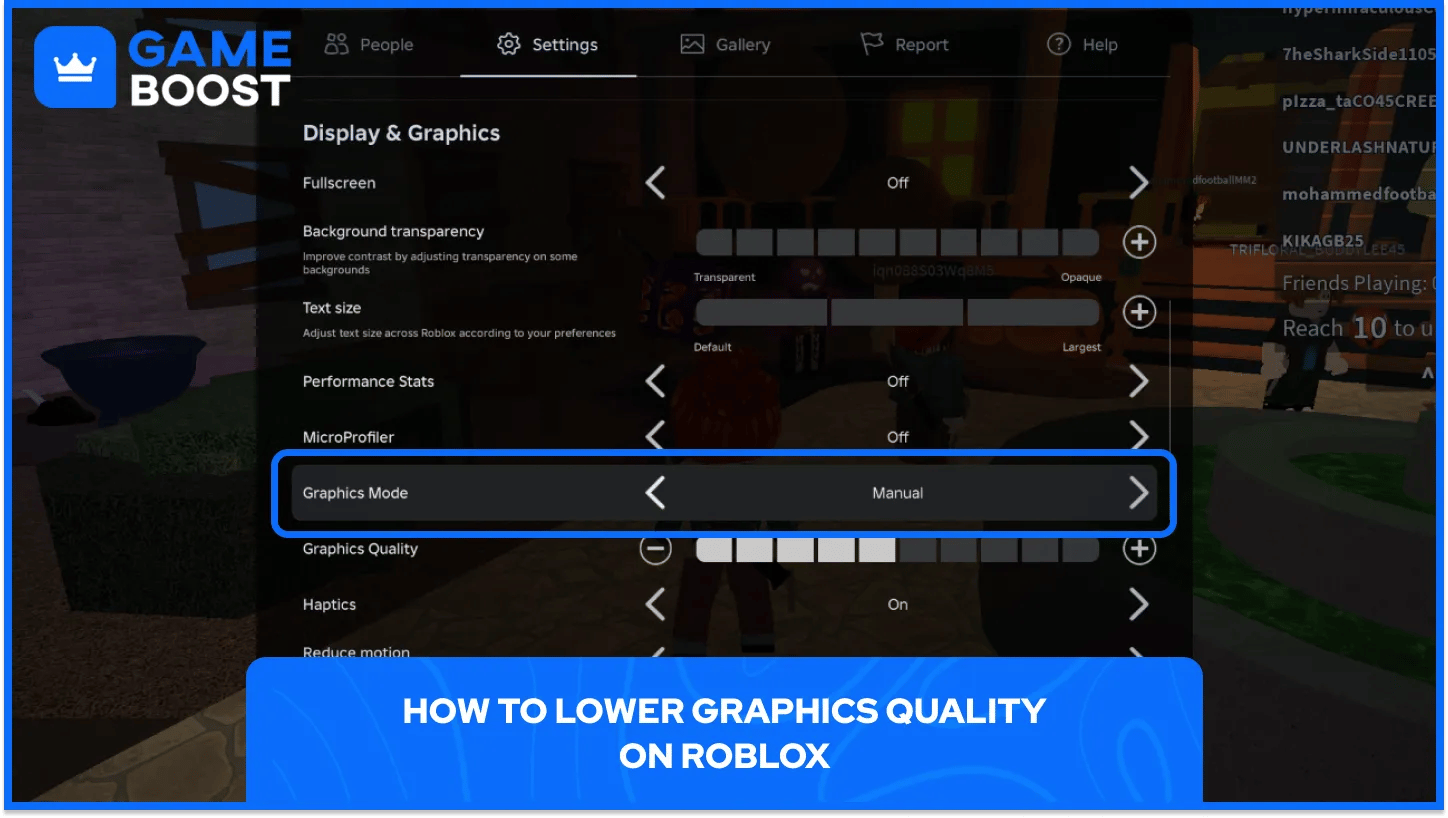
Lower graphics quality means Roblox needs less RAM to draw each scene, which is why Roblox lists it as a main fix. Switching Graphics Mode from Automatic to Manual lets players pick the level themselves, and lowering it takes five steps:
Open the in-game menu by tapping the Roblox logo or pressing Esc on a computer.
Go to Settings in the menu that opens.
Set Graphics Mode to Manual so the slider can be moved.
Move Graphics Quality down by dragging the slider left or tapping the minus button.
Resume the game and check if the warning stops.
Dropping the slider to the lowest or a medium level is usually enough to stop the warning, and the same menu works on phones, tablets and computers.
Phones and tablets get the low memory warning most often, since they have far less RAM than most computers. Fixing it on iPhone or iPad takes four steps:
Swipe up from the bottom of the screen, or double-press the Home button, and swipe away every app except Roblox.
Restart the iPhone or iPad to clear memory held by apps that didn't close properly.
Update Roblox in the App Store and install any iOS update under Settings, General, Software Update.
Lower graphics quality in Roblox before joining a big experience.
When the warning keeps coming back after all of that, offloading and reinstalling Roblox can fix an app that's acting up. Open Settings, General, iPhone Storage, tap Roblox, then Offload App and Reinstall App. Offloading keeps the account data, so nothing is lost.
Older iPads and iPhones with little RAM can show the warning even after every fix. In that case, sticking to lighter experiences or moving to a device with more RAM is the only lasting solution.
Android phones work a little differently, and menu names can change between brands. Fixing low memory on Android takes four steps:
Close background apps from the recent apps screen before opening Roblox.
Restart the phone to clear memory held by apps that didn't close properly.
Open Google Play, search for Roblox and tap Update if one is available.
Lower graphics quality in Roblox before joining a big experience.
If the warning still shows up, clearing Roblox's cache under Settings, Apps, Roblox, Storage can fix an app that's acting up. Clear storage in the same menu goes a step further but logs the account out, though Robux and game progress stay safe on the account.
On a computer, other programs compete with Roblox for the same RAM. Freeing memory on a Windows PC takes three steps:
Press Ctrl + Shift + Esc, or right-click the taskbar and open Task Manager.
Right-click heavy programs like browsers, screen recorders or game launchers and choose End task.
Relaunch Roblox and lower graphics quality through the Esc menu.
When memory use stays high after all of that, reinstalling a fresh copy of Roblox from the official website gives the game a clean start. Players who also deal with slowdowns can fix Roblox lag with a few extra settings tweaks.
Running into the Roblox low memory warning feels scary, but it's only Roblox asking for more free RAM. Closing background apps and turning down graphics quality solve it on most devices, and leaving when the warning appears keeps progress safe.
Devices that still struggle after every fix are usually hitting their RAM limit, so lighter experiences make for a smoother session.
“ Kristina joined GameBoost in 2024 as an SEO specialist and quickly became the go-to writer for third-person shooter and competitive games. She covers titles like Fortnite, Valorant, League of Legends, GTA 5, and Roblox, focusing on how-to guides, practical tips, and updates.”