


•Filip Premuš• 10 min read
Roblox

If Roblox stutters every time you turn the camera, lower your graphics quality first. If the camera moves smoothly and other players keep snapping across the map, check your ping. Those two problems feel like lag, and each has a different fix.
Start with the symptom you see. Then test the same game after each change so you can tell what helped.
For choppy visuals, open Settings, set Graphics Mode to Manual, and lower Graphics Quality.
For delayed hits or players snapping around the map, turn on Performance Stats and watch for ping spikes. Try Ethernet on PC or compare Wi-Fi and mobile data on your phone.
If Roblox starts smooth and stutters once your phone gets hot, take a break and test again after it cools.
If the lag only happens in one game, try a different server for that game. If several games lag, check Roblox Status.
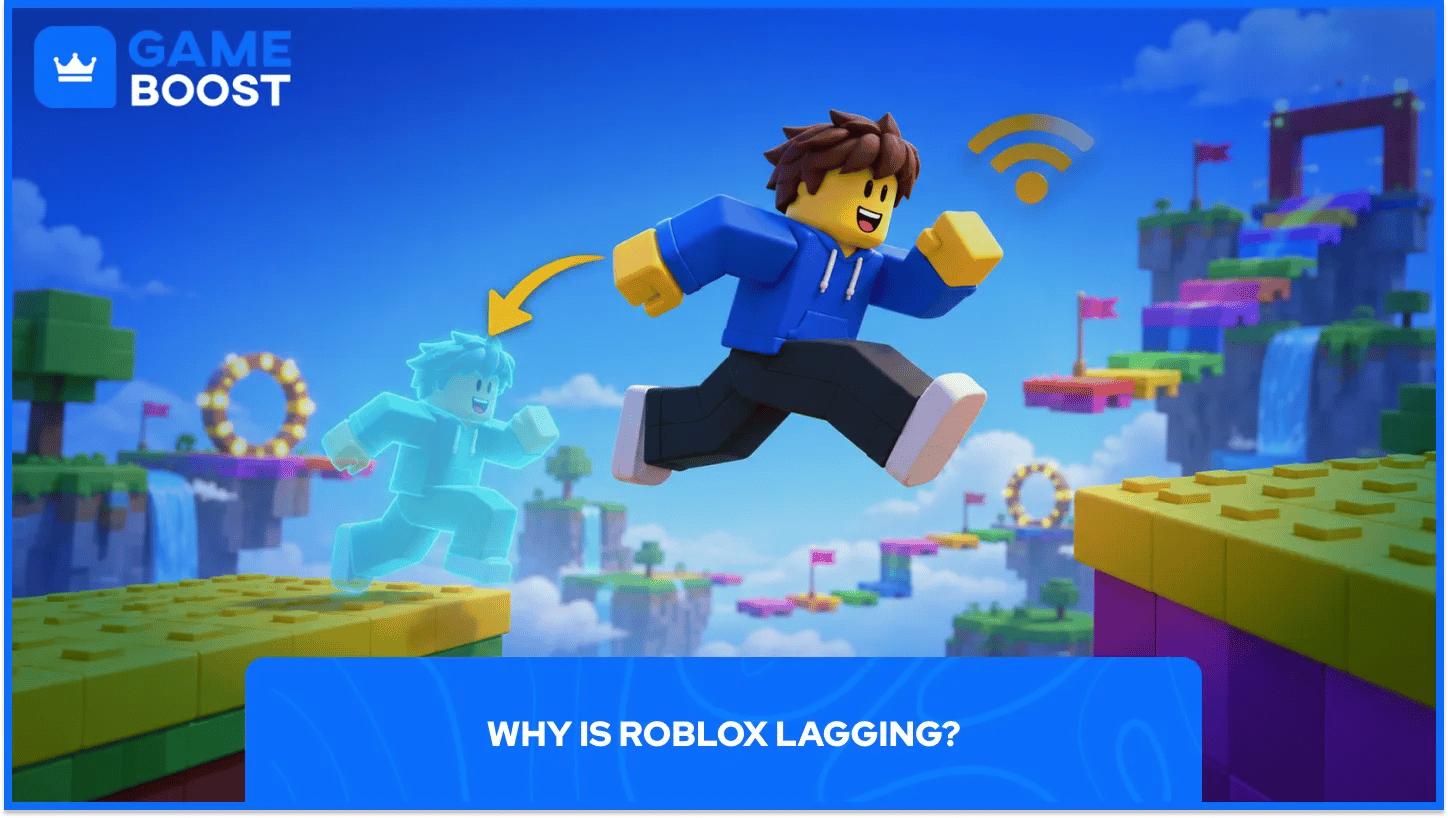
Low FPS means your device is drawing fewer frames per second, so camera movement and animations look choppy. High or unstable ping means messages between your device and the server take longer to make the round trip. Your camera can still feel smooth as players snap back or hits register late.
What you see | What to try first |
|---|---|
The whole screen stutters when you turn the camera | Lower graphics quality and test the same area again. |
Players snap around, or hits register late | Watch your ping and test a different connection. |
Friends in the same lobby lag at the same time | Join a different server for the same game. |
Several games suddenly lag or won't load | Check Roblox Status and compare another network if there’s no listed incident. |
To see your ping, open the in-game Settings menu and turn on Performance Stats. Ping is measured in milliseconds (ms). Watch what happens to the number when the lag hits; a brief spike can explain a delayed hit even if the number looks fine a few seconds later. On PC, press Shift + F5 to bring up Roblox’s FPS readout.
Join a game and press Esc. Open Settings, set Graphics Mode to Manual, then move Graphics Quality to the left. Start near the bottom and play through the same spot that was stuttering. If it feels smooth, raise the slider one step at a time until you find a level your PC can handle.
Pause screen recording and close any streams or games you have running in the background. On Windows, press Ctrl + Shift + Esc to open Task Manager. Check which apps are using the most CPU, memory, or GPU, then close the ones you know you don’t need.
If you raised Maximum Framerate above 60 on Windows, try setting it back to 60 FPS. The setting caps the frame rate. Raising it won’t help if the PC already struggles to reach 60.
If Roblox still stutters in several games with graphics turned down, compare your PC with Roblox’s official computer requirements. Meeting the minimum gets you through the door; crowded games with lots of effects can still run poorly.
Tap the Roblox icon in the upper left of the game, open Settings, and switch Graphics Mode to Manual. Lower Graphics Quality, then return to the game. If you only get stutters in crowded areas, test there before raising the setting again.
If the game runs well for a few minutes and then slows down as your phone gets hot, close Roblox and let the phone cool before you try again. Stop charging during the test if the phone is already hot. A phone can slow itself down as its temperature rises.
If the stutter starts as soon as you join, close and reopen Roblox. You can also update the Roblox app from the App Store on iPhone or Google Play on Android if an update is available.
Pause large downloads and uploads, including game updates and cloud backups, then watch the ping in the same game. On PC, try an Ethernet cable if you normally play on Wi-Fi. On a phone, move closer to the router or compare your Wi-Fi with mobile data if your plan allows it. Use the connection that gives you fewer spikes.
If the lag only hits one lobby, join a different public server from the game’s Servers tab if one is available. If you already have access to a Roblox private server for that game, you can test there too. A private server doesn’t guarantee lower ping, so try another public lobby before paying for one.
If several games lag at once, check Roblox Status for a known incident. If Roblox kicks you out or stops you from joining and shows a number, look up the Roblox error code for steps that match the message.
Make one change, then test it where the lag usually hits. If camera movement gets smoother after you lower graphics, you’ve found a setting worth keeping. If your hits still register late, watch your ping and try another connection or lobby.
“ Filip Premuš is a seasoned gaming content writer specializing in titles like Steal a Brainrot, Old School RuneScape, and other popular online games. With a sharp focus on accuracy, updates, and in-game strategy, he creates comprehensive guides that help players stay ahead of the meta and make informed decisions.”