


•Hamza Rashid• 8 min read
Roblox
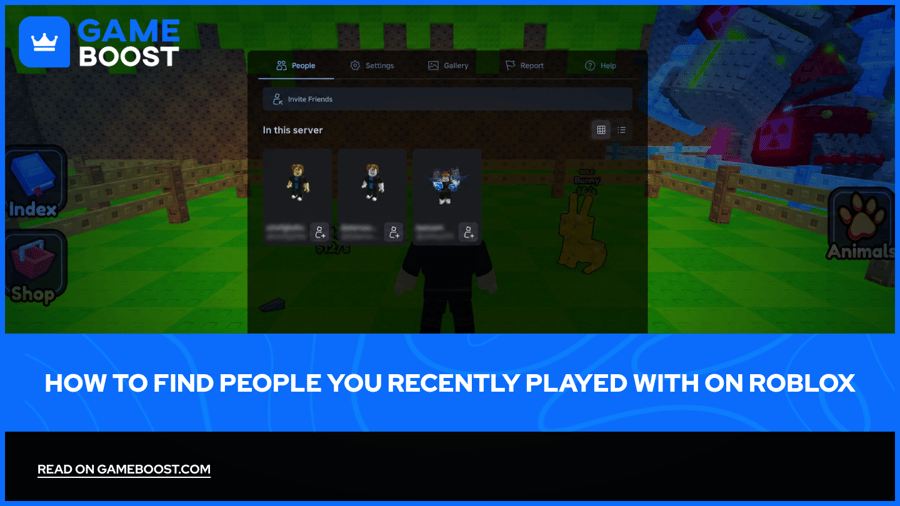
Players can find people they recently played with on Roblox by opening the in-game menu, switching to the People tab, and selecting Add Friend beside the right name before the server closes. Roblox keeps no website list of past server players, so the live session offers the easiest chance to connect.
After leaving a game, the search shifts to a username lookup in the People category, a return visit through the Continue section on the Home page, and the experience's official group or community server. Each route works best with a saved username or a clear memory of the player's avatar. The sections ahead cover every method step by step, plus the account limits that can stop a friend request from going through.
Roblox keeps no full history of past server players on its website, so saving names during the session matters most
The People tab in the in-game menu lists every player in the current server, each with an Add Friend option
A known username works through the People category in the search bar, which leads straight to the player's profile
The Continue section on the Home page lists recently played experiences for a quick return to the same game
Experience groups, official communities, and Friend Recommendations for users 13 and older help once the username is gone
Requests fail when age-based restrictions or parental controls limit social features, a request already sits pending, or an account hits the 1,000 friend limit
Friend requests expire after 2 years, and the alias feature lets players tag friends with private nicknames
Roblox records the experiences a player visits but not the people inside each server. The Continue section on the Home page shows recently played games, and earned badges on a profile point back to games a player has joined.
Player names from past servers get no equivalent record on the website. Community members have requested a dedicated Recently Played With list on the Roblox Developer Forum for years, so the practical approach relies on the tools that exist today and on saving names before a session ends.
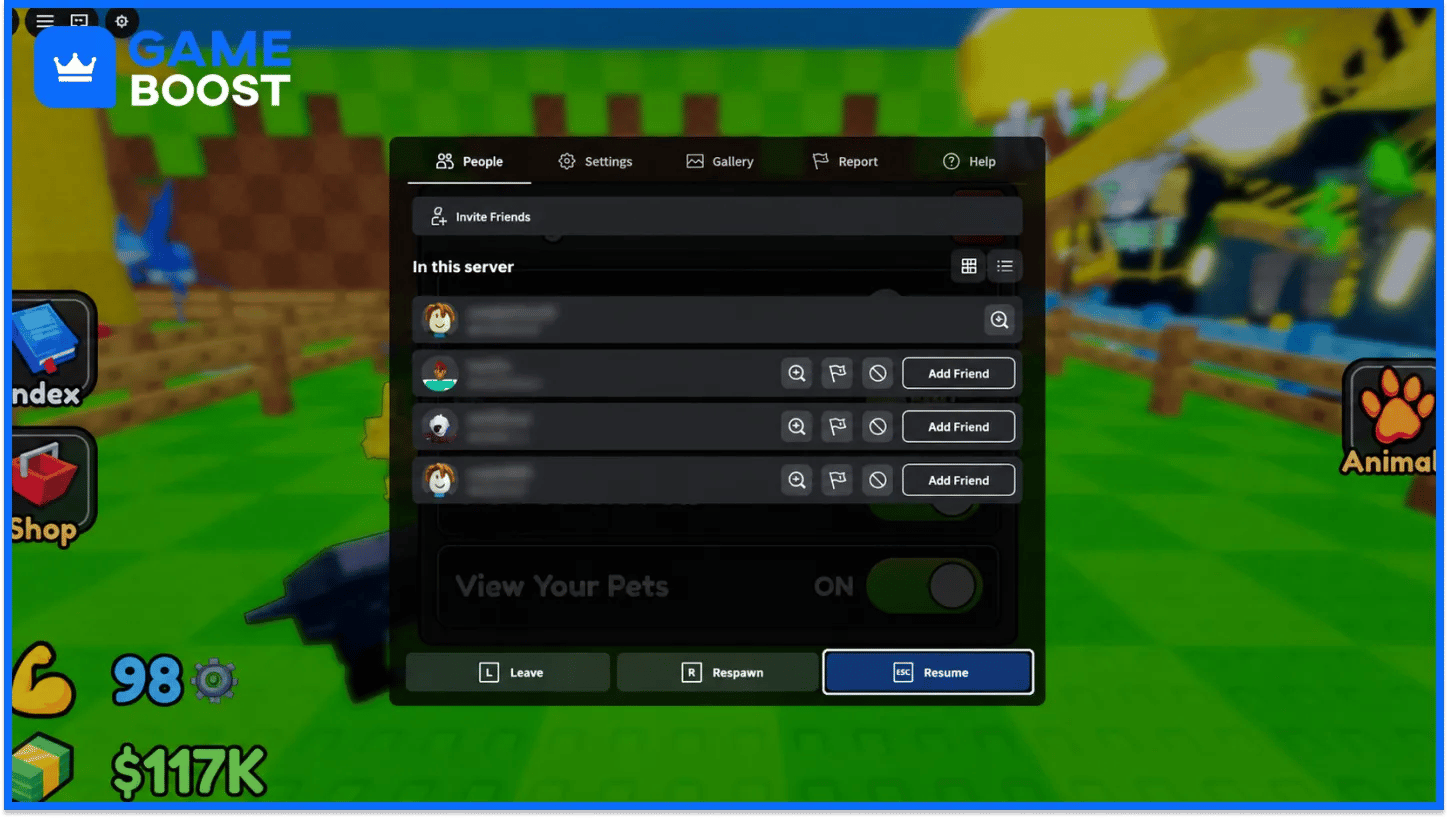
The live session offers the only moment when every player in the server sits in one list. Adding someone before leaving removes all the guesswork that comes later.
The process works the same way across most experiences:
Open the Roblox menu first: Press Esc on PC or tap the Roblox icon in the top left corner on mobile to bring up the in-game menu.
Switch to the People tab next: The tab lists every player in the current server by display name and username, which makes the right person easy to spot.
Send the request from the list: Select Add Friend beside the player's name, and the request lands in their friend requests right away.
Save the username as a backup: A quick screenshot of the player list or a note of the username keeps the name safe if the request fails.
Many anime and combat experiences also show a leaderboard in the top right corner with player names. Players who spot a name there can copy it down mid fight, without opening the full menu.
Speed matters here more than anywhere else in the process. Once a player leaves or the server shuts down, that list disappears, and every other method takes far more effort.
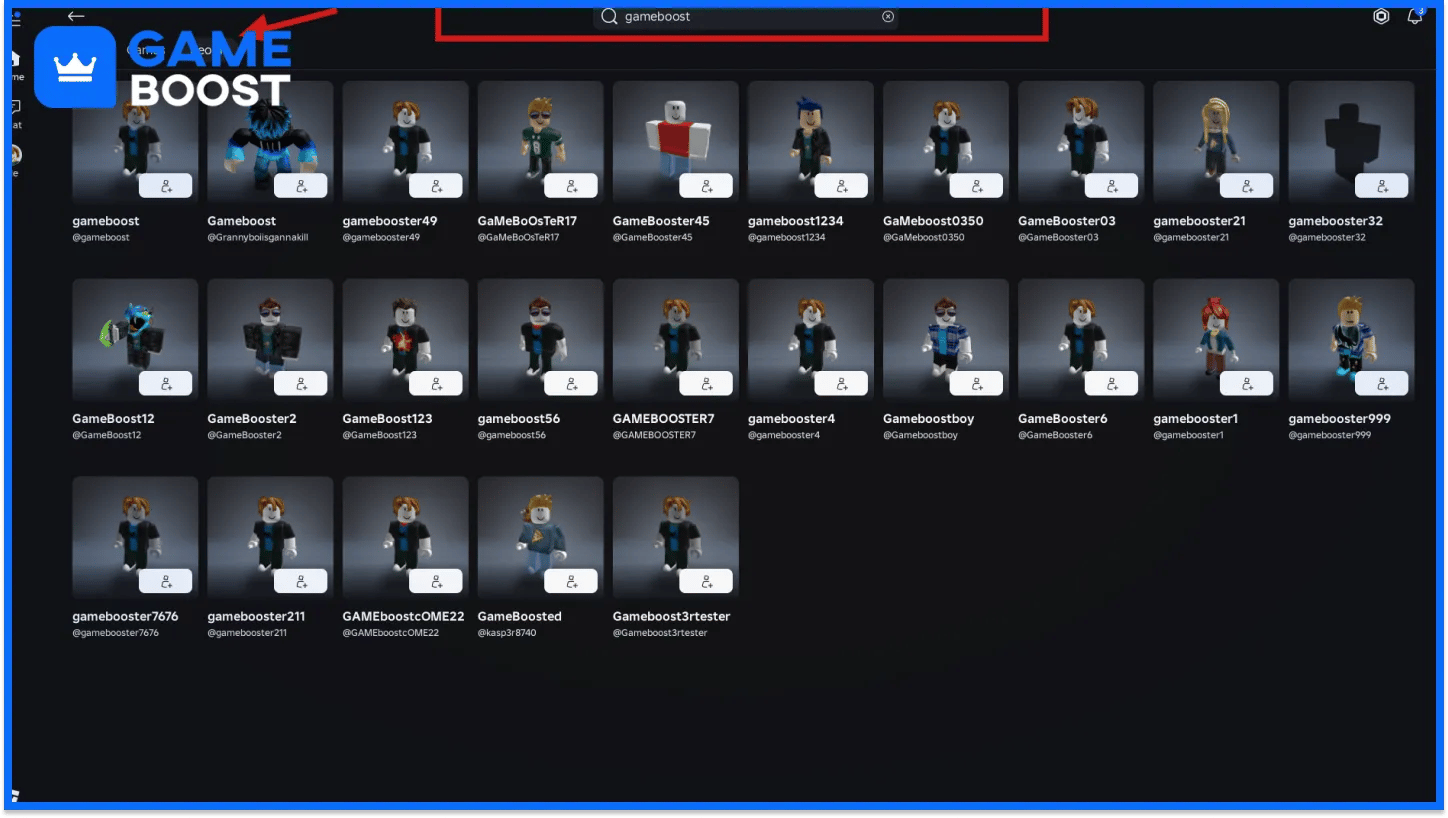
A saved username turns the search into a short task. Roblox lets any player look up an account through the search bar at the top of the screen, as long as the search runs in the People category.
Follow these steps to reach the profile:
Type the username into the search bar: Pick the People category from the search options to filter out games and items.
Open the matching profile: Select the username from the results to load the player's full profile page.
Send the friend request: Choose Add Friend on the profile, and Roblox sends a message titled Friend Request Accepted once the other player approves it.
Display names can repeat across many accounts, so the exact username gives far more reliable results than a display name. Avatar outfits help confirm the right match when several similar names appear.
After the request goes through, the alias feature on a friend's profile lets players add a private nickname, such as the game where they met. Only the player who sets the alias can see it, which keeps a growing friends list easy to sort.
Players who forget a username still know the game where the match happened. The Continue section on the Home page keeps recent experiences one click away, which makes a return visit quick.
Regulars in grinding and anime experiences tend to play at similar times each day. Joining at the same hour as the original session raises the odds of landing in a server with familiar names, and the in-game People tab then works the same way as before.
Groups of friends who want to meet again without relying on public matchmaking can set up a private server in experiences that support them. A shared server link keeps the group together across sessions.
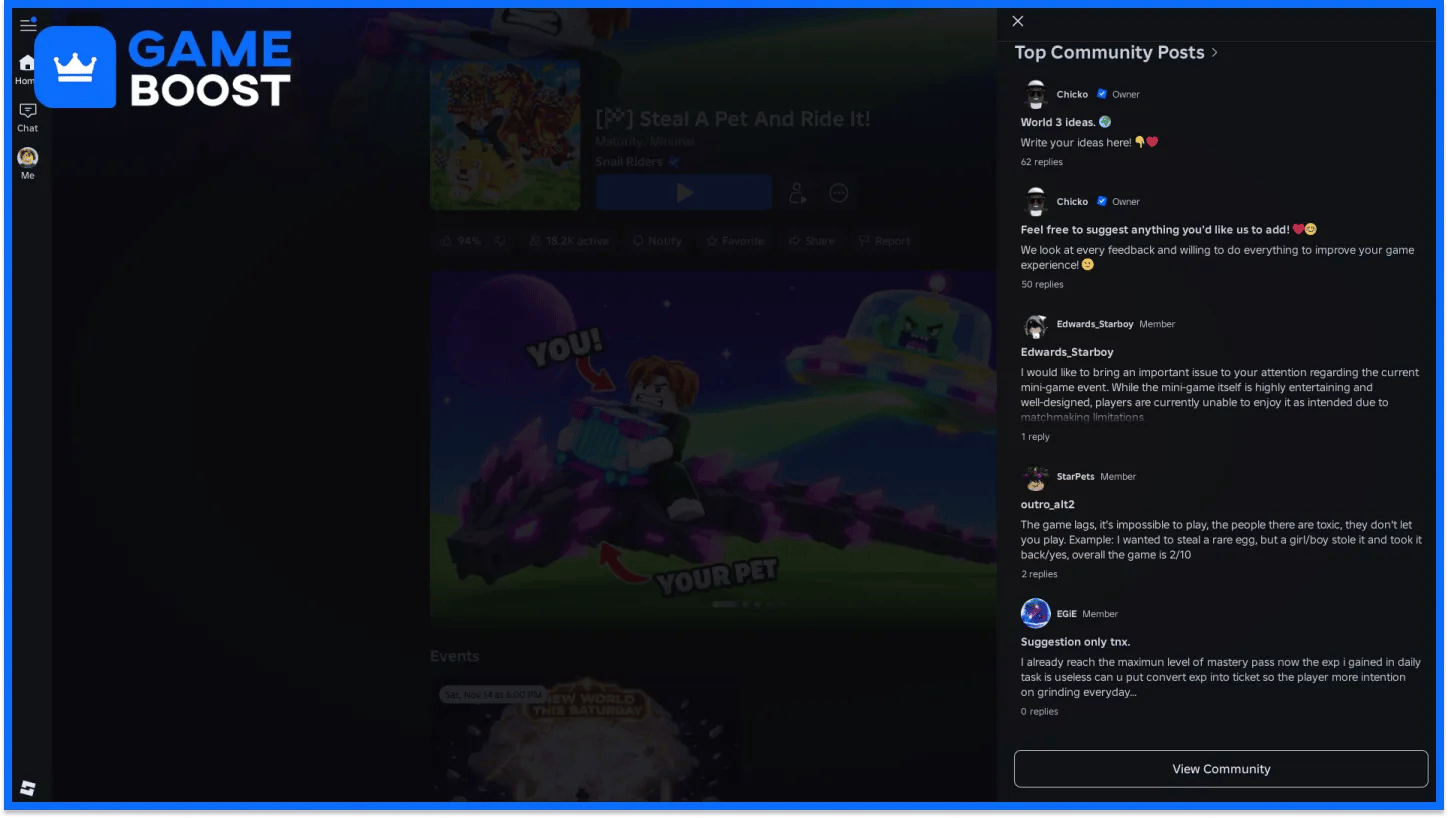
Most popular experiences run an official Roblox group, and many link a community server from the experience page. These spaces collect active players in one place and often include channels for finding teammates or trading partners.
Useful places to check include:
The experience's official group page: The members list shows usernames and avatars, which helps when a player remembers an outfit but not a name.
The game's linked community server: Posting the time, server details, and avatar description gives other members enough detail to point out the right player.
Friend Recommendations on the Home page: Roblox suggests people a player may know, and the list appears for users 13 and older.
Group searches work best for active players with a distinct avatar. A description with specific details, such as the character build or the game mode, gets far better replies than a vague post.
Third-party extensions that promise full player histories deserve caution. Any tool that asks for login details or a browser cookie puts the account at risk of theft, so official Roblox features remain the safer choice.
Finding the right profile does not always lead to a new friend. Several account settings and limits can block a request even with the correct username in hand.
The most common causes include:
Age-based restrictions and parental controls: Younger accounts often have limited social features, and parents can restrict who connects with the account.
A request already pending: The Add Friend option stays locked as long as an earlier request still waits for an answer.
A full friends list on either account: Roblox caps every account at 1,000 friends, so a full list blocks new additions.
An expired request: Roblox clears friend requests after 2 years, so very old requests need sending again.
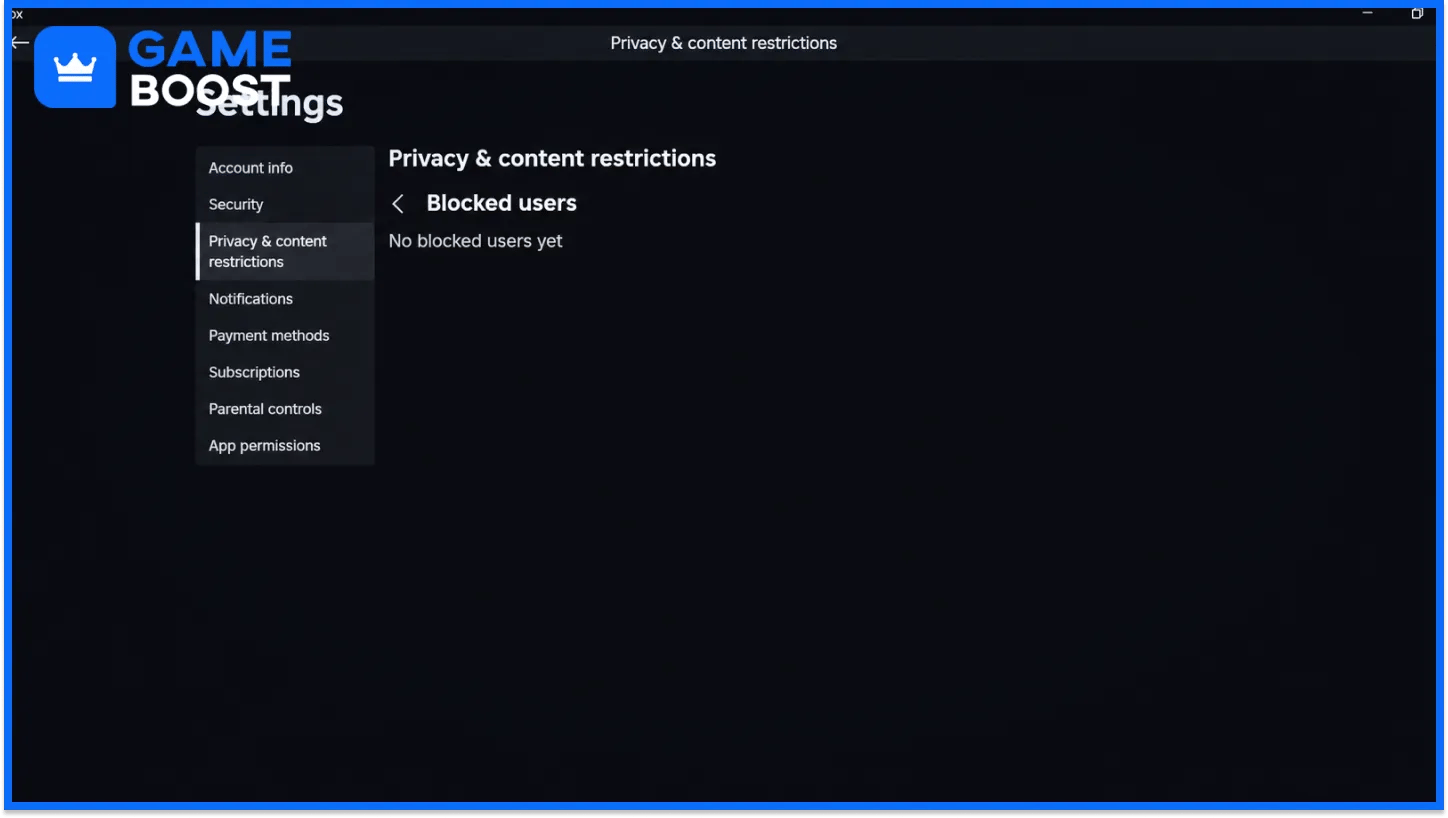
A block on either account: A blocked player cannot connect with the account that blocked them, and players can review and remove names from the blocked users list under Privacy and content restrictions in Settings.
Parents who manage a child's account can adjust these limits through parental controls without opening social features to everyone.
A declined request needs no repeat attempt right away. Sending several requests to the same player can come across as pushy, and a short message in a shared community space often works better.
Roblox rewards players who act fast inside the server. The habit that saves the most time is simple to build, and it comes down to adding good teammates the moment a match ends, then tagging them with an alias that marks the game where the two met.
A friends list built this way turns random servers into a regular squad, and that squad makes every new experience easier to start. Players looking for fresh experiences to share with new friends can check the best games with friends for ideas that suit groups of any size.
“ Hamza is your average video game enthusiast who’s always looking for his next game to play. Whether he’s diving into a competitive multiplayer match, exploring a massive open world, or getting completely hooked on a new release, gaming has always been one of his favorite ways to spend his time. Over the years, his love for games has grown into a passion for understanding and sharing everything about them. Through his articles, Hamza aims to help gamers discover new games, improve their skills, stay up to date with the latest gaming news, and get the most out of their favorite titles.”