


•Hamza Rashid• 6 min read
Roblox

Roblox brings millions of players together through its wide collection of user-created games and experiences. The platform lets you customize avatars, purchase in-game items, and access exclusive content using Robux, the virtual currency that powers the entire ecosystem. With so many purchase options available, from cosmetic items to game passes and subscriptions, managing your spending can sometimes get complicated.
Sometimes purchases happen by accident. Maybe you bought the wrong item, someone else used your account without permission, or you simply changed your mind after seeing what you got. While Roblox maintains strict policies about refunds, there are specific situations where getting your money back is possible.
This guide covers everything you need to know about requesting refunds, including which purchases qualify and how to contact Roblox support properly.
Also Read: All Roblox Abyss Codes
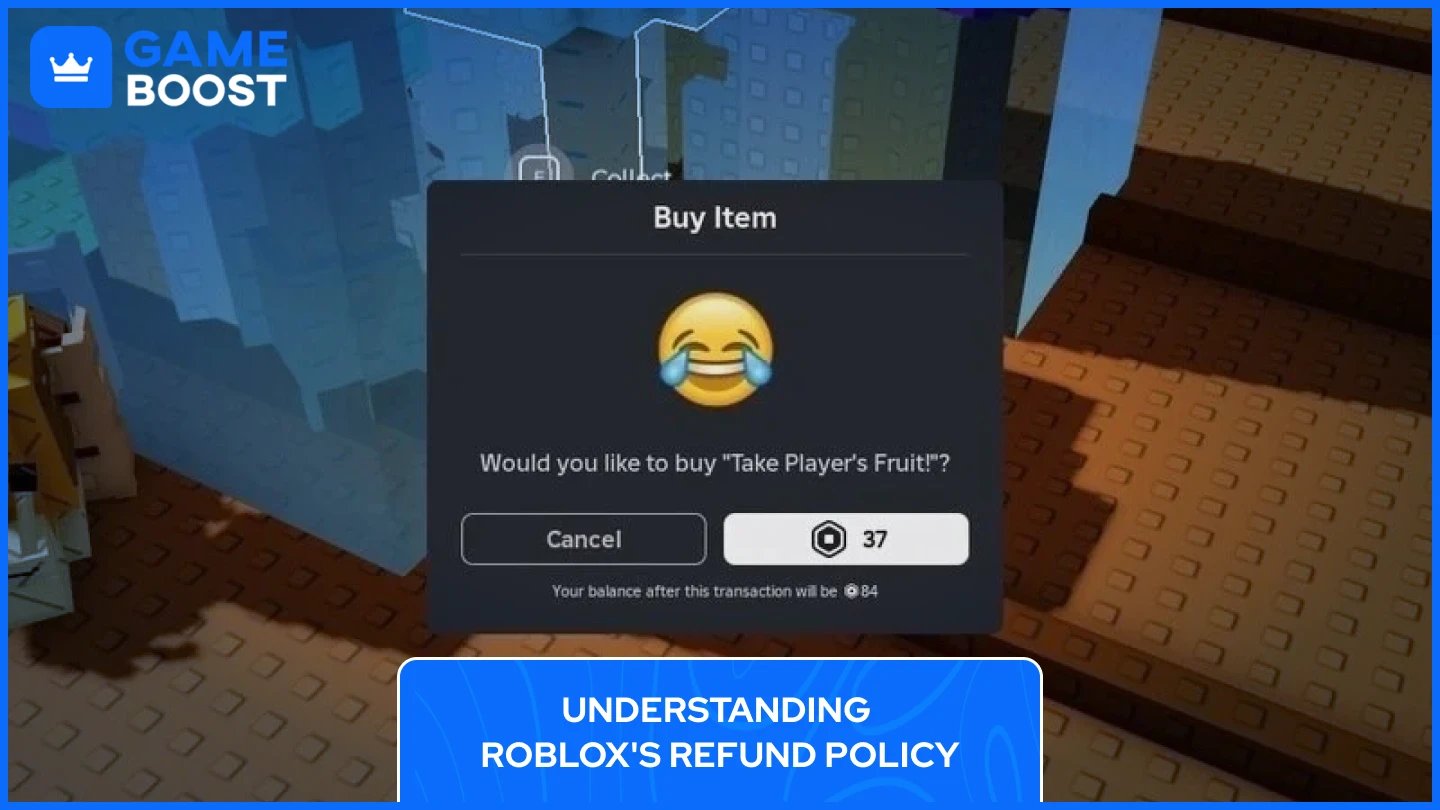
Roblox operates on a strict no-refund policy for most purchases made through the platform. Once you spend Robux on items, game passes, or in-game content, those transactions are considered final. The platform implements this policy because virtual items are delivered instantly and can be used immediately after purchase, making it difficult to reverse transactions without affecting the game economy.
The company takes several precautions to prevent accidental purchases. Every time you buy something, a confirmation window appears asking you to verify your decision before completing the transaction. This pop-up shows the item name, its price, and your remaining Robux balance after the purchase goes through. Many individual games also include their own confirmation screens for purchases made with in-game currency, adding another layer of protection against mistakes.
However, Roblox does recognize that certain situations warrant exceptions to their standard policy. The platform maintains what they call a "Unauthorized Charges & Refund Requests” that allows them to work directly with customers when circumstances justify a refund. These exceptions typically involve unauthorized charges, security breaches, or technical issues with purchased content.
Roblox accepts refund requests in four specific situations where their standard no-refund policy doesn't apply.
Unauthorized purchases are the most common reason for refunds. This happens when someone uses your payment method without permission to buy Robux or other content. Parents often face this when children make purchases without asking. Roblox processes these refunds when you prove the charges weren't authorized, but you must contact support first before disputing with your bank, since chargebacks prevent direct refunds.
Account security breaches also qualify. If someone hacks your account and makes purchases, Roblox investigates and potentially refunds those transactions. You'll need evidence showing your account was compromised during the purchase period.
Paid access games bought with real currency have a 48-hour refund window. When you purchase game access using dollars or euros instead of Robux, you can request a refund within two days. Find the "Request Refund" option directly on the game's page through desktop, web, or mobile to start the refund process.
Subscription refunds happen automatically if a creator permanently deletes their subscription service. Since you lose access to benefits you paid for, Roblox refunds your most recent payment within 5 to 7 days. If a creator just stops selling subscriptions without deleting them, you keep your benefits until the billing period ends with no refund.
Also Read: How to Reset and Change Your Roblox Password?
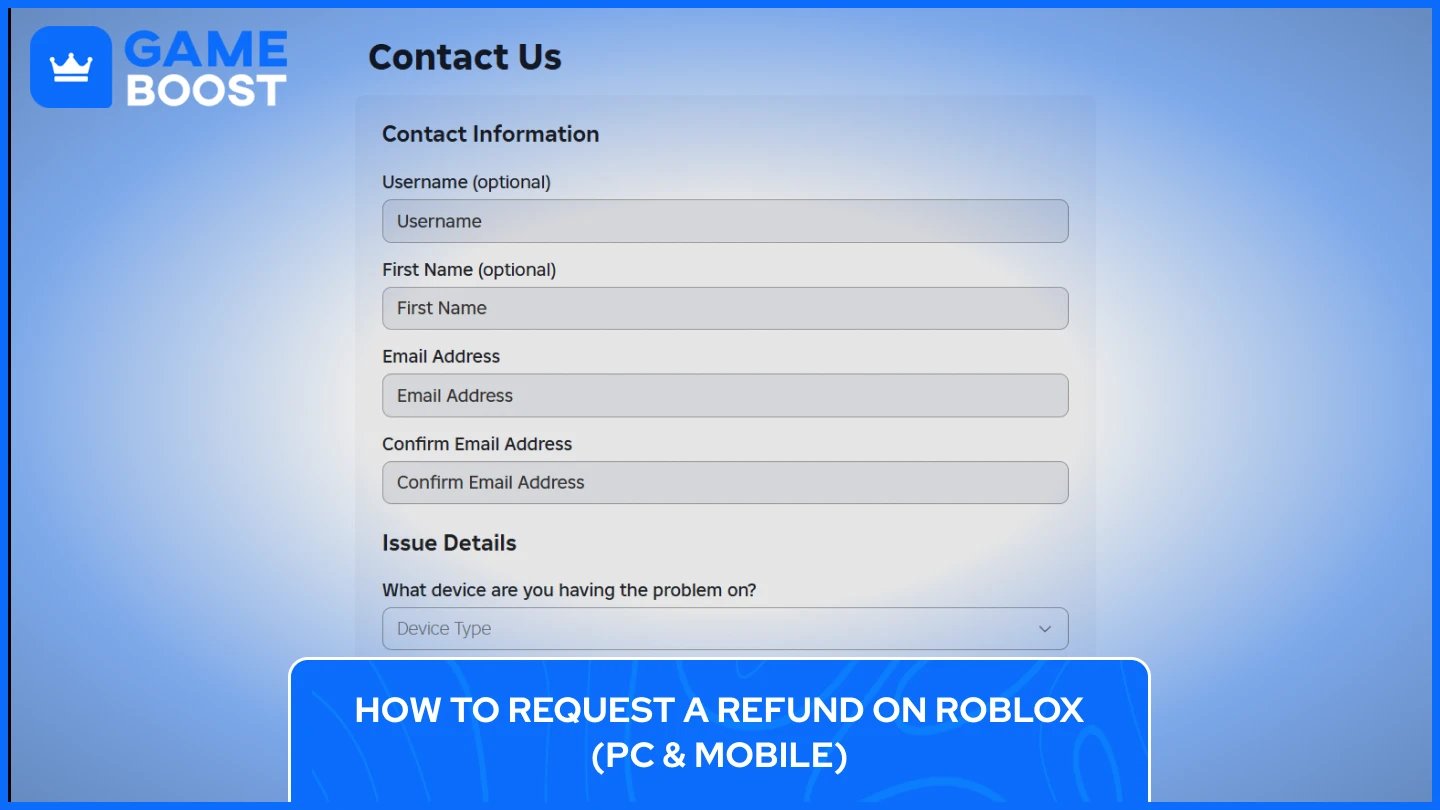
Requesting a refund works the same way on PC and mobile devices. Visit the official Roblox support page at roblox.com/support and find the contact form. This is the only legitimate way to reach Roblox about refunds since the platform doesn't offer phone support.
Fill out the form with your name, email address linked to your account, and your exact Roblox username. Select your device type and choose "Billing & Payments" as your help category, then pick "I want to report an unauthorized charge" from the subcategory options. If your bank statement shows "Xsolla*Roblox" instead of just "Roblox," contact Xsolla's support at help.xsolla.com instead.
Write a clear description, including the transaction date, purchase amount, what was bought, and why you need a refund. For unauthorized charges, state you didn't authorize the purchase and include the last four digits of your payment method. Attach screenshots or receipts in JPG or PNG format as proof.
Roblox typically responds within 24 to 72 hours via email. They'll either approve your refund, request more information, or deny the request. Never dispute charges through your bank before contacting Roblox support, since chargebacks prevent direct refunds from being processed.
Roblox cannot process refunds for purchases made through certain third-party payment platforms. If you bought Robux, subscriptions, or other content through Apple, iTunes, Xbox, Microsoft Store, PlayStation, Meta Quest, Samsung, or Amazon, you must contact those companies directly for refunds.
Each platform has its own refund policies and procedures. Apple and iTunes users need to visit reportaproblem.apple.com to request refunds through their Apple ID account. Google Play users should go to their Google Play purchase history and select the specific transaction to request a refund. Xbox and Microsoft Store purchases require contacting Microsoft support directly, while PlayStation users must reach out through their PlayStation Network account settings.
These payment providers handle all refund decisions independently. Roblox has no control over approvals or denials from third-party platforms. The refund timeline and requirements depend entirely on each provider's individual policies. Most platforms require you to submit requests within a specific timeframe after purchase, typically ranging from 14 to 48 hours, depending on the service.
When contacting third-party providers, have your purchase receipt ready along with your account information. Explain the reason for your refund request clearly, just as you would with Roblox support. Keep in mind that these platforms may have stricter refund policies than Roblox, and approval isn't guaranteed even for unauthorized purchases.
Also Read: How to Get Voice Chat on Roblox: Everything You Need to Know
Preventing unauthorized purchases saves you from dealing with refund requests in the first place. Roblox and third-party payment providers offer several security features that stop accidental or unauthorized spending before it happens.
Enable purchase password protection on your account. Most mobile and console providers let you require password entry before completing any transaction. Apple devices have "Ask to Buy" for family accounts, which sends purchase requests to a parent or guardian for approval. Google Play offers similar authentication requirements that you can enable in your account settings. Xbox, PlayStation, and other console platforms also provide password-protected purchasing options in their parental control menus.
Set up account PINs on Roblox itself. The platform allows you to create a four-digit PIN that's required before making purchases or changing account settings. This adds a layer of protection even when someone has access to your device. You can enable this feature in your account security settings under the gear icon on the Roblox website.
Monitor your purchase history regularly. Check your bank statements, credit card activity, and payment platform receipts to catch unauthorized charges quickly. The sooner you spot an unauthorized purchase, the easier it becomes to request a refund within the required timeframes. Roblox won't consider refund requests made more than 45 days after the original purchase.
Use Roblox gift cards instead of linking credit cards directly to accounts for children. Gift cards limit spending to a specific amount and prevent surprise charges from appearing on your payment methods. This gives you more control over how much money gets spent on the platform.
Getting a refund on Roblox requires understanding when the platform makes exceptions to its standard no-refund policy. While most purchases are final, unauthorized charges, hacked accounts, paid access games within 48 hours, and deleted subscriptions qualify for refunds. The key is acting quickly and contacting Roblox support before disputing charges with your bank.
The refund process stays consistent across PC and mobile devices. Submit a detailed request through the official support form at roblox.com/support, include all relevant transaction details, and attach proof when possible. For purchases made through Apple, Google Play, Xbox, PlayStation, or other third-party platforms, contact those providers directly since Roblox cannot process those refunds.
Prevention remains the best strategy. Enable purchase passwords, set up account PINs, monitor your transaction history regularly, and consider using gift cards for children's accounts. These simple steps protect you from unauthorized purchases and eliminate the need for refund requests.
“ Kristina joined GameBoost in 2024 as an SEO specialist and quickly became the go-to writer for third-person shooter and competitive games. She covers titles like Fortnite, Valorant, League of Legends, GTA 5, and Roblox, focusing on how-to guides, practical tips, and updates.”