

•Mustafa Atteya• 4 min read
Clash Royale

Clash Royale accounts take months, sometimes years, to build. Losing access to one means losing all of that progress, your cards, trophies, chest history, and any gems or gold you've earned along the way.
Most players lose access when switching devices, reinstalling the game, or after a phone breaks or gets replaced. The issue usually comes down to the account not being linked to a Supercell ID before the switch, leaving nothing to recover it with on the new device.
Supercell support is the primary route to getting accounts back, but the process varies depending on what information you have available. In this article, we'll explore how to recover your Clash Royale account, what you'll need to prove ownership, and what to do if the standard methods don't work.
Also Read: How to Delete Your Account in Clash Royale

If your account was linked to a Supercell ID, you can recover it by logging back in through Settings using the email address you registered with.
Android users without a Supercell ID can recover through Google Play by signing in with the same Google account used when playing.
iOS users can recover through Game Center by signing into the same Apple ID linked to the game.
If neither platform method works, you'll need to contact Supercell support directly through the Help and Support section inside the game.
When reaching out to support, include your player name, King Level, clan name, player tag, and any in-game purchases to help verify ownership faster.
Also Read: Where to Buy Clash Royale Accounts
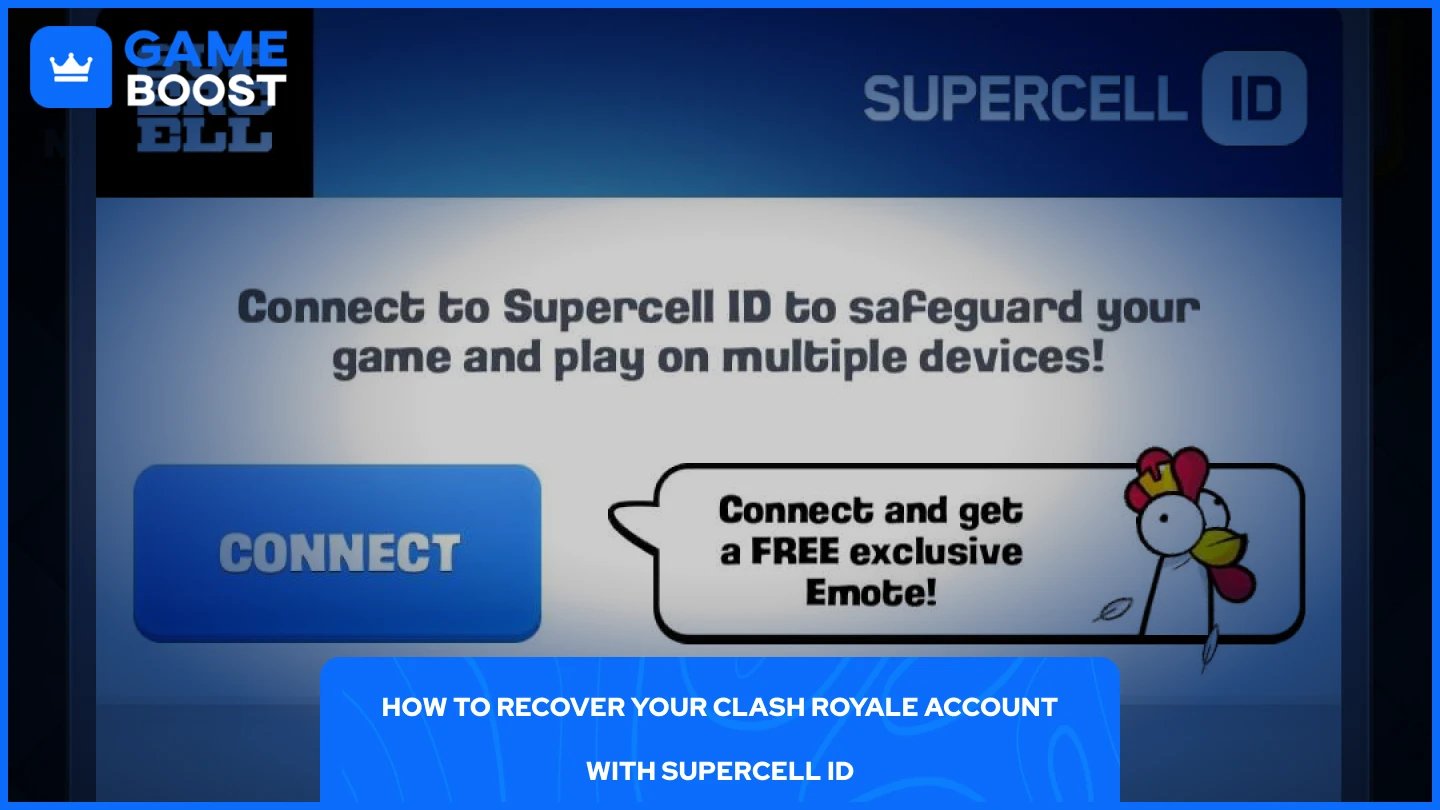
If your account was linked to a Supercell ID before you lost access, recovery is straightforward. You just need access to the email address you used to register it. Here are the steps to follow:
Open Clash Royale and tap the hamburger menu in the top right corner.
Go to Settings.
Tap "Connect," then select "Log in to Supercell ID."
Enter the email address linked to your account and tap Log In.
Check your inbox for a six-digit verification code and enter it in the game.
Tap Submit.
The game will restart and load your account automatically. Once you're back in, make sure the connection is still active in your settings to avoid running into the same problem in the future.
If your account wasn't linked to a Supercell ID, it may still be recoverable through Google Play on Android or Game Center on iOS, depending on which platform you were playing on.
For Android users, sign in to the same Google account that was active when you played, then install and open Clash Royale. The game should detect the account tied to that Google profile and load it automatically.
For iOS users, make sure you're signed into the same Apple ID that was linked to the game, then launch Clash Royale. Game Center handles the account detection in the background, so the game should pull up your old progress on its own.
If neither of these methods works, your next step is contacting Supercell support directly, which is covered below.
Also Read: How to Get Gems in Clash Royale: Complete Guide
When self-recovery isn't possible, Supercell's support team is the only option left. The process is done entirely through the game, so you'll need to open it on any device, even if it loads a fresh or different account.
Open Clash Royale and go to Settings.
Tap "Help and Support."
Open the sidebar and select “Leave a Message.”
Select “Account access and Supercell ID,” then select “Recover My Account.”
Proceed with the on-screen prompts and provide as many details as you can
The more detail you provide, the faster the team can locate and verify your account. Try to include your player name, King Level, clan name, player tag if you have it, and any purchases you've made in the game. Supercell typically responds within three to five days, though it can be faster. If you don't hear back after a few days, you can follow up with another message through the same channel.
Also Read: How to Get Trade Tokens in Clash Royale
Losing a Clash Royale account is frustrating, but it's rarely permanent. Most players can get back in through Supercell ID or their linked Google Play and Game Center accounts without needing to contact support at all. For those who do need to reach out, providing as much account detail as possible speeds up the process significantly.
Buy Clash Royale Gems
Clash Royale Accounts For Sale
View all GameBoost Accounts
View all GameBoost Boosting Services
View all GameBoost Currencies
View all GameBoost Game Keys
View all GameBoost Gift Cards
View all GameBoost Top Ups
View all GameBoost Items
Buy CS2 Skins
“ Mustafa Atteya has been writing about gaming and esports since 2023, specializing in competitive game content and player improvement guides. At 25, he brings both hands-on gaming experience and professional SEO writing expertise to the GameBoost team.”