


•Mustafa Atteya• 4 min read
Clash Royale

Account theft in Clash Royale is usually not the result of sophisticated hacking. Most players lose their accounts through phishing links, third-party sites that promise free gems, or simply never setting up the security tools Supercell already provides.
Supercell has rolled out several features specifically designed to lock down accounts, including Account Protection and Supercell ID security settings. The problem is that most players either don't know these features exist or skip them during setup.
In this article, we'll explore how to properly secure your Clash Royale account and walk through each security measure you should have in place.
Also Read: Clash Royale: How to Transfer Your Account to iPhone/Android

Supercell ID is only as secure as the email linked to it. Use a strong password and enable 2FA on your email provider
Account Protection is Supercell's built-in feature that blocks anyone from recovering your account without an SMS code sent to your phone
To enable Account Protection, go to Settings > Supercell ID > Activate, then link your phone number
Once Account Protection is enabled, it cannot be turned off
Phishing links disguised as gem giveaways or promo redemptions are the most common way players lose access
Third-party apps promising free gems violate Supercell's Fair Play Policy and can result in a permanent ban
Supercell support will never ask for your login credentials or recovery codes. Any message requesting them is a scam
Also Read: Where to Buy Clash Royale Accounts
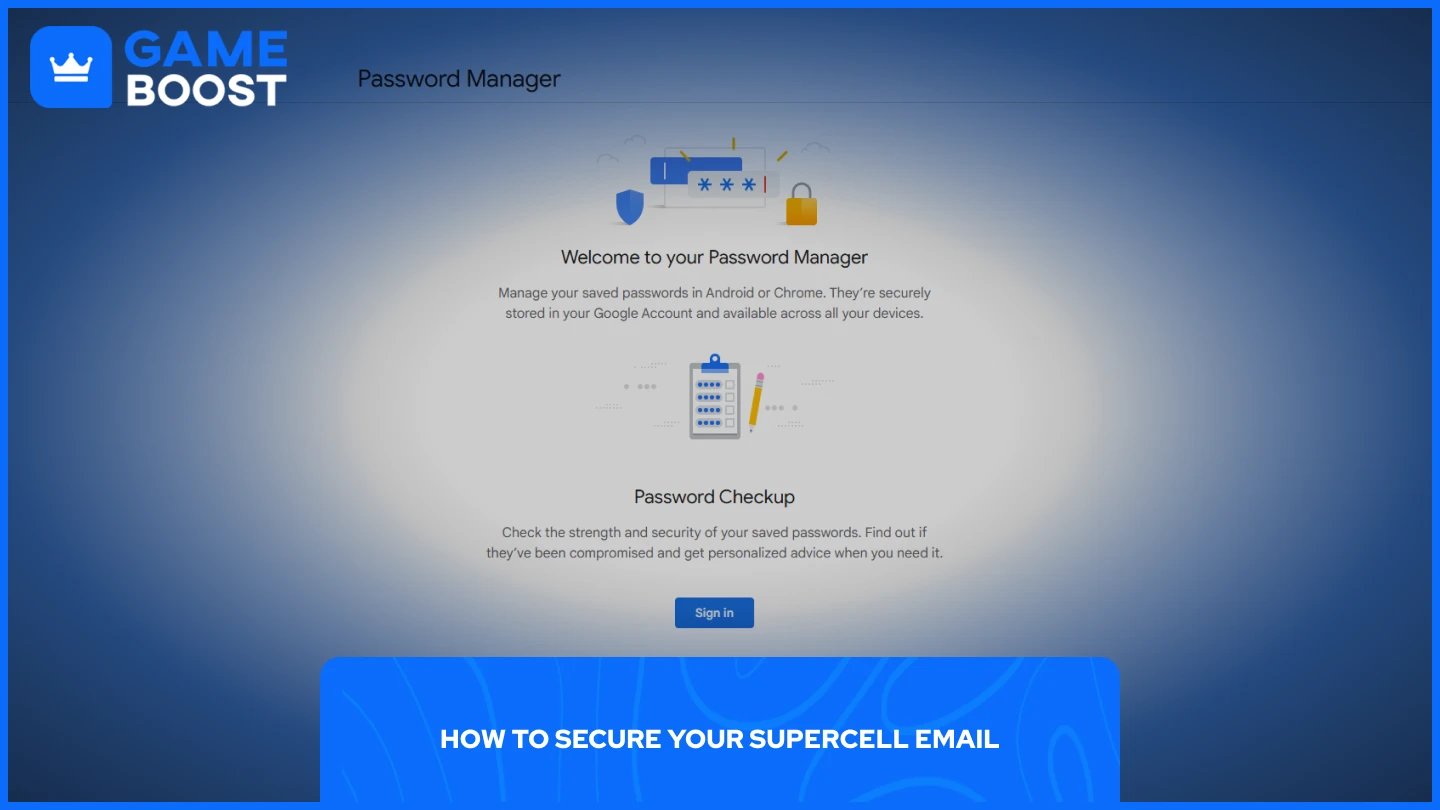
Your Supercell ID is only as secure as the email account it's linked to. If someone gets into your email, they can access your Clash Royale account through it, so locking down that email is the first priority.
Start with a strong password. Use at least 12 characters and mix uppercase letters, lowercase letters, numbers, and symbols. Avoid anything obvious like your name, birthdate, or a word you use elsewhere. A password manager makes this easier if you want to generate something complex.
Next, enable two-factor authentication on your email provider. With 2FA active, anyone trying to log into your email will need a verification code sent to your phone in addition to the password. This means even if someone gets your password, they still can't get in. Most major providers like Gmail and Outlook offer this under their security settings.
Finally, make sure your recovery phone number and backup email are current. These are what you'll fall back on if you ever get locked out, so outdated details can leave you stuck.
Clash Royale Accounts for Sale
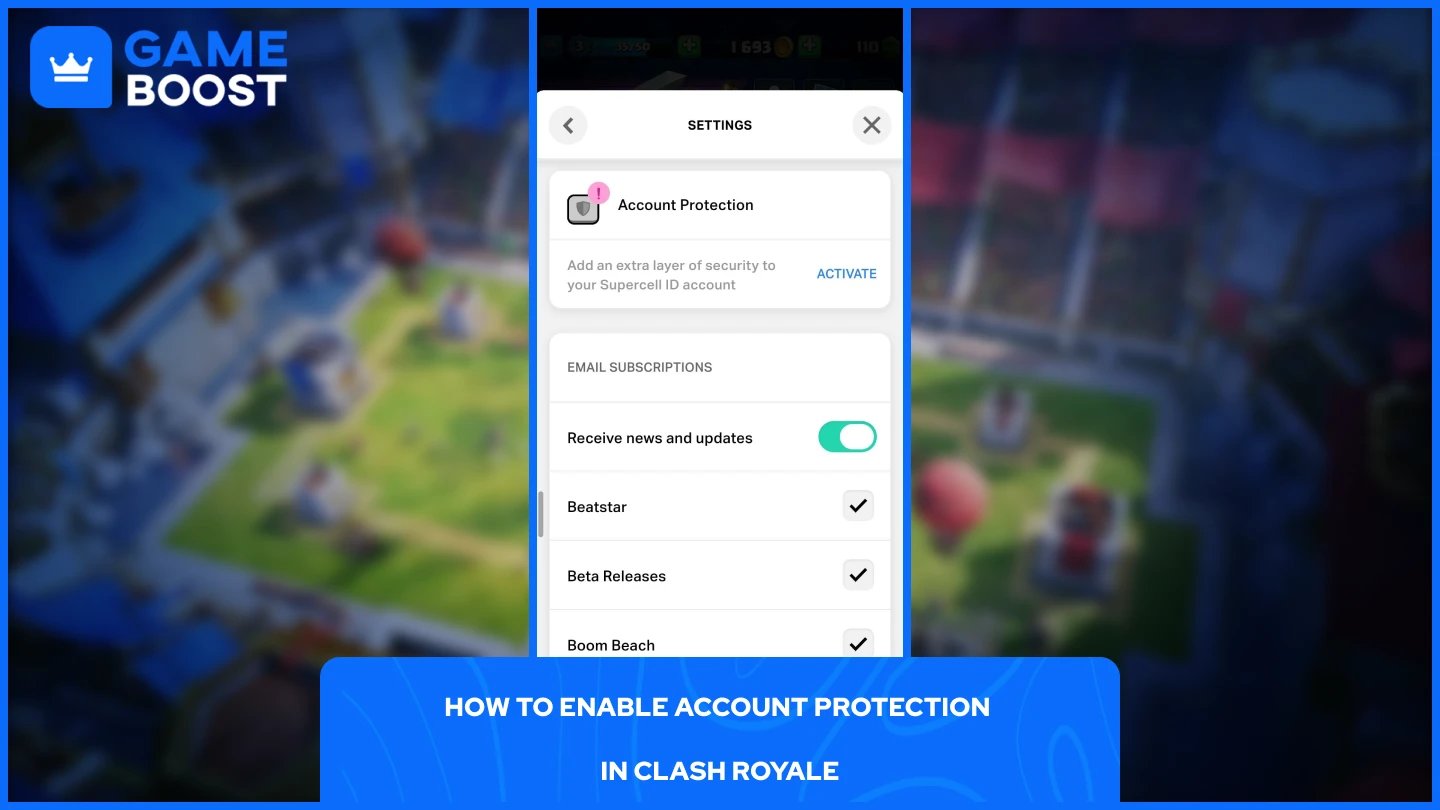
Account Protection is Supercell's built-in security feature that prevents anyone from recovering or taking over your account through support channels. It works by requiring anyone attempting to recover the account to provide verification codes sent directly to your linked phone number or your backup recovery codes.
To enable it, follow these steps:
Open Clash Royale and go to Settings.
Tap on Supercell ID.
Find the Account Protection section and tap Activate.
Enter your phone number and input the SMS verification code sent to it.
Once Account Protection is enabled, it cannot be disabled. After activation, Supercell will give you a set of backup recovery codes. Write these down and store them somewhere offline. Each backup code can only be used once, but you can generate a new one at any time through your Supercell ID settings. DO NOT share these codes with anyone.
Also Read: How to Create a New Account in Clash Royale
Most account compromises don't involve any technical hacking. They happen because players click the wrong link or hand over their details to a fake site.
The most common threat is phishing. These are fake pages designed to look like official Supercell login screens. Scammers frequently use in-game events and promotions as bait, creating fake redemption codes or gem giveaways that lead to counterfeit login pages built to steal your credentials. If a link is asking you to log in and it didn't come directly from Supercell's official site or social media, don't trust it.
Third-party apps promising free gems, unlimited resources, or card hacks are another major risk. These unauthorized apps not only put your account at risk of a permanent ban for violating Supercell's Fair Play Policy, but they also pose a serious threat to your personal data.
Never share your Supercell ID login, verification codes, or Account Protection recovery codes with anyone, including people in your clan or Discord communities. Supercell support will never ask for these details either, so any message requesting them is a scam.
Also Read: Clash Royale: How to Use Multiple Accounts on One Device
Protecting your Clash Royale account comes down to a few straightforward steps that most players never bother with. Securing your linked email, enabling Account Protection, and staying away from third-party sites covers the vast majority of risks.
The Account Protection feature in particular is worth prioritising since it blocks the most common method attackers use to take over accounts through Supercell support. Store your recovery codes somewhere safe offline and never share them.
Buy Clash Royale Gems
Clash Royale Accounts For Sale
View all GameBoost Accounts
View all GameBoost Boosting Services
View all GameBoost Currencies
View all GameBoost Game Keys
View all GameBoost Gift Cards
View all GameBoost Top Ups
View all GameBoost Items
Buy CS2 Skins
“ Mustafa Atteya has been writing about gaming and esports since 2023, specializing in competitive game content and player improvement guides. At 25, he brings both hands-on gaming experience and professional SEO writing expertise to the GameBoost team.”