


•Mustafa Atteya• 5 min read
Clash Royale

Starting fresh in Clash Royale is something a lot of players look into at some point. Maybe you built your account around a deck that no longer fits the current meta, or you want to climb the ranks again from the beginning without the weight of past decisions following you along the way.
There are a few ways to work around this, depending on what you actually want to achieve. In this article, we'll explore the available methods to reset your Clash Royale account, what each option involves, and what to keep in mind before going through with any of them.
Also Read: How to Check Your Account Value in Clash Royale

Clash Royale has no built-in reset option; the only way to start fresh is by creating a new account under a different Supercell ID
To reset, log out of your current Supercell ID, select "Play without Supercell ID," then register a new Supercell ID with a different email
Your original account stays saved on Supercell's servers and can be accessed again at any time
A complete wipe requires permanently deleting the account through Supercell's support system
You can run both accounts on the same device by linking each to a separate Supercell ID and switching between them from Settings
Also Read: Where to Buy Clash Royale accounts
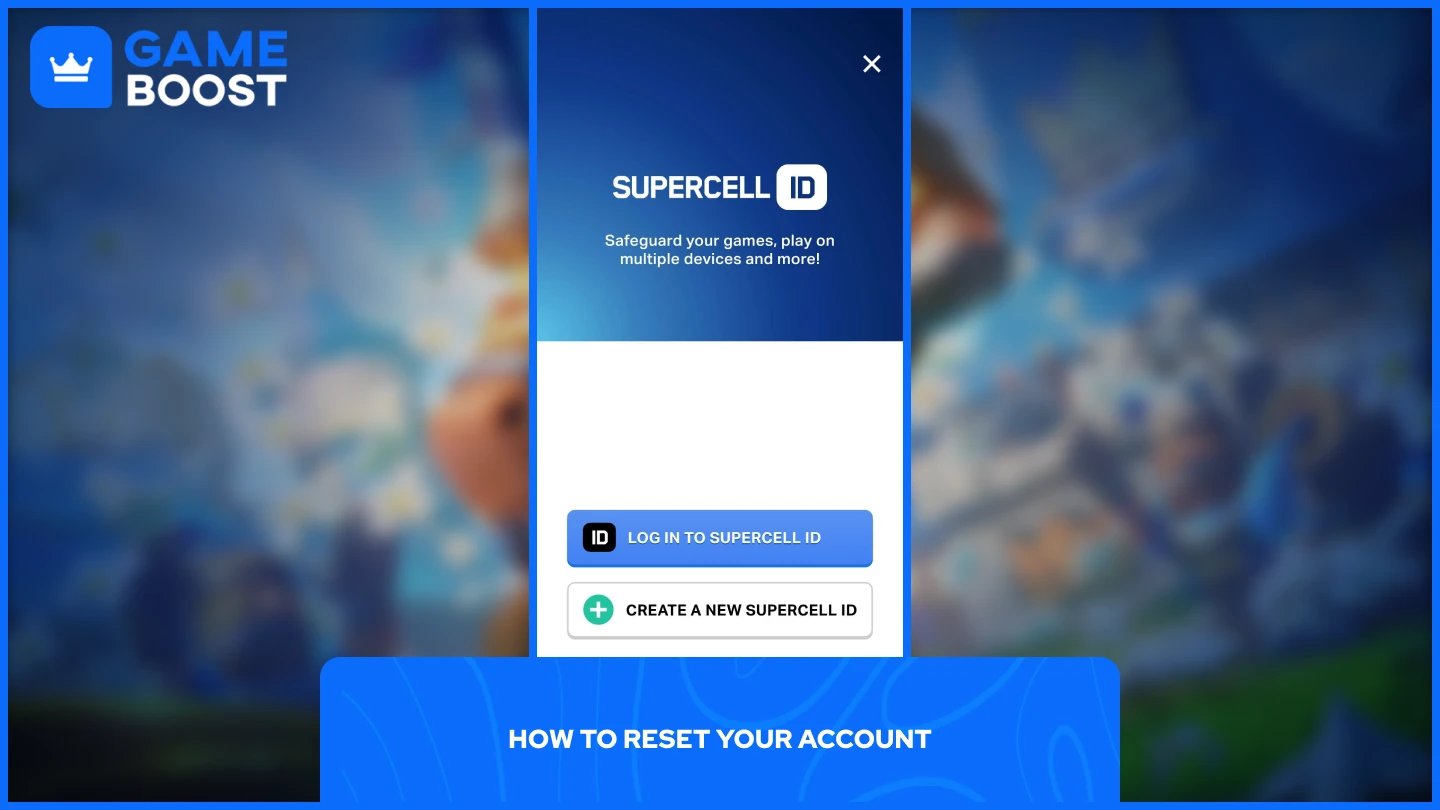
Clash Royale doesn't have a direct reset button, but you can start a completely fresh account by logging out of your Supercell ID and creating a new one tied to a different email address. Here's how to do it:
Open Clash Royale and tap the three horizontal lines in the top-right corner.
Go to Settings and tap your Supercell ID.
Select "Log Out" and confirm your decision. The game will restart.
On the loading screen, tap "Play without Supercell ID." This launches a brand-new account from level one.
Once the new account loads, go back to Settings, tap "Disconnected" under the Supercell ID section, and select "Create A New Supercell ID."
Enter a different email address and complete the verification steps to link your new account to a new Supercell ID.
Your original account stays saved on Supercell's servers and remains fully accessible whenever you log back into your old Supercell ID. If you want to go further and permanently delete your old account rather than just leaving it inactive, the process requires a few additional steps through Supercell's support system. You can follow our complete guide on how to delete a Clash Royale account for a full breakdown.
Clash Royale Accounts for Sale
Resetting means starting from zero. All cards, trophies, gems, and any in-game purchases tied to that account are permanently gone once the reset is complete. There is no way to recover them after the fact.
It's also worth knowing that simply deleting the app or clearing app data won't actually reset your progress. Since everything is stored on Supercell's servers, reinstalling the game and logging back into your old Supercell ID will restore your account exactly as it was. A complete reset only happens if you permanently delete the old account through Supercell's support system.
Also Read: 50 Best Account Names in Clash Royale
You don't have to delete your old account to start a new one. Each account needs its own Supercell ID tied to a separate email address, and once both are set up, you can access both accounts through the Supercell ID section in Settings, and you can switch between them at any time.
This is the better option for most players. Your original progress stays intact and accessible, while the new account lets you start fresh without any permanent consequences.
Also Read: How to Change Your Name in Clash Royale: Step-by-Step Guide
Clash Royale doesn't offer a direct way to reset your account, but creating a new Supercell ID with a different email gets the job done. Your old account stays saved and accessible at any time, so you're not forced to choose between starting fresh and keeping your previous progress. If you do want to wipe everything permanently, deleting the account through Supercell's support system is the only way to fully close it out.
Buy Clash Royale Gems
Clash Royale Accounts For Sale
View all GameBoost Accounts
View all GameBoost Boosting Services
View all GameBoost Currencies
View all GameBoost Game Keys
View all GameBoost Gift Cards
View all GameBoost Top Ups
View all GameBoost Items
Buy CS2 Skins
“ Mustafa Atteya has been writing about gaming and esports since 2023, specializing in competitive game content and player improvement guides. At 25, he brings both hands-on gaming experience and professional SEO writing expertise to the GameBoost team.”