


•Hamza Rashid• 6 min read
Roblox
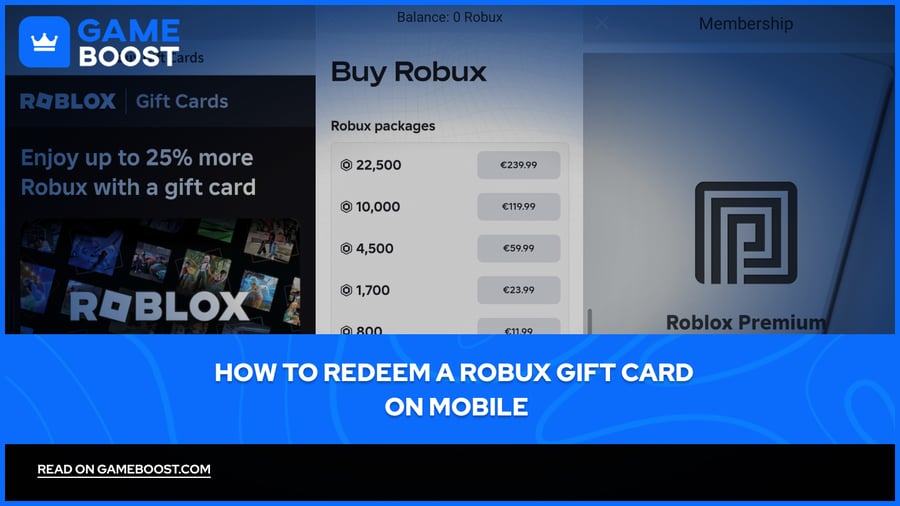
Roblox gift cards are a popular way to load up your account with Robux without needing a credit card or a linked payment method. They're easy to find at most retailers, and the redemption process is straightforward once you know where to go.
If you're on mobile and trying to figure out how to get it done, the process is slightly different from desktop, but it only takes a few steps. In this article, we'll explore how to redeem a Robux gift card on mobile, step by step, so you can get your balance topped up without any hassle.

Roblox gift cards can't be redeemed through the mobile app. You'll need to use a mobile browser like Safari or Chrome.
After entering your PIN and tapping Redeem, your account receives Roblox Credit, not Robux directly.
To get Robux, you need to complete a second step by tapping "Get Robux" or "Convert Credit to Robux" on the redemption page.
Watch out for look-alike characters when entering your PIN, specifically "O" vs "0" and "I" vs "1."
Common errors like "Invalid Code" or "Code Already Redeemed" each have specific causes and straightforward fixes.
If your Robux balance doesn't update immediately, refresh the page or log out and back in.
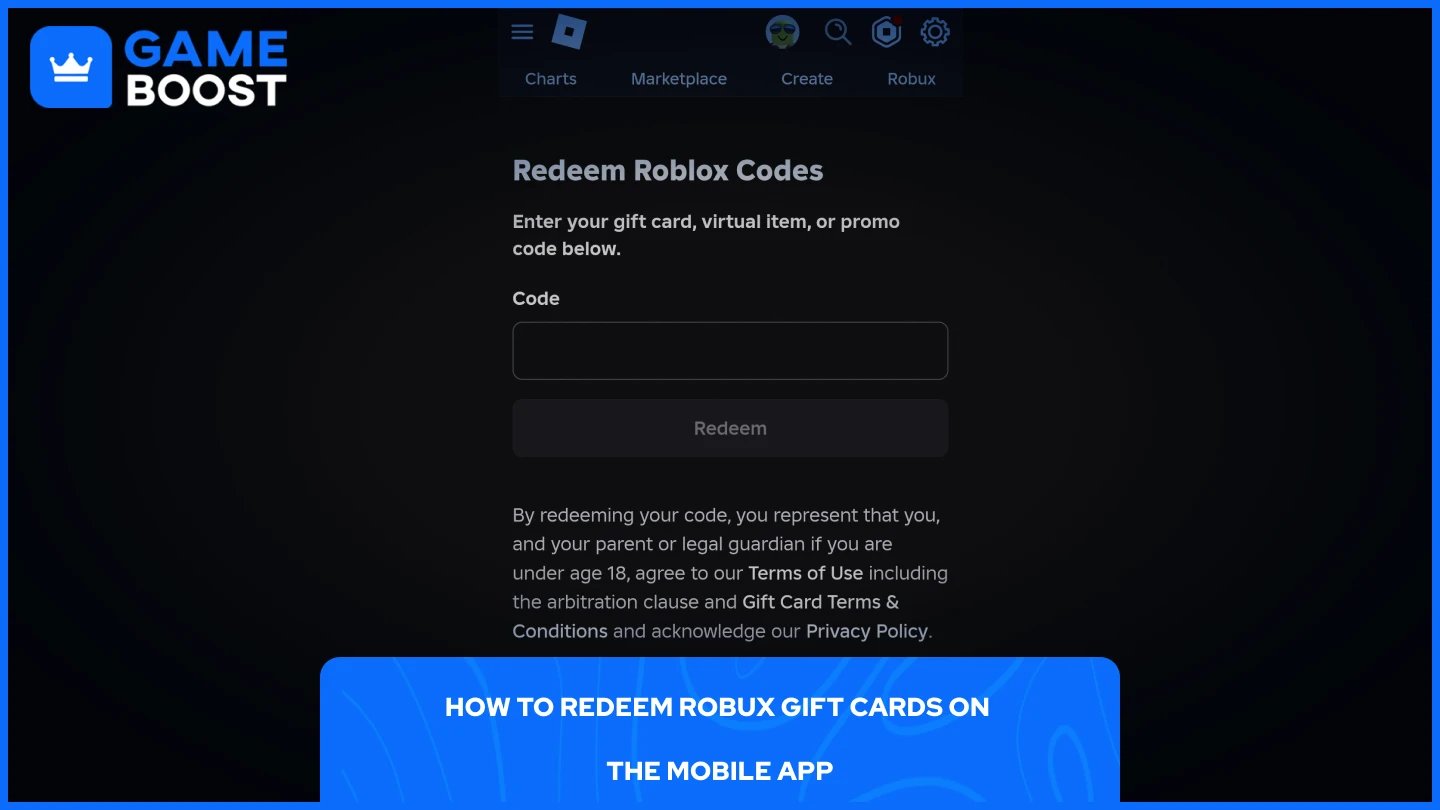
Roblox doesn't support gift card redemption through its mobile app, so you'll need to go through a browser instead. Make sure you're logged into the correct account before entering the code. Here's how to do it step by step:
Open your mobile browser and go to roblox.com/redeem.
Log in to your Roblox account if you haven't already.
Scratch off the silver strip on the back of your gift card to reveal the PIN.
Enter the PIN in the code field. Type it carefully with no spaces.
Tap Redeem.
A confirmation message will appear once the credit has been added to your account.
Watch out for common typos when entering the code. The letter "O" and the number "0" look similar, as do the letter "I" and the number "1." Double-check your entry before tapping Redeem to avoid unnecessary errors.
Also Read: How to Request Robux from Friends on Roblox
Redeeming a gift card adds Roblox Credit to your account, not Robux directly. You'll need to convert that credit before you can spend it in-game. After a successful redemption, you'll see a conversion option on the same page. Here's how to complete it:
After redeeming, look for the "Get Robux" or "Convert Credit to Robux" button on the redemption page.
Tap it and review the amount you'll receive.
Tap Buy or Convert to Robux to confirm.
Refresh the page to see your updated Robux balance.
If you have enough credit to purchase a full Robux package or a Premium membership, the Convert Credit to Robux button may not appear. Instead, you'll see options to Get Robux or Get Premium directly. You can also hold onto your Roblox Credit and spend it later if you're not ready to convert right away.
Also Read: How to Refund Robux on Roblox: Step-by-Step Guide
If something goes wrong during redemption, it's usually one of a few recurring problems. Here's what each error typically means and how to fix it.
Invalid Code: This usually means the code was entered incorrectly. Go back and re-enter it carefully, paying close attention to characters that look alike, like "0" and "O" or "I" and "l." If the error persists after double-checking, contact the retailer with your proof of purchase.
Code Already Redeemed: The code has already been used, either by you on another account or by someone else. Check your Roblox transaction history to see whether the balance has already been credited. If you haven't used it and didn't receive the Robux, contact Roblox support.
Robux not showing up after redemption: This is often just a display delay. Refresh the page or log out and back in. Keep in mind that redeeming a card gives you Roblox Credit first, so make sure you've completed the conversion step before expecting to see Robux in your balance.
Region not supported: This happens when the gift card was purchased in a different region from your account's location. Always buy gift cards that match your account's region to avoid this issue.
Also Read: What Is Pending Robux and How Long Does It Take?
Redeeming a Robux gift card on mobile is straightforward once you know to use a browser instead of the app. The most important step after redemption is converting your Roblox Credit to Robux, since it doesn't happen automatically. If you run into any errors, they're usually easy to fix by re-entering the code carefully or refreshing the page after conversion.
“ Mustafa Atteya has been writing about gaming and esports since 2023, specializing in competitive game content and player improvement guides. At 25, he brings both hands-on gaming experience and professional SEO writing expertise to the GameBoost team.”