


•Hamza Rashid• 6 min read
Roblox
Roblox added a native way for players to request Robux from friends, cutting out the usual workarounds like game passes or group payouts. The feature lets you generate a shareable link that your friend can use to purchase Robux directly into your account.
But there are some requirements to be eligible, which we'll cover below. In this article, we'll explore how to request Robux from a friend on Roblox, step by step.

Roblox has a native Request Robux feature that lets you generate a shareable link or QR code for friends to gift you Robux directly
Both you and the gifter must be 18 or older and based in the US to use the feature
The feature is only available on desktop or web, not mobile
The gifter doesn't need a Roblox account, but must verify their phone number at checkout
Once the purchase is complete, Robux is added to your balance automatically with no action needed on your end
All purchases made through this feature are final and non-refundable
If the option isn't showing on your account, the feature may not have rolled out to you yet
The Request Robux feature isn't available to everyone. Before using it, make sure you and the person gifting you both meet the following conditions:
Both parties must be 18 or older
Both must be located in the US
The feature is only accessible on desktop or web, not mobile
The gifter must verify their phone number at checkout
The gifter does not need a Roblox account to complete the purchase
If the option isn't showing up on your account despite meeting the requirements, it's possible the feature hasn't rolled out to your account yet. Roblox is still expanding access, so availability may vary even among eligible users.
Also Read: How to Check Your Robux Purchase History
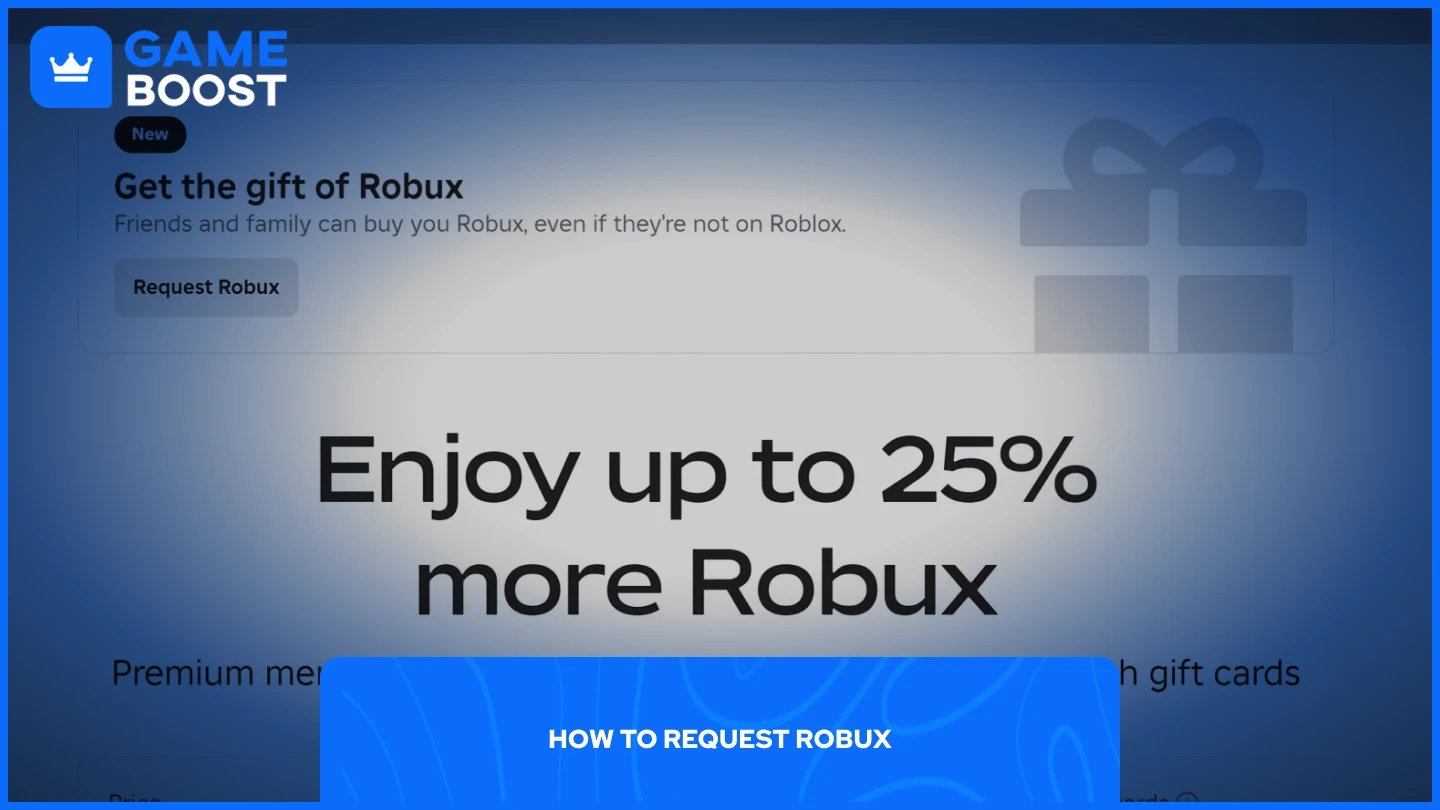
Go to the Buy Robux page on the Roblox website and click "Request Robux" at the top of the page. Here's how the full process works:
Go to the Buy Robux page on the Roblox website
Click "Request Robux" at the top of the page
You'll be directed to the Gift Robux landing page, where you can copy a shareable link or QR code
Send that link or QR code to the friend you want to gift you Robux
Your friend will see your Roblox username and avatar, choose a Robux package, and attach an optional message
They'll verify their phone number at checkout and complete the purchase
The whole process is handled on your friend's end once you share the link. The link opens in a web browser, so your friend doesn't need the Roblox app to access the gifting page. Keep in mind that sharing your link publicly means anyone who opens it can send you Robux, so be mindful of where you post it.
Also Read: What Is Pending Robux and How Long Does It Take?
Once the purchase goes through, you'll receive a notification, and the Robux will be added to your balance automatically. There's nothing you need to do on your end to claim it.
Keep in mind that you cannot reject a gift of Robux once it has been received, and all purchases are final with no refunds. The Robux packages available through this feature also use standard pricing, meaning no bonus Robux or virtual items are applied even if you hold a Premium membership.
Also Read: How to Refund Robux on Roblox: Step-by-Step Guide
The Request Robux feature makes it straightforward to get Robux from friends or family without jumping through hoops. As long as both sides meet the eligibility requirements, the process takes just a few steps. Keep in mind that all purchases are final, so make sure whoever is gifting you is aware of that before they complete the transaction. Roblox is still rolling the feature out, so if it's not available on your account yet, it may just be a matter of time.
“ Mustafa Atteya has been writing about gaming and esports since 2023, specializing in competitive game content and player improvement guides. At 25, he brings both hands-on gaming experience and professional SEO writing expertise to the GameBoost team.”