


•Hamza Rashid• 6 min read
Roblox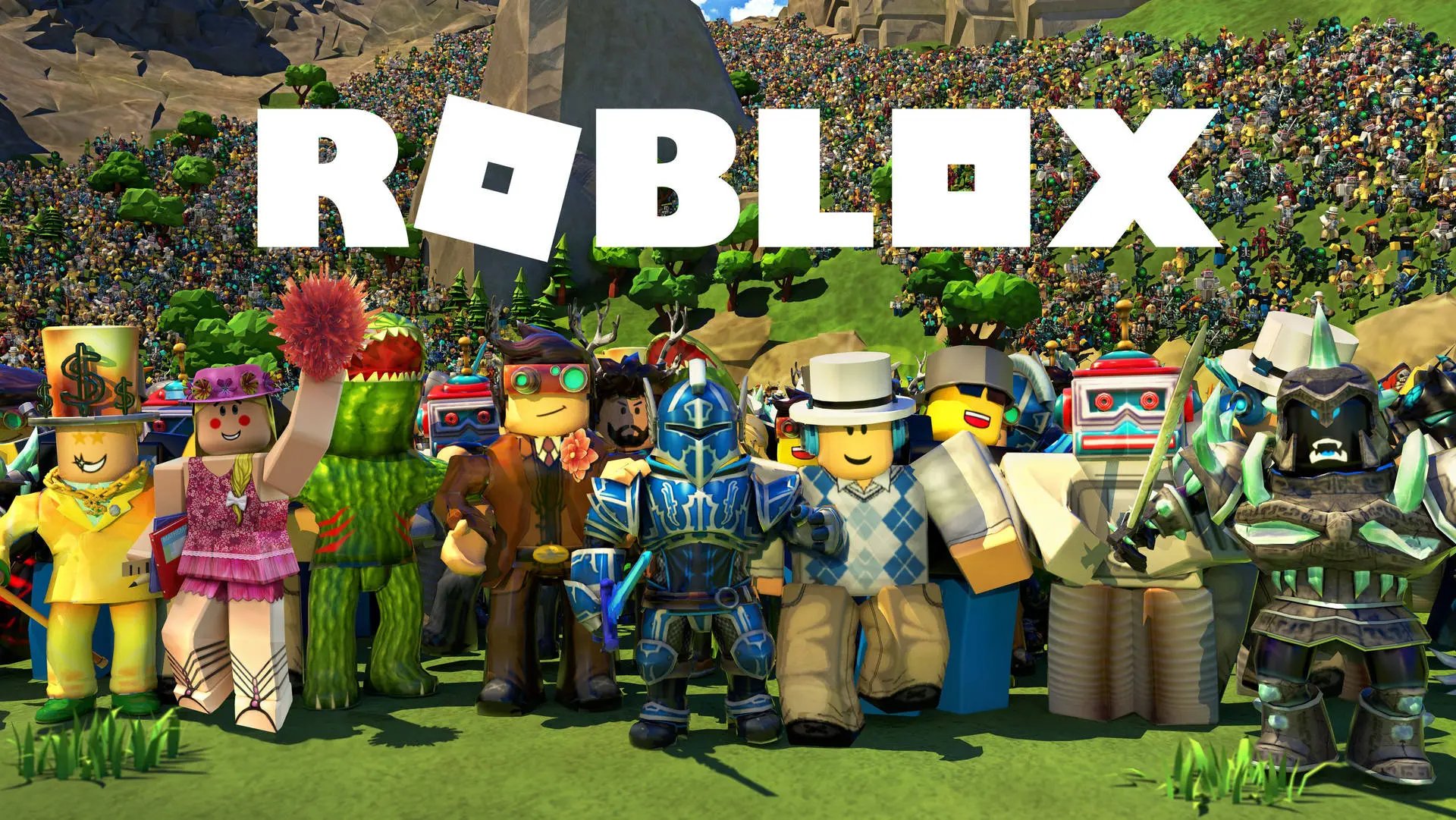

Roblox is one of the most popular gaming platforms in the world, with millions of players spending Robux on avatar items, game passes, and in-experience purchases every day. Since Robux requires real money to acquire, it's natural to want your currency back after an accidental purchase or an unauthorized charge.
The refund process on Roblox isn't as simple as hitting an undo button. The platform has a strict policy that limits when and how refunds are granted, and not every situation qualifies. In this article, we'll explore how Roblox's refund system works, which purchases are eligible, and the exact steps to follow when requesting your money back.

Roblox considers most purchases final, refunds are only granted for unauthorized charges, accidental purchases, or moderated items
Used, worn, or equipped items are not eligible for a refund, regardless of when they were purchased
Game passes, developer products, Robux purchases, and Premium subscriptions are generally non-refundable
To request a refund, go to roblox.com/support, select "Billing," and submit a request with your transaction ID and proof of purchase
Roblox Support typically responds within 3 to 5 business days; approved Robux refunds are returned within 24 hours
Purchases made through Apple, Microsoft, PlayStation, Google Play, or Amazon must be refunded through those platforms directly
Roblox's refund policy is restrictive by design. The platform considers most purchases final the moment they're completed, which means changing your mind about an item isn't enough to qualify for a refund.
Refunds are only considered in specific situations, such as unauthorized charges, accidental purchases reported quickly, or cases where a purchased item was removed or moderated by Roblox. Standard buyer's remorse doesn't qualify.
Items that are generally not eligible for refunds include:
Game passes (unless there's a technical issue preventing access)
Developer products and consumable in-experience items
Robux purchased with real money
Roblox Premium subscriptions
Items that have already been used, worn, or equipped
The key rule to keep in mind is that once you interact with a purchased item in any way, it becomes ineligible for a refund, regardless of how recently you bought it.
Also Read: What Is Pending Robux and How Long Does It Take?
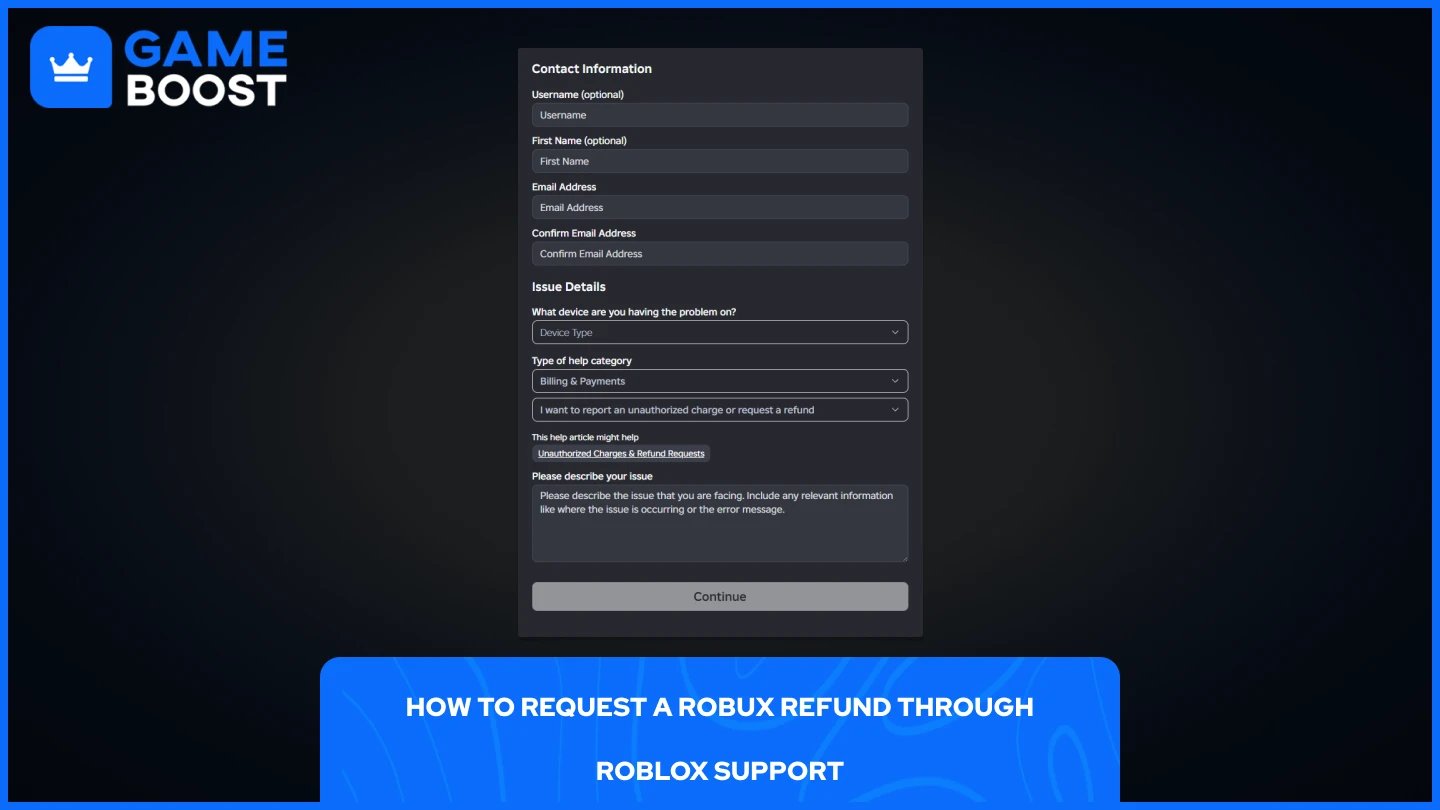
If your purchase qualifies, the refund process goes through Roblox's Customer Support. Before submitting a request, have your transaction ID, purchase date, and a screenshot of your receipt ready.
Go to the Roblox Support page.
Log in to the account that made the purchase.
Under "Type of help category," select "Billing & Payments."
Choose "I want to report an unauthorized charge or request a refund" as your issue.
Fill in the required details, including your transaction ID and reason for the refund.
Attach any relevant screenshots as proof of purchase.
Submit the request and wait for a response.
Roblox's billing team typically responds within 3 to 5 business days. If approved, Robux are returned to your account within 24 hours. For credit card refunds, the reversal can take 3 to 10 business days, depending on your bank.
Be clear and specific about why you're requesting the refund. Accidental purchases are more likely to be approved than general dissatisfaction with an item.
Also Read: How to Check Your Robux Purchase History
If you purchased Robux through Apple, Microsoft, PlayStation, Meta Quest, Samsung, or Amazon, Roblox cannot process the refund directly. Each platform has its own refund process, and you'll need to contact them separately.
Apple/iTunes: Go to reportaproblem.apple.com, sign in, find the transaction, and request a refund.
Microsoft/Xbox: Visit account.microsoft.com, navigate to your order history, and submit a refund request through Microsoft Support.
PlayStation: Contact PlayStation Support directly through their website or the PS app.
Google Play: Open the Play Store, go to your order history, select the purchase, and tap "Request a refund."
Amazon: Go to Amazon's Help section and contact their customer service to dispute the charge.
Do not dispute the charge with your bank or payment provider before contacting support. Roblox and most third-party platforms state that once a charge is disputed, they are unable to issue a direct refund, which can complicate the process further.
Also Read: How Much Does Robux Cost? Every Package Price
Roblox's refund policy leaves little room for error. Most purchases are final, and the few exceptions require quick action and a valid reason. If you're dealing with an unauthorized charge, go through Roblox Support first before disputing anything with your bank or payment provider. For third-party platforms, contact them directly since Roblox can't process those refunds on their behalf. The safest approach is to be careful before buying, not after.
“ Mustafa Atteya has been writing about gaming and esports since 2023, specializing in competitive game content and player improvement guides. At 25, he brings both hands-on gaming experience and professional SEO writing expertise to the GameBoost team.”