


•Hamza Rashid• 7 min read
Fortnite
Spending real money on V-Bucks only to regret the purchase is frustrating, especially when Epic Games doesn't make the refund process obvious. The short answer is that Epic Games does not refund V-Bucks directly. However, depending on where and how you made the purchase, there are still a few avenues worth exploring.
In this article, we'll explore every available option for refunding a V-Bucks purchase, what conditions apply to each, and what to do if the standard methods don't work.
Also Read: Why Is Fortnite Crew Not Giving You V-Bucks?

Epic Games does not refund V-Bucks directly; virtual currency is classified as non-refundable under their policy.
If you bought V-Bucks through PlayStation, Xbox, or Nintendo, your platform store is the only avenue for a potential refund.
PC purchases made through the Epic Games Store can be checked for eligibility via the Transactions page.
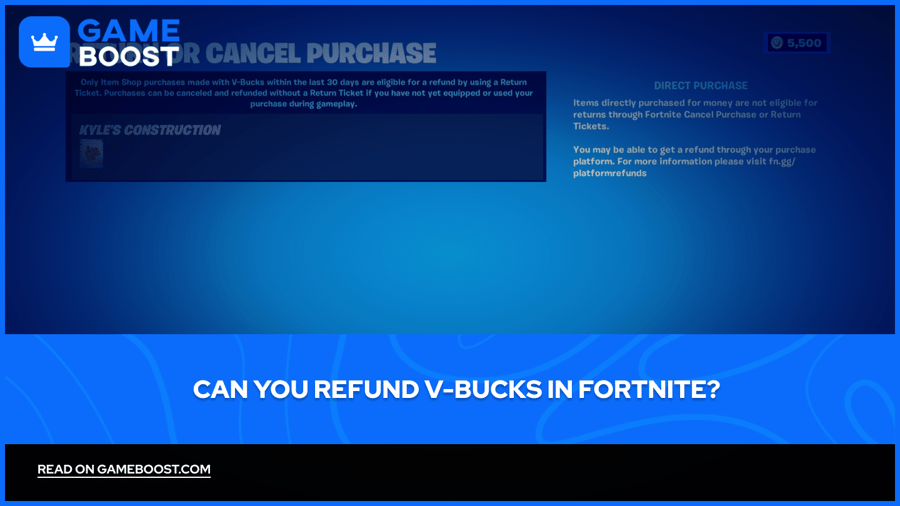
For cosmetics bought with V-Bucks, Cancel Purchase is available within 24 hours as long as the item hasn't been equipped.
Return Tickets cover eligible items bought within the last 30 days; each account holds a maximum of three tickets, replenishing one every 365 days.
If all else fails, contacting Epic Games Support directly is your last option, with no guaranteed outcome.
No, Epic Games does not offer refunds on V-Bucks. Once a V-Bucks purchase is completed through the Epic Games Store, that transaction is final from Epic's side. Virtual currency falls under the non-refundable category in Epic's refund policy, unless required by applicable law.
The one exception worth knowing is unauthorized purchases. If someone else used your account or payment method to buy V-Bucks without your permission, you can contact Epic Games Support directly to report the issue. This is handled on a case-by-case basis and is not a standard refund process.
If you bought V-Bucks through a platform store like PlayStation, Xbox, or the Nintendo eShop, Epic cannot process a refund for that transaction. Purchases made outside the Epic Games Store are governed by the refund policy of your point of purchase. That's where you'll need to go instead.

Since Epic won't refund V-Bucks directly, your platform store is the next option. Each platform handles this differently, so the process will depend on where you made the purchase.
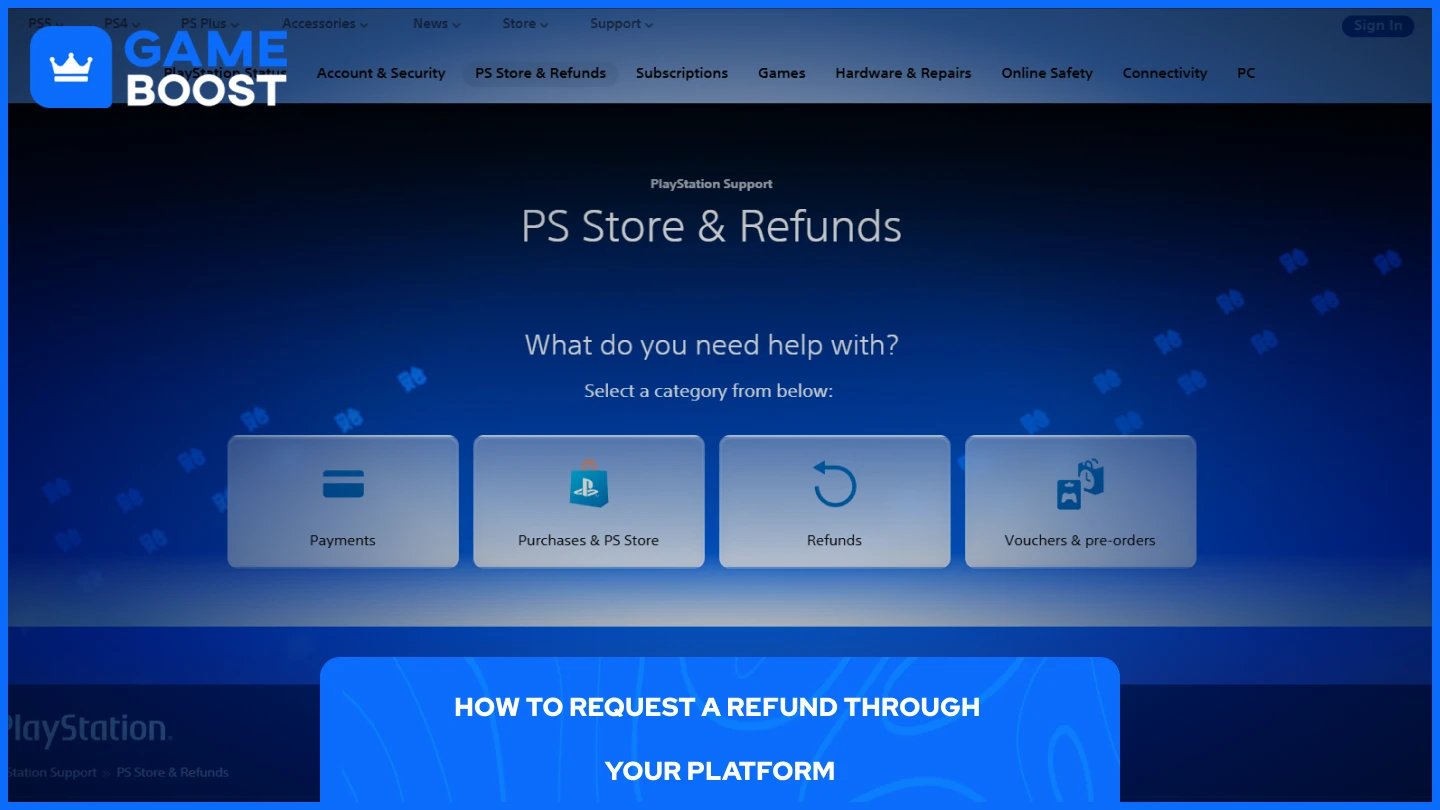
PlayStation Store allows refunds on in-game consumables like V-Bucks only under specific conditions. All criteria in their eligibility checklist must be satisfied, unless the content is faulty. If the V-Bucks were already redeemed or used, your chances of approval drop significantly. To submit a request, head to the PlayStation Store refund page and follow the on-screen steps.
For Xbox and Nintendo purchases, the process is similar. You'll need to contact their respective support teams and make the request within a reasonable time of the purchase. Neither platform guarantees a refund on virtual currency, but it's worth attempting if the purchase was recent and unused.
For PC purchases made through the Epic Games Store directly, sign in to your account, navigate to the Transactions page, and click the purchase you'd like to refund. If the purchase is eligible for a self-service refund, a Refund button will appear. If there's no such button, the order is not eligible for self-service, and you'll need to contact support.
Also Read: How to Redeem V-Bucks on Xbox: Step-by-Step Guide
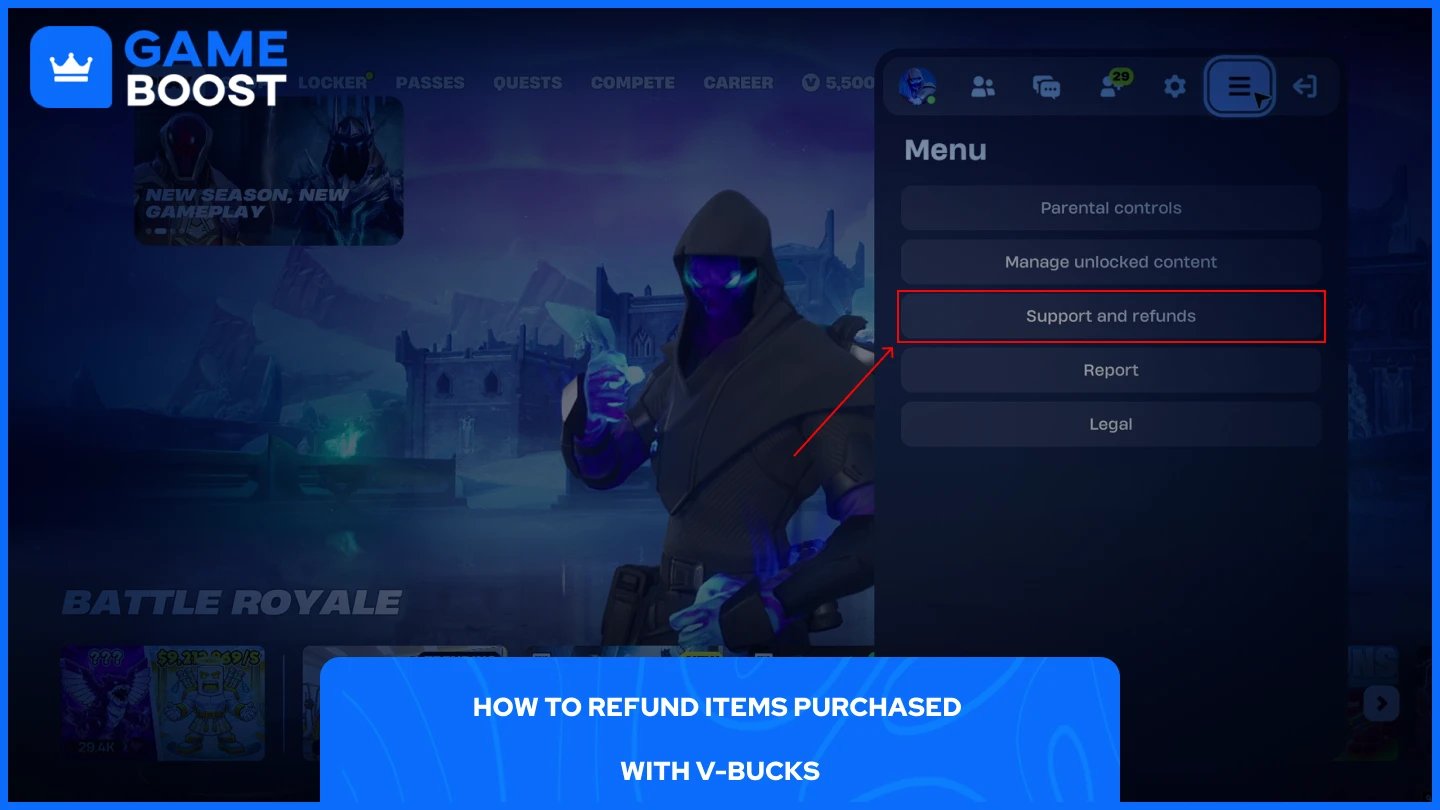
If you've already spent your V-Bucks on a skin, emote, or other cosmetic and want them back, Fortnite has an in-game system for that. There are two methods available (Cancel Purchase and Return Tickets).
Cancel Purchase is the faster option. It's available immediately after the purchase is made, directly from the item screen. You can also access it through the Support and Refunds section in the sidebar or through Account and Privacy in settings. You can cancel a purchase until you equip the item during gameplay or until 24 hours pass, whichever comes first. No ticket is used, and your V-Bucks are returned instantly.
If the 24-hour window has passed, you'll need to use a Return Ticket instead. Return Tickets can be used for eligible items bought within the last 30 days. When you use one, the item is removed from your account, and the V-Bucks are returned. If the item is part of a bundle, the entire bundle must be refunded.
To use a Return Ticket, follow these steps:
Open Fortnite.
Select your profile icon in the top right.
Click on ☰ and select the Support and refunds tab.
Click Return or Cancel Purchase.
Choose the item you want to return.
Select Use Return Ticket and confirm.
Each account has a maximum of three Return Tickets. When you have fewer than three, you receive one additional ticket every 365 days.
Also Read: How to Redeem V-Bucks on Nintendo Switch
If none of the above options work, your remaining path is contacting Epic Games Support directly. Explain the situation clearly, include the date and amount of the purchase, and state your reason for requesting a refund. Epic reviews these on a case-by-case basis, so there's no guarantee, but it's worth submitting, especially for unauthorized charges.
For platform purchases that were denied, you can escalate through your bank or card provider by disputing the charge. This should be a last resort and only used for legitimate cases like unauthorized transactions, as doing it repeatedly can result in your Epic account being suspended.
Outside of those options, there isn't much else available. Epic's policy on V-Bucks is firm, and the in-game refund system only covers cosmetic purchases, not the currency itself.
Refunding V-Bucks directly is not something Epic Games supports, and that's unlikely to change. Your best shot at recovering real money is through your platform store, and only if the purchase is recent and the V-Bucks haven't been used. For cosmetics bought with V-Bucks, the in-game system gives you more flexibility, but the 24-hour and 30-day windows move fast.
Buy Fortnite Skins
Fortnite V-Bucks Top Up
Fortnite Accounts For Sale
View all GameBoost Accounts
View all GameBoost Boosting Services
View all GameBoost Currencies
View all GameBoost Game Keys
View all GameBoost Gift Cards
View all GameBoost Top Ups
View all GameBoost Items
Buy CS2 Skins
“ Mustafa Atteya has been writing about gaming and esports since 2023, specializing in competitive game content and player improvement guides. At 25, he brings both hands-on gaming experience and professional SEO writing expertise to the GameBoost team.”